


Harvest and Salesflare
Simplify employee timesheets and billing.
How to connect Harvest
- Via Zapier — 29 operations available. Set it up ↗
- Via Make — 60 modules available. Set it up ↗
What you can automate
- When invoice Paid in Harvest, create opportunity, then find or create contact in Salesflare.
- When new Client in Harvest, find or create account, then find or create contact, then add contact to account in Salesflare.
- When new Contact in Harvest, find or create contact in Salesflare.
- When new Invoice in Harvest, create opportunity, then find or create contact in Salesflare.
- When new Task in Harvest, create task in Salesflare.
- When new User Assignment in Harvest, create task in Salesflare.
About Harvest
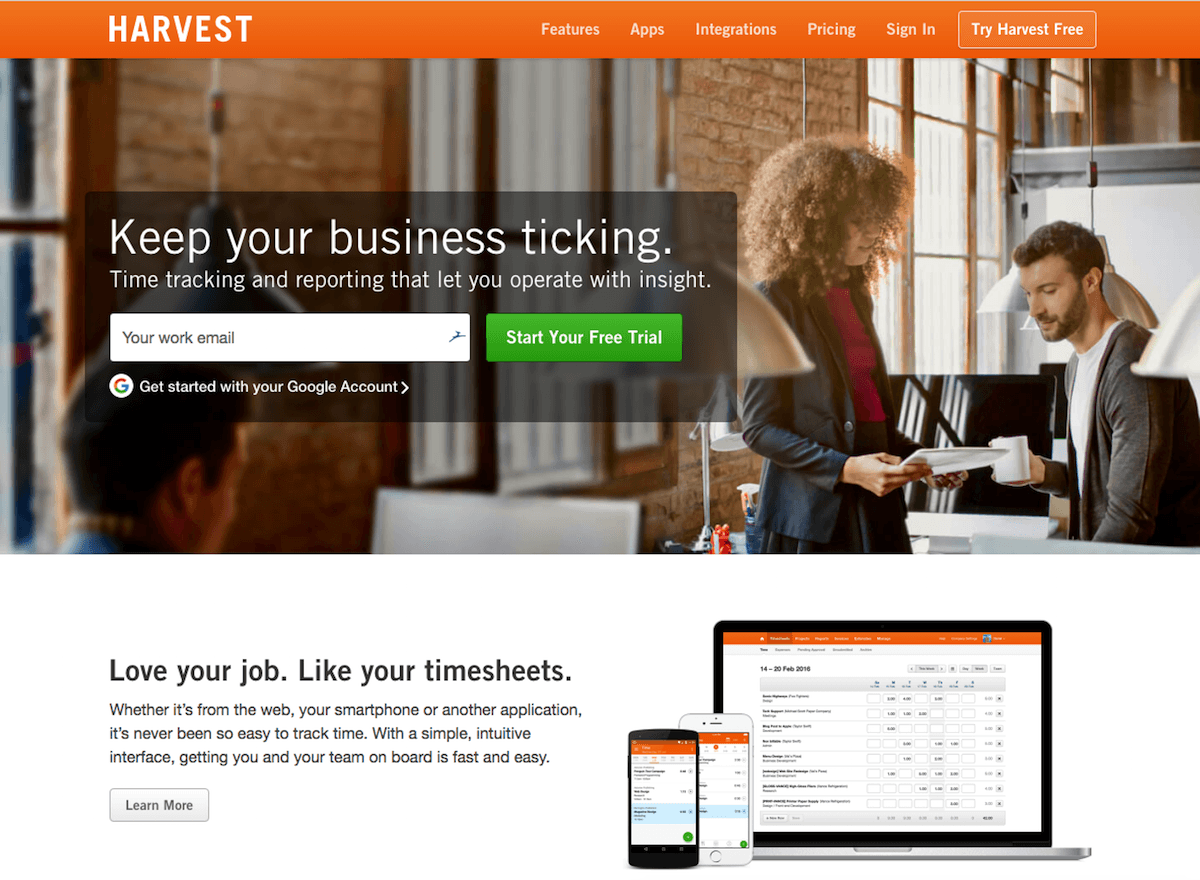
Harvest gives you simple time tracking, fast online invoicing, and powerful reporting software. Simplify employee timesheets and billing.
Features
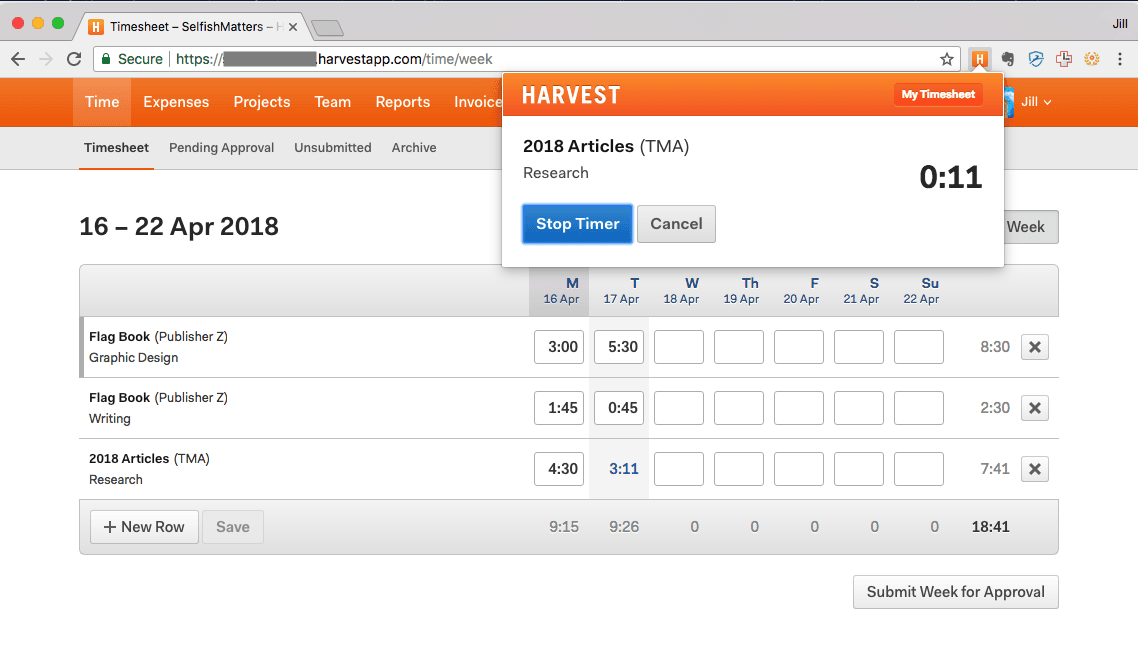
- Track time spent on tasks
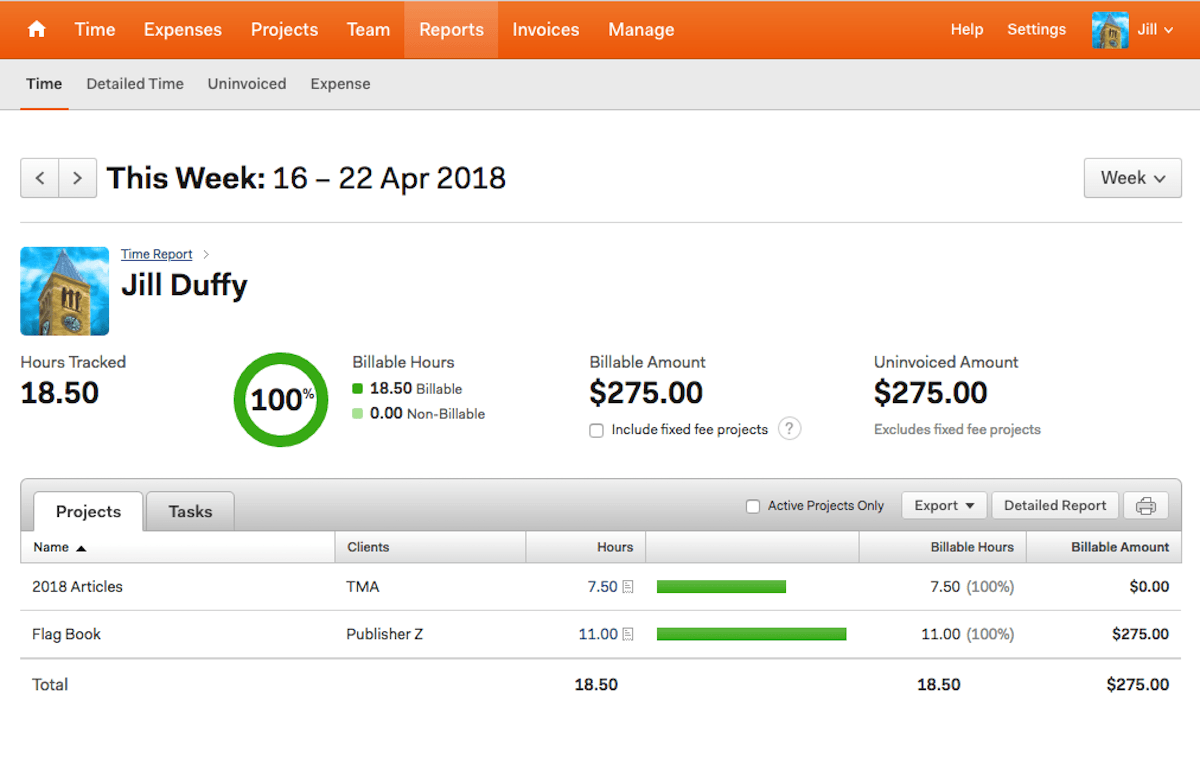
- Record billable hours
- Manage time spent on tasks and projects across teams
- Log expenses to include on invoices
- Generate estimates and invoices
- Create reports and project future project timelines
- Android, iOS, and macOS apps; extensions for Chrome and Safari
Pricing
Free plan available for limited use. Paid pricing is per seat, with current plan details and annual/monthly billing shown on Harvest's pricing page. Current pricing.
Harvest operations on Zapier
Triggers (16)
Start a workflow when this happens
- Invoice Paid — Triggers when an invoice is fully paid.
- Invoice Sent — Triggers when an invoice is sent or marked as sent.
- New Client — Triggers when a new client is added.
- New Contact — Triggers when new contact is added.
- New Expense — Triggers when a new expense is added.
Show 11 more triggers
- New Invoice — Triggers when an invoice is created.
- New Project — Triggers when a project is created.
- New Task — Triggers when a new task is added.
- New Time Entry — Triggers when a time entry is created.
- New User — Triggers when a new User is added.
- New User Assignment — Triggers when a user is assigned to a project.
- Timer Started — Triggers when a timer is started.
- Timer Stopped — Triggers when a timer is stopped.
- Updated Client — Triggers when a client is updated.
- Updated Invoice — Triggers when an invoice is updated.
- Updated Time Entry — Triggers when a time entry is updated.
Actions (9)
Things Salesflare can make it do
- API Request (Beta) — This is an advanced action which makes a raw HTTP request that includes this integration's authentication.
- Create Client — Creates a Client
- Create Contact — Creates a Contact
- Create Project — Creates a Project
- Create Task — Creates a Task and optionally assigns it to a project
Show 4 more actions
- Create Time Entry — Creates a Time Entry with duration
- Create Time Entry (Start & End Times) — Creates a Time Entry with start and end times
- Start Timer — Creates and starts a timer for a given date
- Stop Timer — Stops any running timers
Searches (4)
Look up existing records
- Find Client — Finds a client by name or ID
- Find Invoice — Finds an invoice by ID
- Find Project — Finds a project by name
- Find Task — Finds a task by name
Harvest operations on Make
Triggers (7)
Start a workflow when this happens
- Watch Clients — Triggers when a new client is created.
- Watch Contacts — Triggers when a new contact is created.
- Watch Invoices — Triggers when a new invoice is created.
- Watch Projects — Triggers when a new project is created.
- Watch Tasks — Triggers when a new task is created.
Show 2 more triggers
- Watch Time Entries — Triggers when a new time entry is created.
- Watch Users — Triggers when a new user is created.
Actions (41)
Things Salesflare can make it do
- Create Invoice Line Item — Adds new line item to specific invoice.
- Create a Billable Rate — Creates a new billable rate.
- Create a Client — Creates a new client.
- Create a Contact — Creates a new contact.
- Create a Project — Creates a new project.
Show 36 more actions
- Create a Task — Creates a new task.
- Create a Task Assignment — Creates a new task assignment.
- Create a Time Entry — Creates a new time entry.
- Create a User — Creates a new user. Admin permissions required.
- Create a free-form Invoice — Creates a new invoice.
- Create an Expense — Creates a new expense.
- Create an Invoice Payment — Creates a invoice payment.
- Delete Invoice Line Item — Deletes line item on specific invoice.
- Delete a Client — Deletes an existing client.
- Delete a Contact — Deletes an existing contact.
- Delete a Project — Deletes a project and any time entries or expenses tracked to it. However, invoices associated with the project will not be deleted. If you don’t want the project’s time entries and expenses to be deleted, you should archive the project instead.
- Delete a Task — Deletes an existing task.
- Delete a Time Entry — Deletes an existing time entry.
- Delete a User — Deletes an existing user. Deleting a user is only possible if they have no time entries or expenses associated with them. Admin permissions required.
- Delete an Expense — Deletes an existing expense.
- Delete an Invoice — Deletes an existing invoice.
- Edit Invoice Line Item — Edits line item on existing invoice.
- Edit a Client — Edits an existing client.
- Edit a Contact — Edits an existing contact.
- Edit a Project — Edits an existing project.
- Edit a Task — Edits an existing task.
- Edit a Time Entry — Edits an existing time entry.
- Edit a User — Edits an existing user. Admin permissions required.
- Edit an Expense — Edits an existing expense.
- Edit an Invoice — Edits and existing invoice.
- Get a Client — Retrieves information about specific client.
- Get a Contact — Retrieves information about specific contact.
- Get a Project — Retrieves information about specific project.
- Get a Task — Retrieves information about specific task.
- Get a Task Assignment — Retrieves information about specific task assignment.
- Get a Time Entry — Retrieves information about specific time entry.
- Get a User — Retrieves information about specific user. Admin permissions required.
- Get a User Assignment — Retrieves information about specific user assignment.
- Get an Expense — Retrieves information about specific expense.
- Get an Invoice — Retrieves information about specific invoice.
- Make an API Call — Performs an arbitrary authorized API call.
Searches (12)
Look up existing records
- List Clients — Returns a list of your clients.
- List Contacts — Returns a list of your contacts.
- List Expenses — Returns a list of your expenses.
- List Invoices — Returns a list of your invoices.
- List Payments — List all payments for an invoice.
Show 7 more searches
- List Project Budget Reports — Retrieves a list of project budget reports.
- List Projects — Returns a list of your projects.
- List Task Assignments — Retrieves a list of your task assignments.
- List Tasks — Returns a list of your tasks.
- List Time Entries — Returns a list of your time entries.
- List User Assignments — Retrieves a list of your user assignments.
- List Users — Returns a list of your users. Admin permissions required.
Screenshots
Similar apps
 QuickBooks Online
 Online accounting platform.
 Paymo
Paymo Manage projects, track work time, invoice your clients, and measure profitability from the same…
 Xero
Xero Online accounting app.
 Wave
Wave Invoices, credit card payments, accounting & payroll.
 Toggl Track
 Toggl Track provides time tracking and productivity tools to help businesses move away from trad…
 Clockify
 Clockify is a completely free time tracking software for teams. It's a simple time tracker and t…
Not using Salesflare yet?
Salesflare is a CRM for small and medium-sized B2B businesses — it fills itself in automatically so your team actually keeps it up to date.
Try it for free