


MailChimp and Salesflare
Turn Emails into Revenue.
How to connect MailChimp
- Via Zapier — 34 operations available. Set it up ↗
- Via Make — 44 modules available. Set it up ↗
What you can automate
- When new Customer in MailChimp, find or create account, then find or create contact, then add contact to account in Salesflare.
- When new Subscriber in MailChimp, find or create contact in Salesflare.
- When new Order in MailChimp, create opportunity, then find or create contact in Salesflare.
- When new Subscriber in Segment or Tag in MailChimp, find or create contact in Salesflare.
- When new or Updated Subscriber in MailChimp, find or create contact in Salesflare.
About MailChimp
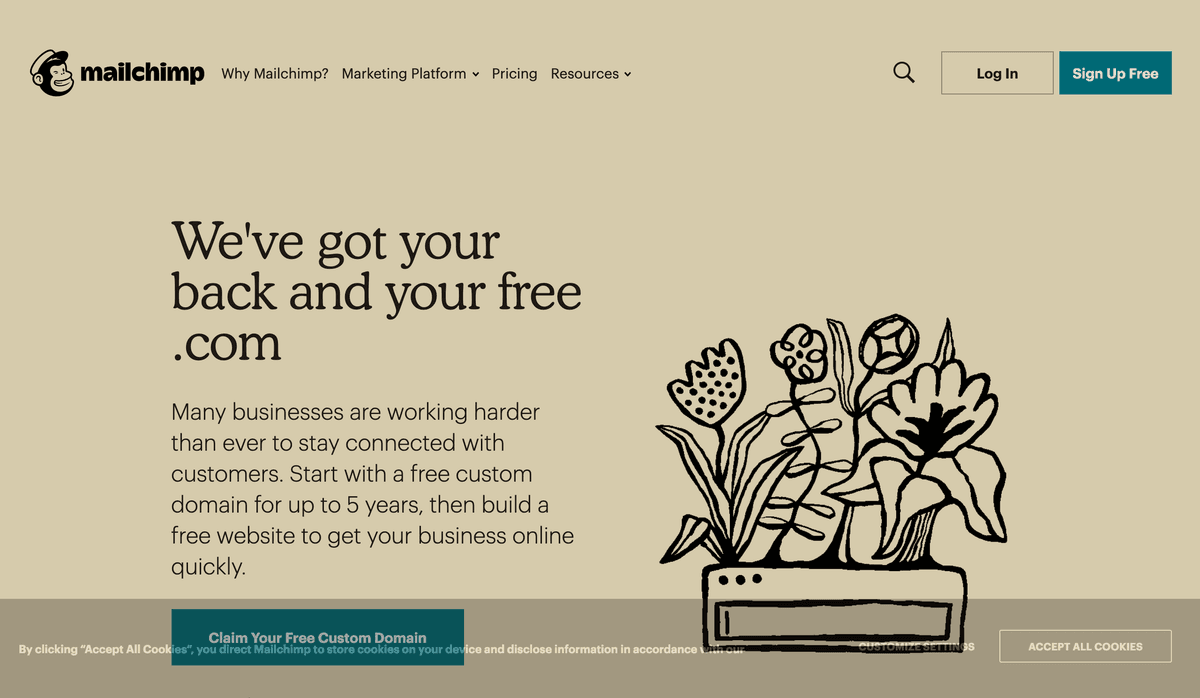
Share your ideas with MailChimp email newsletters—then use its landing page and form builders to grow your lists and take marketing further with drip and transactional emails.
Features
- Send email newsletters, drip email campaigns, and transactional emails from one marketing app
- Gather new subscribers with landing pages and forms
- Use email personalization to fill in names and send emails at the correct time zone
- Create your own email designs with drag-and-drop email designer
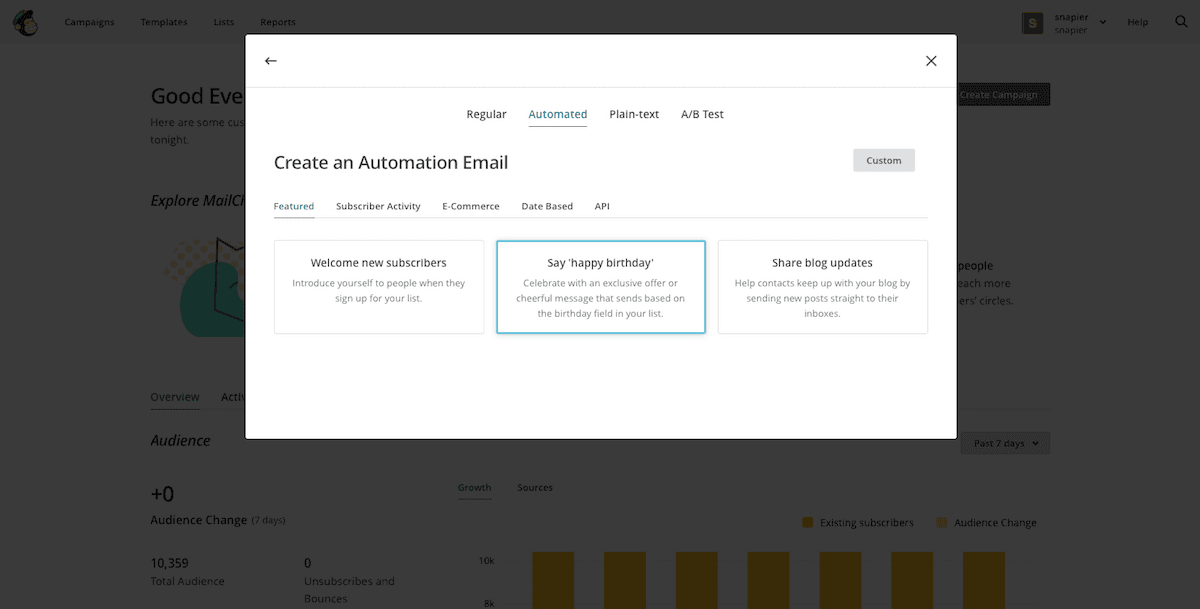
- Send automated drip and transactional emails as followups
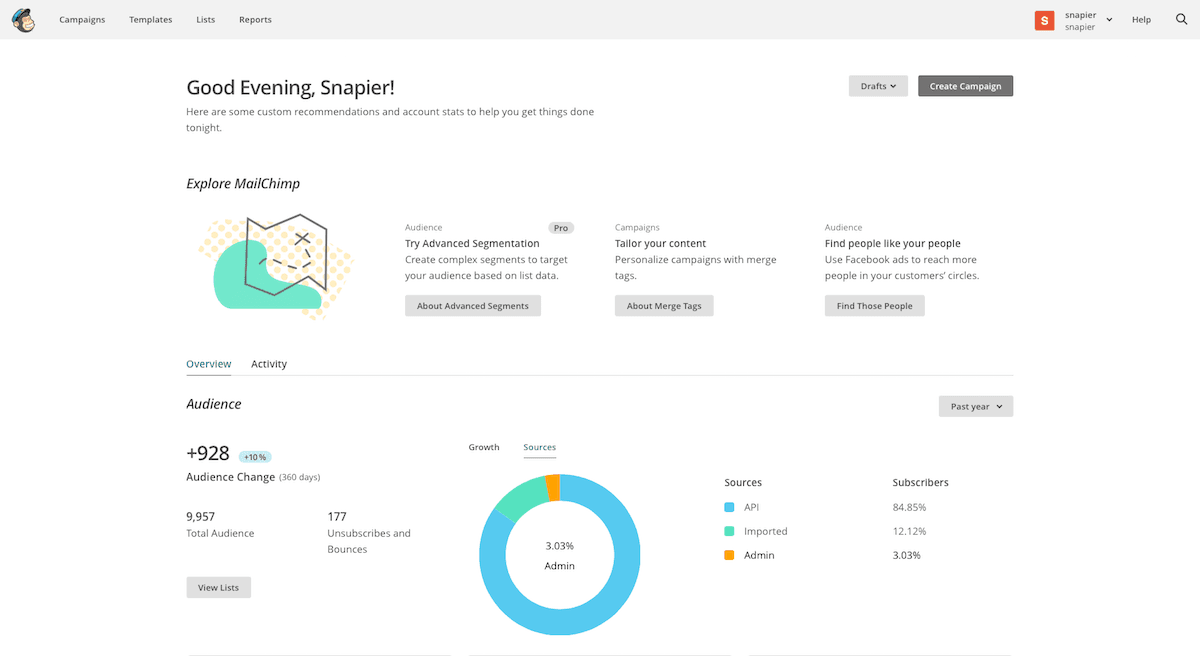
- Get advanced analytics for your entire lists, and individual open data for each subscriber
- Android and iOS apps to send emails, manage lists, and track stats
Pricing
Free/limited entry options are available depending on region/offer. Standard list pricing starts around $20/month and scales with contact count and sending volume; promotions can lower the displayed price. Current pricing.
MailChimp operations on Zapier
Triggers (11)
Start a workflow when this happens
- Email Opened — Triggers when a recipient opens an email in a specific campaign.
- Link Clicked — Triggers when a recipient clicks a pre-specified link in your campaign.
- New Audience — Triggers when a new audience is added to your MailChimp accounts.
- New Campaign — Triggers when a new campaign is created or sent.
- New Customer — Triggers when a new customer is added to a selected store.
Show 6 more triggers
- New Order — Triggers when a new order is created.
- New SMS Campaign — Triggers when a new SMS campaign is created.
- New Subscriber — Triggers when a new subscriber is added to an audience.
- New Subscriber in Segment or Tag — Triggers when a subscriber is added to a segment or tag within an audience.
- New Unsubscriber — Triggers when any current subscriber unsubscribes from an audience.
- New or Updated Subscriber — Triggers when a subscriber is added or updated in an audience.
Actions (19)
Things Salesflare can make it do
- API Request (Beta) — This is an advanced action which makes a raw HTTP request that includes this integration's authentication.
- Add Note to Subscriber — Adds a new note to an existing subscriber.
- Add Subscriber to Tag — Add an email address to a tag within an audience. Note: the email address **must already be subscribed to the audience**, or this will fail.
- Add/Update Subscriber — Add a new subscriber to an audience of your choosing. Can be used to update an existing subscriber too.
- Archive Subscriber — Archives an existing subscriber.
Show 14 more actions
- Campaign Report — Get report details for a specific sent campaign.
- Click Report — Get report details for a specific link clicks.
- Create Audience — Creates a new audience in your MailChimp account.
- Create Campaign — Creates a campaign draft.
- Create Custom Event — Creates a custom event for an existing subscriber.
- Create Tag — Creates a new tag.
- Find or Create Campaign — Finds an existing campaign.
- Find or Create Subscriber — Searches for a new subscriber on your MailChimp audience.
- Find or Create Tag — Find or Create Tag
- Permanently Delete Member — Deletes all personally identifiable information related to a member within an audience.
- Remove Subscriber from Tag — Removes a subscriber by email address from a tag within an audience.
- Send Campaign — Sends a campaign to all subscribers in an audience, segment, or tag.
- Send SMS Campaign — Sends an SMS campaign to all subscribers in an audience or segment.
- Unsubscribe or Delete Contact — Unsubscribe or delete a contact by email address within an audience.
Searches (4)
Look up existing records
- Find Customer — Finds a customer by an email address.
- Find Tag — Find a tag.
- Find a Campaign — Finds an existing campaign.
- Find a Subscriber — Searches for a new subscriber on your MailChimp audience.
MailChimp operations on Make
Triggers (7)
Start a workflow when this happens
- Watch Campaigns — Triggers when a new campaign is created or sent.
- Watch Files — Triggers when a new file is added.
- Watch List Events — Triggers when one of the defiend events occurs on a list.
- Watch List Segments — Triggers when a segment is created or updated.
- Watch Lists — Triggers when a new list is created.
Show 2 more triggers
- Watch Subscribers — Triggers when a new subscriber joins a list or is updated.
- Watch Unsubscribes — Triggers when a subscriber unsubscribes from a campaign.
Actions (27)
Things Salesflare can make it do
- Add a Member to a Segment — Adds a new member to a static segment.
- Add an Event — Adds a new event to the member.
- Add/Remove Member Tags — Adds or removes tags from a list member.
- Add/Update a List Member — Adds or updates a list member.
- Add/Update a Subscriber — Adds an email address to a subscriber list.
Show 22 more actions
- Create a Campaign — Creates a new campaign.
- Create a List — Creates a new list.
- Create a Merge Field — Creates a new merge field.
- Create an Order — Creates a new order.
- Delete a Campaign — Deletes a campaign.
- Delete a List — Deletes a list.
- Delete a Merge Field — Deletes an existing merge field.
- Delete a Subsciber — Archives or permanently deletes a subscriber.
- Edit a Campaign Template Content — Edits a defined content area of a custom HTML template.
- Edit a Subscriber — Edits an existing subscriber.
- Get a Campaign — Gets metadata of a specified campaign.
- Get a Campaign Report — Gets a campaign report.
- Get a Click Report — Retrives an existing click report.
- Get a List — Gets metadata of a specified list.
- Get a Merge Field — Retrieves an existing merge field.
- Get a Subscriber — Gets metadata of a subsciber by email.
- Make an API Call — Performs an arbitrary authorized API call.
- Perform a Campaign Action — Performs a campaign action.
- Remove a Member from a Segment — Removes a member from the specified static segment.
- Update a Campaign — Updates an existing campaign.
- Update a List — Updates an existing list.
- Update a Merge Field — Updates an existing merge field.
Searches (10)
Look up existing records
- List Campaign Open Details — Lists all campaign open details.
- List Click Reports — Lists all click reports.
- List List Members' Activities — Get the last 50 events of a member's activity on a specific list.
- List List's Activities — Retrieves up to the previous 180 days of daily detailed aggregated activity stats for a list.
- List Member Tags — Retireves a list of all member tags
Show 5 more searches
- Lists Segment Members — Retrieves a list of all segment members.
- Search Campaigns — Searches for the campaigns.
- Search Lists — Searches for the lists.
- Search Merge Fields — Searches for merge fields or lists them all.
- Search Subscribers — Searches for the subscribers.
Screenshots
Similar apps
 Salesflare Email Workflows
 Send email sequences & automated emails from Salesflare
 Unbounce
 Crazy simple to do landing pages.
 Drip
Drip Lightweight marketing automation.
 Bubble
 The best way to build apps without code
 Landingi
 Powerful landing page platform.
 Emailable
 Simple and reliable email verification solutions.
Not using Salesflare yet?
Salesflare is a CRM for small and medium-sized B2B businesses — it fills itself in automatically so your team actually keeps it up to date.
Try it for free