


Squarespace and Salesflare
Website builder, blogging platform & hosting service.
How to connect Squarespace
- Via Make — 26 modules available. Set it up ↗
About Squarespace
Squarespace is a website builder, blogging platform, hosting service, commerce platform, and domain name registrar.
Squarespace operations on Make
Triggers (3)
Start a workflow when this happens
- Watch Orders — Triggers when orders are created or updated.
- Watch Products — Triggers when products are created or updated.
- Watch Transactions — Triggers when transactions are created or updated.
Actions (15)
Things Salesflare can make it do
- Assign a Product Image — Assigns a product image to a product variant by its ID. Throws error if the product image upload has not completed.
- Create a Product — Creates a new product.
- Create a Product Variant — Creates a new product variant by the product ID.
- Create an Order — Creates a new order.
- Delete a Product — Removes a product by its ID.
Show 10 more actions
- Delete a Product Image — Removes a product image by its ID. Throws error if the product image upload has not completed.
- Delete a Product Variant — Removes a product variant by its ID.
- Fulfill an Order — Fulfills an order by its ID. Additional shipments can be added to an order even if its status is fulfilled.
- Get an Order — Retrieves the details of an order by its ID.
- Make an API Call — Performs an arbitrary authorized API call.
- Update Stock Quantities — Updates stock quantities by the product variant ID.
- Update a Product — Updates a product by its ID.
- Update a Product Image — Update the alternate text of a product image by its ID. Throws error if the product image upload has not completed.
- Update a Product Variant — Updates a product variant by its ID.
- Upload a Product Image — Upload an image for a product by the product ID.
Searches (8)
Look up existing records
- Get Inventories — Retrieves a list of specific inventories by the product variant IDs.
- Get Products — Retrieves the details of specific products by the product IDs.
- Get Transactions — Retrieves the details of specific transactions by the transaction IDs.
- List Inventories — Retrieves a list of inventories.
- List Orders — Retrieves a list of orders.
Show 3 more searches
- List Product Variants — Retrieves a list of product variants.
- List Products — Retrieves a list of products.
- List Transactions — Retrieves a list of transactions.
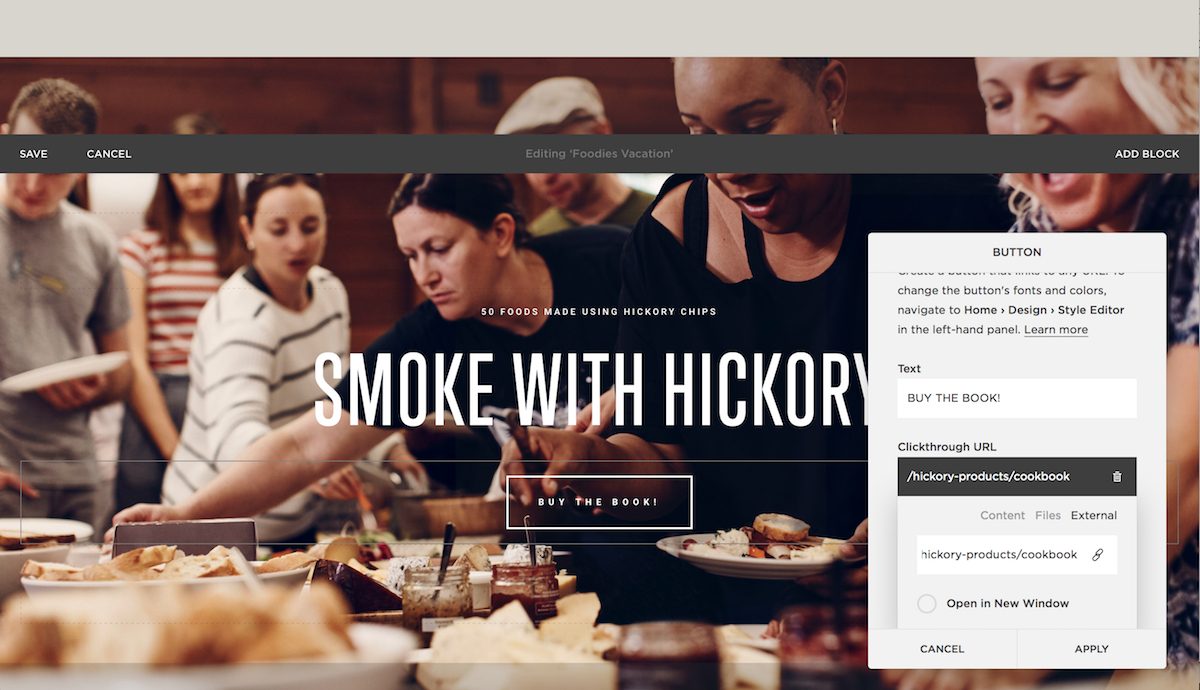
Screenshots


Similar apps
 MailChimp
 Turn Emails into Revenue.
Popular Zapier Make
 Unbounce
 Crazy simple to do landing pages.
Popular Zapier Make
 Bubble
 The best way to build apps without code
Native Zapier Make
 Landingi
 Powerful landing page platform.
Native Zapier Make
 StoryChief
 Content Marketing Automation
Native Zapier Make
 Webflow
 Design and build professional websites.
Zapier Make
Not using Salesflare yet?
Salesflare is a CRM for small and medium-sized B2B businesses — it fills itself in automatically so your team actually keeps it up to date.
Try it for free