


MailerLite and Salesflare
Email marketing service provider.
How to connect MailerLite
- Via Zapier — 23 operations available. Set it up ↗
- Via Make — 23 modules available. Set it up ↗
What you can automate
- When subscriber Added to Group in MailerLite, find or create contact in Salesflare.
- When subscriber Completed Automation in MailerLite, find or create contact in Salesflare.
- When subscriber Created in MailerLite, find or create contact in Salesflare.
- When subscriber Fields Updated in MailerLite, find or create contact in Salesflare.
About MailerLite
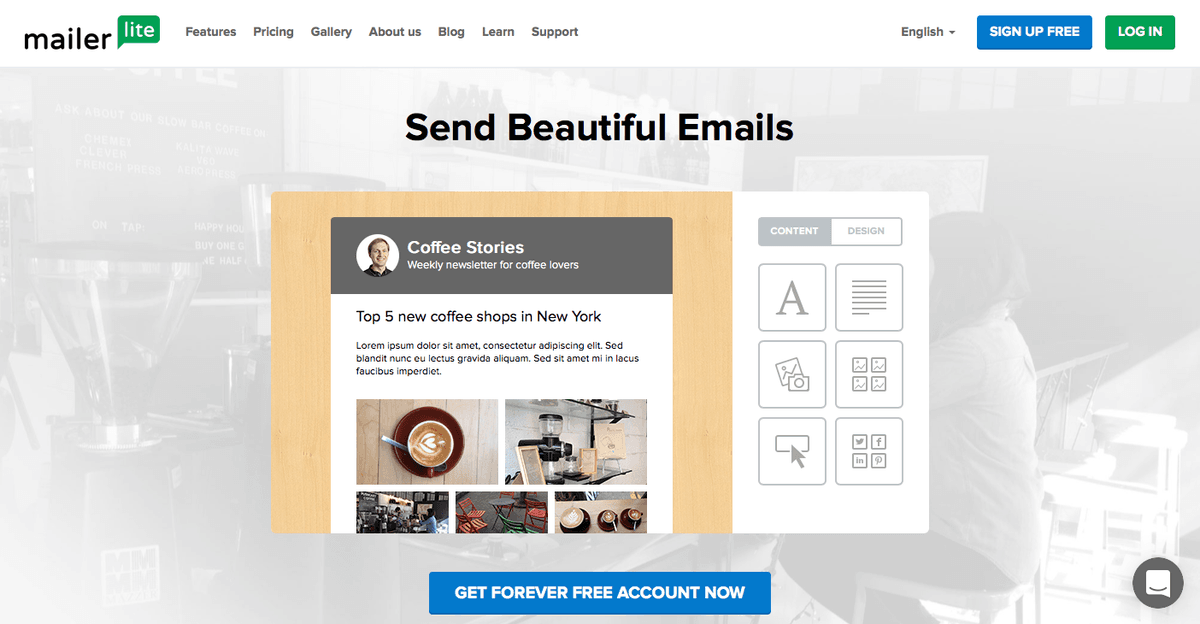
MailerLite is an email marketing service provider with focus on simplicity and beautiful email design.
Features
- Create and send beautiful and effective email campaigns to grow your subscriber list
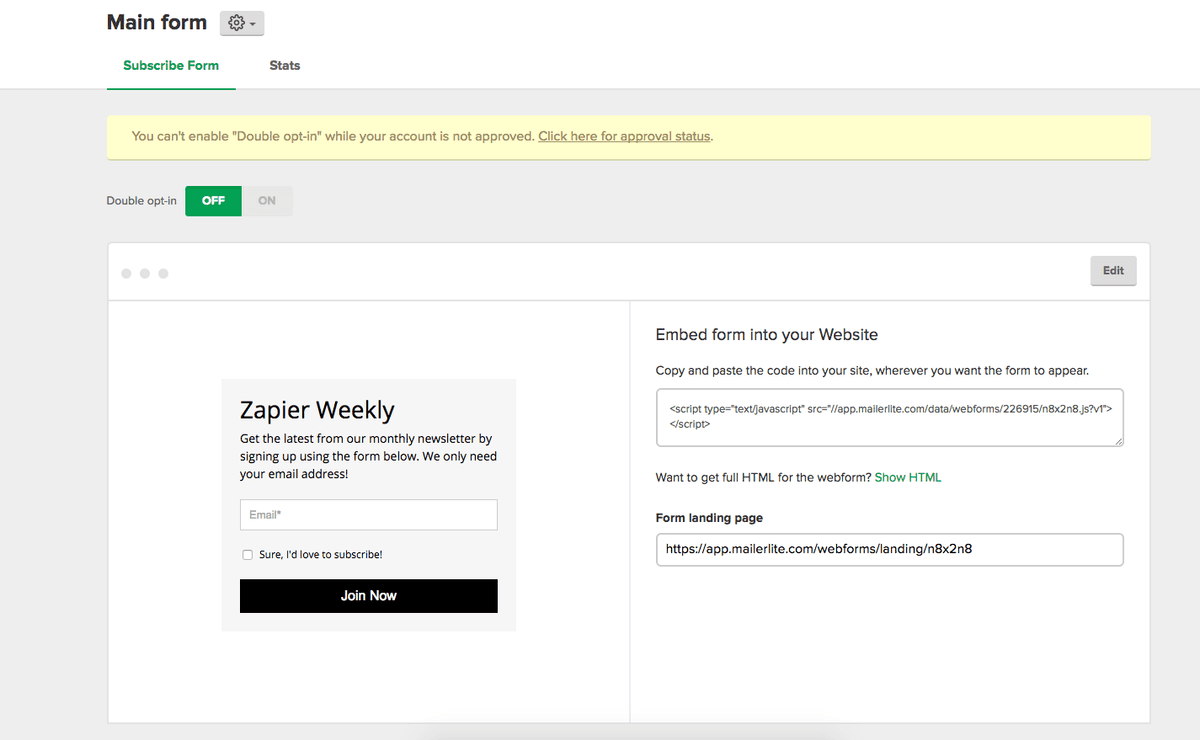
- Design emails, landing pages, embed forms, pop-ups, and unsubscribe forms with the easy drag-and-drop composer
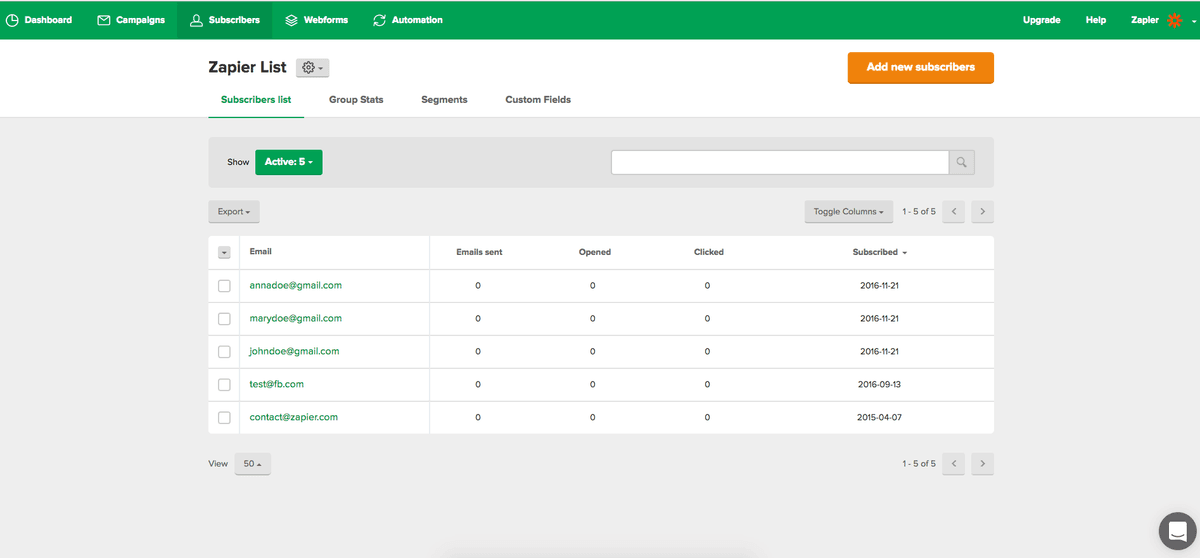
- Import, organize, and manage your subscribers all in one place
- See how your subscribers are interacting with your emails with Click Maps
- iOS app available
Pricing
Free plan available. Paid plans scale with subscriber count and sending/features; current rates depend on list size and billing cycle. Current pricing.
MailerLite operations on Zapier
Triggers (13)
Start a workflow when this happens
- Campaign Sent — Triggers when a campaign has been sent out.
- Spam Complaint — Triggers when a subscriber issues a spam complaint about an email.
- Subscriber Added to Group — Triggers when a subscriber is added to a group.
- Subscriber Bounced — Triggers when an email to a subscriber bounces.
- Subscriber Clicked Campaign Link — Triggers when a subscriber clicks a link in a campaign.
Show 8 more triggers
- Subscriber Completed Automation — Triggers when a subscriber completed a selected workflow.
- Subscriber Created — Triggers when a subscriber was created on your mailing list.
- Subscriber Deleted — Triggers when a subscriber is deleted or forgotten.
- Subscriber Fields Updated — Triggers when the subscriber fields have been updated.
- Subscriber Opened Campaign — Triggers when a subscriber opens a campaign.
- Subscriber Removed From Group — Triggers when a subscriber has been removed from a group.
- Subscriber Triggered Automation — Triggers when a subscriber triggers a selected workflow.
- Subscriber Unsubscribed — Triggers when a subscriber has unsubscribed from your mailing list.
Actions (8)
Things Salesflare can make it do
- Add Subscriber to a Group — Add existing subscriber to a specific group by email address.
- Change Subscriber Email — Change subscriber email to another.
- Create Subscribers Group — Create a new subscribers group.
- Create a Draft Campaign — Create a Draft Campaign
- Create or Update Subscriber — Create a new subscriber or Update an existing subscriber based on their email.
Show 3 more actions
- Remove Subscriber From a Group — Remove subscriber from a specific group by email address.
- Send a Campaign — Send a campaign to a subscriber group or segment.
- Unsubscribe Subscriber — Sets the contact's status to "Unsubscribed".
Searches (2)
Look up existing records
- Find a Group — Search for a group by name
- Find a Subscriber — Search for a subscriber by email or name
MailerLite operations on Make
Triggers (3)
Start a workflow when this happens
- Watch New Campaigns — Triggers when a new campaign is created.
- Watch Sent Campaigns — Triggers when a campaign is sent.
- Watch Subscriber Events — Triggers when a selected event is executed.
Actions (16)
Things Salesflare can make it do
- Add Subscriber to a Group — Adds the selected subscriber to the specified group.
- Cancel a Ready Campaign — Cancels selected campaign. Only campaigns in status Ready can be canceled.
- Create / Update a Subscriber — Creates a new subscriber or updates an existing one if the email already exists.
- Create a Campaign — Creates a new campaign of type Regular, A/B Split, or Auto resend. Not available for RSS campaigns.
- Create a Group — Creates a new group.
Show 11 more actions
- Delete a Campaign — Removes selected campaign.
- Delete a Group — Deletes a group by its ID.
- Delete a Subscriber — Deletes a subscriber by ID.
- Get a Campaign — Retrieves selected campaign by its ID.
- Get a Group — Gets a group by its ID.
- Get a Subscriber — Gets a subscriber by ID or Email.
- Make an API Call — Performs an arbitrary authorized API call.
- Remove Subscriber from a Group — Removes the selected subscriber from the specified group.
- Schedule a Campaign — Schedules a Regular, A/B or Auto resend campaign. Not available for RSS campaigns.
- Update a Campaign — Updates selected Draft campaign.
- Update a Group — Updates a group by its ID.
Searches (4)
Look up existing records
- List Campaigns — Lists all campaigns.
- List Groups — Lists all groups for this account.
- List Segments — Lists all segments.
- List Subscribers — Lists all subscribers or filter by status and group.
Screenshots
Similar apps
 Salesflare Email Workflows
 Send email sequences & automated emails from Salesflare
 MailChimp
 Turn Emails into Revenue.
 Drip
Drip Lightweight marketing automation.
 Emailable
 Simple and reliable email verification solutions.
 StoryChief
 Content Marketing Automation
 LeadFuze
 Smarter, Faster, and Automated Sales Prospecting.
Not using Salesflare yet?
Salesflare is a CRM for small and medium-sized B2B businesses — it fills itself in automatically so your team actually keeps it up to date.
Try it for free