


SharpSpring and Salesflare
Marketing Automation: Powerful. Affordable. For Everyone.
How to connect SharpSpring
- Via Zapier — 10 operations available. Set it up ↗
- Via Make — 26 modules available. Set it up ↗
What you can automate
- When new Account in SharpSpring, find or create account in Salesflare.
- When new Email Open Event in SharpSpring, find or create contact in Salesflare.
- When new Form Fillout Event in SharpSpring, find or create contact in Salesflare.
- When new Lead in SharpSpring, find or create contact in Salesflare.
- When new Opportunity in SharpSpring, create opportunity in Salesflare.
- When new Account in Salesflare, create Account in SharpSpring.
About SharpSpring
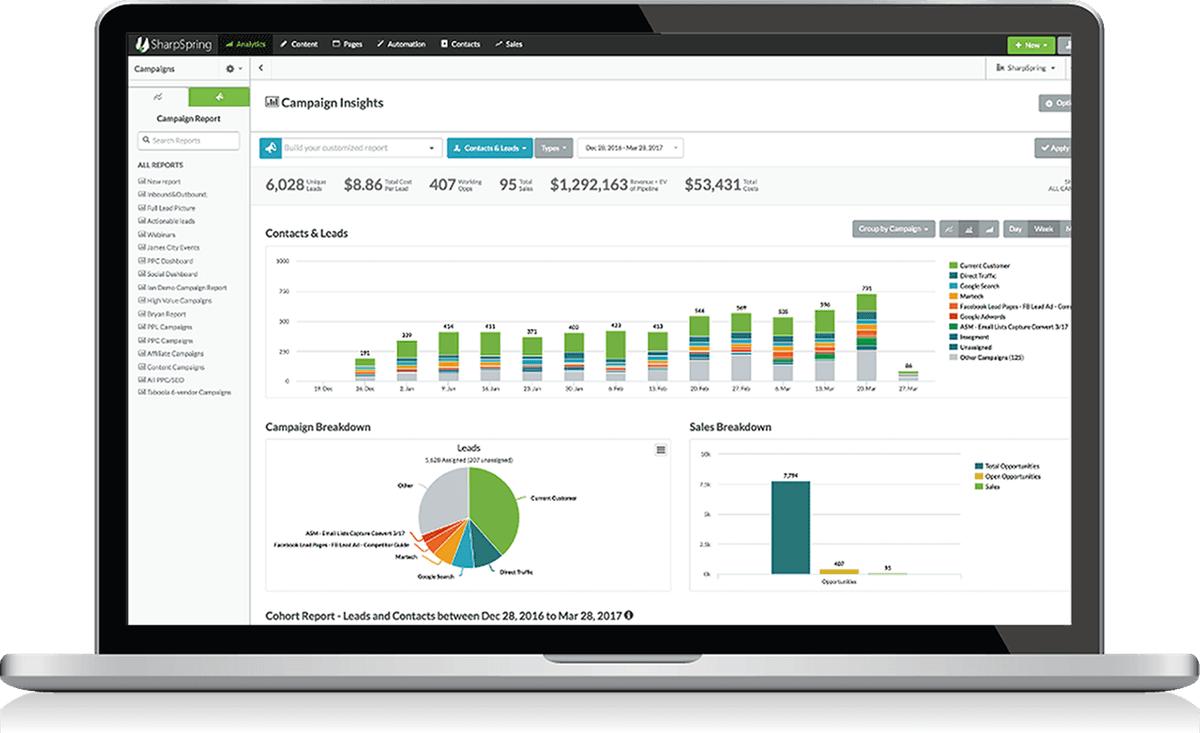
SharpSpring is a highly-rated global provider of affordable, cloud-based marketing automation. Marketing agencies and businesses around the world rely on SharpSpring to generate leads, improve conversions to sales, and drive higher returns on marketing investments.
By syncing SharpSpring and Salesflare through Zapier, customers leverage the best of both platforms by utilizing a full-featured marketing automation platform to monitor their marketing efforts while working intuitive sales opportunities through Salesflare.
With this integration, you can create Salesflare contact records and opportunities based on SharpSpring form fills, page visits, and email opens. In addition, automatically create or update SharpSpring contacts, campaigns, leads, and opportunities from new Salesflare tasks, contacts, or opportunities.
Features
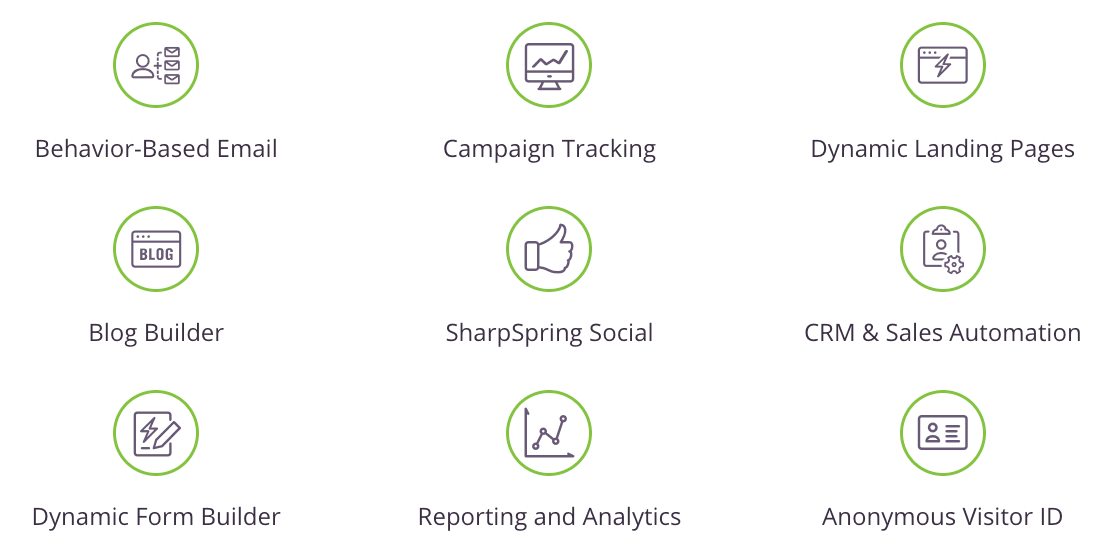
- Forms
- Automation
- Visitor ID
- CRM
- Landing Pages
- Blogs
- Analytics
- Platform
- Social
Pricing
SharpSpring is now Constant Contact Lead Gen & CRM. Pricing is based on the highest stored lead count and selected package/services rather than the old SharpSpring tiers. Current pricing.
SharpSpring operations on Zapier
Triggers (6)
Start a workflow when this happens
- New Account — A new Account is created in SharpSpring.
- New Email Open Event — When a lead opens an email in SharpSpring.
- New Form Fillout Event — When a lead fills out a form in SharpSpring.
- New Lead — When a lead has been created in sharpspring.
- New Opportunity — A new Opportunity is created in SharpSpring.
Show 1 more triggers
- New Page Visit Event — When a lead visits a new page in SharpSpring.
Actions (4)
Things Salesflare can make it do
- Create Account — Create an Account in SharpSpring.
- Create Campaign — Create a new Campaign in SharpSpring.
- Create/Update Lead — Create a Lead in SharpSpring or update by email address.
- Create/Update Opportunity — Create or optionally update an Opportunity in SharpSpring. If an opportunity already exists in SharpSpring with the specified name, that opportunity will be updated. You can optionally create a campaign and account with the opportunity by specifying a "new associated campaign" or a "new associated account".
SharpSpring operations on Make
Triggers (4)
Start a workflow when this happens
- Watch Accounts — Triggers when a new account is created.\n\n
- Watch Forms — Triggers when a lead fills out a form.
- Watch Leads — Triggers when a new lead is created.
- Watch Opportunities — Triggers when a new opportunity is created.
Actions (17)
Things Salesflare can make it do
- Create a Campaign — Creates a new campaign.
- Create a Lead — Creates a new lead.
- Create an Account — Creates a new account.
- Create an Opportunity — Creates a new opportunity.
- Delete a Campaign — Deletes a campaign from your account.
Show 12 more actions
- Delete a Lead — Deletes a lead from your account.
- Delete an Account — Deletes an account from your account.
- Delete an Opportunity — Deletes an opportunity from your account.
- Get a Campaign — Gets a campaign by ID.
- Get a Lead — Gets a lead by ID.
- Get an Account — Gets an account by ID.
- Get an Opportunity — Gets an opportunity by ID.
- Make an API Call — Performs an arbitrary authorized API call.
- Update a Campaign — Updates an existing campaign.
- Update a Lead — Updates an existing lead.
- Update an Account — Updates an existing account.
- Update an Opportunity — Updates an existing opportunity.
Searches (5)
Look up existing records
- List Accounts — Gets a list of accounts.
- List Campaigns — Gets a list of campaigns.
- List Leads — Gets a list of leads.
- List Opportunities — Gets a list of opportunities.
- Search Leads — Searches for leads for a specific date range.
Screenshots
Similar apps
 Salesflare Email Workflows
 Send email sequences & automated emails from Salesflare
 MailChimp
 Turn Emails into Revenue.
 Drip
Drip Lightweight marketing automation.
 Emailable
 Simple and reliable email verification solutions.
 StoryChief
 Content Marketing Automation
 LeadFuze
 Smarter, Faster, and Automated Sales Prospecting.
Not using Salesflare yet?
Salesflare is a CRM for small and medium-sized B2B businesses — it fills itself in automatically so your team actually keeps it up to date.
Try it for free