


ConvertKit and Salesflare
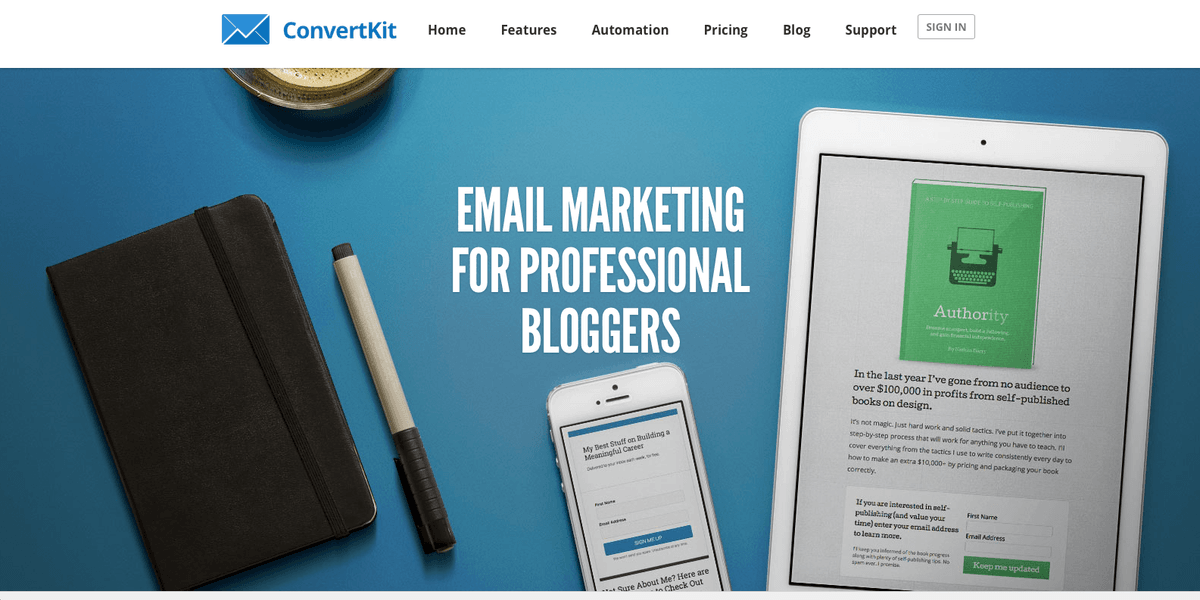
Email marketing platform for professional bloggers.
How to connect ConvertKit
- Via Make — 19 modules available. Set it up ↗
What you can automate
- When new Course/Sequence Subscriptions. in ConvertKit, create an opportunity, then create a contact in Salesflare.
- When new Form Subscriptions in ConvertKit, create a contact in Salesflare.
- When new Subscriber Activated in ConvertKit, create a contact in Salesflare.
About ConvertKit
ConvertKit is an email marketing platform for professional bloggers. Easily create email sequences, tag subscribers, grow your list, and automate your email marketing.
Features
- Stay in touch with your prospective and existing customers with drip emails and newsletters
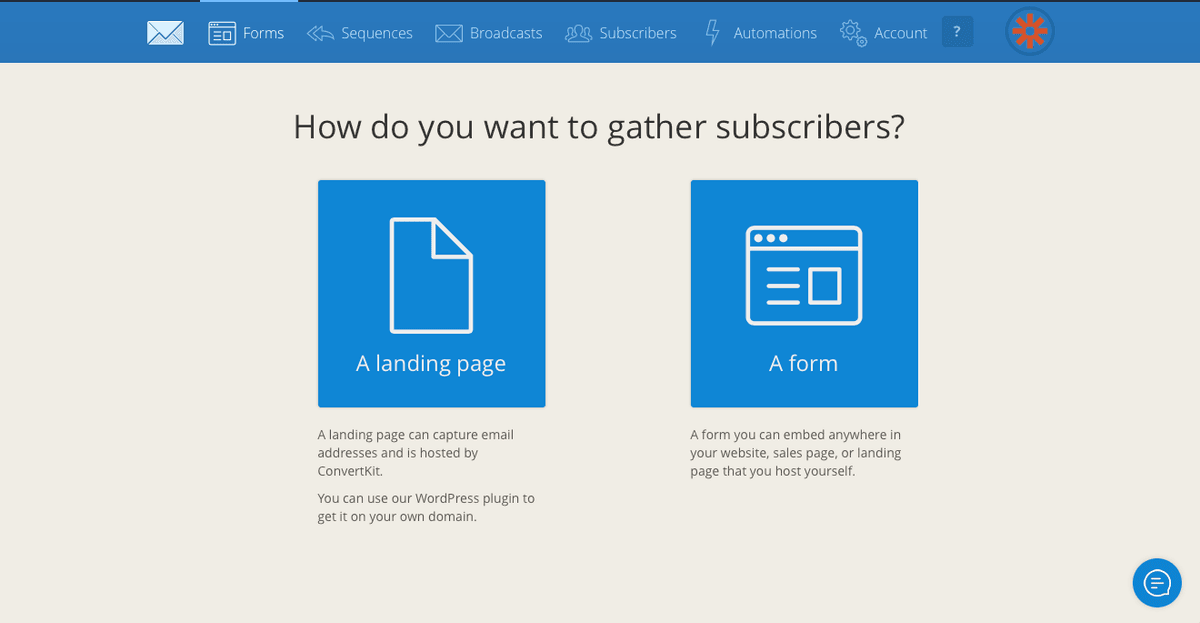
- Gather subscribers with opt-in forms
- Include downloadable incentives with forms to encourage subscribing
- Integrate with WordPress and set specific CTA forms for each post
- Create landing pages with custom CSS and domains to launch products and gather subscribers
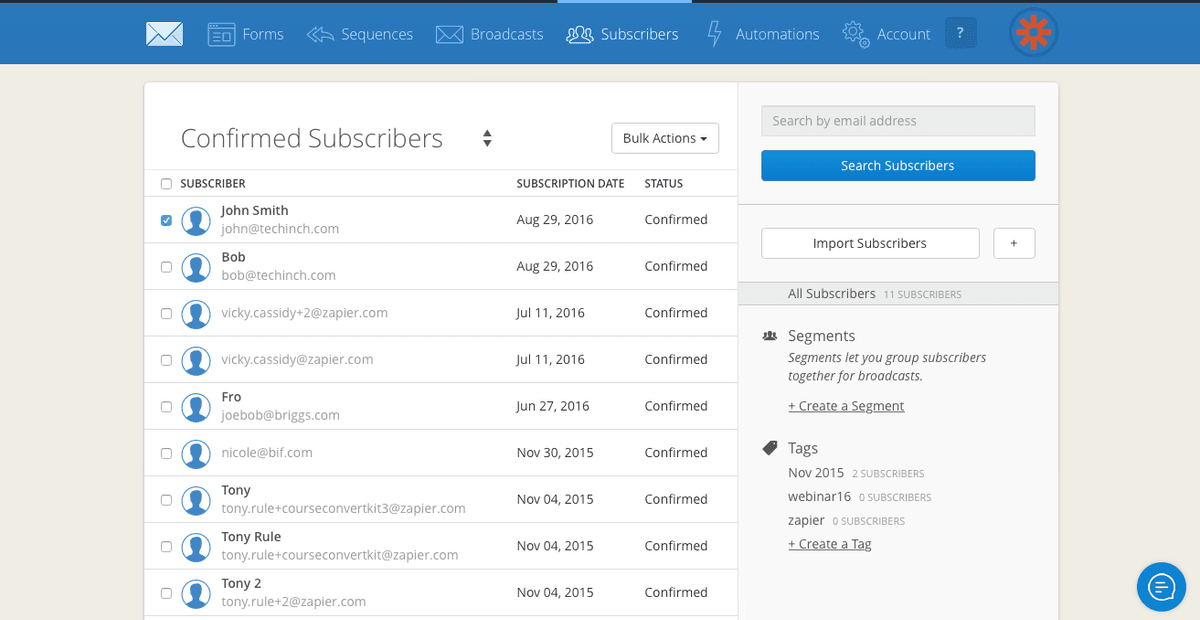
- Personalize emails and segment subscribers into lists
Pricing
ConvertKit is now Kit. A free plan is available; paid pricing scales with subscriber count and features. Current Kit pricing.
ConvertKit operations on Make
Triggers (5)
Start a workflow when this happens
- Watch Course/Sequence Subscriptions. — Triggers when a user subscribes to particular sequence.
- Watch Form Subscriptions — Triggers when a new user subscribes through the form.
- Watch Subscriber Activated — Triggers when a new activated.
- Watch Tag Added — Triggers when a particular tag added to any subscriber.
- Watch Tag Removed — Triggers when a particular tag removed from any subscriber.
Actions (9)
Things Salesflare can make it do
- Add a Subscriber to Form — Adds a subscriber to a form.\n
- Add a Subscriber to Sequence — Add a subscriber to a sequence.
- Add a Tag to a Subscriber — Adds a tag to a subscriber's profile.
- Get a Subscriber — Returns subscriber's details by subscriber's ID.
- Make an API Call — Performs an arbitrary authorized API call.
Show 4 more actions
- Remove a Tag By Email — Removes a tag from the subscriber profile by subscriber's email.
- Remove a Tag By ID — Removes a tag from the subscriber profile by subscriber's ID.
- Unsubscribe a Subscriber — Unsubscribes a subscriber by email.
- Update a Subscriber — Update a subscriber.
Searches (5)
Look up existing records
- Get Subscribers Tags — Returns a list of tags assigned to the subscriber.
- List Form Subscribers — Lists form subscribers.
- List Sequence Subscribers — Lists sequence subscribers.
- List Subscribers — Lists subscribers.
- List Subscribers by Tag — Lists tag subscribers.
Screenshots
Similar apps
 Salesflare Email Workflows
 Send email sequences & automated emails from Salesflare
 MailChimp
 Turn Emails into Revenue.
 ActiveCampaign
 Single and easy-to-use email marketing platform.
 Brevo
Brevo Brevo is the leading CRM suite designed to cultivate long-term customer relationships and help b…
 Flodesk
 Beginners and experts use Flodesk to create stunning emails that grow their business. Meet the m…
 MailerLite
 Email marketing service provider.
Not using Salesflare yet?
Salesflare is a CRM for small and medium-sized B2B businesses — it fills itself in automatically so your team actually keeps it up to date.
Try it for free