


Airtable and Salesflare
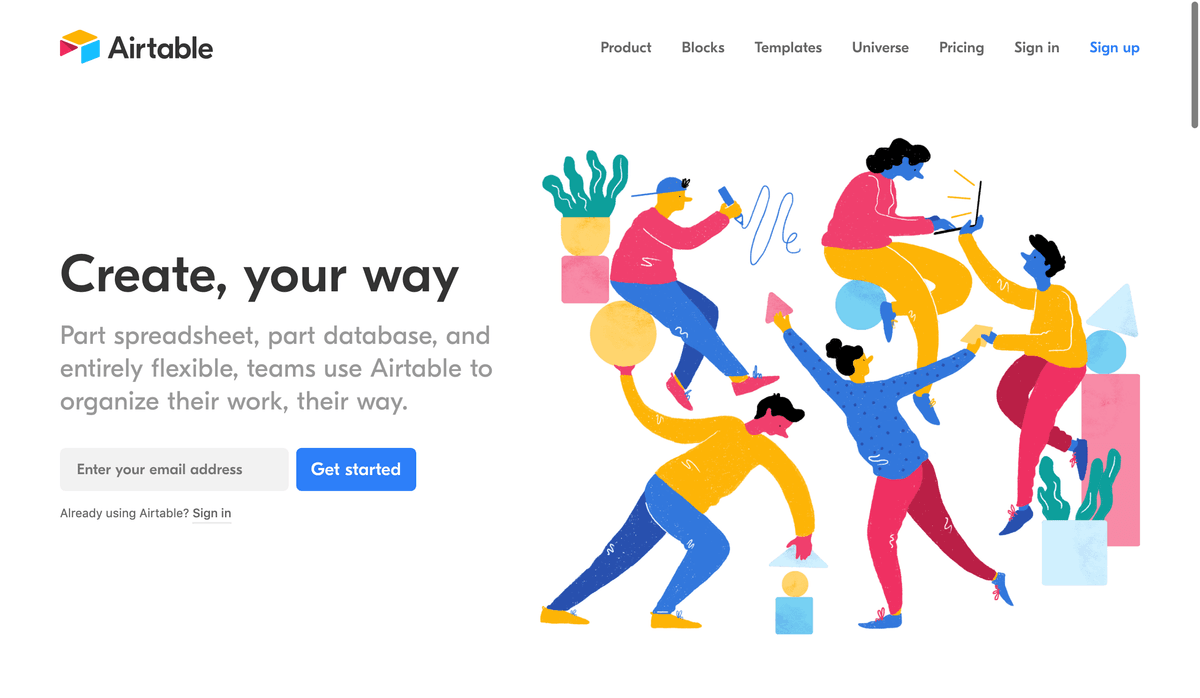
Organize anything, with anyone, from anywhere.
How to connect Airtable
- Via Zapier — 21 operations available. Set it up ↗
- Via Make — 13 modules available. Set it up ↗
About Airtable
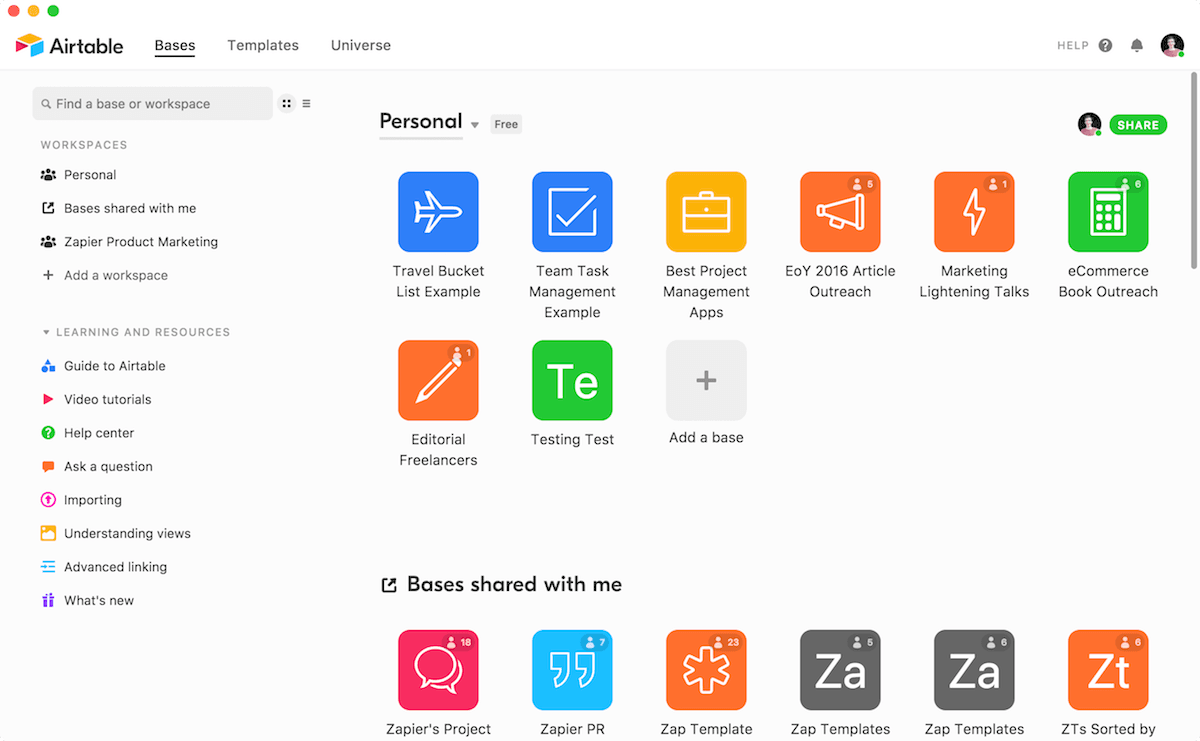
Organize anything with Airtable, a modern database created for everyone. Airtable is a fast and flexible way to create tables to keep track of anything, from sales leads to vacation planning to inventory management.
Features
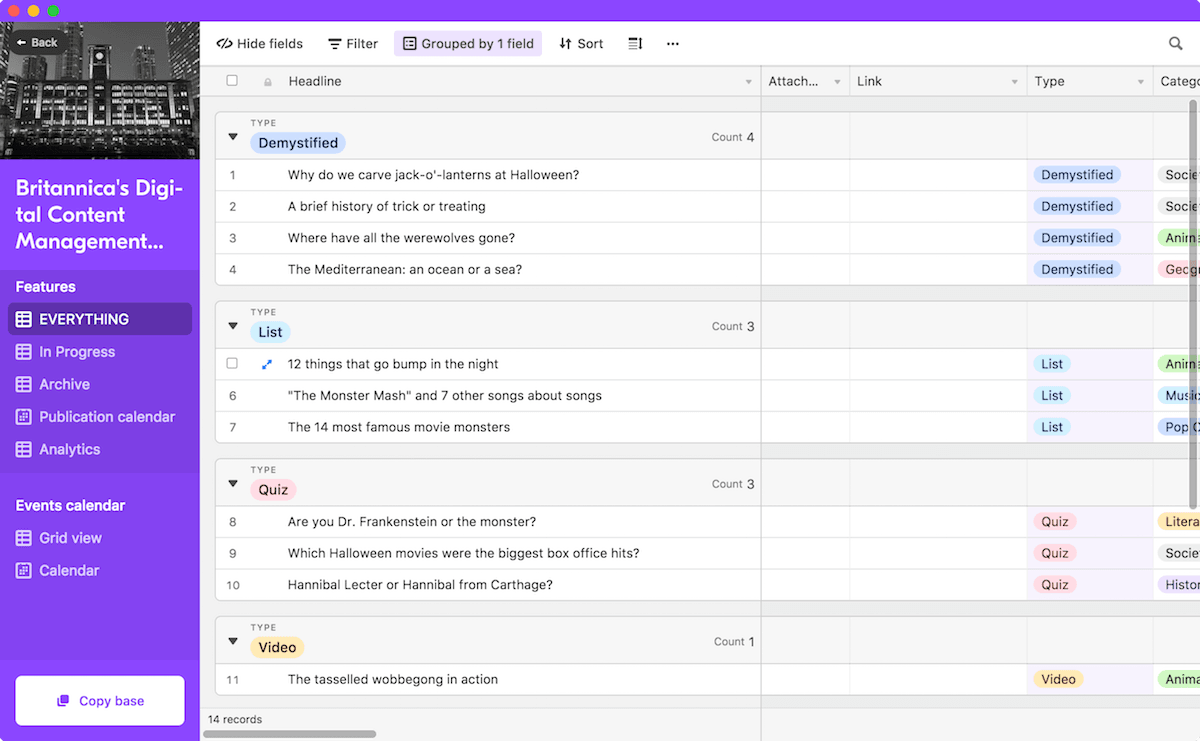
- Log data in spreadsheet-style lists with database-like fields
- Include file attachments, images, checklists, and links to other Airtable data
- Comments to collaborate on data with your team
- Filter data with views
- Add data easily with built-in form builder
- iOS and Android apps available
Pricing
Free plan available. Paid Team, Business, and Enterprise Scale plans use per-seat pricing. Current pricing.
Airtable operations on Zapier
Triggers (2)
Start a workflow when this happens
- New Record — Triggers when a new record is created or new or existing records when first added to a selected view.
- New or Updated Record — Triggers when a record is created or updated.
Actions (11)
Things Salesflare can make it do
- API Request (Beta) — This is an advanced action which makes a raw HTTP request that includes this integration's authentication.
- Add Comment to Record — Add a comment to an existing record in Airtable.
- Create Base — Create a new Airtable base in your workspace.
- Create Record — Creates a new record with auto-populating fields.
- Create Records (Advanced) — Create up to 10 new records (supports line items).
Show 6 more actions
- Create Table — Create a new table in an existing Airtable base.
- Create or Update Record — Find and update an existing record, or create a new one.
- Delete Record — Delete a record in a table.
- Find or Create Record — Find or Create Record
- Update Multiple Records — Update up to 10 records at once in a specific table.
- Update Record — Update a record in a specific table.
Searches (8)
Look up existing records
- Find Base — Find bases by searching for a keyword in the base name. Only works with 5000 or fewer bases in the account.
- Find Base by ID — Find a specific Airtable base by its ID.
- Find Record — Find a record in a table.
- Find Record by ID — Find a specific record using its unique ID.
- Find Table — Find tables by searching for a keyword in table name or description.
Show 3 more searches
- Find Table by ID — Find a specific table using its unique ID.
- Get All Records — List all records from a table with pagination support.
- Get Base Schema — Retrieve the complete schema for a base, including all tables and their field definitions.
Airtable operations on Make
Triggers (2)
Start a workflow when this happens
- Watch Records — Returns all newly created or updated records in a view (requires "Created Time" or "Last Modified Time" fields).
- Watch Responses — Triggers when a new response is submitted.
Actions (7)
Things Salesflare can make it do
- Bulk Delete Records (advanced) — Deletes multiple records.
- Create a Record — Creates a new record in Airtable.
- Delete a Record — Deletes a record by its ID.
- Get a Record — Retrieves a single record by its ID.
- Make an API Call — Performs an arbitrary authorized API call.
Show 2 more actions
- Update a Record — Updates a record by its ID.
- Upsert a Record — Creates new or updates an existing record.
Searches (4)
Look up existing records
- Bulk Create Records (advanced) — Сreates multiple records.
- Bulk Update Records (advanced) — Updates multiple existing records.
- Bulk Upsert Records (advanced) — Upserts multiple records.
- Search Records — Searches for specific records or returns all records.
Screenshots
Similar apps
 Google Sheets
 Create, edit and share spreadsheets online.
 Zapier Tables
 Zapier Tables is a no-code database built for automation.
 Microsoft Excel
 Microsoft's spreadsheet application.
 Google BigQuery
 BigQuery is Google's serverless and highly scalable enterprise data warehouse, designed to make…
 MySQL
MySQL Relational database.
 PostgreSQL
 Powerful, open-source database engine.
Not using Salesflare yet?
Salesflare is a CRM for small and medium-sized B2B businesses — it fills itself in automatically so your team actually keeps it up to date.
Try it for free