

Google Sheets and Salesflare
Create, edit and share spreadsheets online.
How to connect Google Sheets
- Via Zapier — 39 operations available. Set it up ↗
- Via Make — 27 modules available. Set it up ↗
About Google Sheets
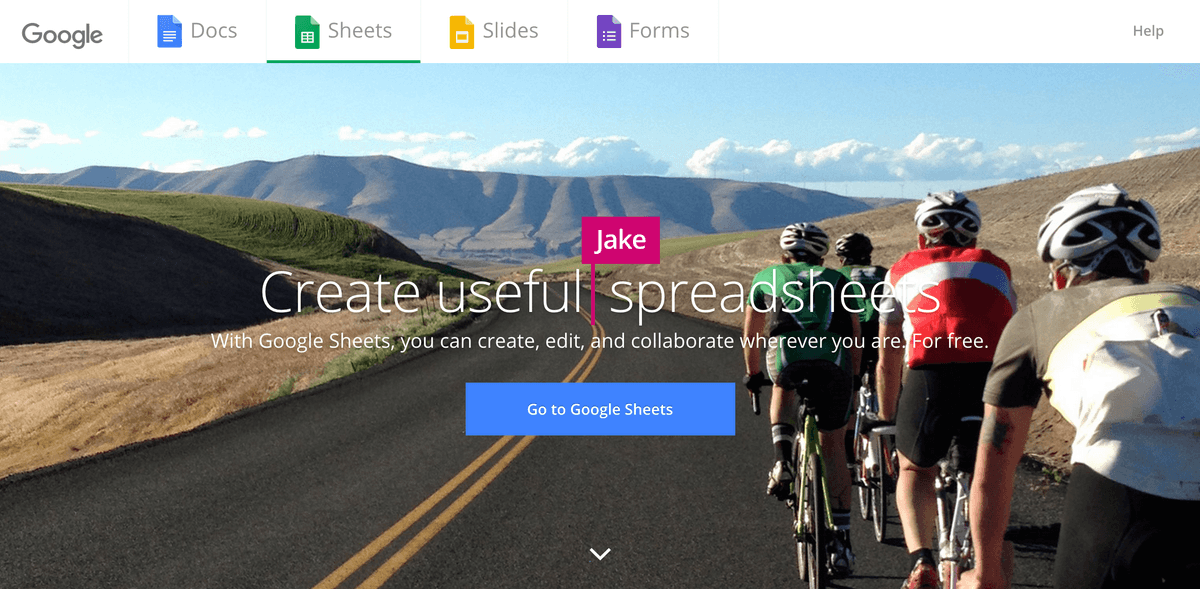
Create, edit, and share spreadsheets wherever you are with Google Sheets, and get automated insights from your data.
Features
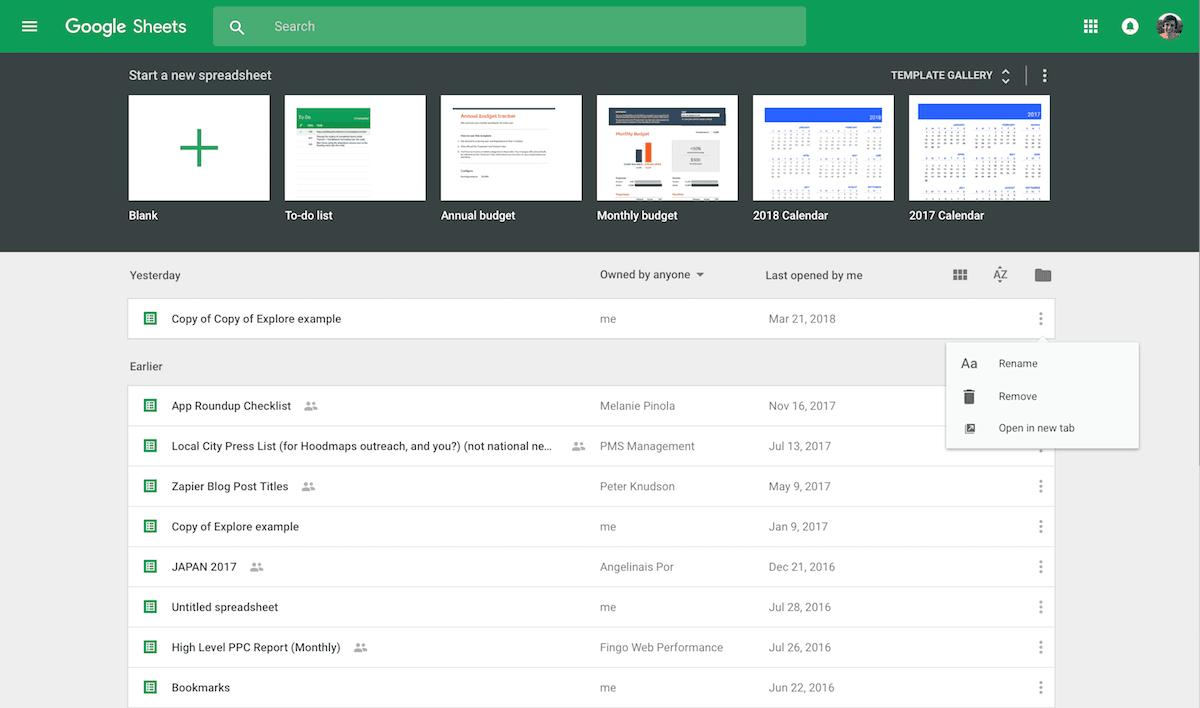
- Create and edit spreadsheets online
- Add charts and graphs to visualize data
- Build formulas to calculate numbers and manipulate data, or custom macros with Google Apps Script for additional functionality
- Import and export spreadsheets in standard Office formats
- Live co-edit spreadsheets with collaborators
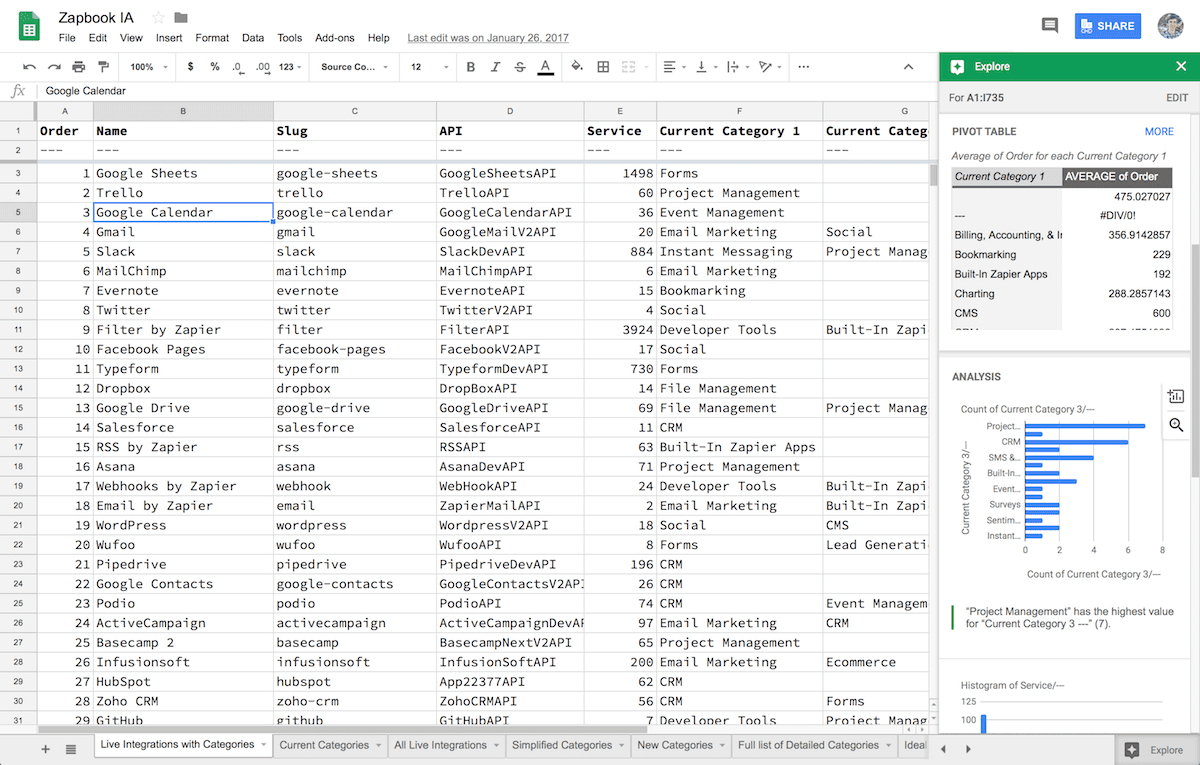
- Get auto-suggested insights into data with Explore pane
- Save revisions of files to roll back earlier changes and keep track of previous versions
- iOS and Android apps available
Pricing
Google Sheets is free with a personal Google account and included with Google Workspace business subscriptions. Google Workspace pricing.
Google Sheets operations on Zapier
Triggers (7)
Start a workflow when this happens
- New Spreadsheet — Triggers when a new spreadsheet is created.
- New Spreadsheet Row — Triggers when a new row is added to the bottom of a spreadsheet.
- New Spreadsheet Row (Team Drive) — Triggers when a new row is added to the bottom of a Google Team Drive spreadsheet.
- New Worksheet — Triggers when a worksheet is created in a spreadsheet.
- New or Updated Spreadsheet Row — Triggers when a new row is added or modified in a spreadsheet.
Show 2 more triggers
- New or Updated Spreadsheet Row (Team Drive) — Triggers when a new row is added or an existing row is updated in a spreadsheet. Optimized for Team Drive.
- Updated Spreadsheet Row — Triggers when an existing row is updated in a spreadsheet. New rows do not trigger this; use New or Updated Spreadsheet Row for that.
Actions (24)
Things Salesflare can make it do
- API Request (Beta) — This is an advanced action which makes a raw HTTP request that includes this integration's authentication.
- Change Sheet Properties — Update Google Sheets properties like frozen rows/columns, sheet position, and visibility settings.
- Clear Spreadsheet Row(s) — Clears the contents of the selected row(s) while keeping the row(s) intact in the spreadsheet.
- Copy Range — Copy data from one range to another within a Google Sheets spreadsheet, with options for what to paste (values, formatting, etc.).
- Copy Worksheet — Creates a new worksheet by copying an existing worksheet.
Show 19 more actions
- Create Conditional Formatting Rule — Apply conditional formatting to cells in a Google Sheets spreadsheet based on their values.
- Create Multiple Spreadsheet Rows — Create one or more new rows in a specific spreadsheet (with line item support).
- Create Spreadsheet — Creates a new spreadsheet. Choose from a blank spreadsheet, a copy of an existing one, or one with headers.
- Create Spreadsheet Column — Create a new column in a specific spreadsheet.
- Create Spreadsheet Row — Create a new row in a specific spreadsheet.
- Create Spreadsheet Row at Top — Creates a new spreadsheet row at the top of a spreadsheet (after the header row).
- Create Worksheet — Creates a new worksheet in a Google Sheet.
- Delete Sheet — Permanently delete a worksheet from a Google Sheets spreadsheet. Warning: This action cannot be undone.
- Delete Spreadsheet Row(s) — Deletes the selected row(s) from the spreadsheet. This action removes the row(s) and all associated data.
- Find or Create Row — Finds or creates a specific lookup row.
- Find or Create Spreadsheet — Finds a spreadsheet by name, or creates one if none is found.
- Find or Create Worksheet — Finds or creates a specific find worksheet.
- Format Cell Range — Apply date, number, or style formatting (colors, bold, italic, strikethrough) to a range of cells in a Google Sheets spreadsheet.
- Format Spreadsheet Row — Format a row in a specific spreadsheet.
- Rename Sheet — Rename a worksheet in a Google Sheets spreadsheet.
- Set Data Validation — Set data validation rules on a range of cells in Google Sheets to control what data can be entered.
- Sort Range — Sort data within a specified range in Google Sheets by a chosen column in ascending or descending order.
- Update Spreadsheet Row — Update a row in a specific spreadsheet with optional formatting.
- Update Spreadsheet Row(s) — Update one or more rows in a specific spreadsheet (with line item support).
Searches (8)
Look up existing records
- Find Spreadsheet — Finds a spreadsheet by name.
- Find Worksheet — Finds a worksheet by title.
- Get Data Range — Get data from a specific range in a Google Spreadsheet using A1 notation (e.g., "A1:D10", "B2:E5").
- Get Many Spreadsheet Rows (Advanced) — Return up to 1,500 rows as a single JSON value or as line items.
- Get Row by ID — Get a specific spreadsheet row by its row number (ID). Row 1 is typically the header row.
Show 3 more searches
- Get Spreadsheet by ID — Get a specific Google Spreadsheet by its ID. Returns the raw spreadsheet data from the Google Sheets API.
- Lookup Spreadsheet Row — Find a specific spreadsheet row based on a column and value. If found, it returns the entire row.
- Lookup Spreadsheet Rows (Advanced) — Find up to 500 rows based on a column and value as line items.
Google Sheets operations on Make
Triggers (3)
Start a workflow when this happens
- Perform a Function — Receives data from the MAKE_FUNCTION or INTEGROMAT functions used in a sheet. Please note, the Sheets Add-On is required.
- Watch Changes — Triggers when a cell is updated. Watches only changes made in Google Sheet app. Sheets Add-On required.
- Watch New Rows — Triggers when a new row is added.
Actions (20)
Things Salesflare can make it do
- Add a Conditional Format Rule — Creates a new conditional format rule at the given index. All subsequent rules' indexes are incremented.
- Add a Row — Appends a new row to the bottom of the table.
- Add a Sheet — Adds a new sheet.
- Bulk Add Rows (Advanced) — Appends multiple rows to the bottom of the table.
- Bulk Update Rows (Advanced) — Updates multiple rows.
Show 15 more actions
- Clear Values from a Range — Clears a specified range of values from a spreadsheet.
- Clear a Cell — Clears a specific cell.
- Clear a Row — Clears values from a specific row.
- Copy a Sheet — Copies a sheet to another spreadsheet.
- Create a Spreadsheet — Creates a new spreadsheet.
- Create a Spreadsheet from a Template — Creates a new spreadsheet from a template sheet.
- Delete a Conditional Format Rule — Deletes a conditional format rule at the given index. All subsequent rules' indexes are decremented.
- Delete a Row — Deletes a specific row.
- Delete a Sheet — Deletes a specific sheet.
- Get a Cell — Gets a specific cell.
- Make an API Call — Performs an arbitrary authorized API call.
- Perform a Function - Responder — Returns processed data as a result of the MAKE_FUNCTION or INTEGROMAT function. Sheets Add-On required.
- Rename a Sheet — Renames a specific sheet.
- Update a Cell — Updates a specific cell.
- Update a Row — Updates a row.
Searches (4)
Look up existing records
- Get Range Values — Returns a sheet’s content defined by range values.
- List Sheets — Gets a list of all sheets in a spreadsheet.
- Search Rows — Returns results matching the given criteria.
- Search Rows (Advanced) — Returns results matching the given criteria. This module doesn't return a row number.
Screenshots
Similar apps
 Google Calendar
 Google's free online calendar.
 Google Drive
 Store your files online.
 Google Docs
 Online word processor.
 Gmail
Gmail One of the most popular email services.
 Google Forms
 Collect data from the web.
 Zapier Tables
 Zapier Tables is a no-code database built for automation.
Not using Salesflare yet?
Salesflare is a CRM for small and medium-sized B2B businesses — it fills itself in automatically so your team actually keeps it up to date.
Try it for free