


Constant Contact and Salesflare
Powerful, and easy to use email marketing tool.
How to connect Constant Contact
- Via Zapier — 13 operations available. Set it up ↗
- Via Make — 46 modules available. Set it up ↗
What you can automate
- When new Contact in Constant Contact, find or create contact in Salesflare.
- When new Email Open in Constant Contact, find or create contact in Salesflare.
About Constant Contact
Constant Contact can help grow your business with an email marketing tool that’s affordable, powerful, and easy to use.
Features
- Create responsive emails customized to your brand that look great on any device
- Add subscribers via SMS messages, Facebook, forms and more
- Store files and images online to share via emails
- Track email results in real time
- Create events, surveys, and more
- Free expert coaches for product support and marketing advice
Pricing
For 0-500 contacts, regular list pricing starts around $12/month for Lite, $35/month for Standard, and $80/month for Premium. Pricing scales with contacts and promotions may temporarily lower the displayed price. Current pricing.
Constant Contact operations on Zapier
Triggers (4)
Start a workflow when this happens
- New Contact — Triggers when a new contact is added to your account.
- New Email Open — Triggers when a recipient opens an email from a specified campaign activity.
- New List — Triggers when a new list is added.
- New Unsubscriber — Triggers when a contact Unsubscribes (Email Unsubscribed).
Actions (8)
Things Salesflare can make it do
- API Request (Beta) — This is an advanced action which makes a raw HTTP request that includes this integration's authentication.
- Add Contact to List — Adds a contact to one or more lists.
- Create Contact — Creates a contact on a specific list in your account.
- Delete Contact — Delete a contact. Deleted contacts will not receive emails from you, and they do not count as active contacts. Unlike unsubscribed contacts, deleted contacts can be revived, or added back to an account.
- Find or Create Contact — Find Contact by email or create a new one.
Show 3 more actions
- Remove Contact From List — Remove a contact from one or more lists.
- Tag Contact — Add one or more Tags to a Contact.
- Update Contact — Updates a contact in your account. Empty values will be cleared on the contact. If the contact being updated is deleted, the contact will be revived.
Searches (1)
Look up existing records
- Find or Create Contact — Find Contact by email or create a new one.
Constant Contact operations on Make
Triggers (11)
Start a workflow when this happens
- Watch Contact Activities — Triggers by new activities of a contact for specific events.
- Watch Contacts — Triggers by contact create or update events. Optionally filters by contact status.
- Watch Email Bounces Reports — Triggers by new email bounces reports.
- Watch Email Campaigns — Triggers by new email campaigns.
- Watch Email Clicks Reports — Triggers by new email clicks reports.
Show 6 more triggers
- Watch Email Did Not Opens Reports — Triggers by new email did not opens reports.
- Watch Email Forwards Reports — Triggers by new email forwards reports.
- Watch Email Opens Reports — Triggers by new email opens reports.
- Watch Email Opt-outs Reports — Triggers by new email opt-outs reports.
- Watch Email Sends Reports — Triggers by new email sends reports.
- Watch Email Unique Opens Reports — Triggers by new email unique opens reports.
Actions (19)
Things Salesflare can make it do
- Create a Contact — Creates a new contact.
- Create a Contact List — Creates a new contact list.
- Create an Email Campaign — Creates a new email campaign.
- Delete Contacts from Lists — Removes contacts from lists by their IDs.
- Delete a Contact — Removes a contact by its ID. Deleted contacts can be revived.
Show 14 more actions
- Delete a Contact List — Removes a contact list by its ID.
- Delete an Email Campaign — Removes an email campaign by its ID.
- Get an Email Campaign — Retrieves details of an email campaign by its ID.
- Get an Email Campaign Activity — Retrieves details of an email campaign activity by its ID.
- Import Contacts — Imports contacts by an array of contacts. Existing contact with the same email will be replaced.
- Import Contacts by CSV — Imports contacts by a CSV file. Only the first 4 MB of the file will be imported if the file exceeds 4 MB.
- Make an API Call — Performs an arbitrary authorized API call.
- Preview an Email Campaign Activity — Previews an email campaign activity by its ID.
- Schedule an Email Campaign Activity — Schedules an email campaign activity by its ID.
- Summarize Average Open and Click Rates — Summarizes average open and click rates by the contact ID.
- Test an Email Campaign Activity — Tests an email campaign activity by its ID with a daily limit of 50 test emails.
- Unschedule an Email Campaign Activity — Unschedules an email campaign activity by its ID.
- Update a Contact — Updates a contact by its ID.
- Update a Contact List — Updates a contact list by its ID.
Searches (16)
Look up existing records
- Get Email Bounces Reports — Retrieves email bounces reports by the email campaign activity ID.
- Get Email Clicks Reports — Retrieves email clicks reports by the email campaign activity ID.
- Get Email Did Not Opens Reports — Retrieves email did not opens reports by the email campaign activity ID.
- Get Email Forwards Reports — Retrieves email forwards reports by the email campaign activity ID.
- Get Email Links Reports — Retrieves email links reports by the email campaign activity ID.
Show 11 more searches
- Get Email Opens Reports — Retrieves email opens reports by the email campaign activity ID.
- Get Email Opt-outs Reports — Retrieves email opt-outs reports by the email campaign activity ID.
- Get Email Sends Reports — Retrieves email sends reports by the email campaign activity ID.
- Get Email Unique Opens Reports — Retrieves email unique opens reports by the email campaign activity ID.
- Get an Email Campaign Activity Send History — Retrieves the send history of an email campaign activity by its ID.
- List Contact Action Summaries — Lists action summary for a contact in email campaign activities by the contact ID.
- List Contact Activities — Lists contact activities by its ID.
- List Contact Lists — Retrieves a list of contact lists.
- List Contacts — Retrieves a list of contacts and filtered by criteria.
- List Email Campaign Activity Schedules — Retrieves a list of schedules of an email campaign activity by its ID.
- List Email Campaigns — Retrieves a list of email campaigns.
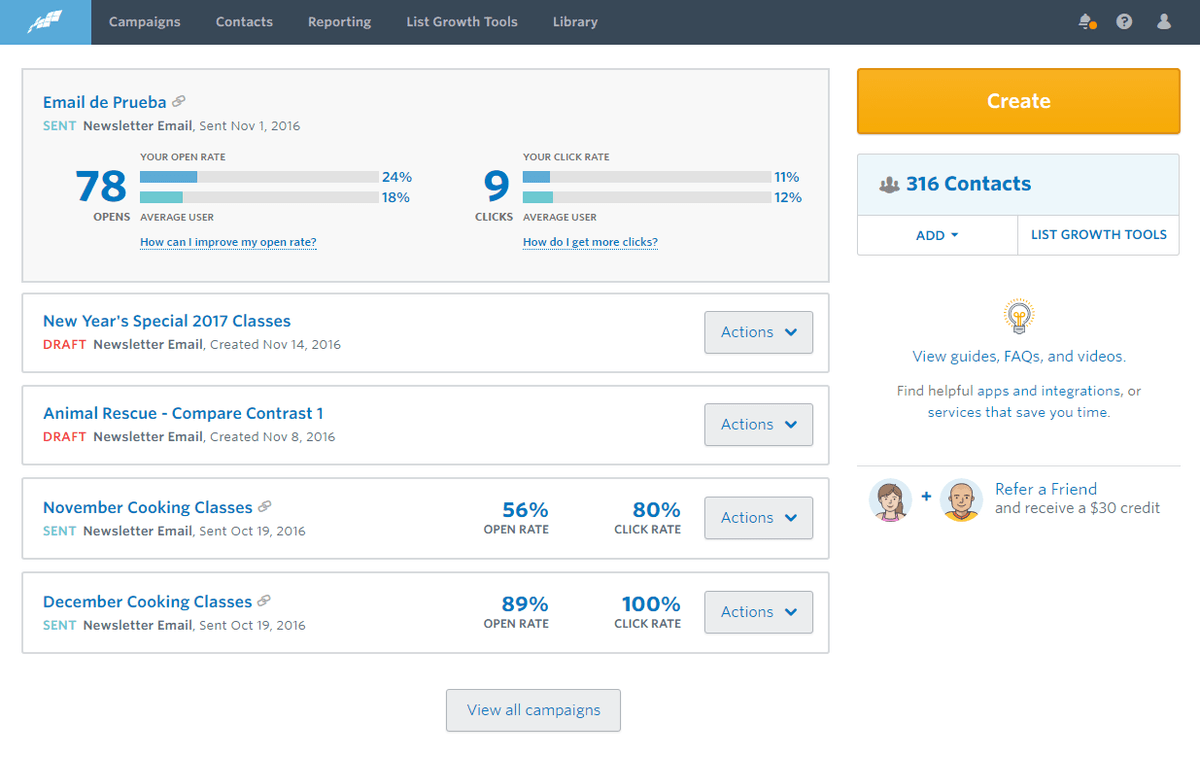
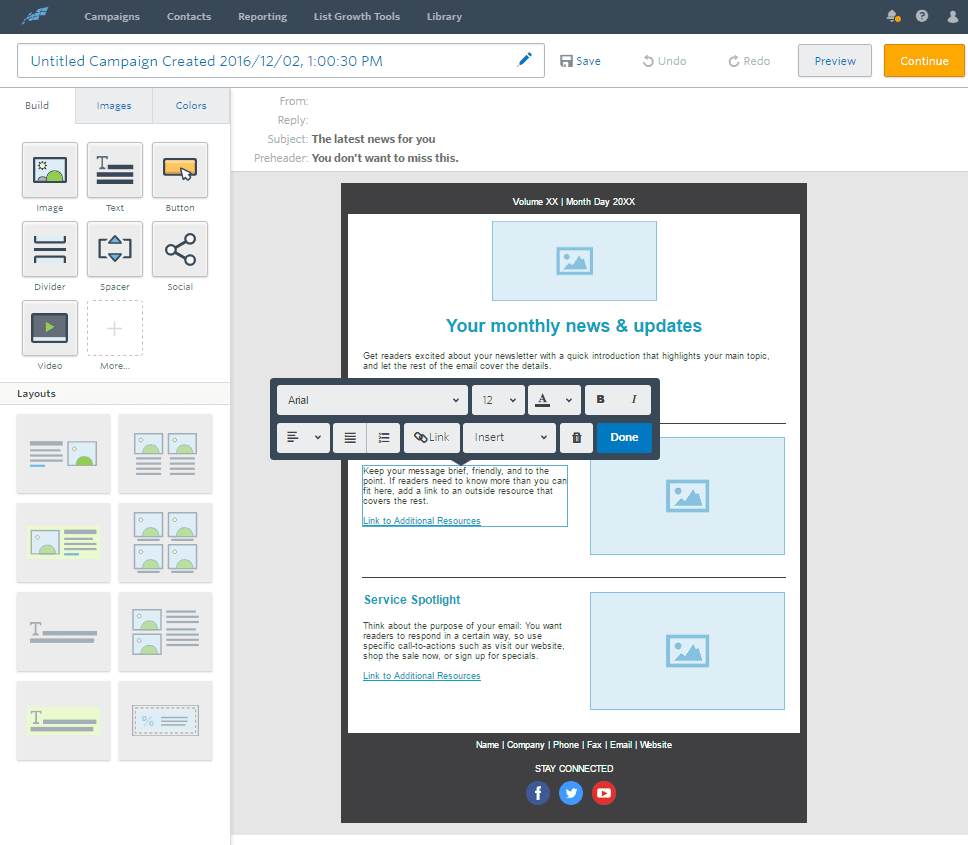
Screenshots

Similar apps
 Salesflare Email Workflows
 Send email sequences & automated emails from Salesflare
 MailChimp
 Turn Emails into Revenue.
 ActiveCampaign
 Single and easy-to-use email marketing platform.
 Brevo
Brevo Brevo is the leading CRM suite designed to cultivate long-term customer relationships and help b…
 Flodesk
 Beginners and experts use Flodesk to create stunning emails that grow their business. Meet the m…
 MailerLite
 Email marketing service provider.
Not using Salesflare yet?
Salesflare is a CRM for small and medium-sized B2B businesses — it fills itself in automatically so your team actually keeps it up to date.
Try it for free