


Facebook Pages and Salesflare
Connect with your customers, fans or followers.
How to connect Facebook Pages
- Via Zapier — 10 operations available. Set it up ↗
- Via Make — 31 modules available. Set it up ↗
What you can automate
- When new Comment in Facebook Pages, create internal note in Salesflare.
About Facebook Pages
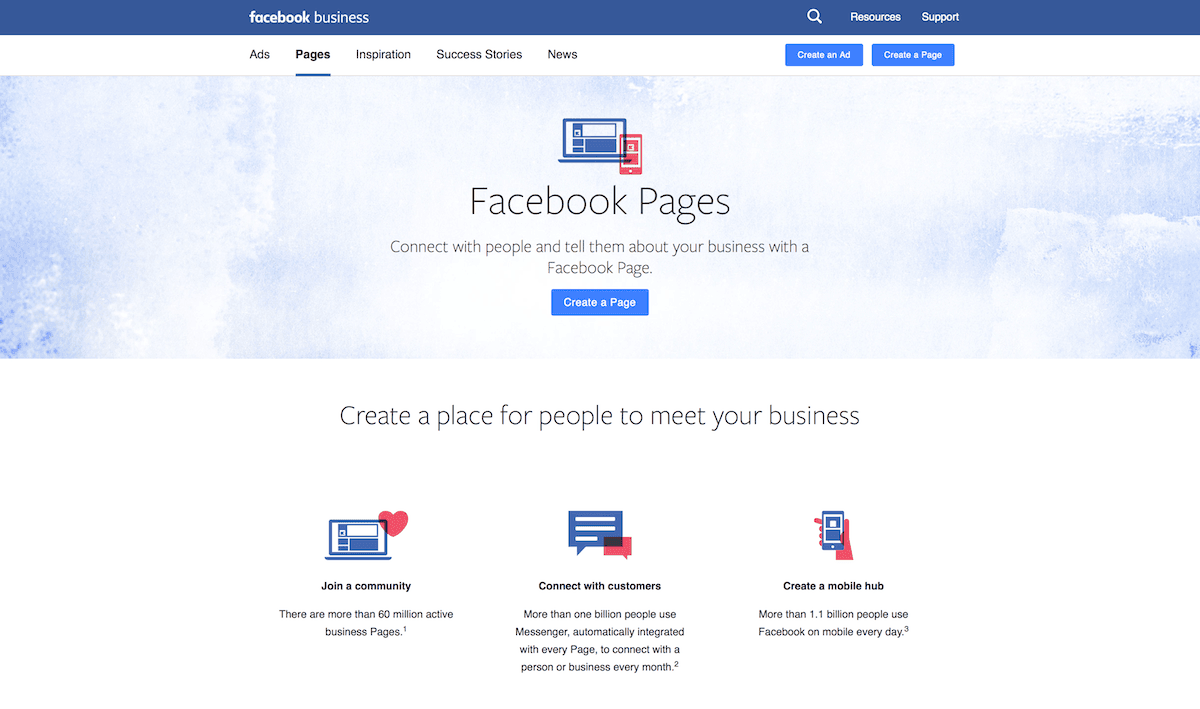
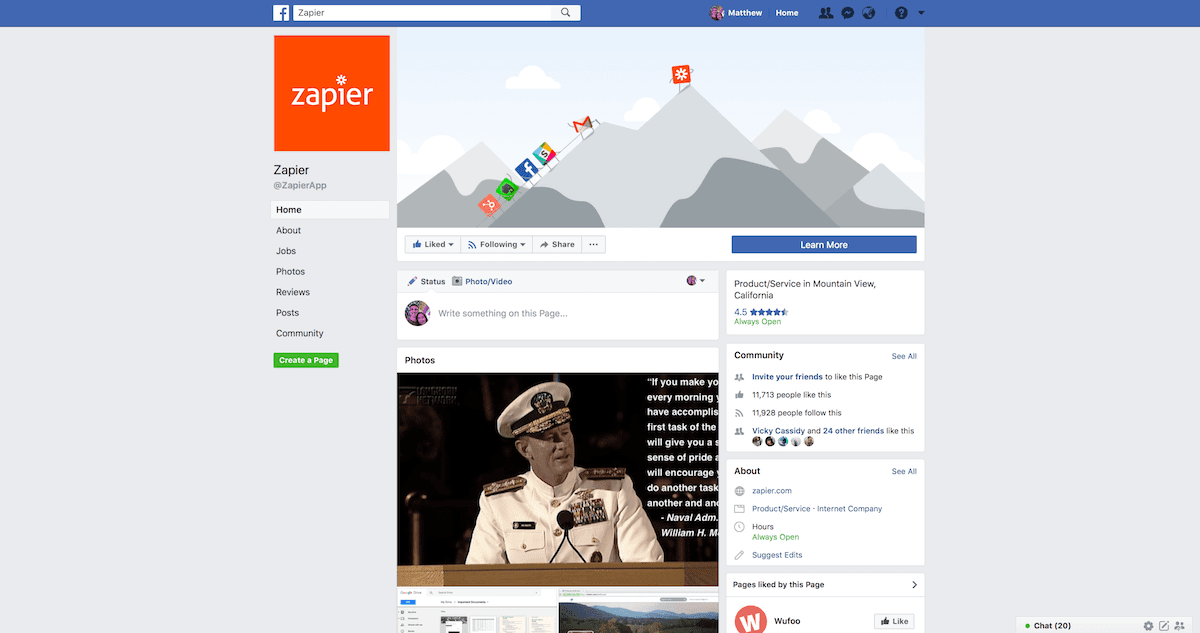
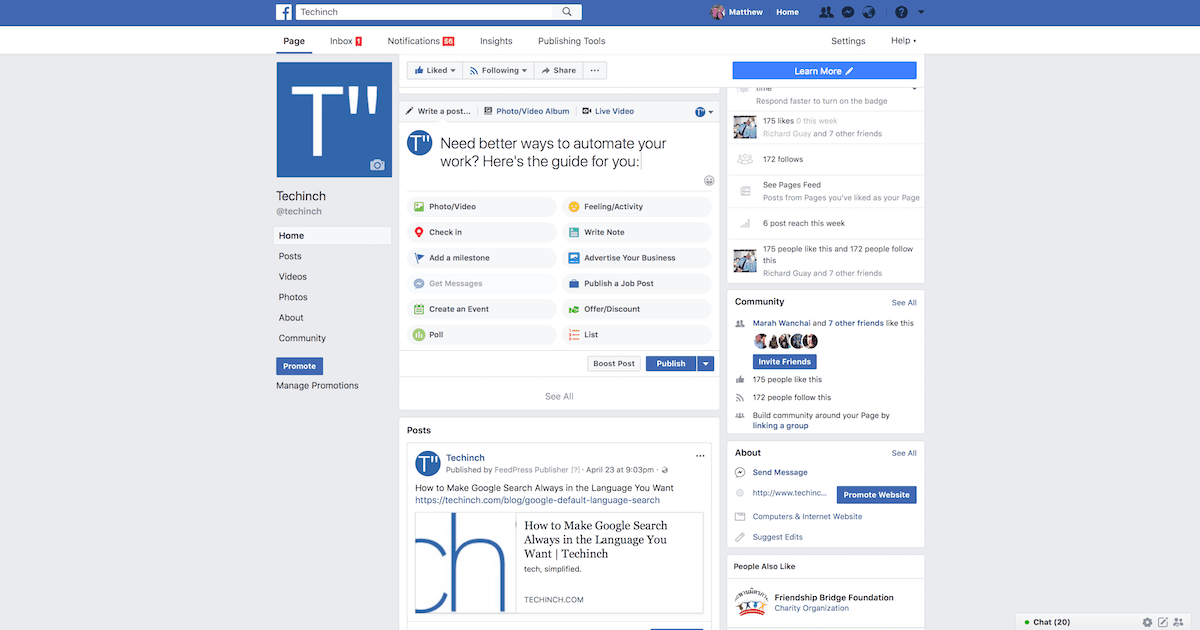
Facebook Pages lets you connect with your customers, fans and followers on the world's largest social network. Share relevant content to engage people who Like your page, create events to build and grow your community, and run a Facebook ad campaign by targeting location, age and more.
Features
- Reach the world's largest social network audience alongside your Facebook account
- Schedule posts on your page to keep your audience engaged
- Boost and promote posts and content to a targeted audience
- Learn about your audience with demographic and traffic analytics
- Customize your page with embedded apps
- Custom iOS and Android app available for managing Facebook Pages
Pricing
Creating and using a Facebook Page is free. Optional advertising is auction-based and paid. Meta ads pricing.
Facebook Pages operations on Zapier
Triggers (5)
Start a workflow when this happens
- New Comment — Triggers when a new comment is created.
- New Page Mention / Tag — Triggers when your page is mentioned or tagged in a post.
- New Post by You — Triggers when you post to your Page's Timeline.
- New Post to Your Timeline — Triggers when anyone (including you) posts to your Page's Timeline.
- New Recommendation — Triggers when your Facebook Page receives a new recommendation.
Actions (5)
Things Salesflare can make it do
- Change Page Profile Photo — Changes the profile picture of a Facebook Page.
- Create Page Photo — Uploads a photo to your Facebook Page and posts it to the stream.
- Create Page Post — Create a new page "stream" post on a page.
- Create Page Video — Uploads a video to your Facebook Page and posts it to the stream.
- Page Post Insights — Generates page post insights. You can include multiple metrics.
Facebook Pages operations on Make
Triggers (5)
Start a workflow when this happens
- Watch Comments — Triggers when a new comment is added.
- Watch Photos — Triggers when a new photo is added.
- Watch Posts — Triggers when a new post is added.
- Watch Posts (public page) — Triggers when a new post is added to the selected public page.
- Watch Videos — Triggers when a new video is added.
Actions (22)
Things Salesflare can make it do
- Create a Comment — Creates a comment.
- Create a Post — Creates a post.
- Create a Post with Photos — Creates a multi-photo post.
- Delete a Comment — Deletes a comment.
- Delete a Photo — Deletes a photo.
Show 17 more actions
- Delete a Post — Deletes a post.
- Delete a Video — Deletes a video.
- Edit a Comment — Edits a comment.
- Edit a Post — Edits a post.
- Get Post Reactions — Returns number of reactions for a post.
- Get a Comment — Returns info about a comment.
- Get a Page — Returns details about a page.
- Get a Photo — Returns info about a photo.
- Get a Post — Returns info about a post.
- Get a Video — Returns info about a video.
- Like a Post — Likes a post.
- Publish a Reel — Uploads a reel.
- Unlike a Post — Unlikes a post.
- Update Page Details — Update details on a page, such as phone or email.
- Update a Video — Updates a video.
- Upload a Photo — Uploads a photo.
- Upload a Video — Uploads a video.
Searches (4)
Look up existing records
- List Comments — Returns comments for a post.
- List Photos — Returns photos.
- List Posts — Returns posts.
- List Videos — Returns videos.
Screenshots
Similar apps
 Salesflare LinkedIn Extension
 World's largest social network for professionals.
 StoryChief
 Content Marketing Automation
 Twitter
 What's happening around the world in real time.
Facebook Lead Ads Generate leads from Facebook.
 Facebook Conversions
 Send conversion events from Salesflare to Meta's **Conversions API**, so purchases, leads and fu…
 Instagram for Business
 Instagram for Business allows you to gain insights on your followers. Instagram keeps rolling ou…
Not using Salesflare yet?
Salesflare is a CRM for small and medium-sized B2B businesses — it fills itself in automatically so your team actually keeps it up to date.
Try it for free