


Mailjet and Salesflare
Engage with your client base through email.
How to connect Mailjet
- Via Zapier — 14 operations available. Set it up ↗
- Via Make — 17 modules available. Set it up ↗
What you can automate
- When new Parse API Inbound Email in Mailjet, find or create contact in Salesflare.
About Mailjet
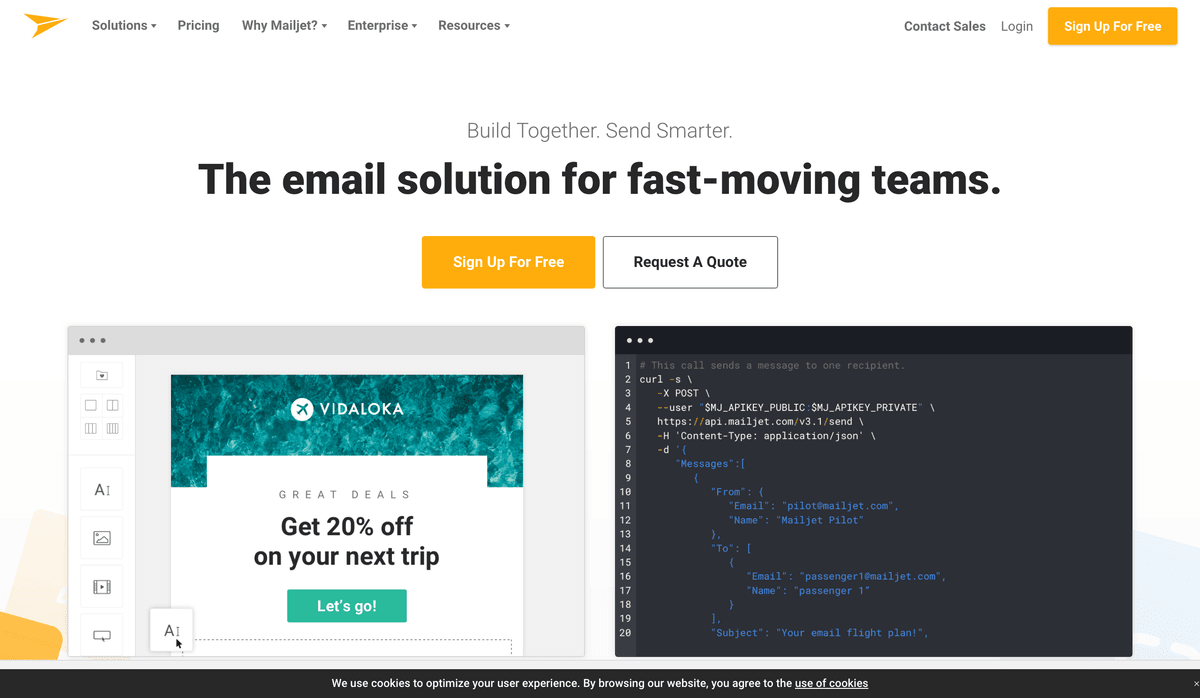
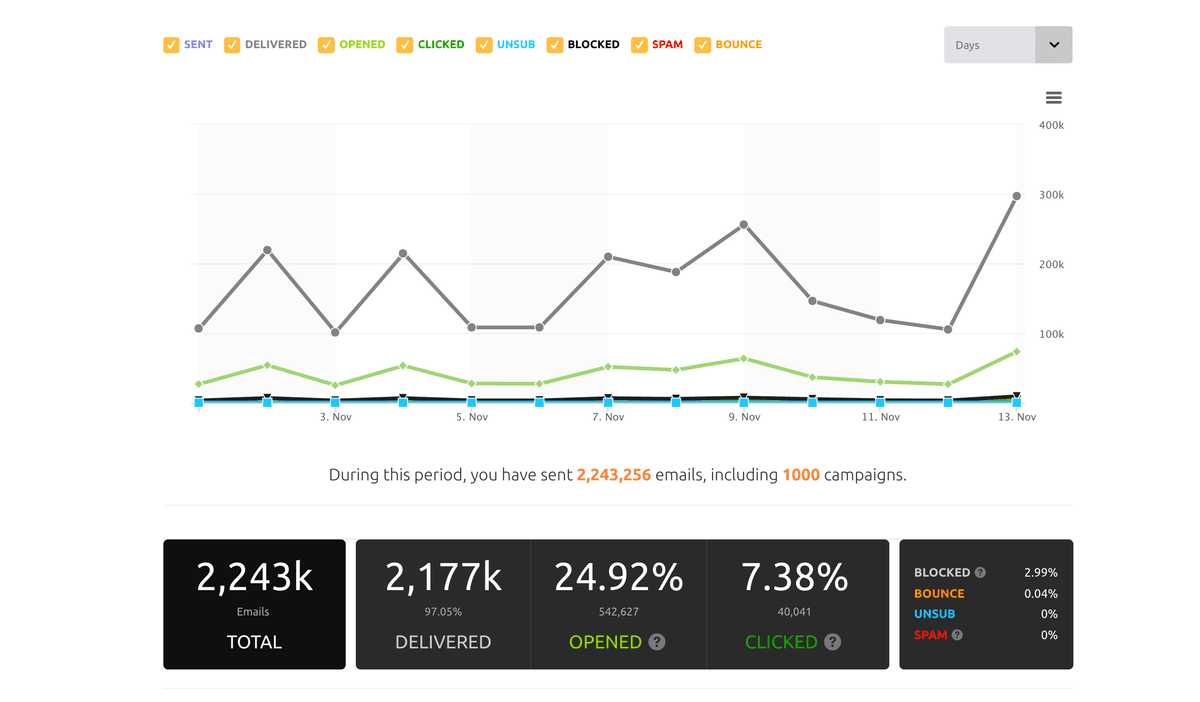
Mailjet is an all-in-one solution to send, track and deliver transactional, notification and marketing emails. Engage, analyze and react with your client base through email. Get started by using the Mailjet zap to synchronise contacts from your favorite eCommerce, CRM or other SaaS tools to your Mailjet contact lists. For users on API version 3 or higher.
Mailjet operations on Zapier
Triggers (4)
Start a workflow when this happens
- New Email Event — Triggers when an email event occurs (sent, opened, clicked, bounced, spam, blocked, unsub, etc.).
- New Parse API Inbound Email — Triggers when a new email is sent to your [Parse API](https://www.mailjet.com/feature/parse-api/) email address.
- New Subscribe — Triggers when a contact subscribes in a Mailjet contact list.
- New Unsubscribe — Triggers when a user unsubscribes from a certain contact list.
Actions (8)
Things Salesflare can make it do
- Remove a Contact From a Contact List — Removes a contact from the specified Mailjet list. This does not delete the contact or unsubscribe them globally.
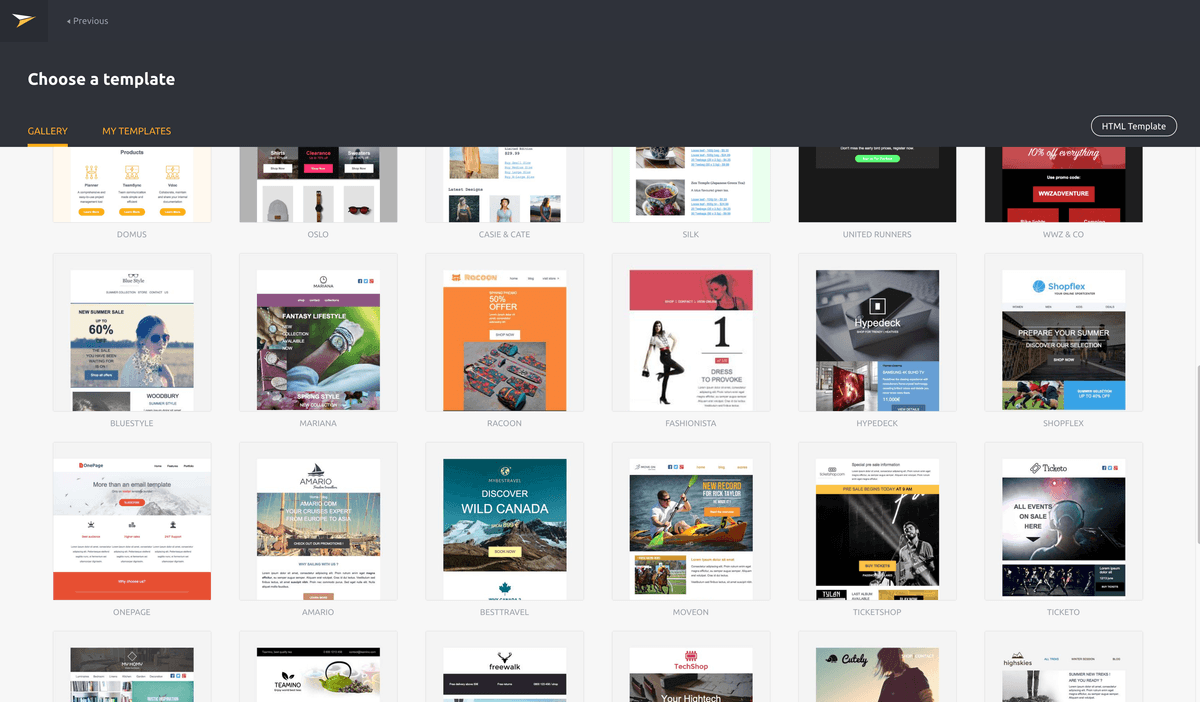
- Send Email Using a Mailjet Template — Send an email through your Mailjet account using saved Mailjet email template. It can be customized with Contact Properties and Variables.
- Send HTML Email — Send an email through your Mailjet account with HTML content.
- Send Plain Text Email — Send an email through your Mailjet account with plain text content.
- Send an Email Campaign to a List — Send an email campaign to a full contact list.
Show 3 more actions
- Subscribe Contact to Mailjet List — Adds a new Contact to your Mailjet account and subscribes it to a specific Contact List.
- Unsubscribe Contact From Mailjet List — Unsubscribes a contact from a specific Mailjet list.
- Update Contact Properties — Update a contact's properties.
Searches (2)
Look up existing records
- Get Contact Lists Subscribed by a User — Returns all Mailjet contact lists that the provided email address is currently subscribed to.
- Get Contact Properties by an Email Address — Retrieves Mailjet contact properties for the given email.
Mailjet operations on Make
Triggers (2)
Start a workflow when this happens
- Watch Contacts — Triggers when a contact is created or updated.
- Watch Events — Triggers when an event given in its type parameter occurs.
Actions (11)
Things Salesflare can make it do
- Create a Contact — Creates a new contact.
- Create a Draft Campaign — Creates a new draft campaign.
- Get a Contact — Gets the data of a specified contact.
- Get a Draft Campaign — Retrieves a specified draft campaign.
- Get a Sent Campaign — Retrieves a specified sent campaign.
Show 6 more actions
- Make an API Call — Performs an arbitrary authorized API call.
- Send a Message — Sends a new message.
- Send an SMS — Sends a new SMS.
- Subscribe/Unsubscribe a Contact — Subscribes/Unsubscribes a contact into a specified contactlist.
- Update Contact Properties — Updates the existing contact properties.
- Update a Draft Campaign — Update an existing draft campaign.
Searches (4)
Look up existing records
- List Contacts — Retrieves a list of all contacts.
- List Draft Campaigns — Retrieves a list of all draft campaigns.
- List Messages — Retrieves a list of all messages.
- List Sent Campaigns — Retrieves a list of all sent campaigns.
Screenshots
Similar apps
 Salesflare Email Workflows
 Send email sequences & automated emails from Salesflare
 MailChimp
 Turn Emails into Revenue.
 ActiveCampaign
 Single and easy-to-use email marketing platform.
 Brevo
Brevo Brevo is the leading CRM suite designed to cultivate long-term customer relationships and help b…
 Flodesk
 Beginners and experts use Flodesk to create stunning emails that grow their business. Meet the m…
 MailerLite
 Email marketing service provider.
Not using Salesflare yet?
Salesflare is a CRM for small and medium-sized B2B businesses — it fills itself in automatically so your team actually keeps it up to date.
Try it for free