


PayPal and Salesflare
Fast and safe way to send money.
How to connect PayPal
- Via Zapier — 20 operations available. Set it up ↗
- Via Make — 23 modules available. Set it up ↗
What you can automate
- When new Invoice in PayPal, create opportunity, then find or create contact in Salesflare.
About PayPal
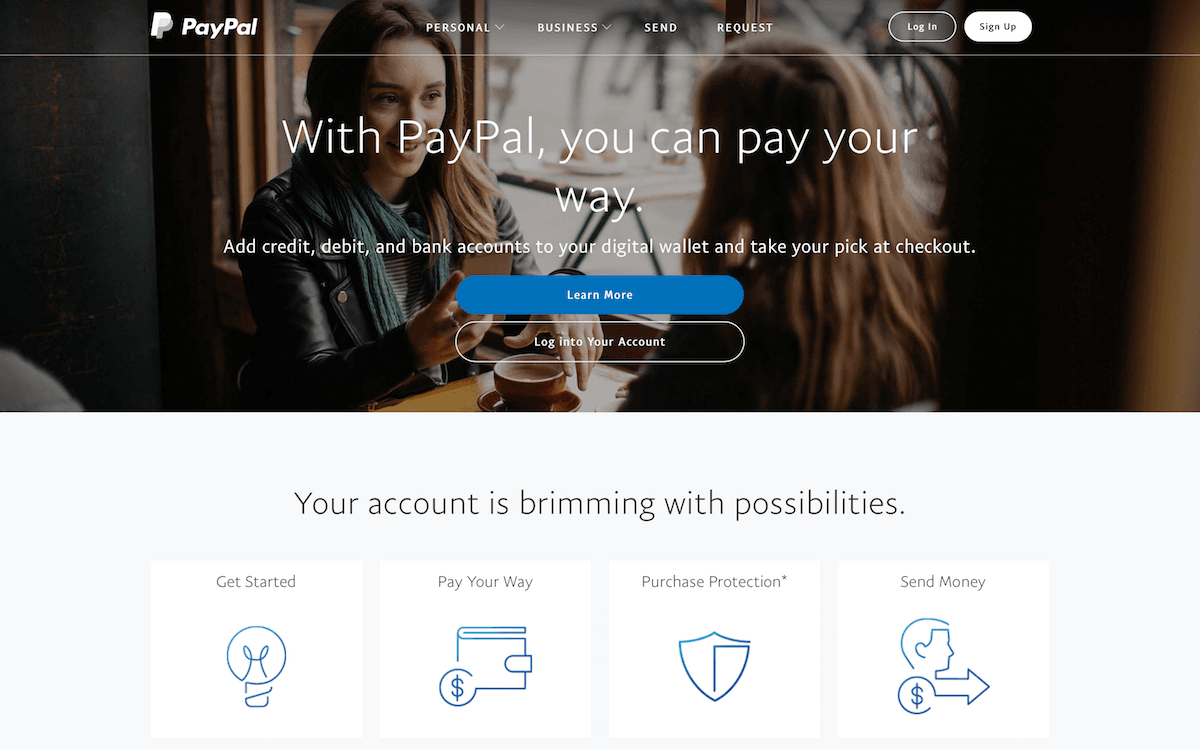
PayPal is a fast, safe way to send money, make an online payment, receive money or set up a merchant account. With over 150 million active registered accounts, PayPal helps people and businesses receive and make payments in more than 100 currencies in 203 markets.
Features
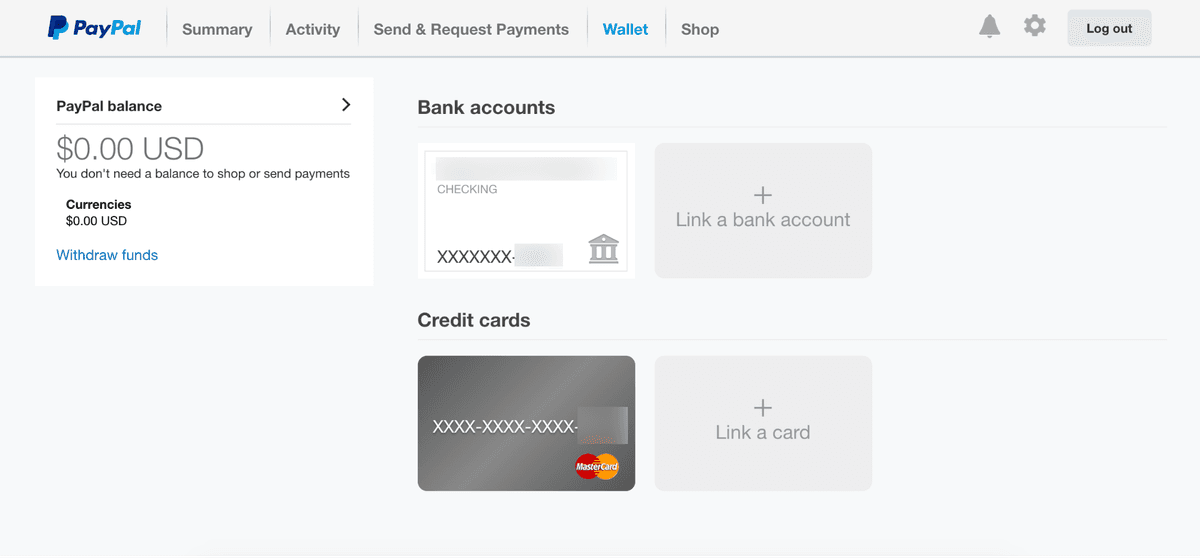
- Pay for online purchases without directly using your credit or debit card, with connected cards or bank accounts
- Quickly send funds to another PayPal account in over 100 supported currencies
- Convert and withdraw PayPal funds to a supported bank account in over 200 countries
- Create and manage invoices for free
- Request payments from anyone with an email address, even when they don’t have a PayPal account
- iOS and Android apps available
Pricing
For Belgium, the standard domestic commercial transaction rate is 3.40% + a fixed fee; for EUR transactions the fixed fee is €0.35. Other transaction types/countries have different rates. Current Belgium fees.
PayPal operations on Zapier
Triggers (9)
Start a workflow when this happens
- Billing Plan Webhooks — Triggers when a billing plan event occurs.
- Billing Subscription Webhooks — Triggers when a billing subscription event occurs.
- Canceled Recurring Payment Webhooks — Triggers when a recurring payment subscription is canceled.
- Failed Payment Webhooks — Triggers when a payment fails, is denied, or is declined.
- New Invoice — Triggers when a new invoice is created.
Show 4 more triggers
- Payment Capture Webhooks — Triggers when a payment capture event occurs.
- Payment Refund Webhooks — Triggers when a payment refund event occurs.
- Payment Sale Webhooks — Triggers when a payment sale event occurs.
- Recurring Payment Webhooks — Triggers when a recurring subscription payment is completed.
Actions (3)
Things Salesflare can make it do
- Create Invoice — Create a new draft invoice in PayPal.
- Create Payment — Create a new payment order using PayPal Orders v2 API.
- Send Invoice — Send an existing invoice to the recipient.
Searches (8)
Look up existing records
- Search Authorized Payment — Search for an authorized payment by ID.
- Search Billing Subscription — Search for a billing subscription by ID.
- Search Captured Payment — Search for a captured payment by ID.
- Search Invoice — Search for an invoice by ID.
- Search Order — Search for an order by ID.
Show 3 more searches
- Search Plan — Search for a plan by ID.
- Search Product — Search for a product by ID.
- Search Refund — Search for a refund by ID.
PayPal operations on Make
Triggers (4)
Start a workflow when this happens
- New notification — Triggers when a new notification is received.
- Watch custom app payments — Triggers when a new payment is made or a payment setting is changed.
- Watch plans — Triggers when a new plan is added.
- Watch transactions — Triggers when a new transaction related to a specified agreement is made .
Actions (19)
Things Salesflare can make it do
- Activate a plan — Sets a billing plan to the ACTIVE state. Users will be able to subscribe it.
- Bill outstanding amount — Bills an outstanding or a preset amount of an agreement.
- Cancel agreement — Cancels an agreement previously approved by a user.
- Create a payment (Step 1) — Creates a new payment order and returns an approval url link to obtain buyer's approval.
- Create a plan — Creates and activates a billing plan.
Show 14 more actions
- Create an agreement (Step 1) — Creates a subcription agreement and returns an approval url link to obtain buyer's approval.
- Deactivate plan — Sets a billing plan to the INACTIVE state. Users will not be able to subscribe to it.
- Delete a plan — Permanently removes a billing plan.
- Execute a payment (Step 2) — Executes a payment approved by a buyer after Step 1.
- Execute an agreement (Step 2) — Executes a subscription agreement approved by a buyer after Step 1.
- Get agreement transactions — Returns all transactions related to a specific agreement.
- Get billing plan details — Gets details about a specific billing plan.
- Get plans — Gets information about billing plans in a specified state.
- Get subscription agreement details — Returns subscription agreement details.
- Reactivate an agreement — Reactivates a previously suspended agreement.
- Retrieve payment definitions — Enables to process each payment definition for a billing plan separately.
- Retrieve transactions — Enables to process transactions one at a time.
- Set outstanding agreement amounts — Sets an outstanding agreement amount.
- Suspend an agreement — Suspends an agreement previously approved by a user.
Screenshots
Similar apps
 Stripe
 Developer-friendly way to accept payments.
 Square
 Square creates tools that help sellers of all sizes start, run and grow their businesses. Square…
 Stripe (Legacy)
 Stripe is a developer-friendly way to accept payments online and in mobile apps. Stripe's suite…
 Chargebee
 Chargebee is a subscription management and recurring billing solution used by businesses to cust…
 Zeffy
Zeffy Zeffy is a 100% free, all-in-one fundraising platform for nonprofits: donation forms, event tick…
 GoCardless
 GoCardless is a payments platform helping businesses collect payments directly from customer ban…
Not using Salesflare yet?
Salesflare is a CRM for small and medium-sized B2B businesses — it fills itself in automatically so your team actually keeps it up to date.
Try it for free