


Stripe and Salesflare
Developer-friendly way to accept payments.
How to connect Stripe
- Via Zapier — 37 operations available. Set it up ↗
- Via Make — 51 modules available. Set it up ↗
What you can automate
- When new Charge in Stripe, create opportunity, then find or create contact in Salesflare.
- When new Customer in Stripe, find or create account, then find or create contact, then add contact to account in Salesflare.
- When new Subscription in Stripe, create opportunity, then find or create contact in Salesflare.
- When new Invoice Item in Stripe, create opportunity, then find or create contact in Salesflare.
- When new Invoice in Stripe, create opportunity, then find or create contact in Salesflare.
- When new Payment in Stripe, create opportunity, then find or create contact in Salesflare.
About Stripe
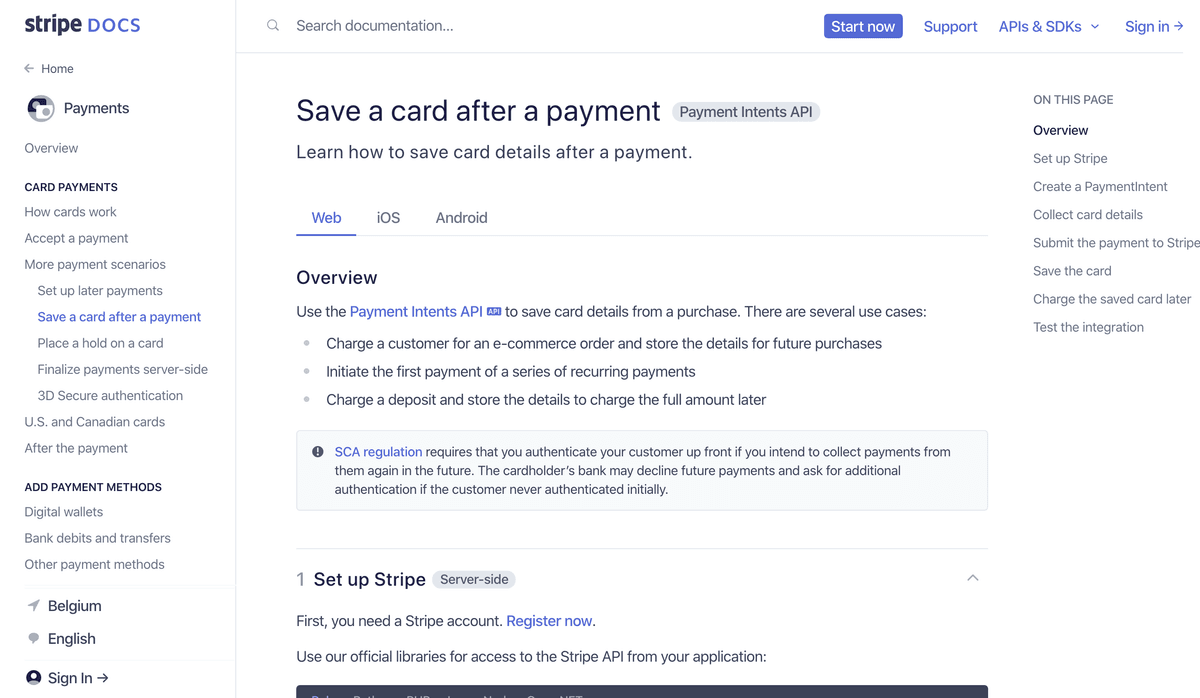
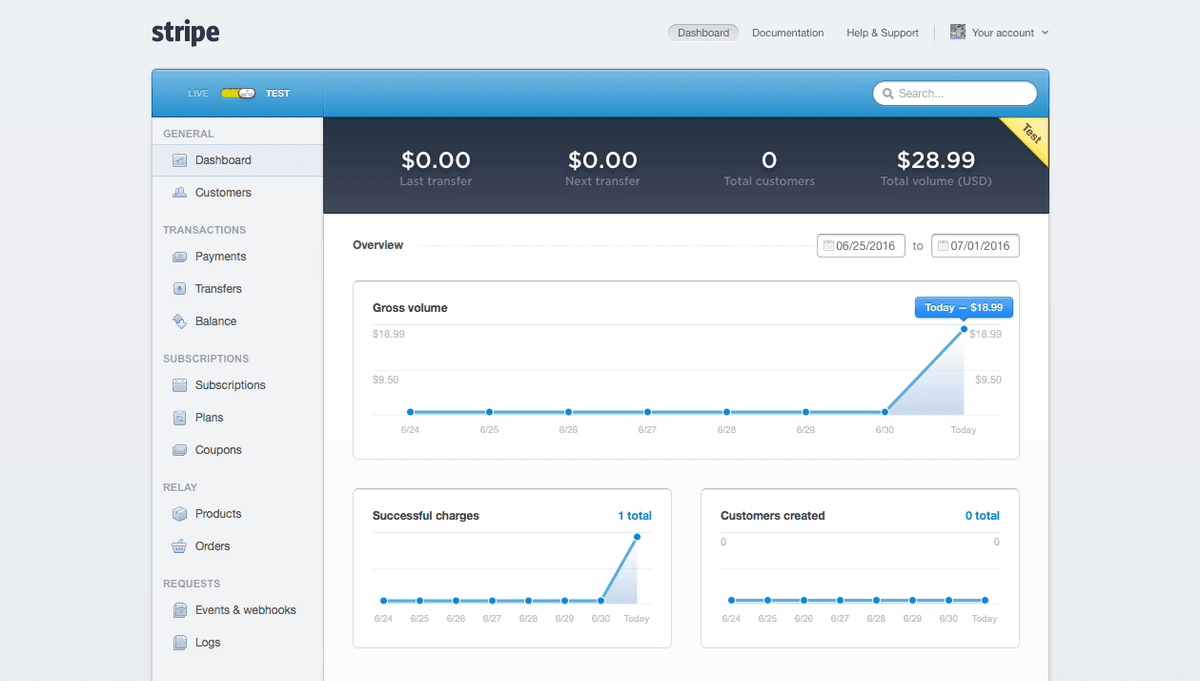
Stripe is a developer-friendly way to accept payments online and in mobile apps. Stripe's suite of APIs powers commerce for thousands of companies of all sizes, processing billions of dollars for businesses each year.
Features
- Accept payments via major credit cards, ACH Debits, Alipay, Bitcoin, Apple Pay, and Android Pay from anywhere in the world
- Process payments on your site or in your app
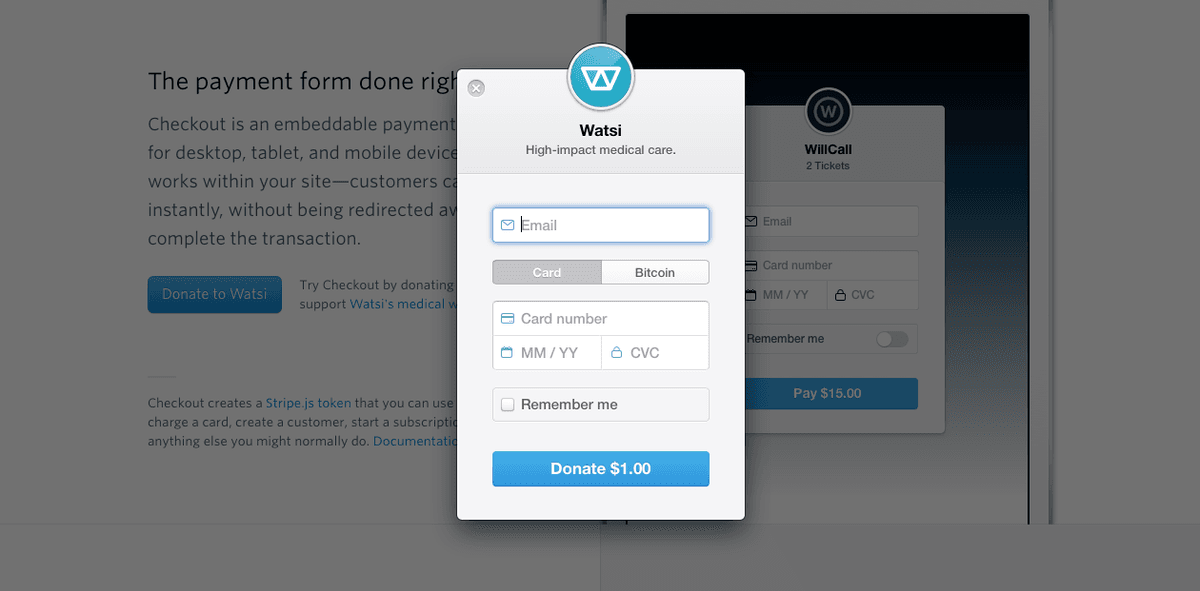
- Simplify payments for customers with a Stripe checkout form
- Charge recurring payments with custom billing periods
- Offer customers coupons and trials
- Set up a U.S.-based business and bank account to use with Stripe payments
Pricing
Belgium standard online card pricing starts at 1.5% + €0.25 for standard EEA cards; premium, UK, international cards and currency conversion have higher fees. Current Belgium pricing.
Stripe operations on Zapier
Triggers (16)
Start a workflow when this happens
- Canceled Subscription — Triggers when a subscription is canceled (by a subscriber or due to end of billing period).
- Checkout Session Completed — Triggers when a checkout session is completed.
- Failed Payment — Triggers when a payment attempt fails.
- Invoice Payment Failed — Triggers when an invoice payment fails.
- New Charge — Triggers when a new charge is completed.
Show 11 more triggers
- New Customer — Triggers when a new customer is added.
- New Dispute — Triggers when a customer disputes a charge.
- New Event — Triggers on a new event.
- New Invoice — Triggers on a new invoice. You can filter based on the invoice's status. (supports line items)
- New Invoice Item — Triggers when a new invoice item is created.
- New Payment — Triggers when a new payment is completed.
- New Payment Link — Triggers when a new payment link is created.
- New Refund — Triggers when a charge is refunded, including partial refunds.
- New Subscription — Triggers when a customer is signed up for a new plan.
- Updated Dispute — Triggers when a dispute is updated (usually with evidence).
- Updated Subscription — Triggers when a customer subscription has changed.
Actions (13)
Things Salesflare can make it do
- API Request (Beta) — This is an advanced action which makes a raw HTTP request that includes this integration's authentication.
- Cancel Subscription — Cancels a subscription.
- Confirm Payment — Confirms an existing payment, also known as a PaymentIntent.
- Create Checkout Session — Creates a new Checkout Session.
- Create Customer — Creates a new customer.
Show 8 more actions
- Create Invoice — Creates a new invoice.
- Create Payment — Creates a new payment, also known as a PaymentIntent.
- Create Payment Link — Creates a payment link.
- Create Price — Creates a price.
- Create Product — Creates a new product.
- Create Subscription — Creates a new subscription.
- Deactivate Payment Link — Deactivates a payment link.
- Update Customer — Updates an existing customer.
Searches (8)
Look up existing records
- Find Account Balance — Finds the account balance for your stripe account
- Find Account by ID — Finds a Stripe account by its ID.
- Find Balance Transactions — Finds transactions that have contributed to the Stripe account balance, such as charges, transfers, and more.
- Find Charge — Finds an existing charge by its Stripe ID.
- Find Customer — Finds an existing customer by their Stripe ID or email address.
Show 3 more searches
- Find Invoice — Finds an existing invoice by its Stripe ID.
- Find Payment — Finds an existing payment intent by its Stripe ID.
- Find Subscription — Finds an existing subscription.
Stripe operations on Make
Triggers (1)
Start a workflow when this happens
- Watch Events — Triggers when a given event occurs.
Actions (37)
Things Salesflare can make it do
- Cancel a Payment Intent — Cancels a payment intent by its ID. For payment intents with status ’requires_capture’, the remaining capturable amount will automatically be refunded.
- Cancel a Payout — Cancels a previously created payout.
- Capture a Charge — Capture the payment of an existing, uncaptured, charge.
- Capture a Payment Intent — Captures an existing uncaptured payment intent by its ID.
- Confirm a Payment Intent — Confirms a payment intent by its ID. Upon confirmation, the payment intent will attempt to initiate a payment.
Show 32 more actions
- Create a Charge — Creates a charge.
- Create a Customer — Creates a new customer object.
- Create a Payment Intent — Creates a Payment Intent.
- Create a Payment Link — Creates a new payment link by line items.
- Create a Payout — To send funds to your own bank account, you create a new payout object.
- Create a Refund — Creates a new refund.
- Create an Invoice — Creates a new invoice by the customer ID.
- Create an Invoice Item — Creates a new invoice item to be added to a draft invoice.
- Delete a Customer — Permanently deletes a customer. It cannot be undone.
- Delete a Draft Invoice — Permanently deletes a draft invoice. Use "Void an Invoice" module for finalized invoice.
- Delete an Invoice Item — Permanently deletes an invoice item which is not attached to invoices, or if it’s attached to a draft invoice.
- Finalize a Draft Invoice — Finalizes a draft invoice by its ID.
- Make an API Call — Performs an arbitrary authorized API call.
- Retrieve Balance — Retrieves the current account balance.
- Retrieve a Balance Transaction — Retrieves the balance transaction with the given ID.
- Retrieve a Charge — Retrieves the details of a charge that has previously been created.
- Retrieve a Customer — Retrieves the details of an existing customer.
- Retrieve a Payment Intent — Retrieves the details of a Payment Intent that has previously been created.
- Retrieve a Payment Link — Retrieves the details of a payment link with the given ID.
- Retrieve a Payout — Retrieves the details of an existing payout.
- Retrieve a Refund — Retrieves the details of an existing refund.
- Retrieve an Invoice — Retrieves the details of an existing invoice with the given ID.
- Retrieve an Invoice Item — Retrieves the details of an existing invoice item with the given ID.
- Update a Charge — Updates the specified charge by setting the values of the parameters passed.
- Update a Customer — Updates the specified customer by setting the values of the parameters passed.
- Update a Payment Intent — Updates the specified payment intent by setting the values of the parameters passed.
- Update a Payment Link — Updates a payment link by its ID.
- Update a Payout — Updates the specified payout by setting the values of the parameters passed.
- Update a Refund — Updates the specified refund by setting the values of the parameters passed.
- Update an Invoice — Updates the specified invoice by setting the values of the parameters passed.
- Update an Invoice Item — Updates the specified invoice item by setting the values of the parameters passed.
- Void an Invoice — Voids a finalized invoice with the given ID. This cannot be undone.
Searches (13)
Look up existing records
- List All Balance History — Returns a list of transactions that have contributed to the Stripe account balance.
- List All Charges — Returns a list of charges you’ve previously created. The charges are returned in sorted order, with the most recent charges appearing first.
- List All Customers — Retrieves a list of customers.
- List All Invoice Line Items — Retrieves a list of invoice line items by the invoice ID.
- List All Payment Links — Retrieves a list of payment links.
Show 8 more searches
- List All Payouts — Returns a list of existing payouts sent to third-party bank accounts or that Stripe has sent you.
- List All Refunds — Returns a list of all refunds you’ve previously created.
- List Payment Intents — Retrieves a list of payment intents or filters by customer ID.
- List Payment Link Lines — Retrieves all lines of the specified payment link.
- Search Customers — Retrieves a list of customers filtered by criteria.
- Search Customers (Advanced) — Retrieves a list of customers filtered by a query.
- Search Invoice Items — Retrieves a list of invoice items filtered by criteria.
- Search Invoices — Retrieves a list of invoices filtered by criteria.
Screenshots
Similar apps
 Square
 Square creates tools that help sellers of all sizes start, run and grow their businesses. Square…
 Stripe (Legacy)
 Stripe is a developer-friendly way to accept payments online and in mobile apps. Stripe's suite…
 PayPal
 Fast and safe way to send money.
 Chargebee
 Chargebee is a subscription management and recurring billing solution used by businesses to cust…
 GoCardless
 GoCardless is a payments platform helping businesses collect payments directly from customer ban…
 Razorpay
 Razorpay is India’s first full-stack financial solutions company. We enable businesses to accept…
Not using Salesflare yet?
Salesflare is a CRM for small and medium-sized B2B businesses — it fills itself in automatically so your team actually keeps it up to date.
Try it for free