


Shopify and Salesflare
Simple way to create an online store.
How to connect Shopify
- Via Zapier — 59 operations available. Set it up ↗
- Via Make — 27 modules available. Set it up ↗
What you can automate
- When new Company in Shopify, find or create account in Salesflare.
- When new Customer in Shopify, find or create account, then find or create contact, then add contact to account in Salesflare.
- When new Draft Order in Shopify, create opportunity, then find or create contact in Salesflare.
- When new Fulfilled Order in Shopify, create opportunity, then find or create contact in Salesflare.
- When new Order in Shopify, create opportunity, then find or create contact in Salesflare.
- When new Paid Order in Shopify, create opportunity, then find or create contact in Salesflare.
About Shopify
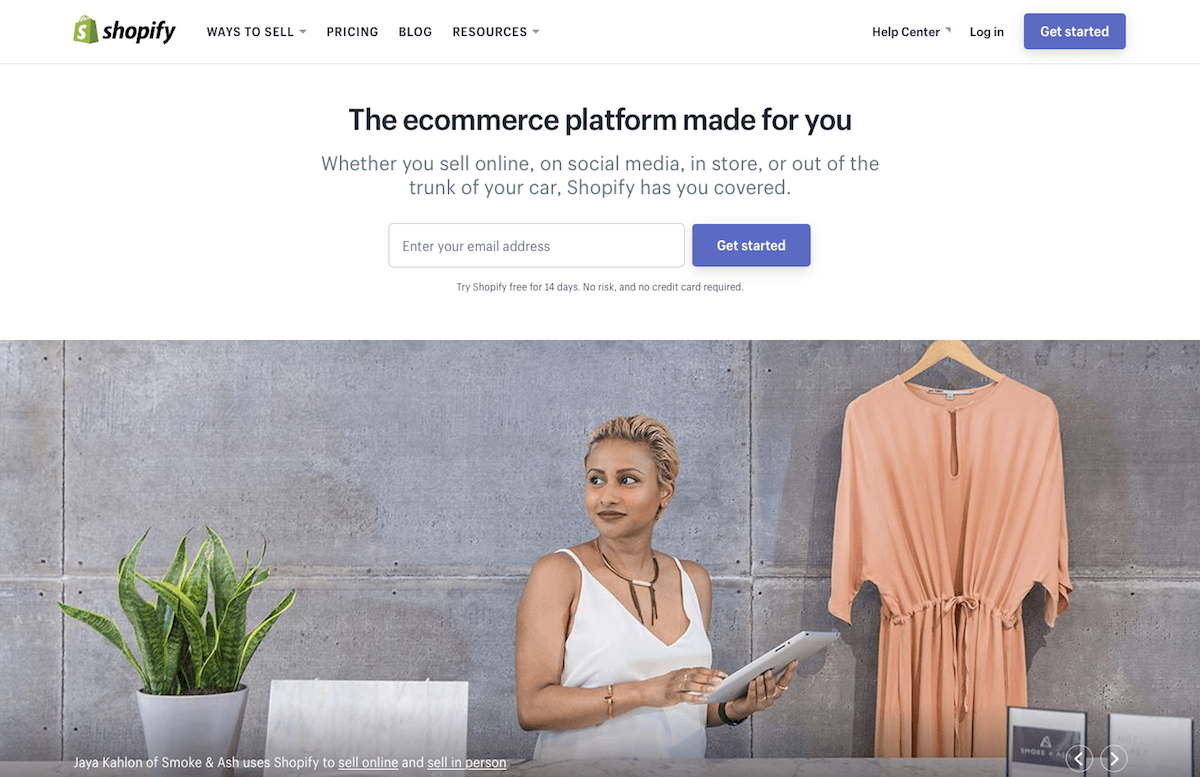
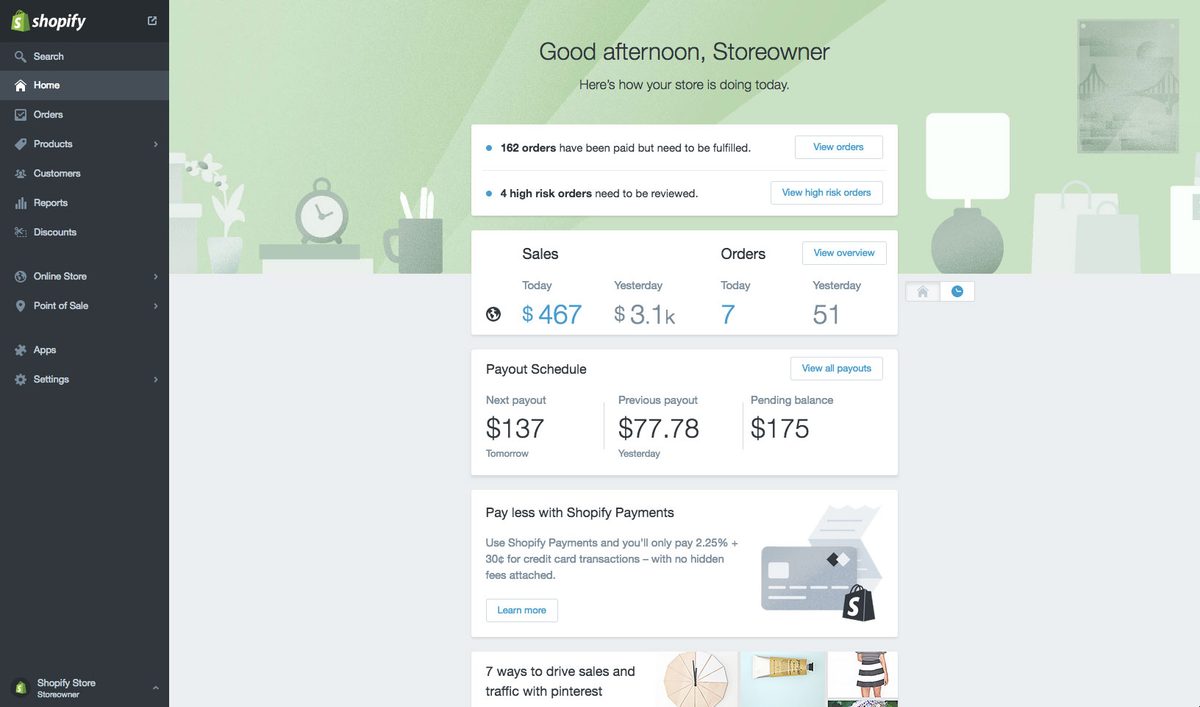
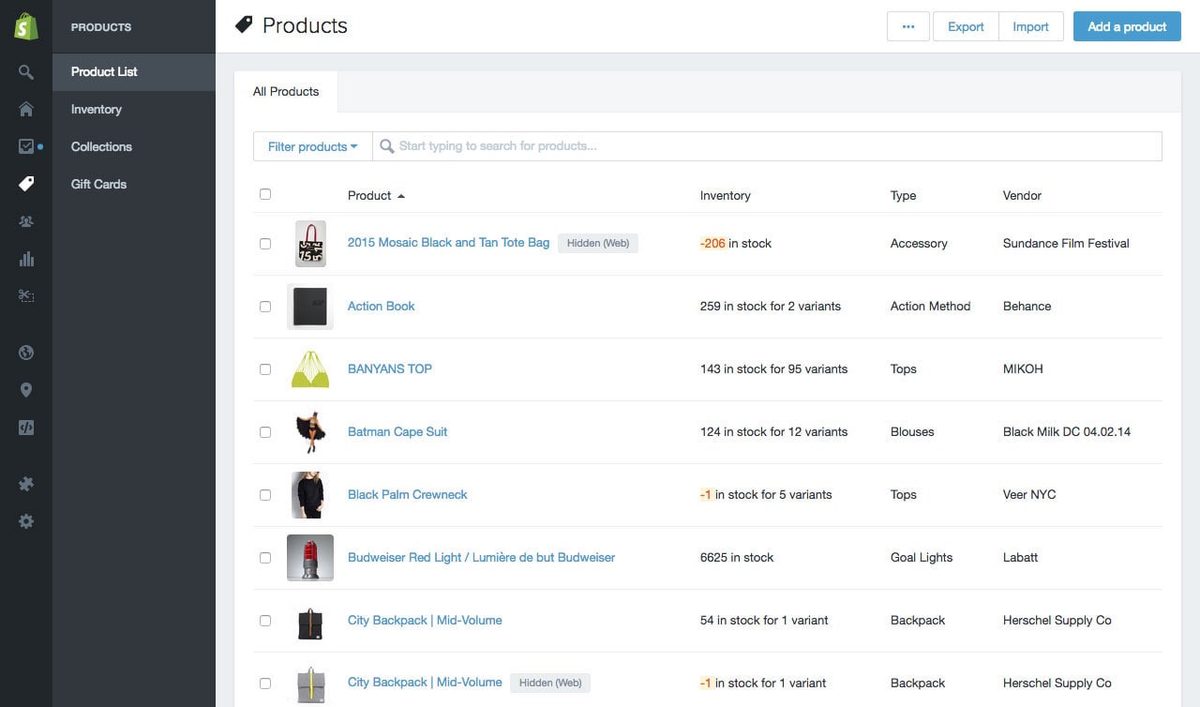
Shopify is a simple way to create an online store to list products, collect credit card payments, and ship your goods.
Features
- Create an online store in minutes
- Sell physical and digital products or services to customers worldwide
- Sell products directly from your website with the Shopify Buy Button, or from your own physical store with the Shopify POS system
- Sell products via social media using Pinterest Buyable pins, Facebook Pages and Messenger, and store integrations with Amazon and eBay
- Accept credit card payments using Shopify Payments from 2.9% + 30¢ per transaction
- iOS and Android apps for in-person sales
Pricing
US list pricing: Basic $39/month ($29/month billed annually), Grow $105/month ($79 annually), Advanced $399/month ($299 annually), and Plus starts around $2,300/month. Regional prices differ. Current pricing.
Shopify operations on Zapier
Triggers (20)
Start a workflow when this happens
- Customer Account Enabled — Triggers when a customer account is enabled.
- New Abandoned Cart — Triggers whenever a cart is "abandoned" (only open carts) (with line item support).
- New Blog — Triggers when a new blog is added to your Shopify store.
- New Blog Entry — Triggers when a new entry is added to a blog in your Shopify store.
- New Cancelled Order — Triggers whenever an order is cancelled (with line item support).
Show 15 more triggers
- New Company — Triggers when a new company is created.
- New Customer — Triggers when a new customer is added to your Shopify account.
- New Draft Order — Triggers when a new draft order is created.
- New Fraudulent Order — Triggers when an order risk level is medium, high or both.
- New Fulfilled Order — Triggers when an order is fulfilled (with line item support).
- New Order — Triggers when an order is created (with line item support).
- New Paid Order — Triggers when an order is paid (with line item support).
- New Product — Triggers when a product is created.
- New Refund — Triggers when a refund or partial refund occurs (with order details).
- New Tag Added to Customer — Triggers when a new tag is added to a customer.
- Updated Customer — Triggers when a customer is updated.
- Updated Draft Order — Triggers when a draft order is updated.
- Updated Inventory — Triggers when an inventory item quantity is updated (with GraphQL support).
- Updated Order — Triggers when an order is updated (with line item support).
- Updated Product — Triggers when a Product is updated, ordered or when a variant is added, removed, or updated.
Actions (27)
Things Salesflare can make it do
- API Request (Beta) — This is an advanced action which makes a raw HTTP request that includes this integration's authentication.
- Add Line Item to Order — Adds a line item to an existing order.
- Add Tag to Customer — Adds one or more tags to a customer.
- Capture Order — Captures payment for an authorized transaction on an order.
- Create Blog Entry — Creates a new blog post.
Show 22 more actions
- Create Company — Creates a new company.
- Create Company Location — Creates a new company location for B2B commerce.
- Create Customer — Creates a new customer using GraphQL API.
- Create Draft Order — Creates a new draft order.
- Create Fulfillment — Creates a new fulfillment.
- Create Gift Card — Creates a new gift card in your Shopify store.
- Create Order — Creates a new order (with line item support).
- Create Product — Creates a new product.
- Create Product Variant — Creates a new product variant.
- Find or Create Customer — Finds or creates a specific customer.
- Find or Create Product — Finds or creates a specific product by title v3.
- Find or Create Product Variant V2 — Finds or creates a specific product variant by title.
- Mark Order as Paid — Marks an order as paid by recording a payment transaction for the outstanding amount.
- Publish Product — Publishes a product to a channel (e.g., a sales channel).
- Remove Tag from Customer — Removes one or more tags from a customer.
- Remove Tag from Product — Removes one or more tags from a product.
- Update Customer — Updates an existing customer using GraphQL API. Replaces only data that is set.
- Update Inventory Item — Updates an inventory item's properties including cost, tracking status, SKU, and shipping details. Uses Shopify's Admin GraphQL API.
- Update Inventory Quantity (with line item support). — Updates the quantity of existing product variants.
- Update Order — Updates an existing order.
- Update Product — Updates an existing product. Replaces only data that is set.
- Update Product Variant — Updates an existing product variant. Replaces only data that is set.
Searches (12)
Look up existing records
- Find Customers — Finds customers by email or a search query across multiple fields.
- Find Metafields — Searches for Metafields data for a given resource (example order Metafields).
- Find Order — Finds an existing order.
- Find Order Transactions — Finds the Transactions associated to an Order.
- Find Product Variant by SKU — Finds a product variant by a SKU search.
Show 7 more searches
- Find Product Variants by Title — Finds product variants by a title search.
- Find Product Variants by Title (With Line Item Support) — Finds product variants by searching the titles. Returns individual product variants.
- Find Products by ID (With Line Item Support) — Finds products by IDs. Returns individual products.
- Find Products by Title (With Line Item Support) — Finds products by searching the titles. Returns individual products.
- Find Products by Title or Handle — Finds products by handle. Titles can also be used if handles are not customized.
- Get Fulfillment Orders by Order ID — Gets all fulfillment orders for a given order ID.
- Get Order by ID — Looks up an existing order by ID.
Shopify operations on Make
Triggers (4)
Start a workflow when this happens
- Watch events — Triggers when a new event occurs in Shopify.
- Watch events (advanced) — Triggers when a new event occurs in Shopify. Allows you to map any event and doesn't require any scopes in advance.
- Watch orders — Triggers when an order is created or updated.
- Watch products — Triggers when a product is created or updated.
Actions (18)
Things Salesflare can make it do
- Adjust an inventory level — Adjusts the inventory level by a relative amount.
- Create a customer — Creates a new customer with the provided information.
- Create a fulfillment — Creates a fulfillment for a given fulfillment order.
- Create a product — Creates a new product.
- Create a product variant — Creates a new product variant.
Show 13 more actions
- Create an article — Creates a new article.
- Create an order — Creates a new order.
- Get a customer — Returns information about a specific customer by their ID.
- Get a product — Returns information about a specific product by its ID.
- Get a product variant — Returns information about a specific product variant by its ID.
- Get an order — Returns information about a specific order, including fulfillment order IDs.
- Make a GraphQL API call — Sends a custom GraphQL API call to Shopify. You can use this to call endpoints that aren’t covered by existing modules.
- Make a REST API call (legacy) — Sends a custom REST API call to Shopify legacy API. You can use this to call endpoints that aren’t covered by existing modules.
- Update a customer — Updates an existing customer with the provided information.
- Update a product — Updates a product.
- Update a product variant — Updates an existing product variant.
- Update an inventory level — Updates the inventory level to an exact quantity.
- Update an order — Updates an order.
Searches (5)
Look up existing records
- Get a fulfillment order — Returns details for a fulfillment order, including fulfillments, line items and more.
- Search articles — Returns a list of articles based on filters or a manually-specified query.
- Search customers — Returns a list of customers based on filters or a manually-specified query.
- Search orders — Returns a list of orders based on filters or a manually-specified query.
- Search products — Returns a list of products based on filters or a manually-specified query.
Screenshots
Similar apps
 Kajabi
 All in one platform for your online content.
 Square
 Square creates tools that help sellers of all sizes start, run and grow their businesses. Square…
 WooCommerce
 WooCommerce is the eCommerce platform for WordPress. This connection requires a paid extension.
 ThriveCart
 ThriveCart is the no. 1 cart software that grows your income from existing traffic.
 ShipStation
 ShipStation helps eCommerce retailers organize, process, and fulfill their orders from all the m…
 Gumroad
 Gumroad allows all types of creators to sell their work (music, art, books, films, etc) directly…
Not using Salesflare yet?
Salesflare is a CRM for small and medium-sized B2B businesses — it fills itself in automatically so your team actually keeps it up to date.
Try it for free