


Slack and Salesflare
Platform for team communication.
How to connect Slack
- Via Zapier — 46 operations available. Set it up ↗
- Via Make — 46 modules available. Set it up ↗
What you can automate
- When new Channel Member in Slack, find or create contact in Salesflare.
- When new Task in Salesflare, add Reminder in Slack.
About Slack
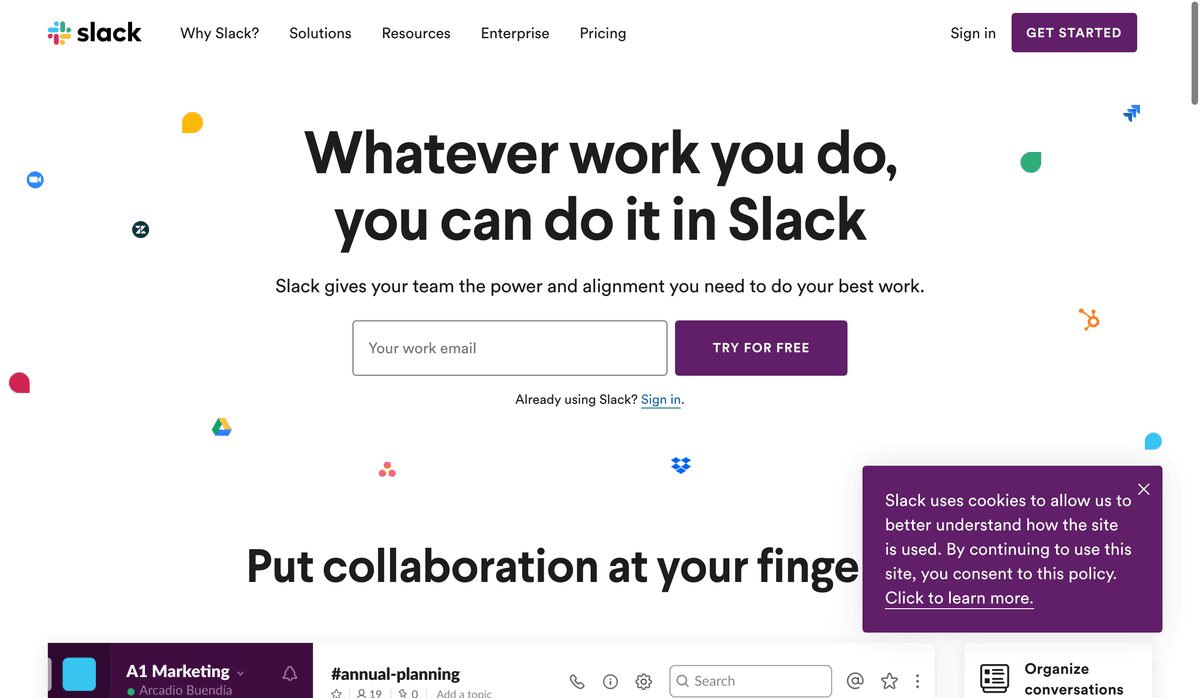
Slack is a platform for team communication: everything in one place, instantly searchable, available wherever you go. Offering instant messaging, document sharing and knowledge search for modern teams.
Features
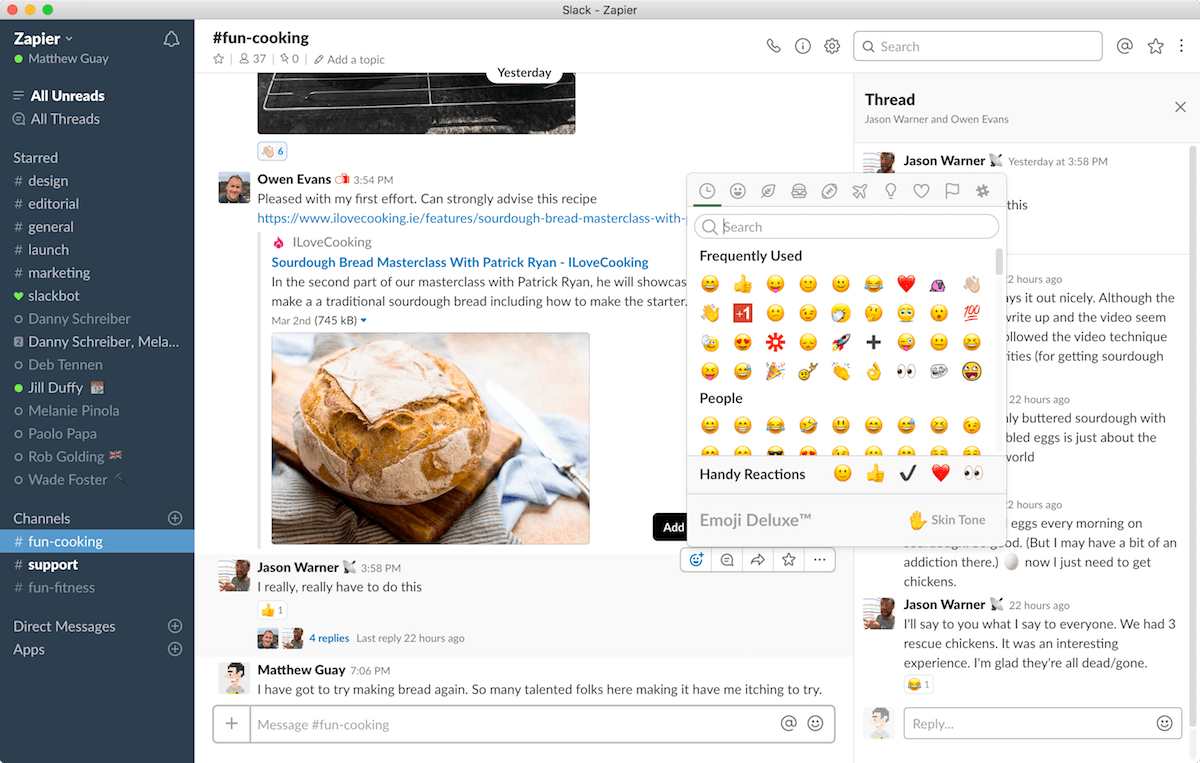
- Chat with your whole team in public and private channels
- Organize conversations in threads
- Talk one-on-one with direct messages
- Use Slackbot to get automated notifications
- Share files, embed online media, connect to web apps, and more with Slack bots
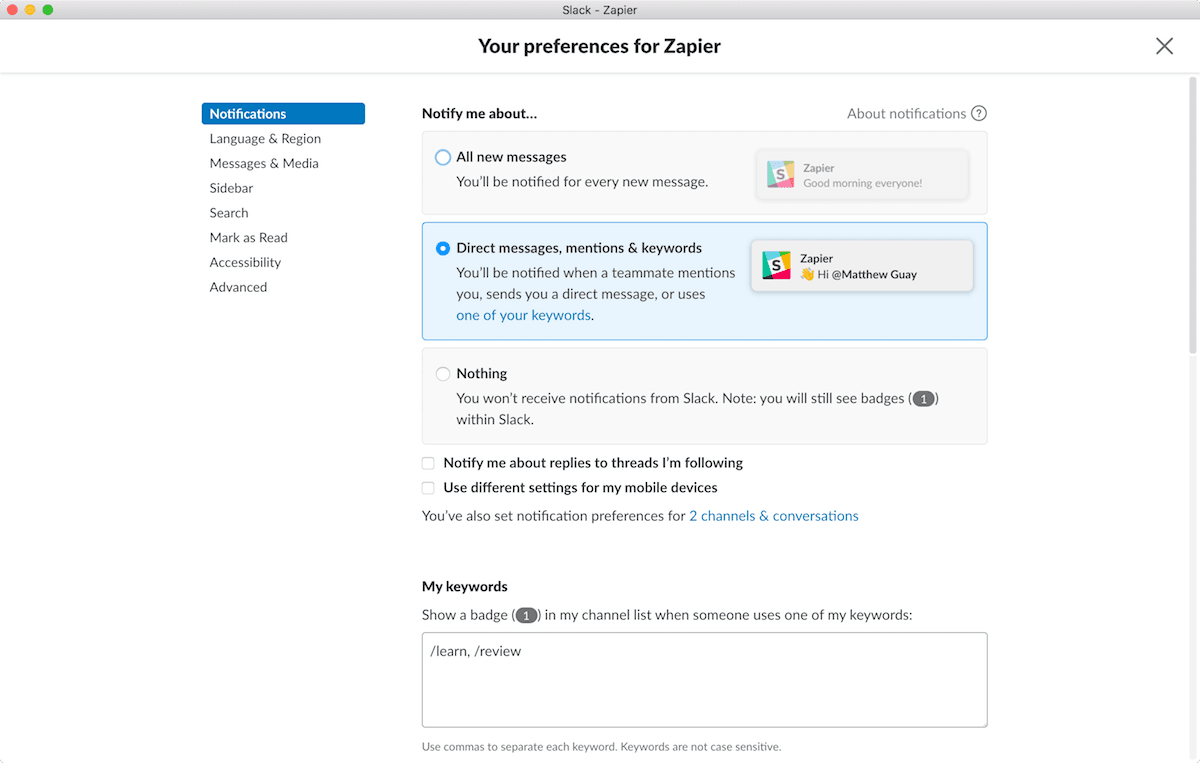
- Customize notifications and pause them when you're away
- iOS, Android, Windows, Mac, Linux and web apps available
Pricing
Free plan available. Paid Pro, Business+, and Enterprise+ plans are priced per active user, with annual billing discounts and occasional promotions; use the live pricing page for the current rate. Current pricing.
Slack operations on Zapier
Triggers (13)
Start a workflow when this happens
- New Channel — Triggers when a new #channel is created.
- New Channel Member — Triggers when a new member joins a public channel, private channel or multi-person direct message you choose.
- New File — Triggers when a new file is uploaded to your workspace.
- New Mention — Triggers when a username or highlight word is mentioned in a public #channel.
- New Message From Query — Triggers when a new message is found that matches the query.
Show 8 more triggers
- New Message Posted to Channel — Triggers when a new message is posted to a specific #channel you choose.
- New Message Posted to Private Channel — Triggers when a new message is posted to a specific #private-channel or multi-dm.
- New Public Message Posted Anywhere — Triggers when a new message is posted to any public channel.
- New Pushed Message — Triggers when a Message is pushed from Slack.
- New Reaction Added in a Channel — Triggers when a reaction (reactji) is added to a message in a public/private channel.
- New Saved Message — Triggers when you save a message.
- New Team Custom Emoji — Triggers when a custom emoji has been added to a team.
- New User — Triggers when a new Slack user is created / first joins your org.
Actions (23)
Things Salesflare can make it do
- API Request (Beta) — This is an advanced action which makes a raw HTTP request that includes this integration's authentication.
- Add Reaction — Adds a reaction to a message.
- Add Reminder — Adds a reminder for yourself or a teammate, just like the `/remind` slash command.
- Archive Conversation — Archives a conversation (e.g., public channel, private channel, DM, or group DM).
- Cancel Scheduled Message — Cancels a message that has been scheduled to be posted.
Show 18 more actions
- Create Canvas — Creates a Canvas.
- Create Channel — Creates a new channel.
- Create Private Channel — This action creates a private channel in Slack.
- Delete Message — Deletes a Message.
- Edit Canvas — Edits a Canvas.
- Edit Message — Edits a message.
- Find Public Channel — This action will find a public channel in Slack using either the channel's ID or name.
- Get Message by Timestamp — This action retrieves a specific message from a conversation history in Slack using the message's timestamp.
- Invite User to Channel — Invite an existing User to an existing Channel. You must be a member of the channel to invite someone to it.
- Remove User from Channel — This action removes a specified user from a specified channel in Slack.
- Request Approval — Sends a message requesting approval. Includes buttons to submit "Approve" or "Decline" responses. Execution will be held until a submission is made, then it will continue to execute.
- Retrieve Thread Messages — This action retrieves all the messages sent to a specific thread in a selected channel.
- Send Channel Message — Post a message or thread reply to a channel. You can also schedule it to send later.
- Send Direct Message — Sends a direct message to a user or yourself from the Slackbot. Can also schedule a message for later.
- Send Private Channel Message — Post a new message to a private channel you choose. Can also schedule a message for later.
- Set Channel Topic — Sets the topic on a selected channel.
- Set Status — Sets your Slack status to the given text and emoji.
- Update Profile — Update basic profile fields such as name or title
Searches (10)
Look up existing records
- Find Message — Finds a Slack message using the Slack Search feature.
- Find User by Email — Finds a user by matching against their email instead of their username.
- Find User by ID — Finds a user by their ID.
- Find User by Name — Finds a user by their real name. To reduce Slack rate limits, this caches your workspace user list for about an hour, so users added in the last hour may not appear yet. We recommend that you search for users by email or ID when you can.
- Find User by Username — Finds a user by their username. This scans the whole workspace and can hit Slack rate limits on workspaces with a lot of users. We recommend that you search for users by email or ID when you can.
Show 5 more searches
- Get Conversation — Retrieves information about a conversation (e.g., public channel, private channel, DM, or group DM).
- Get Conversation Members — Returns a list of User IDs representing the members of a conversation (e.g., public channel, private channel, DM, or group DM).
- Get Message — Gets a particular Slack message using its IDs.
- Get Message Permalink — Gets the permalink for a particular Slack message.
- Get Message Reactions — Returns a Message and its list of Reactions.
Slack operations on Make
Triggers (7)
Start a workflow when this happens
- Watch Direct Messages — Triggers when a new message is added to a direct message channel.
- Watch Files — Triggers when a new file is added.
- Watch Multiparty Direct Messages — Triggers when a new message is added to a multiparty direct message channel.
- Watch New Events — Triggers when a new message or another event is created.
- Watch Private Channel Messages — Triggers when a new message is added to a private channel.
Show 2 more triggers
- Watch Public Channel Messages — Triggers when a new message is added to a public channel.
- Watch Users — Triggers when a new user is added or an existing user has changed. Only emit the latest change since the last scenario run.
Actions (31)
Things Salesflare can make it do
- Add a Reaction — Adds a reaction to a message.
- Add a Star — Adds a star to a channel.
- Archive a Channel — Archives a channel.
- Create a Channel — Creates a channel.
- Create a Reminder — Creates a reminder.
Show 26 more actions
- Delete a File — Deletes a file.
- Delete a Message — Removes a message.
- Edit a Message — Edits a message.
- Get a Channel — Returns details about a channel.
- Get a File — Returns details about a file.
- Get a Private Channel Message — Returns a message with a given ID from a specified private channel.
- Get a Public Channel Message — Returns a message with a given ID from a specified public channel.
- Get a User — Returns details about a member of a workspace.
- Invite Users — Invites 1-30 users to a public or private channel.
- Join a Channel — Joins to an existing channel.
- Kick a User — Removes a user from a channel.
- Leave a Channel — Leaves a channel.
- Make an API Call — Performs an arbitrary authorized API call.
- Pin a Message — Pins a message to a channel.
- Remove Saved Item — Removes a saved item.
- Remove a Reaction — Removes a reaction from a message.
- Remove a Star — Removes a star from a channel.
- Save an Item — Adds an Item to saved items.
- Send a File Message — Sends a file message.
- Send a Message — Sends a message.
- Set a Status — Update a user's current status.
- Set the Purpose of a Channel — Changes the purpose of a channel.
- Set the Topic of a Channel — Changes the topic of a channel.
- Unarchive a Channel — Unarchives a channel.
- Unpin a Message — Unpins a message from a channel.
- Upload a File — Creates or uploads a file.
Searches (8)
Look up existing records
- List Channels — Returns a list of channels in a workspace.
- List Files — Returns a list of files within a team.
- List Members in a Channel — Retrieves IDs of members in a channel.
- List Reactions — Returns reactions a user made.
- List Replies — Retrieves a thread of messages posted to a conversation.
Show 3 more searches
- List Users — Returns a list of all users in a workspace.
- Search for Message — Returns messages matching a search query.
- Search for User — Retrieves a single user by looking them up by their registered email address.
Screenshots
Similar apps
 Telegram
 Telegram is a cloud-based instant messaging and voice over IP service developed by Telegram Mess…
 Discord
 Discord is an all-in-one voice and text chat for gamers.
 Microsoft Teams
 Your modern workplace at home, in the office, and on the go.
 Google Chat
 Google Chat is a communication software developed by Google built for teams that provides direct…
 ChatWork
 Group chat for global teams.
 Pumble
 Pumble is team messaging and video conferencing software for seamless communication and collabor…
Not using Salesflare yet?
Salesflare is a CRM for small and medium-sized B2B businesses — it fills itself in automatically so your team actually keeps it up to date.
Try it for free