


Xero and Salesflare
Online accounting app.
How to connect Xero
- Via Zapier — 56 operations available. Set it up ↗
- Via Make — 94 modules available. Set it up ↗
What you can automate
- When new Bank Transaction in Xero, create opportunity, then find or create contact in Salesflare.
- When new Contact in Xero, find or create contact in Salesflare.
- When new Credit Note in Xero, create internal note in Salesflare.
- When new Payment in Xero, create opportunity, then find or create contact in Salesflare.
- When new Purchase Order in Xero, create opportunity, then find or create contact in Salesflare.
- When new Quote in Xero, create opportunity in Salesflare.
About Xero
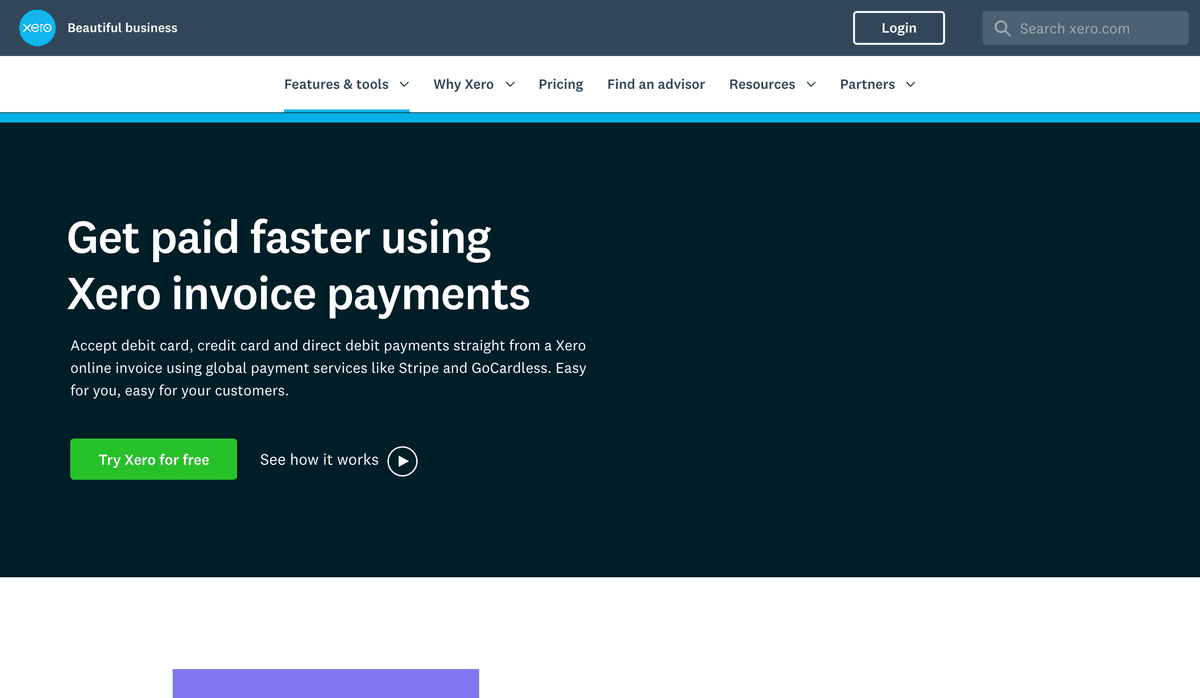
Xero is an accounting app that lets you track businesses expenses and accounting with intuitive mobile apps and web interfaces for point-of-sale, ecommerce, time-tracking, and more.
Features
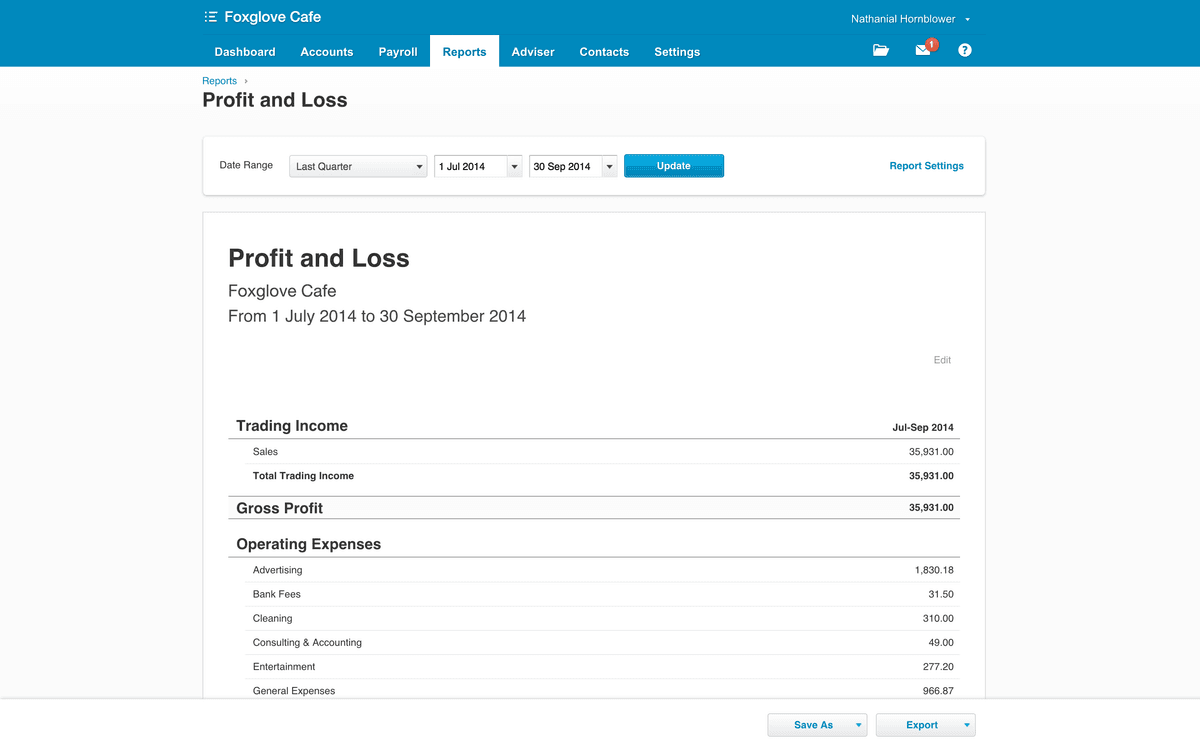
- Manage invoices, expenses, payroll, bills and other bookkeeping matters
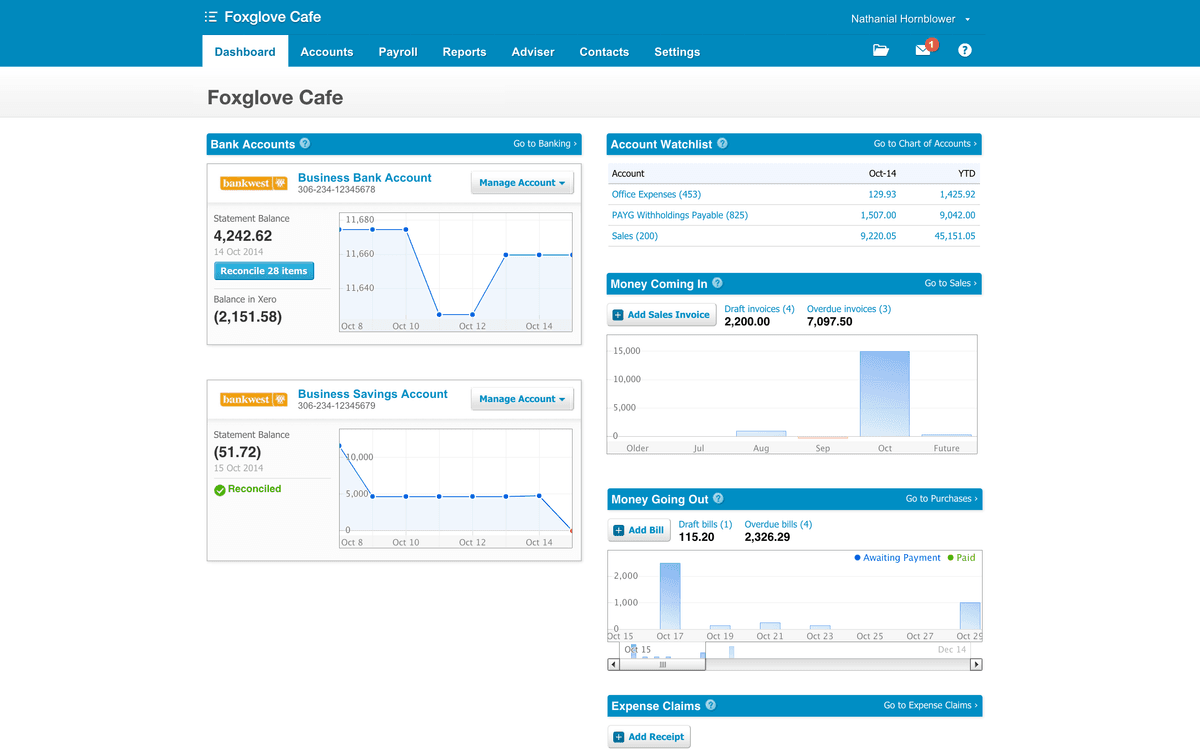
- See an overview of your business's finance picture via Xero's dashboard
- Import bank statements or manually enter expenses and manage inventory
- Handle multiple tax rates and currencies with exchange rates that update automatically
- iOS and Android apps available
Pricing
Pricing varies by country/market and plan, with a 30-day trial and frequent promotions. The old fixed $9/$30/$70 figures are not current globally. Current pricing.
Xero operations on Zapier
Triggers (18)
Start a workflow when this happens
- New Bank Transaction — Triggers when a new bank transaction is created.
- New Bill — Triggers when you add a new bill. (Accounts Payable).
- New Contact — Triggers when you add a new contact.
- New Credit Note — Triggers when a new credit note is created.
- New Employee — Triggers when a new employee is created (Exclusively for Australian Instances).
Show 13 more triggers
- New Payment — Triggers when you receive a new payment.
- New Payslip — Triggers when a new payslip is created.
- New Project — Triggers when a new project is created. May not trigger if there are more than 500 projects.
- New Purchase Order — Triggers when a new purchase order is created or enters a status for the first time.
- New Quote — Triggers when a new quote is created.
- New Reconciled Payment — Triggers when a payment is reconciled for the first time.
- New Report — Triggers when you run or refresh one of the selected Xero report types (Balance Sheet, Profit & Loss, etc.).
- New Sales Invoice — Triggers when a new Sales Invoice (Accounts Receivable) is created.
- New or Updated Contact — Triggers when a contact is created or updated.
- Overdue Sales Invoice — Triggers when a sales invoice is overdue by a specified number of days.
- Updated Employee — Triggers when a new employee is updated (Exclusively for Australian Instances).
- Updated Quote — Triggers when a quote is created or updated.
- Updated Sales Invoice — Triggers when a Sales Invoice is updated.
Actions (28)
Things Salesflare can make it do
- API Request (Beta) — This is an advanced action which makes a raw HTTP request that includes this integration's authentication.
- Add Items to Existing Sales Invoice — Adds line items to an existing sales invoice.
- Add Note to Invoice — Add a note which will appear in the invoice history.
- Add or Update Stock Items — Creates or updates one or more stock items.
- Allocate Credit Note to Invoice — Allocates a credit note to an invoice.
Show 23 more actions
- Create Account — Creates a new account.
- Create Bank Transaction — Creates a new Spend/Receive Money bank transaction.
- Create Bank Transfer — Transfers money between two bank accounts.
- Create Bill — Creates a new bill (Accounts Payable).
- Create Credit Note — Creates a new credit note for a contact.
- Create Employee — Creates an employee in Xero. (Exclusively for Australian Instances)
- Create Inventory Item — Creates an inventory item.
- Create New Quote Draft — Creates a new quote draft.
- Create Payment — Applies a payment to an invoice.
- Create Project — Creates a new project for a contact.
- Create Purchase Order — Creates a new purchase order for a contact.
- Create Repeating Sales Invoice — Creates a template that generates regular invoices.
- Create Sales Invoice — Creates a new sales invoice (Accounts Receivable).
- Create/Update Contact — Creates a new contact or updates a contact if a contact already exists.
- Delete Credit Note Allocation — Deletes a credit note allocation on an invoice.
- Find or Create Contact — Finds or creates a specific contact.
- Find or Create Item — Finds or creates an item.
- Send Sales Invoice by Email — Send Sales Invoice by Email
- Update Employee — Updates an existing employee in Xero. (Exclusively for Australian Instances)
- Update Purchase Order — Updates an existing Purchase Order.
- Update Quote — Updates an existing quote.
- Update Sales Invoice — Updates existing sales invoice (Accounts Receivable).
- Upload Attachment — Uploads an attachment to a selected Xero resource. Resources can have a maximum of 10 attachments.
Searches (10)
Look up existing records
- Find Contact — Finds a contact by name or account number.
- Find Credit Note — Finds a credit note by number or reference and retrieves its PDF.
- Find Employee — Finds an employee based on email.
- Find Invoice — Finds an invoice by number or reference.
- Find Invoice by ID — Find a specific invoice using its unique Invoice ID.
Show 5 more searches
- Find Item — Finds an item by name or code.
- Find Payment — Finds a payment by ID or reference.
- Find Purchase Order — Finds a Purchase Order
- Find Quote — Finds quotes, optionally filtered by contact, quote number, or status.
- Get Invoice History — Returns a list of History Records for a given Invoice ID.
Xero operations on Make
Triggers (12)
Start a workflow when this happens
- Watch Bank Transactions — Triggers when a bank transaction is added or updated.
- Watch Bank Transfers — Triggers when a new bank transfer is created.
- Watch Contacts — Triggers when a contact is created or updated.
- Watch Credit Notes — Triggers when a credit note is added or updated.
- Watch Employee Leaves — Triggers when employee leave is approved.
Show 7 more triggers
- Watch Events — Triggers when a new event is created.
- Watch Invoices — Triggers when an invoice is added or updated.
- Watch Items — Triggers when a new item is created.
- Watch Manual Journals — Triggers when a manual journal is created or updated.
- Watch Payments — Triggers when a payment is created or updated.
- Watch Purchase Orders — Triggers when an order is added or updated.
- Watch Quotes — Triggers when a quote is created.
Actions (63)
Things Salesflare can make it do
- Add a Contact to a Contact Group — Adds a contact to a specified contact group.
- Archive a Contact — Archives a contact with a given ID.
- Create a Bank Transaction — Creates a new bank transaction.
- Create a Bank Transfer — Transfers a specified amount from one account to another.
- Create a Batch Payment — Creates a new batch payment.
Show 58 more actions
- Create a Contact — Creates a new contact.
- Create a Contact Group — Creates a contact group.
- Create a Credit Note — Creates a new credit note.
- Create a Folder — Creates a new folder.
- Create a History Note — Adds a note to a record.
- Create a Manual Journal — Creates a manual journal.
- Create a Payment — Use this method to apply payments to approved AR and AP invoices or refund AR or AP credit notes.
- Create a Purchase Order — Creates a new purchase order.
- Create a Quote — Creates a quote.
- Create a Timesheet — Creates a new timesheet.
- Create a Tracking Category — Creates a new tracking category.
- Create an Account — Creates a new account.
- Create an Asset Type — Creates a new asset type.
- Create an Invoice — Creates a new invoice.
- Create an Item — Creates a new item.
- Delete a Contact Group — Deletes all contacts from a contact group.
- Delete a File — Deletes an existing file.
- Delete a Folder — Deletes an existing folder.
- Delete a Purchase Order — Deletes an existing purchase order.
- Delete a Timesheet — Deletes an existing timesheet.
- Delete a Tracking Category — Deletes an existing tracking category.
- Download an Attachment — Downloads an attachment.
- Download an Invoice — Downloads an invoice.
- Get a Bank Transaction — Returns information about a transaction with a specified ID.
- Get a Contact — Retrieves contact information by ID.
- Get a Contact Group — Returns information about a contact group.
- Get a Credit Note — Returns information about a credit note with a specified ID.
- Get a File — Retrieves an existing file.
- Get a Folder — Retrieves an existing folder.
- Get a Manual Journal — Returns information about a manual journal.
- Get a Payment — Retrieves information about a payment with a specified ID.
- Get a Purchase Order — Returns information about a purchase order with a specified ID.
- Get a Sales Invoice PDF — Retrieves a sales invoice PDF.
- Get a Setting Object — Retrieves a setting object.
- Get a Timesheet — Retrieves an existing timesheet.
- Get a Tracking Category — Retrieves an existing tracking category.
- Get an Account — Returns information about an account with a specified ID.
- Get an Asset — Retrieves an existing asset.
- Get an Asset Type — Retrieves an existing asset type.
- Get an Invoice — Returns information about an invoice with a given ID.
- Get an Invoice URL — Retrieves Xero online invoice URL.
- Get an Item — Searches for an item by item ID or item code.
- Make an API Call — Performs an arbitrary authorized API call.
- Remove a Contact from a Contact Group — Removes a contact from a contact group.
- Send an Invoice via Email — The email will be sent to the primary email address of the contact on the invoice. The invoice must be of Type ACCREC and a valid Status for sending (SUMBITTED,AUTHORISED or PAID).
- Update a Contact — Updates a contact by ID.
- Update a File — Updates an existing file.
- Update a Folder — Updates an existing folder.
- Update a Purchase Order — Updates an existing purchase order.
- Update a Tracking Category — Updates an existing tracking category.
- Update an Account — Updates a new account.
- Update an Asset — Updates an existing asset.
- Update an Asset Type — Updates an existing asset type.
- Update an Invoice — Updates an invoice by ID.
- Update an Item — Updates an item by ID.
- Upload a File — Uploads a file to a selected object.
- Upload a File (Files API) — Uploads a file using Files API.
- Сreate an Asset — Сreates a new asset.
Searches (19)
Look up existing records
- Get History of Changes — Retrieves the changes made to a given object.
- Get a Bank Statements Report — Returns bank statements for a selected bank account.
- Get a Bank Summary — Returns the balances and cash movements for each bank account.
- List Asset Types — Lists all existing asset types.
- List Attachments — Retrieves a list of attachments.
Show 14 more searches
- List Files — Lists all existing files.
- List Folders — Lists all existing folders.
- List Tenants — Lists all existing tenants.
- Search Assets — Searches for assets or lists them all.
- Search Payments — Searches for payments or lists them all.
- Search Timesheets — Searches for timesheets or lists them all.
- Search Tracking Categories — Searches for tracking categories or lists them all.
- Search for Accounts — Finds an account by ID, name, or code.
- Search for Contact Groups — Searches for a contact group.
- Search for Contacts — Searches for a contact by name or email.
- Search for Invoices — Searches for an invoice.
- Search for Items — Returns a list of items.
- Search for Manual Journals — Searches for a manual journals.
- Search for Tax Rates — Finds a tax rate by name.
Screenshots
Similar apps
 QuickBooks Online
 Online accounting platform.
 Paymo
Paymo Manage projects, track work time, invoice your clients, and measure profitability from the same…
 Wave
Wave Invoices, credit card payments, accounting & payroll.
 Zoho Books
 Zoho Books is cloud-based accounting software in which you can record, audit and analyze all fin…
 Harvest
 Simplify employee timesheets and billing.
 Lexware Office
 Lexware Office is a cloud app for german accounting. Writing offers or invoices, paying your bil…
Not using Salesflare yet?
Salesflare is a CRM for small and medium-sized B2B businesses — it fills itself in automatically so your team actually keeps it up to date.
Try it for free