


Autopilot and Salesflare
Visual marketing automation software.
How to connect Autopilot
- Via Make — 20 modules available. Set it up ↗
About Autopilot
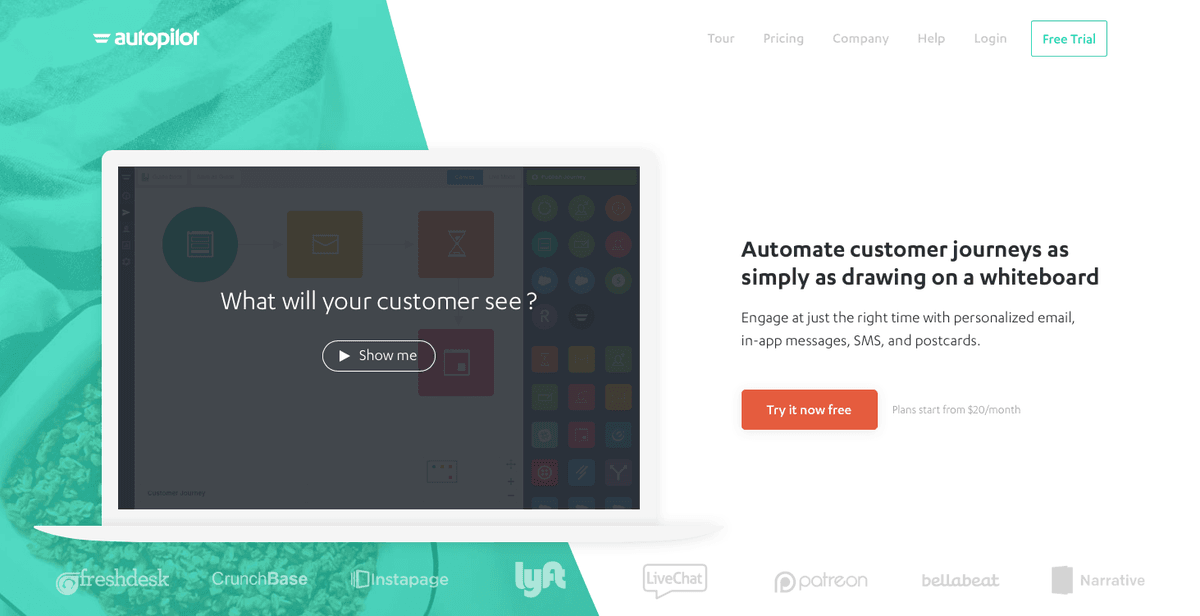
Autopilot is visual marketing software for automating customer journeys, to help companies acquire and nurture leads through email, web, SMS and direct mail.
Features
- Gather leads from your existing forms
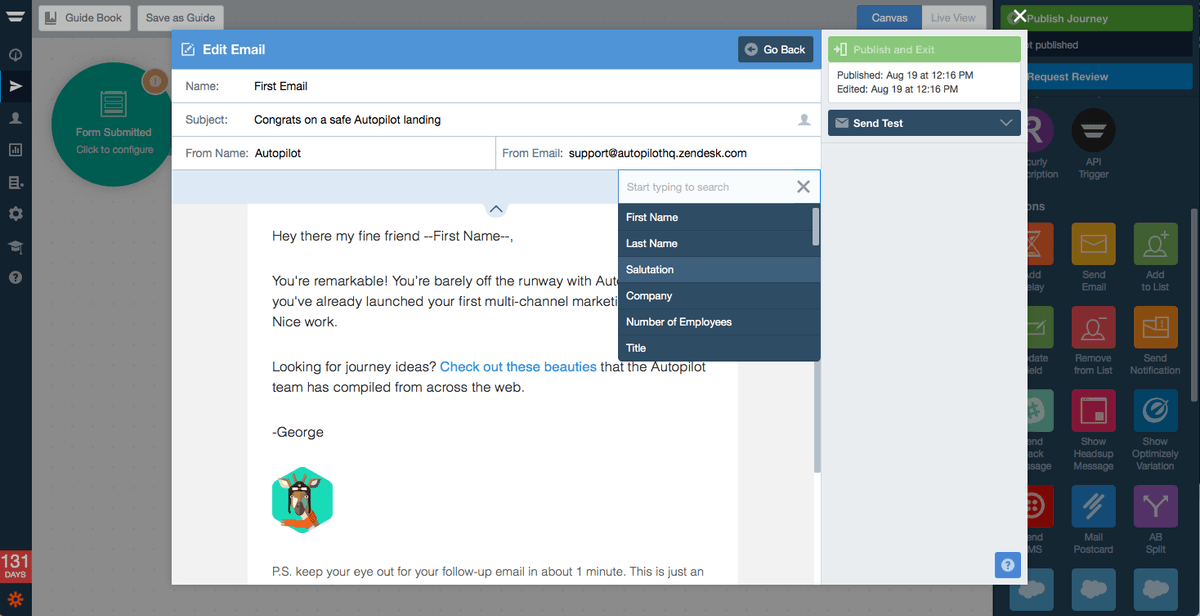
- Build marketing journey workflows to automatically send emails, SMS, in-app messages, or postcards to customers
- Customize journeys based on user behavior, such as clicking a link in an email, visiting a specific webpage, or completing a particular action in-app
- Target valuable segments using real-time data and trigger journeys automatically
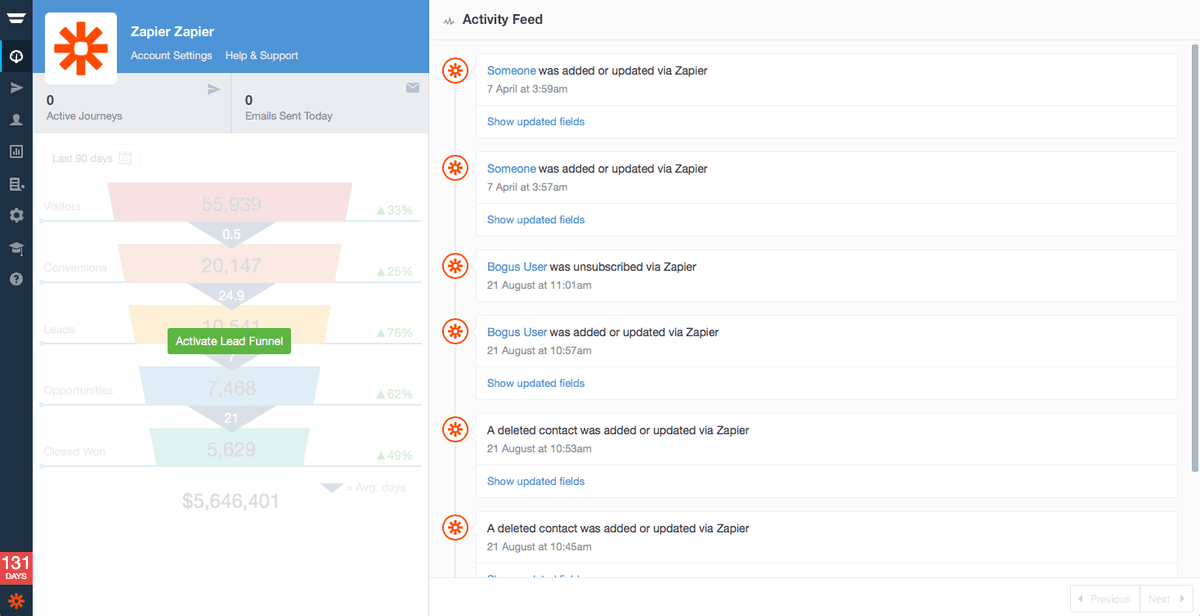
- Centralize your contacts and maintain a complete view of your customer with custom fields and real-time activity feeds
- Get reports about your emails, journey progress, and revenue
Pricing
Autopilot was renamed Ortto. Legacy Autopilot customers can remain on legacy plans; current Ortto plans start at $199/month, with a 14-day trial and annual discounts. Current Ortto pricing.
Autopilot operations on Make
Triggers (1)
Start a workflow when this happens
- Watch Events — Responds to events (contact added, updated, unsubscribed, added to list, removed from list, entered segment and left segment). Will return related contact ID, contact and possibly related list ID or segment ID.
Actions (13)
Things Salesflare can make it do
- Add Contact to Journey — Add contacts to journeys.
- Add Contact to List — Adds a contact to a list.
- Add List — Add a new list.
- Check if Contact on List — Checks if a contact belongs to a particular list.\n
- Create Contact — Allows you to create or update a contact.
Show 8 more actions
- Delete Contact — Removes the contact from your database.
- Delete Contact Activity Feed — Deletes the activity feed of a contact.
- Get Contact — Retrieves the given contact record given the contact ID or email.
- Get Email — Retrieves an email campaign's data based on an ID received in the Autopilot Activity Stream.
- Make an API Call — Performs an arbitrary authorized API call.
- Remove Contact from List — Removes a contact from a list.
- Unsubscribe Contact — Unsubscribes the contact from receiving emails from your Autopilot Journeys.
- Update Contact — Updates the details of a contact. This method will return the contact's ID number.
Searches (6)
Look up existing records
- List Contacts on List — Returns a list of all of the contacts which are on this list.
- List Contacts on Smart Segment — Returns a list of all of the contacts which are on this smart segment.
- List Journeys with API Triggers — Returns a list of API Triggers along with the journey name to help you identify the correct one.
- List Smart Segments — Returns a list of all available smart segments.
- List all Contacts — Returns a list of your contacts.
Show 1 more searches
- List all Lists — Returns a list of all available lists.
Screenshots
Similar apps
 Salesflare Email Workflows
 Send email sequences & automated emails from Salesflare
 Drip
Drip Lightweight marketing automation.
 Autoklose
 Automate your way through the sales process and close more deals faster.
 Woodpecker.co
 Automated sending of personalized sales emails.
 Reply
Reply Outreach automation platform.
 Mailshake
 Simple outreach tool.
Not using Salesflare yet?
Salesflare is a CRM for small and medium-sized B2B businesses — it fills itself in automatically so your team actually keeps it up to date.
Try it for free