


Box and Salesflare
Keep all your businesses files in one place.
How to connect Box
- Via Zapier — 44 operations available. Set it up ↗
- Via Make — 32 modules available. Set it up ↗
What you can automate
- When new Comment in Box, create internal note in Salesflare.
About Box
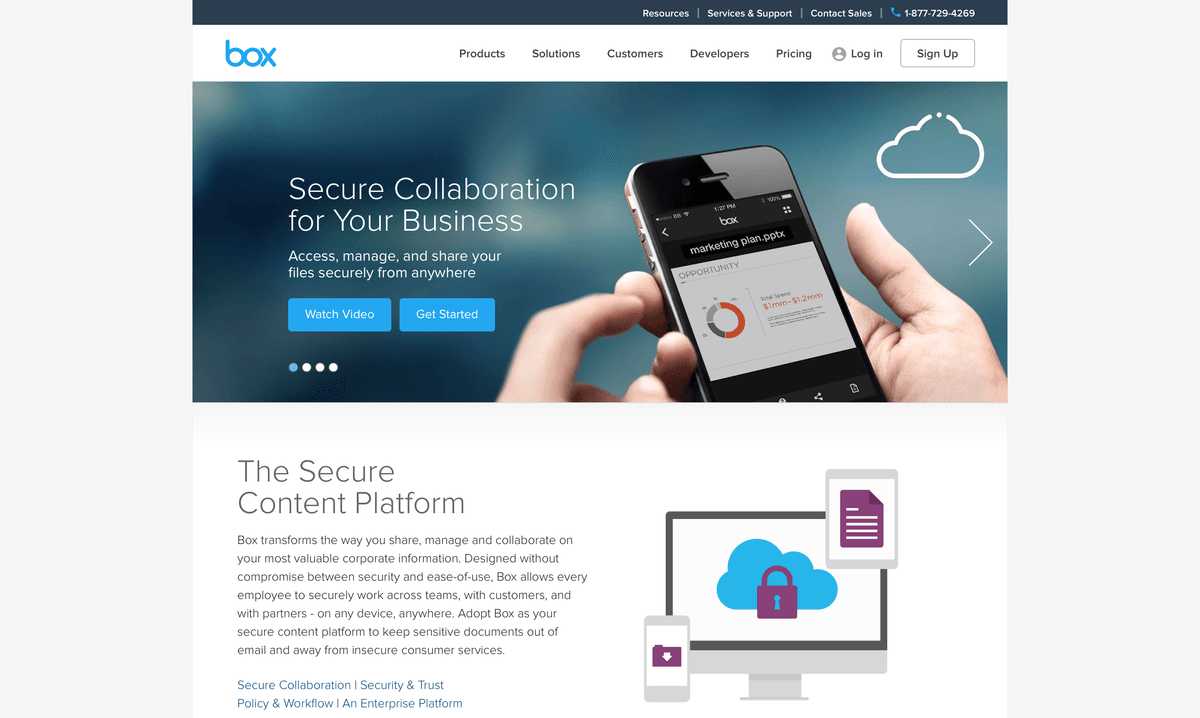
Box lets you keep all your businesses files in one place for simple online collaboration.
Box operations on Zapier
Triggers (5)
Start a workflow when this happens
- Event — Triggers when a new event is performed (this is the activity stream).
- New Comment — Triggers when someone comments on a file in a folder you own/collaborate on.
- New File — Triggers when you add a new file to a folder.
- New Folder — Triggers when you add a new folder.
- Task Assigned to You — Triggered when you are assigned a task.
Actions (29)
Things Salesflare can make it do
- API Request (Beta) — This is an advanced action which makes a raw HTTP request that includes this integration's authentication.
- Add Comment to File — Adds a comment to a file.
- Add Metadata to File — Adds a metadata instance to a file in Box using a specified template.
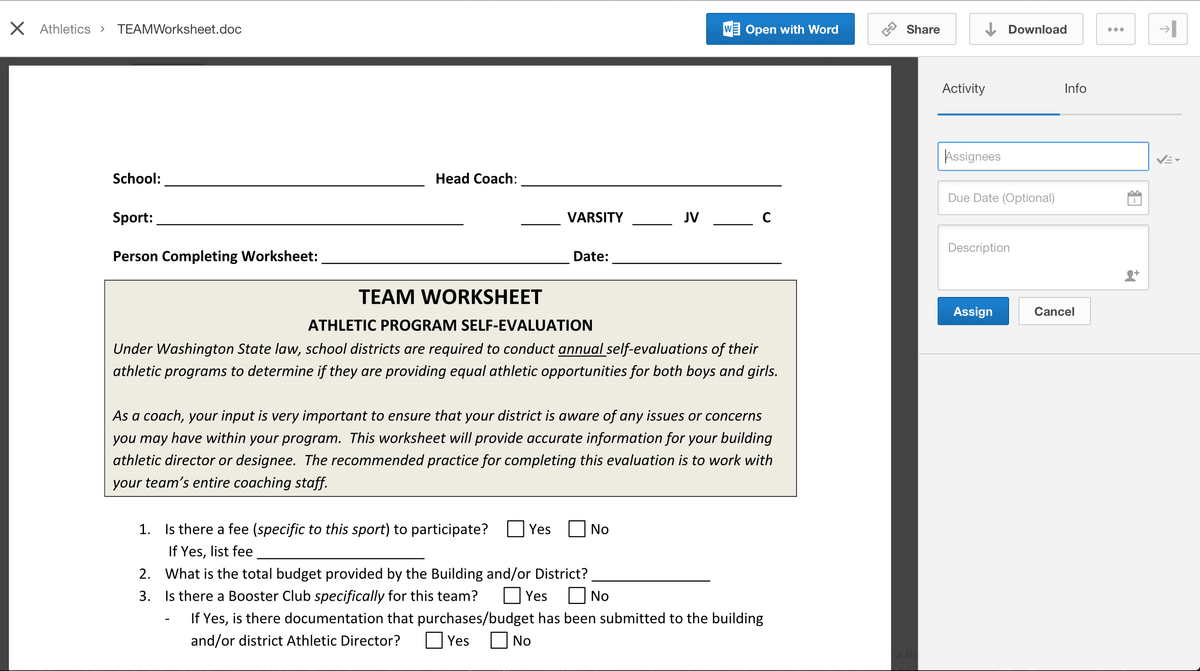
- Add Task to File — Adds a task to a file.
- Add User as Collaborator — Adds an individual user as a collaborator on a folder.
Show 24 more actions
- Add User to Group — Adds a user to a group in Box.
- Ask Box AI a Question on a Box Hub — Ask Box AI a question about the contents of a specific Box Hub.
- Ask Box AI a Question on a File — Ask Box AI a question about the contents of a specific file in Box.
- Create Folder — Creates a brand new folder at the path you specify.
- Create Group — Creates a new group in Box.
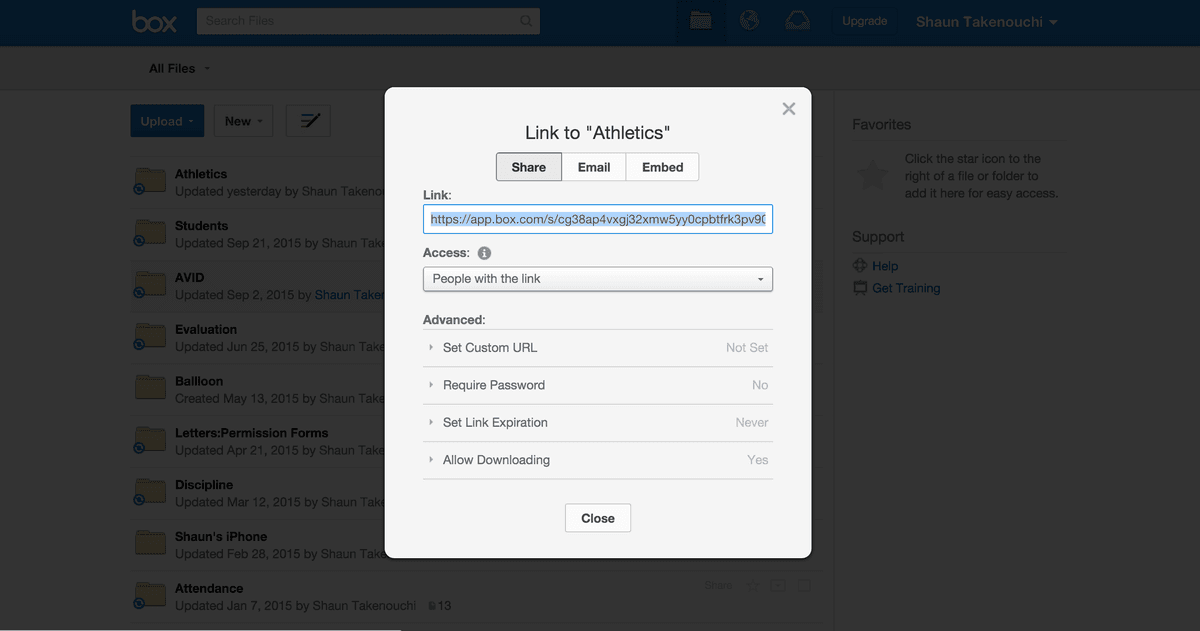
- Create Shared Link on File — Creates a shared link for a Box file.
- Create Shared Link on Folder — Creates a shared link for a Box folder.
- Create Text File — Creates a brand new text (.txt) file from plain text content you specify.
- Create User — Creates a new managed user in Box. Only available to users and applications with the right admin permissions.
- Delete Doc Gen Template — Deletes a Box Doc Gen template by its template ID.
- Delete Enterprise Metadata Template by Name — Deletes a specific enterprise metadata template by its template name (template key).
- Delete Folder — Deletes a Box folder by its ID.
- Delete Group — Deletes a group in Box by its ID.
- Delete User — Deletes a user in Box by their user ID. Optionally force deletion and transfer content.
- Extract Information From File With Box AI — Extracts structured information from a file using Box AI.
- Get Doc Gen Template — Retrieves a Box Doc Gen template by its template ID.
- Get Enterprise Metadata Template by ID — Retrieves a specific enterprise metadata template by its template ID.
- Get Enterprise Metadata Template by Name — Retrieves a specific enterprise metadata template by its template name.
- Get File Information — Retrieves information about a file in Box by its File ID.
- Get Text Extraction — Retrieves the text extraction results for a file in Box by its File ID.
- Get User Info — Retrieves information about a user in Box by their user ID.
- Mark Document as Doc Gen Template — Marks a Box document as a Doc Gen template.
- Move/Copy File — Moves or copies a file from one folder to another.
- Upload File — Copy an already-existing file from another service to Box.
Searches (10)
Look up existing records
- Find All Box Sign Requests — Searches for all Box Sign requests created by the user.
- Find All Classifications — Searches for all classification labels available to the enterprise in Box.
- Find Collaborations on Folder — Searches for all pending and active collaborations for a Box folder.
- Find a File — Search for a specific file by name.
- Find a Folder — Search for a specific folder by name.
Show 5 more searches
- Get Classification on File — Retrieves the classification metadata instance that has been applied to a file in Box.
- Get Classification on Folder — Retrieves the classification metadata instance that has been applied to a folder in Box.
- List All Box Doc Gen Templates — Lists all Box Doc Gen templates in the enterprise.
- List All Enterprise Metadata Templates — Retrieves all metadata templates available to the enterprise in Box.
- List All Enterprise Users — Lists all users in the Box enterprise.
Box operations on Make
Triggers (3)
Start a workflow when this happens
- New File Event — Triggers when selected actions occurs on a file.
- New Folder Event — Triggers when selected actions occurs on a folder.
- Watch Files — Triggers when a new file is added or an existing file is updated in a folder being watched.
Actions (25)
Things Salesflare can make it do
- Add a Shared Link to a File — Adds a shared link to a file
- Add a Shared Link to a Folder — Adds a new shared link to a folder.
- Cancel a Sign Request — Cancels a sign request by its ID.
- Copy a Folder — Copies the selected folder.
- Create File Metadata Instance — Applies an instance of a metadata template to a file.
Show 20 more actions
- Create Folder Metadata Instance — Applies an instance of a metadata template to a folder.
- Create a Comment — Creates a new comment to a file.
- Create a Folder — Creates a new empty folder within the specified parent folder.
- Create a Sign Request — Creates a sign request.
- Delete a File — Deletes a file or moves it to trash.
- Delete a Folder — Deletes a folder, either permanently or by moving it to trash.
- Download a File — Downloads a file.
- Get Folder Metadata — Retrieves a folder metadata by its ID.
- Get a File — Retrieves information about a file.
- Get a File/Folder by Shared Link — Retrieves information about a file/folder by a shared link.
- Get a Folder — Retrieves information about a folder, including the first 100 entries in that folder.
- Get a Sign Request — Retrieves a sign request by its ID.
- Make an API Call — Performs an arbitrary authorized API call.
- Rename a File — Renames a file.
- Rename a Folder — Renames a folder.
- Update File Metadata — Creates or Updates Metadata of a File.
- Update Folder Metadata — Updates folder's metadata.
- Update a File — Updates file attributes.
- Update a Folder — Updates folder attributes.
- Upload a File — Uploads a new file.
Searches (4)
Look up existing records
- Get File Metadata — Retrieves a file metadata by its ID.
- Get Folder Items — Retrieves files, folders, and web links in a folder.
- List Sign Requests — Retrieves all sign requests.
- Search for Content — Searches for items that are available to the user or an entire enterprise.
Screenshots
Similar apps
 Google Drive
 Store your files online.
 Dropbox
 Dropbox lets you store your files online.
 OneDrive
 Store your files online.
 Amazon S3
 Amazon Simple Storage Service is a fully redundant data storage system. It makes it easy to stor…
 CloudConvert
 CloudConvert converts files between more than 200 supported formats: documents, image, spreadshe…
 EasyFTP
 EasyFTP enables you to upload files in a FTP or SFTP server.
Not using Salesflare yet?
Salesflare is a CRM for small and medium-sized B2B businesses — it fills itself in automatically so your team actually keeps it up to date.
Try it for free