


Dropbox and Salesflare
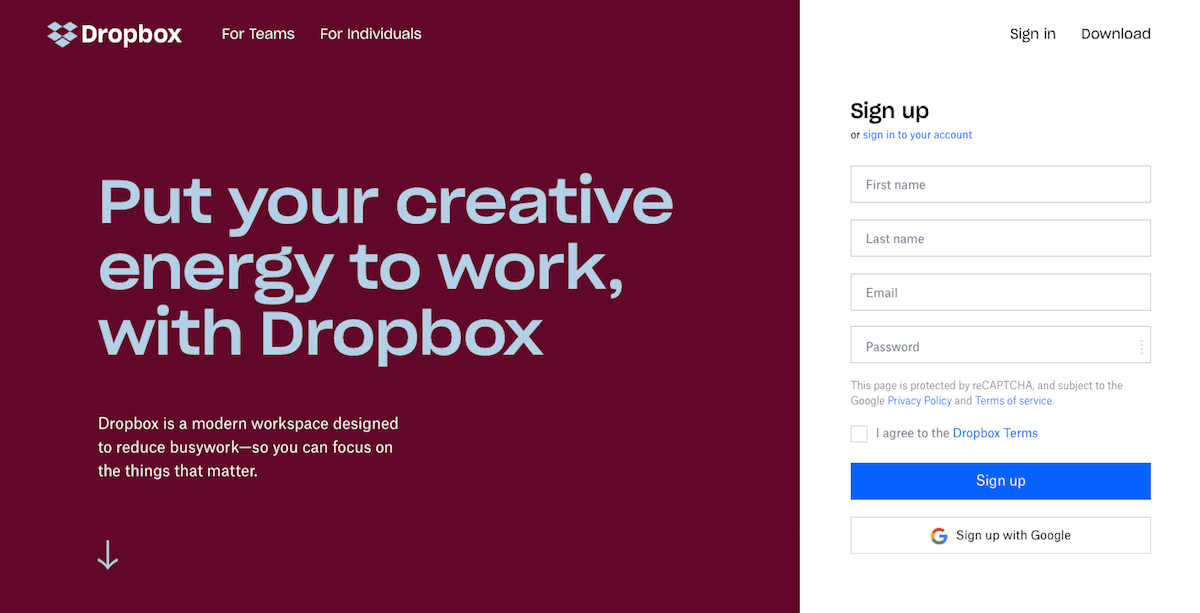
Dropbox lets you store your files online.
How to connect Dropbox
- Via Zapier — 27 operations available. Set it up ↗
- Via Make — 21 modules available. Set it up ↗
About Dropbox
Dropbox lets you store your files online, sync them to all your devices, and share them easily. Get started for free, then upgrade for more space and security features.
Features
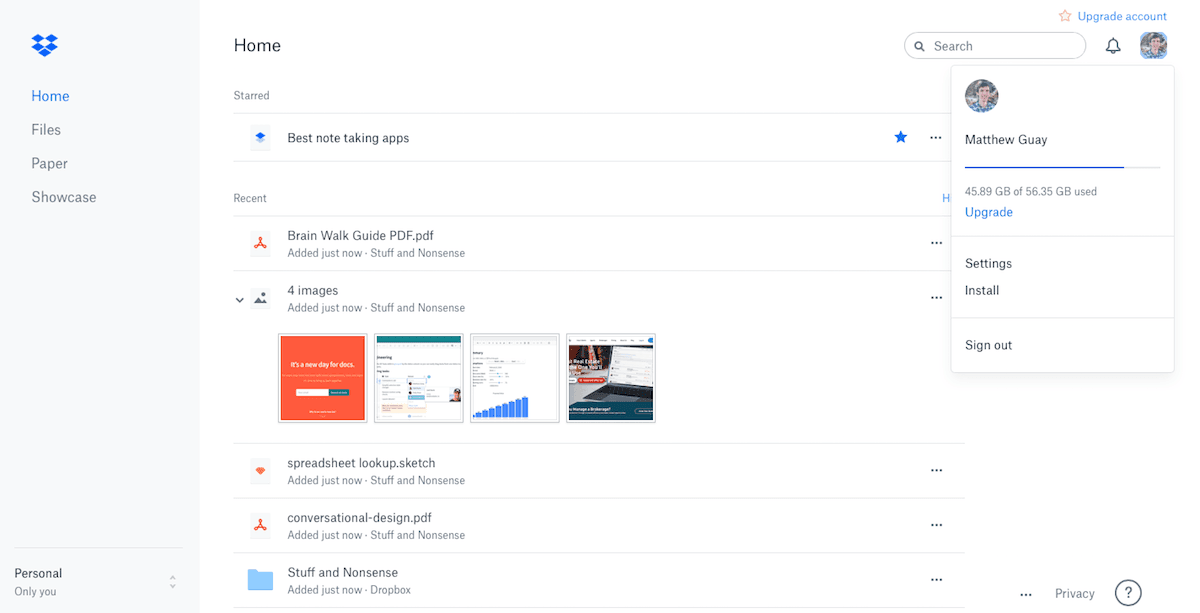
- Store your files online with one folder that keeps everything in sync
- Share folders that stay in sync with your colleagues, or share individual files and folders
- Open and edit files with in-app integration in many mobile and web apps
- Dropbox Paper to collaborative edit notes and documents online
- Dropbox Showcase to show your creations in a portfolio website with Professional and Teams Advanced plans
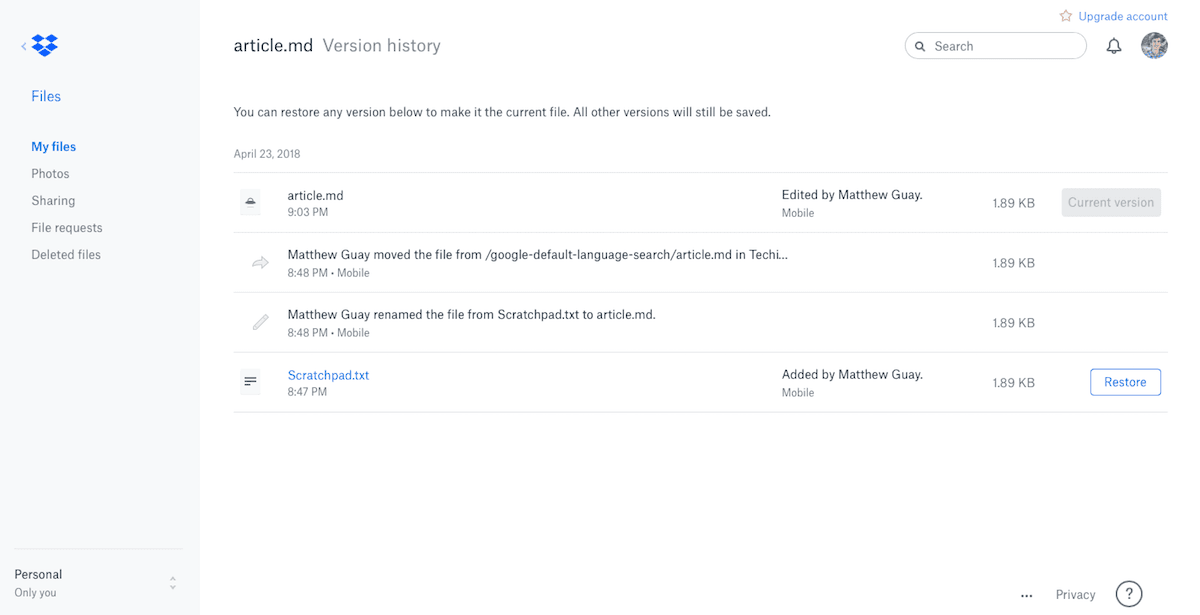
- Restore previous versions of files
- Selectively sync files with with Professional and Teams plans
- Remotely wipe files from devices with Professional and Teams plans
- iOS, Android, Windows, Mac, Web, and Linux apps available
Pricing
Free Basic plan available. Paid personal and team plans are priced by plan, billing cycle, and region; current US examples include Plus at $9.99/month billed annually and team plans from about $15/user/month billed annually. Current pricing.
Dropbox operations on Zapier
Triggers (4)
Start a workflow when this happens
- New File in Folder — Triggers when a new file is added to a folder. Make sure the number of files/folders in the watched folder does not exceed 6000.
- New Folder — Triggers when a new folder is added. Make sure the number of files/folders in the watched folder does not exceed 6000.
- New or Updated File — Triggers when a new file is added or updated in a folder. Make sure the number of files/folders in the watched folder does not exceed 6000.
- Shared Folders — Triggers when a shared folder is added.
Actions (17)
Things Salesflare can make it do
- API Request (Beta) — This is an advanced action which makes a raw HTTP request that includes this integration's authentication.
- Add Folder Member — Adds a member to a folder.
- Copy File — Creates a copy of a file in a new location.
- Create File Request — Create a file request that allows external users to upload files to your Dropbox. Advanced features like deadlines require a paid Dropbox account.
- Create Folder — Creates a brand new folder at the path you specify.
Show 12 more actions
- Create Shared Link — Creates a shared link for a file.
- Create Text File — Creates a brand new text file from plain text content you specify.
- Create or Append to Text File — Adds a new line to an existing text file, or creates a file if it doesn't exist.
- Delete File — Deletes the specified file.
- Delete Folder — Deletes the specified folder.
- Move File — Moves a file to a new location at the path you specify.
- Rename File — Renames a file that you specify.
- Set Shared Link Download Permission — Allow or deny the download permission for an existing shared link.
- Set Shared Link Visibility and Access — Set the visibility and access level for an existing shared link.
- Set or Remove Shared Link Expiration — Set or remove the expiration date of an existing shared link.
- Set or Remove Shared Link Password — Set or remove the password of an existing shared link.
- Upload File — Upload an existing file or attachment not bigger than 500 MB.
Searches (6)
Look up existing records
- Advanced Search — Search for files and folders using advanced filters like file type, category, and content matching.
- Find File — Search for a specific file by name. Make sure the number of files/folders in the watched folder does not exceed 6000.
- Find File (Content Search) — Searches for files in a folder that match a search term in the contents or name. Requires a Dropbox Business account.
- Find Folder — Finds a folder by name. Make sure the number of files/folders in the watched folder does not exceed 6000.
- Find Shared Links — Find existing shared links for files or folders in your Dropbox.
Show 1 more searches
- List Folder Contents — Lists all files and folders within a specific Dropbox folder. Make sure the number of files/folders in the watched folder does not exceed 6000.
Dropbox operations on Make
Triggers (1)
Start a workflow when this happens
- Watch Files — Triggers when a file is added in a folder being watched. This module retrieves the first 4000 files. If the total number exceeds 4000, newly added items may not be detected.
Actions (16)
Things Salesflare can make it do
- Copy a File or Folder — Copies a file or folder to a different location in the user's Dropbox. If the source path is a folder all its contents will be copied.
- Create a File Request — Creates a file request.
- Create a Folder — Creates a new folder.
- Create a Share Link — Creates a public share link to a file or folder (allows to share the file or folder with anyone).
- Create/Overwrite a Text file — Creates a new text file(.doc) or overwrite an existing text file(.doc) with the provided content as plain text.
Show 11 more actions
- Delete Closed File Requests — Deletes selected file requests.
- Delete a File/Folder — Permanently removes a file/folder from the server.
- Download a File — Downloads a file from a specified folder.
- Get a File Request — Retrieves specified file request.
- Make an API Call — Performs an arbitrary authorized API call.
- Move a File/Folder — Moves a file or folder to a different location in the user's Dropbox.
- Rename a File/Folder — Renames a file/folder in the user's Dropbox.
- Restore a File — Restores a previous file version.
- Update a File Request — Updates a file request.
- Update/Revoke a Share Link — Updates or revokes a share link for a file or folder.
- Upload a File — Uploads a file to a selected folder.
Searches (4)
Look up existing records
- List All Files/Subfolders In a Folder — Retrieves a list of files or subforders in a specified folder.
- List File Requests — Returns a list of file requests owned by this user.
- List File Revisions — Retrieves a list of file revisions needed to recover previous content.
- Search Files/Folders — Searches for files and folders by name.
Screenshots
Similar apps
 Google Drive
 Store your files online.
 OneDrive
 Store your files online.
 Box
Box Keep all your businesses files in one place.
 Amazon S3
 Amazon Simple Storage Service is a fully redundant data storage system. It makes it easy to stor…
 CloudConvert
 CloudConvert converts files between more than 200 supported formats: documents, image, spreadshe…
 EasyFTP
 EasyFTP enables you to upload files in a FTP or SFTP server.
Not using Salesflare yet?
Salesflare is a CRM for small and medium-sized B2B businesses — it fills itself in automatically so your team actually keeps it up to date.
Try it for free