


Buffer and Salesflare
Manage your social media marketing.
How to connect Buffer
- Via Zapier — 12 operations available. Set it up ↗
- Via Make — 3 modules available. Set it up ↗
About Buffer
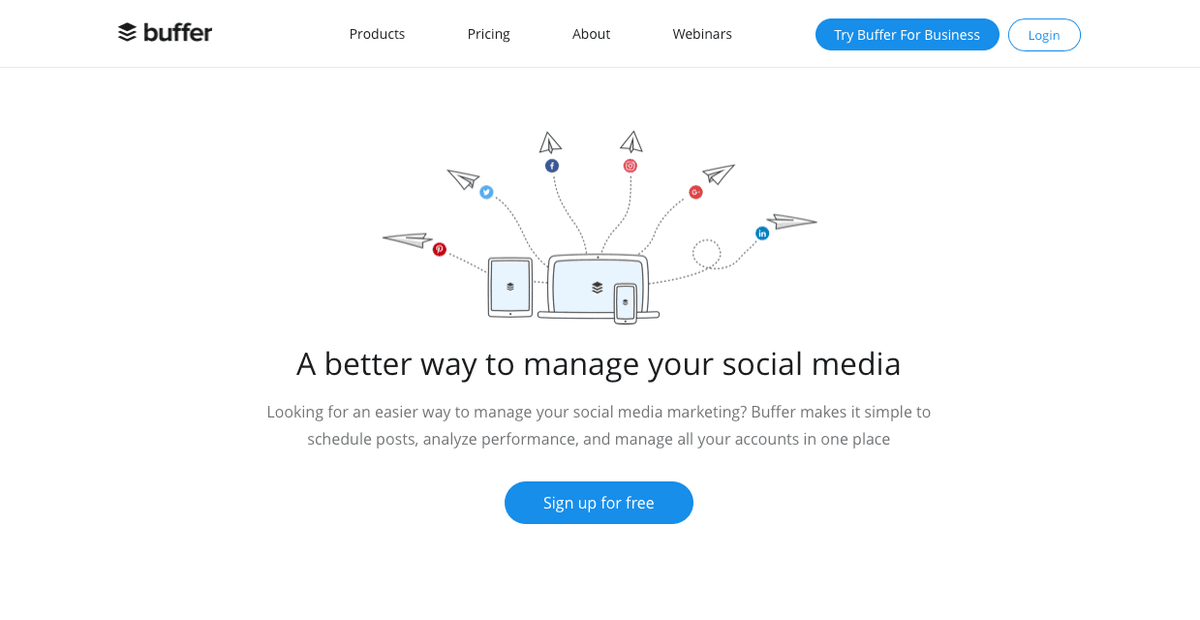
Manage your social media marketing together with Buffer's tools to schedule posts, analyze performance, and publish to a half-dozen social networks from one app.
Features
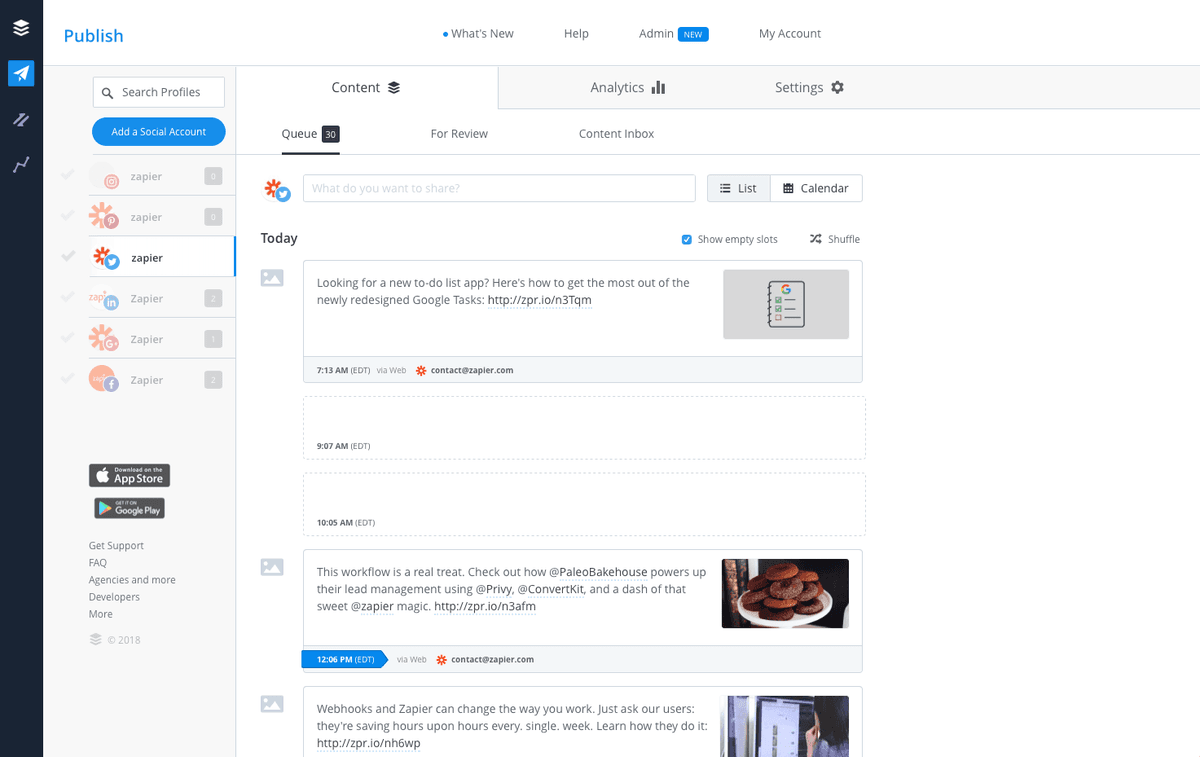
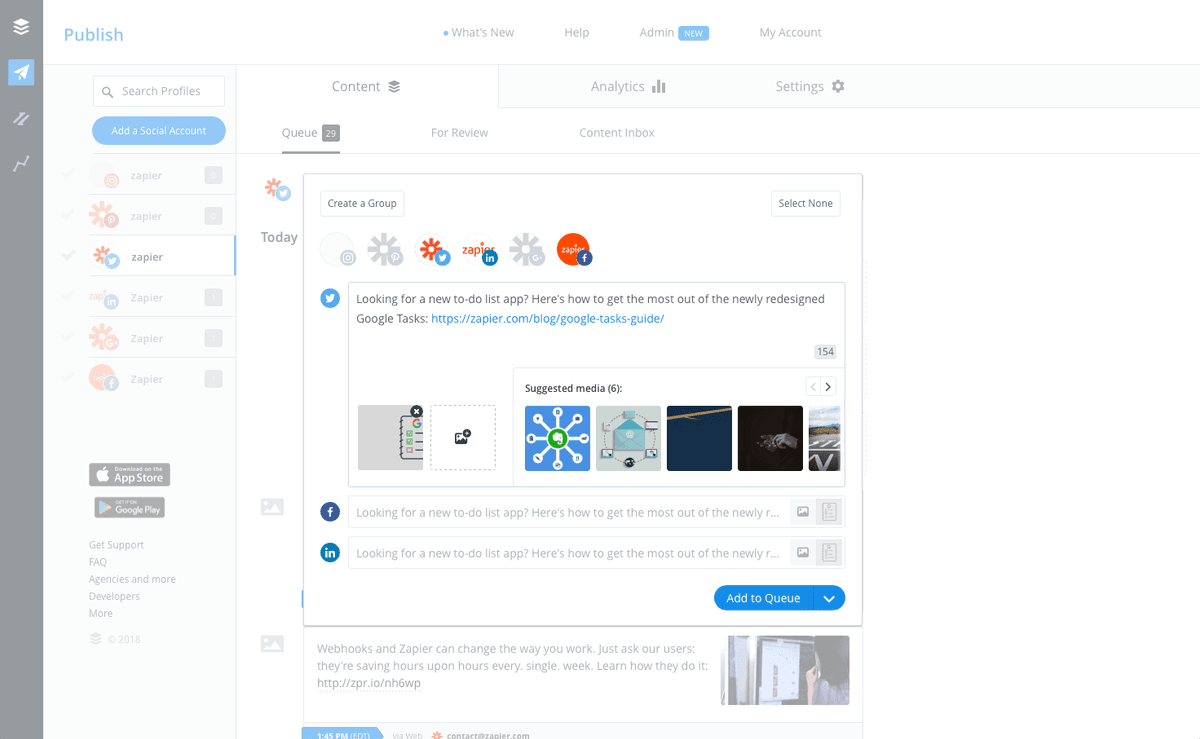
- Share scheduled posts to multiple social media accounts from one place
- Automate your Twitter, Facebook, LinkedIn, Instagram, and Pinterest posts
- Schedule posts in advance and create optimized posting schedules
- View engagement and activity analytics
- Add videos and images to posts, or create your own visuals
- Automatically publish posts from RSS feeds and automations
- iOS and Android apps available
Pricing
Free plan available for limited channels. Paid plans start at $6/channel/month; annual billing is discounted. Current pricing.
Buffer operations on Zapier
Triggers (9)
Start a workflow when this happens
- New Channel — Triggers when a new channel is added.
- New Contribution Item — Triggers when a new item has been sent for approval. (Requires Team Plan)
- New Draft Item — Triggers when a new draft has been added.
- New Idea Item — Triggers when a new idea has been added.
- New Queue Item — Triggers when a new update has been added to the queue.
Show 4 more triggers
- New Sent Item — Triggers when a new update has been sent.
- New Tag — Triggers when a new tag is created.
- Tag Assigned to a Post or Draft — Triggers when a tag is assigned to post or draft.
- Tag Assigned to an Idea — Triggers when a tag is assigned to an idea.
Actions (3)
Things Salesflare can make it do
- Add to Queue — Add an item to your queue or send an update immediately to any of your Buffer channels.
- Create Idea — Create an Idea
- Pause Queue — Pause a Channels Queue
Buffer operations on Make
Actions (3)
Things Salesflare can make it do
- Create a status update — Creates a new status update in selected services.
- Delete a status update — Permanently removes a status update from a selected service.
- Update a status update — Edits a status update in a selected service.
Screenshots
Similar apps
 Salesflare LinkedIn Extension
 World's largest social network for professionals.
 StoryChief
 Content Marketing Automation
 Twitter
 What's happening around the world in real time.
 Facebook Lead Ads
 Generate leads from Facebook.
Facebook Pages Connect with your customers, fans or followers.
 ManyChat
 All-in-one Messenger Marketing platform.
Not using Salesflare yet?
Salesflare is a CRM for small and medium-sized B2B businesses — it fills itself in automatically so your team actually keeps it up to date.
Try it for free