


ManyChat and Salesflare
All-in-one Messenger Marketing platform.
How to connect ManyChat
- Via Zapier — 19 operations available. Set it up ↗
- Via Make — 12 modules available. Set it up ↗
What you can automate
- When new Order Paid in ManyChat, create opportunity, then find or create contact in Salesflare.
- When new Subscriber in ManyChat, find or create contact in Salesflare.
About ManyChat
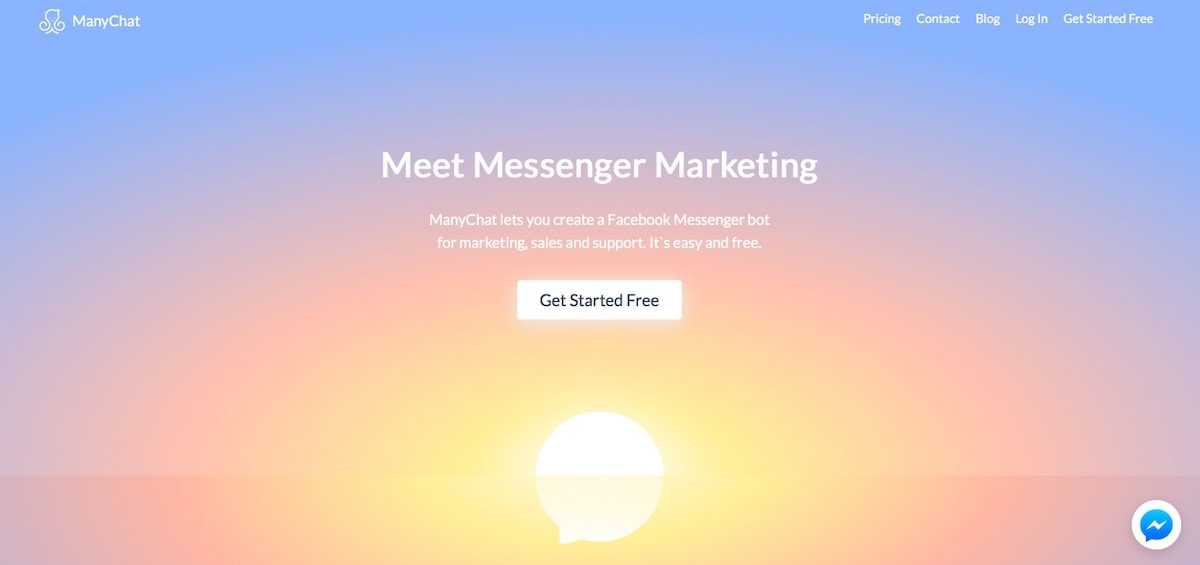
ManyChat is an all-in-one Messenger Marketing platform. Create your Facebook Messenger bot for marketing, sales and support with our simple drag'n'drop builder. Effectively promote with built-in tools for growing audience. Start today – it's easy and free.
Features
- Create Facebook Messenger bots quickly without coding
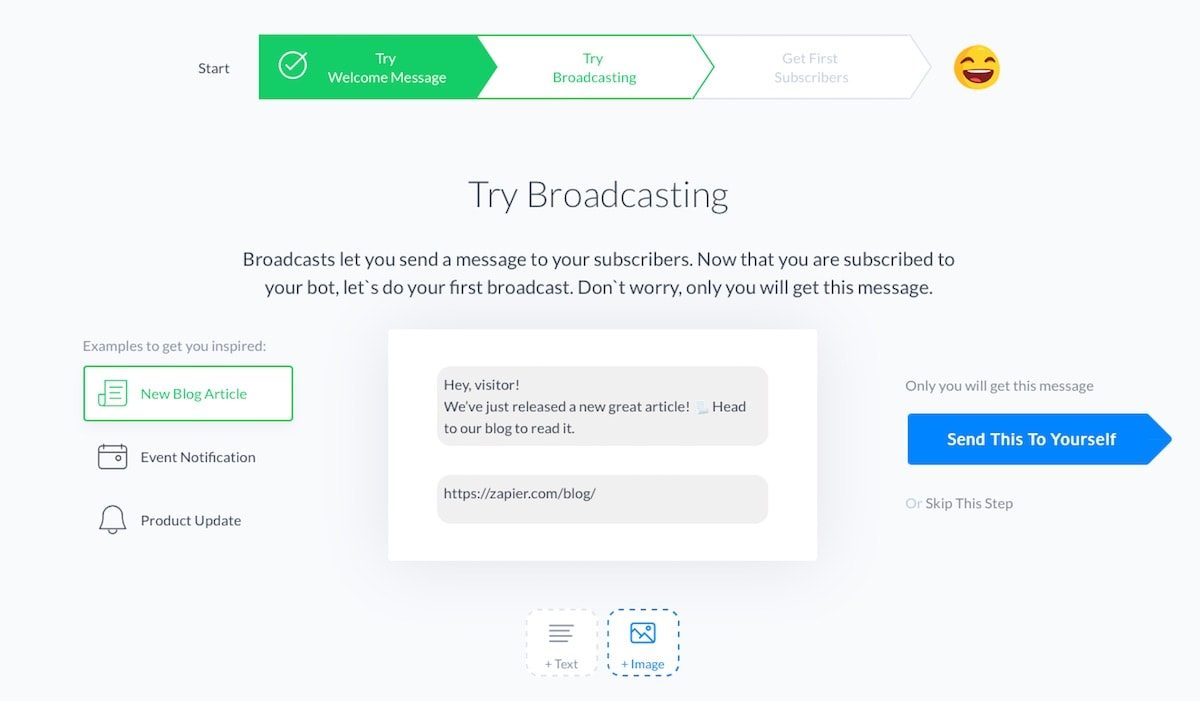
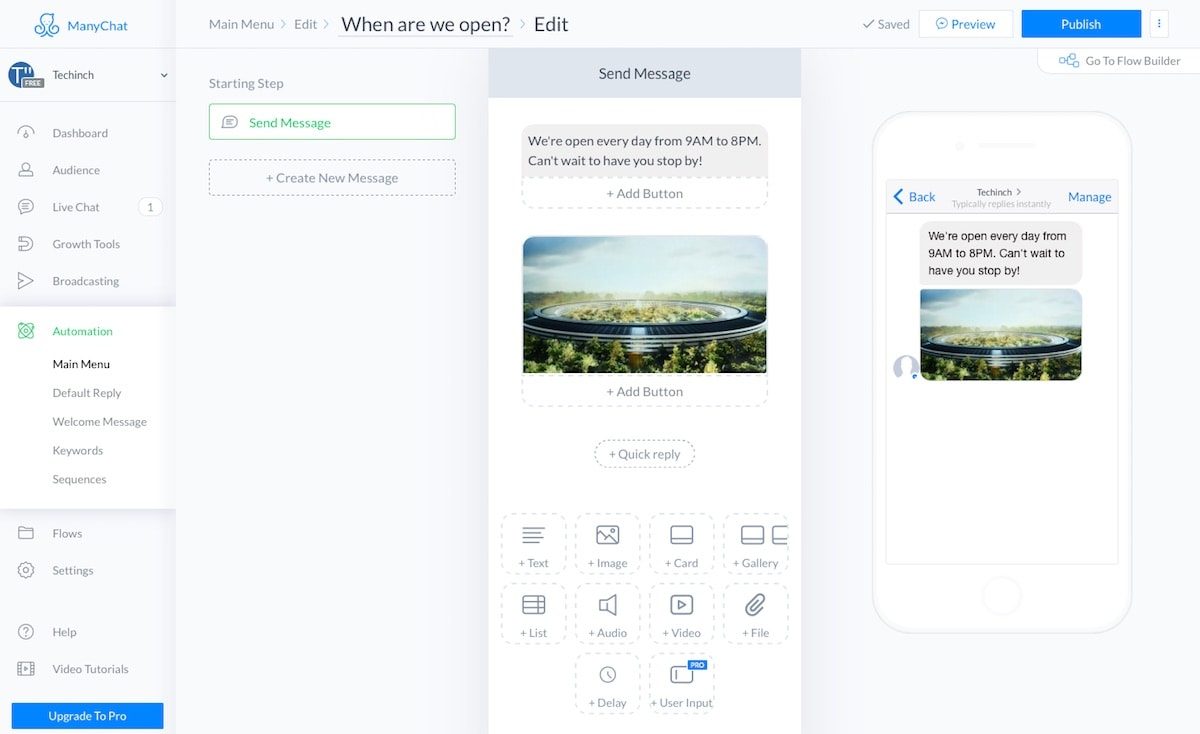
- Drag and drop messenger bot components to send text, images, cards, galleries, audio, video, files, and more in Messenger messages
- Create a custom menu with automated bot replies for common questions
- Automate actions or send messages based on keywords
- Create popovers, landing pages, buttons, QR codes, and custom widgets to promote your Messenger bot
- Use Live Chat tool to manage conversations from your page
Pricing
Free plan available. Since the March 2026 pricing model change, paid pricing scales mainly with Active Contacts and channels/features rather than the old flat Pro structure. Current pricing.
ManyChat operations on Zapier
Triggers (6)
Start a workflow when this happens
- Chat Opened — Triggers when a chat is opened with a user.
- New Order Paid — Triggers when a user has purchased an order.
- New Subscriber — Triggers when a user subscribes to your page.
- New Tagged User — Triggers when a new tag is added to a user.
- New or Updated Custom Field — Triggers when you add/update a selected custom field on a user.
Show 1 more triggers
- New “Trigger a Zap” Event — Triggers when your bot sends the “Trigger a Zap” event.
Actions (9)
Things Salesflare can make it do
- Add Tag to User — Adds a tag to a user.
- Create Subscriber — Create a Unified or a WhatsApp subscriber.
- Remove Tag From User — Removes a tag from a user.
- Send Content to User — Sends a content to a user.
- Send Dynamic Message to User — Sends a dynamic message to user.
Show 4 more actions
- Send Text Message to User — Sends a message to a user.
- Set Custom Field — Adds or updates a custom field value for a user.
- Subscribe User to Sequence — Subscribes existing ManyChat Subscriber to a Sequence. Subscribers can't be added via Zapier.
- Unsubscribe User From Sequence — Unsubscribes a user from a sequence
Searches (4)
Look up existing records
- Find Order by ID — Finds a order by ID.
- Find User by Custom Field — Finds a user by custom field.
- Find User by ID — Finds a user by ID.
- Find User by Name — Finds a user by name.
ManyChat operations on Make
Triggers (1)
Start a workflow when this happens
- Watch Incoming Data — Triggers when new data is coming from Manychat.
Actions (10)
Things Salesflare can make it do
- Create Subscriber — Create a Unified subscriber.
- Get Subscriber's Info — Gets subscriber's info.
- Manage Tags — Adds a tag to a subscriber, or removes a tag from a subscriber.
- Perform an Action — Performs one action or the batch of actions in the ManyChat.
- Send Messages — Sends batch of messages.
Show 5 more actions
- Send a Flow — Sends a flow.
- Send a Text — Sends a text message.
- Send a Text with a File — Sends a text message with a file.
- Send a Text with an Image — Sends a text message with an image.
- Set a Custom Field — Sets a subscriber's custom field.
Searches (1)
Look up existing records
- Find Subscribers by a Custom Field — Returns subscribers by a custom field. This API method only works with Text and Number types of Custom User Fields.\nResults are sorted by last Custom User Field value update for a specific user. List is limited by 100 elements.
Screenshots
Similar apps
 Intercom
 Customer communication platform.
 Helpwise
 Shared Inbox for Team Email, SMS & WhatsApp accounts
 Buffer
 Manage your social media marketing.
 Zendesk
 Web-based help desk support tool.
 Facebook Messenger
 Facebook Messenger is a messaging app and platform. Users can send messages and exchange photos,…
 Freshdesk
 Online helpdesk software.
Not using Salesflare yet?
Salesflare is a CRM for small and medium-sized B2B businesses — it fills itself in automatically so your team actually keeps it up to date.
Try it for free