


CalendarHero and Salesflare
Powerful scheduling for modern business.
How to connect CalendarHero
- Natively — Built directly into Salesflare.
- Via Zapier — 13 operations available. Set it up ↗
What you can automate
- When meeting Completed in CalendarHero, create meeting, then create call in Salesflare.
- When new Contact Added in CalendarHero, find or create contact in Salesflare.
- When new Meeting Request in CalendarHero, create meeting, then create call in Salesflare.
About CalendarHero
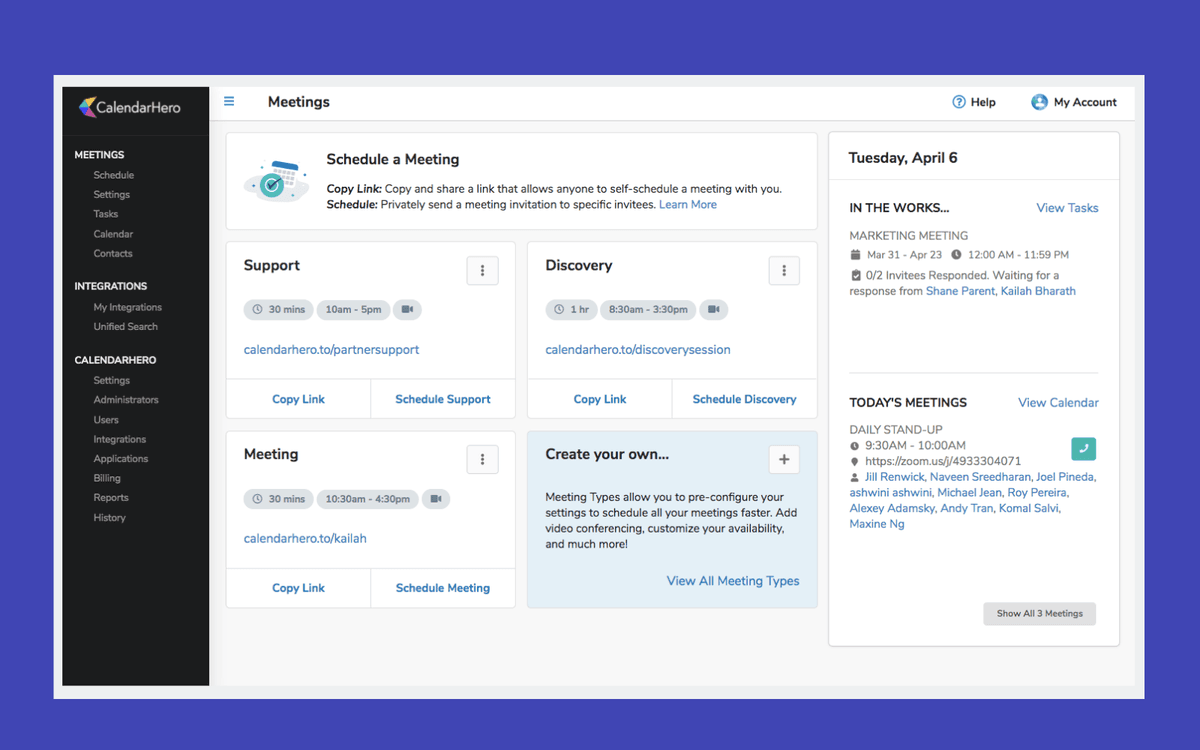
CalendarHero is a powerful and easy-to-use meeting scheduler that helps you simplify your sales meeting workflow. Focus on more meaningful work like growing revenue and winning over leads, while CalendarHero schedules your video meetings, calls, and group sessions in seconds.
Features
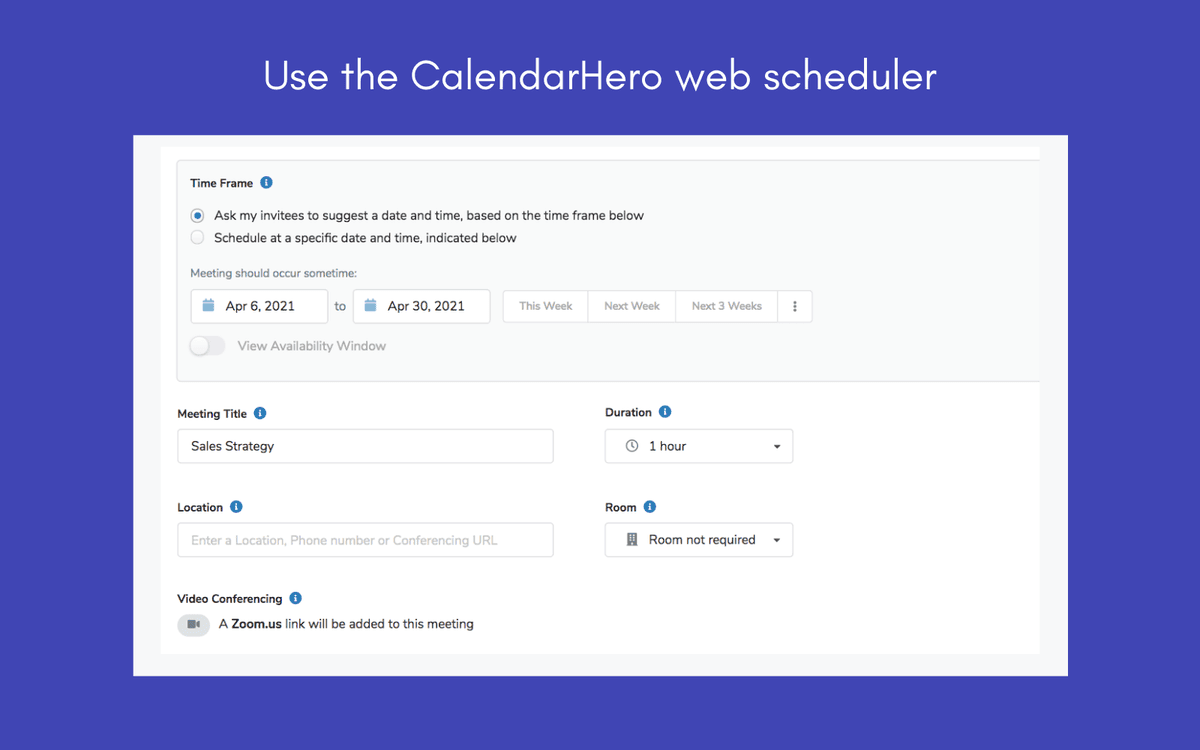
- Schedule 1:1, group, and video meetings with Salesflare contacts automatically
- Auto-populate video conferencing links in meetings and calls (connect Cisco Webex, Zoom, Google Hangouts, and more)
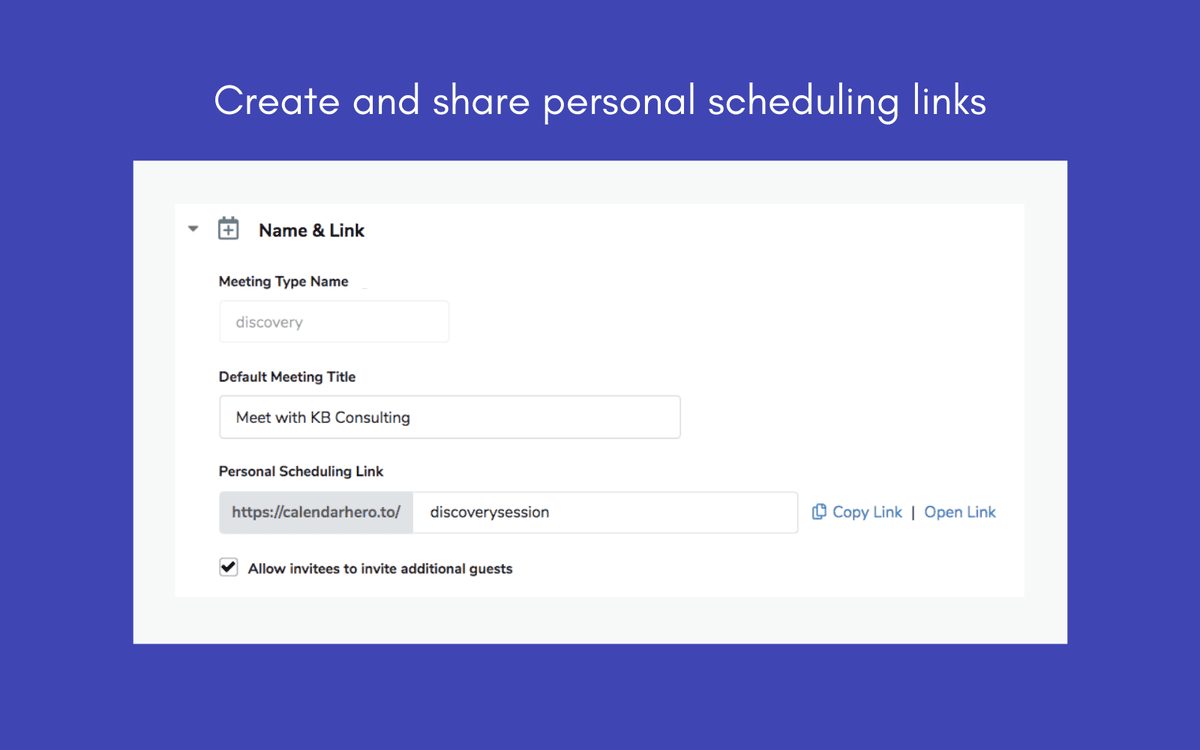
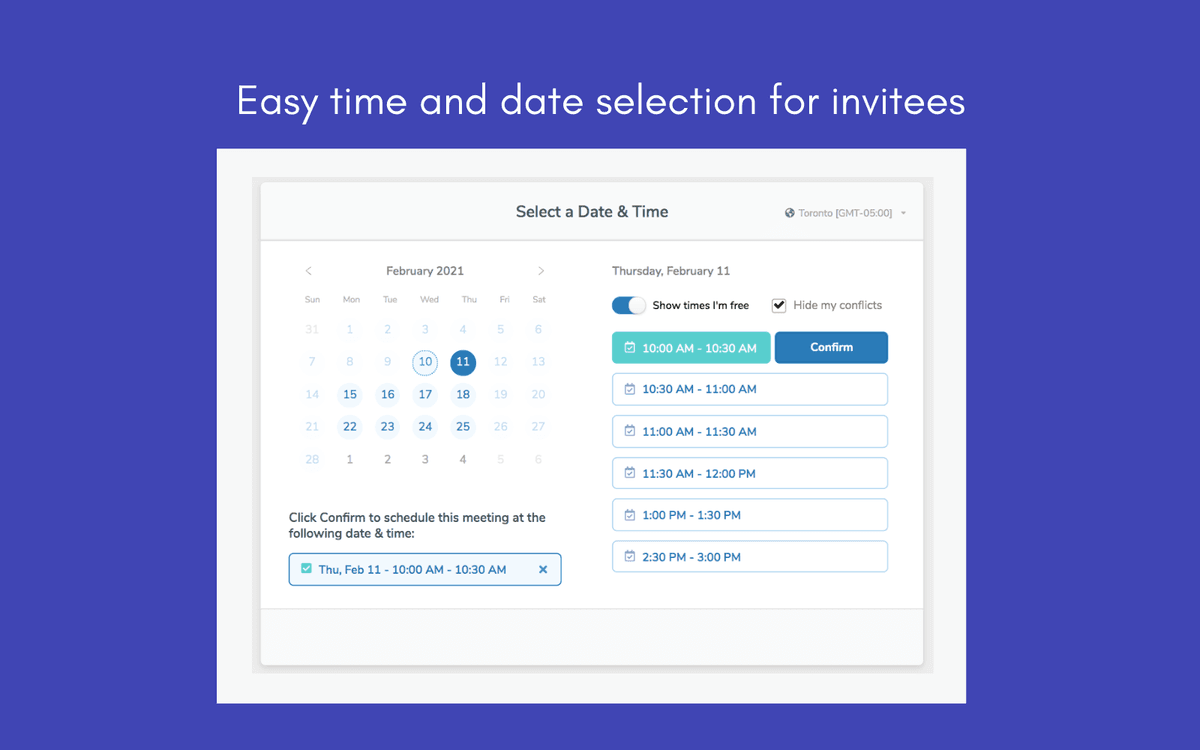
- Share a scheduling link to give attendees an easy way to self-book time with you
- Once booked, meeting details are logged in Salesflare and added to your calendar automatically
- Send automated reminders to attendees before meetings
- Automatically receive links to Salesflare contact and account details before meetings
- Confidently schedule meetings across time zones with smart timezone detection
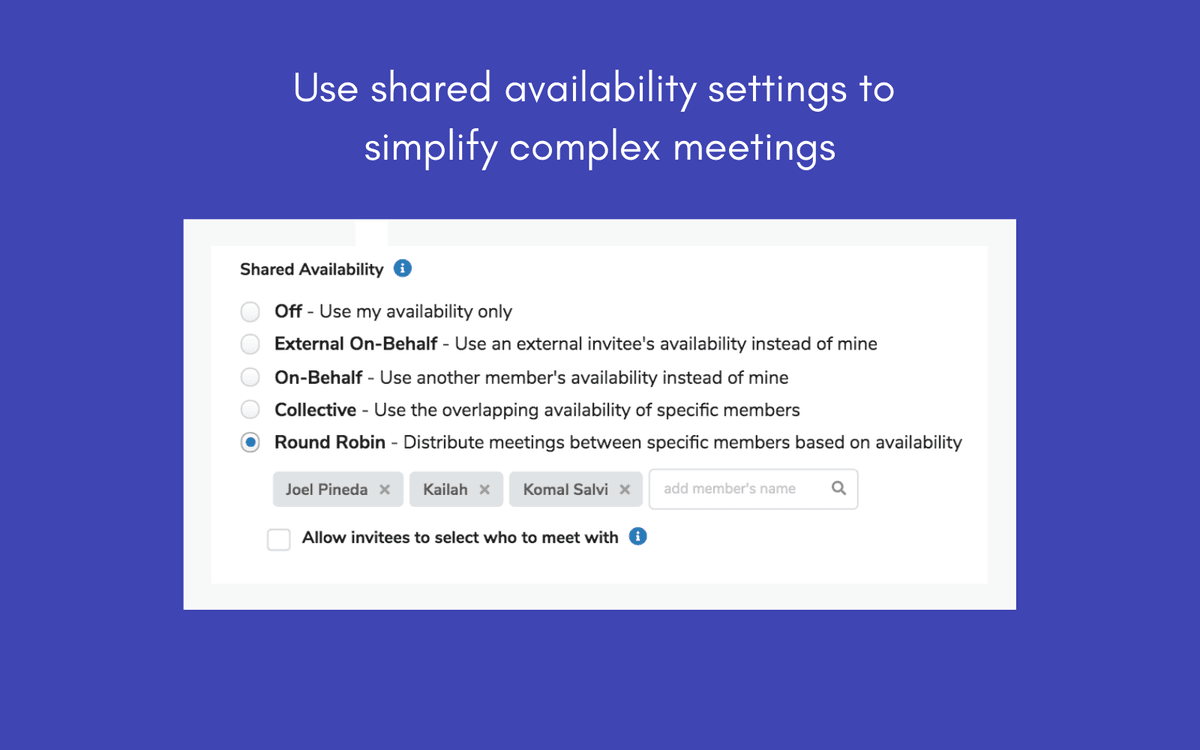
- Collaborate as a team faster with shared calendar availability
- Tie your related work tools together with 60+ app integrations, including Gmail, Slack, Office 365, and Intercom
Pricing
Basic: free. Professional: $8/month. Team plan available. Current pricing.
CalendarHero operations on Zapier
Triggers (7)
Start a workflow when this happens
- Meeting Completed — Triggers after the Meeting is complete
- Meeting Request Cancelled — Triggers when a meeting request was cancelled by the requesting user.
- Meeting Request Expired — Triggers when a meeting request expires (the requested attendees do not accept it before the end timeframe).
- Meeting Request Success — Triggers when a meeting request is successfully turned into a meeting event.
- Meeting Started — Triggers when a Meeting is about to start
Show 2 more triggers
- New Contact Added — Triggered when a new contact is added through any of your personal scheduling links.
- New Meeting Request — Triggers when a new meeting request is created by you.
Actions (3)
Things Salesflare can make it do
- Create Contact — Creates a contact.
- Create Meeting Request — Create a meeting request with one or more contacts.
- Find or Create Contact — Returns a list of contacts that match the search criteria.
Searches (3)
Look up existing records
- Find Contact Insights — Find a specific contact's detailed information (including Insights; job history, personality, social media links, tweets, photos, ...).
- Find Contacts — Returns a list of contacts that match the search criteria.
- Find Meeting Type Details — Find the details of a specific meeting type (and the scheduling link).
Screenshots
Similar apps
 Calendly
 Elegant and simple scheduling tool for businesses.
 MeetFox
 Meetings made easy.
 Vectera
 Scheduling and video meeting platform for sales.
 Schedule by Zapier
 Schedule is a native Zapier app you can use for recurring tasks. Trigger an action every day of…
 Acuity Scheduling
 Easy online appointment scheduling software.
 Jobber
 Jobber is the command center for home service businesses. Our easy-to-use app powers sales, oper…
Not using Salesflare yet?
Salesflare is a CRM for small and medium-sized B2B businesses — it fills itself in automatically so your team actually keeps it up to date.
Try it for free