


Cognito Forms and Salesflare
Easy-to-use form builder.
How to connect Cognito Forms
- Via Zapier — 11 operations available. Set it up ↗
- Via Make — 15 modules available. Set it up ↗
About Cognito Forms
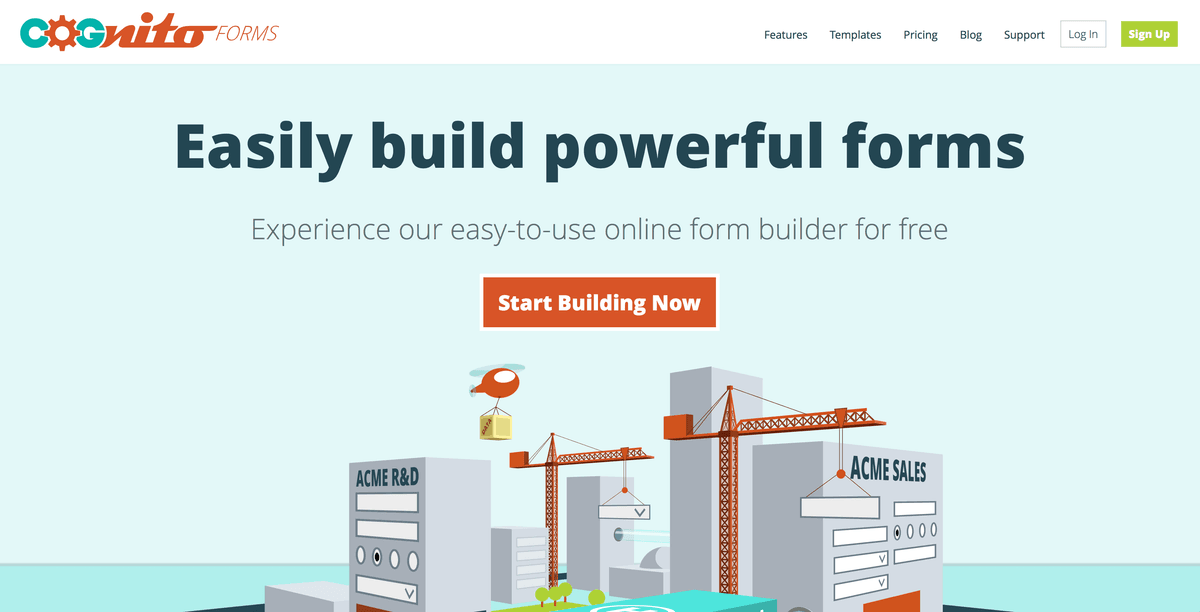
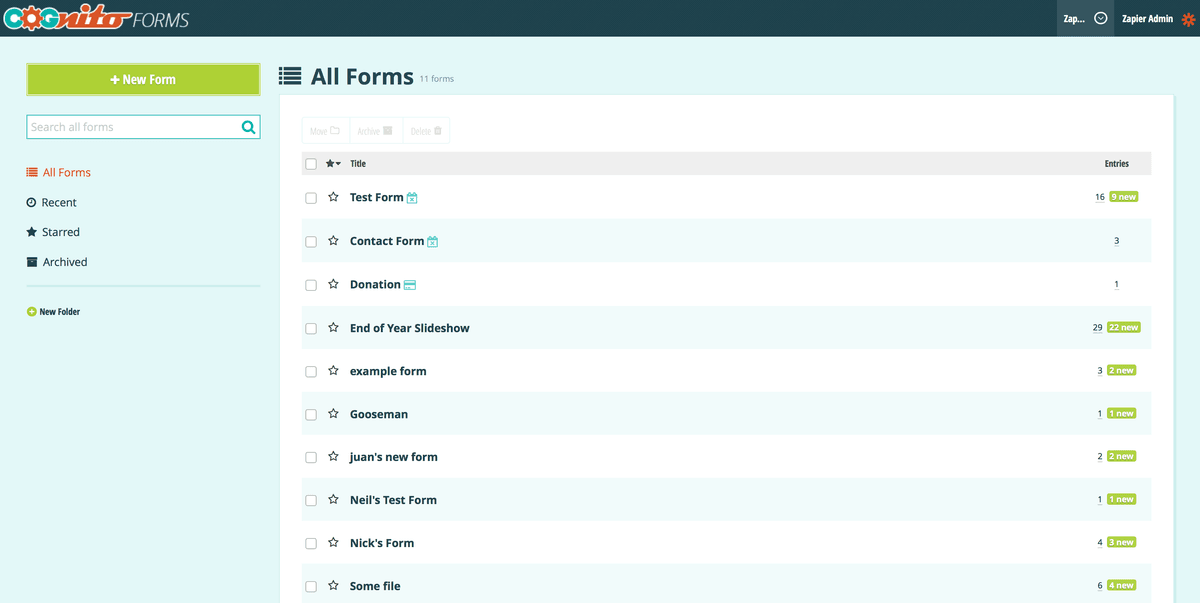
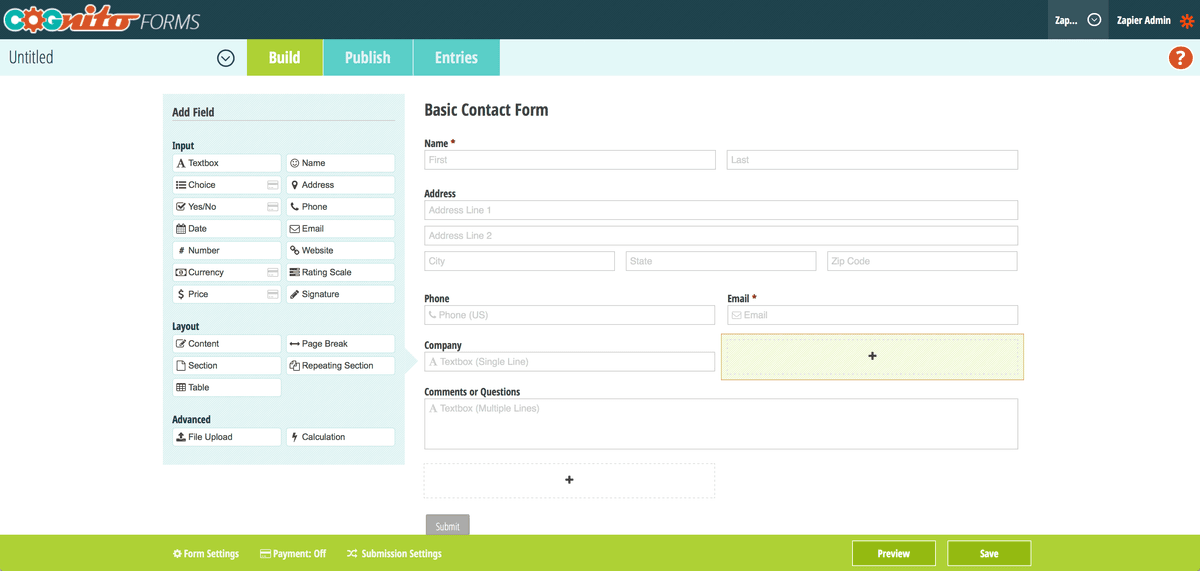
Cognito Forms is an easy-to-use form builder that allows users to quickly build a form, include it on their website, and start capturing entries without having to do any development.
Features
- Build full-featured forms for free; payment fees depend on plan/provider (Individual adds 2% and Pro 1% on top of processor fees; Team and Enterprise add no Cognito Forms fee above supported processor fees)
- Use PayPal or Stripe to collect payments
- Make versatile forms with repeating sections, calculations, and survey-type features including rating scales
- Accept file uploads in forms, with size and file type limits
- Save and resume form entries with paid plans
- Supports 20 languages, 121 countries, and 137 currencies
Pricing
Individual: free. Pro: $24/month. Team: $49/month. Enterprise: $174/month. Current pricing.
Cognito Forms operations on Zapier
Triggers (3)
Start a workflow when this happens
- Entry Deleted — Triggers when an entry is deleted.
- New Entry — Triggers when someone fills out your form.
- Update Entry — Triggers when someone updates an entry.
Actions (5)
Things Salesflare can make it do
- API Request (Beta) — This is an advanced action which makes a raw HTTP request that includes this integration's authentication.
- Create Entry — Creates a new entry.
- Delete Entry — Deletes a specified entry.
- Set Form Availability — Sets the availability of a form.
- Update Entry — Updates an entry.
Searches (3)
Look up existing records
- Get Document — Gets an entry document.
- Get Entry — Gets a specified entry.
- Get Form Entries — Retrieves entries from a form using a specific entry view via OData.
Cognito Forms operations on Make
Triggers (3)
Start a workflow when this happens
- Watch entry deleted — Triggers when an entry is deleted
- Watch new entries — Triggers when a new entry is submitted to your form
- Watch updates — Triggers when an entry is updated.
Actions (7)
Things Salesflare can make it do
- Create entry — Creates a new entry.
- Delete entry — Deletes an entry.
- Get Import Status — Gets the current status of an import and returns the number of successful and unsuccessful entries.
- Import Entries — Import form entries from CSV or Excel files. Supports creating new entries, updating existing entries, or syncing entries.
- Set Form Availability — Set a form's availability.
Show 2 more actions
- Update entry — Updates an entry.
- Upload a file — Upload a file to be used with an entry.
Searches (5)
Look up existing records
- Get Form Entries — Retrieve entries from a form entry view using OData.
- Get document — Gets an entry document.
- Get entry — Gets an entry.
- Get file — Gets a file by id.
- Get forms — Retrieves a list of available forms.
Screenshots
Similar apps
 Typeform
 Helps you ask awesomely online.
 Gravity Forms
 WordPress plugin to easily create powerful forms.
 Unbounce
 Crazy simple to do landing pages.
 Poptin
 Convert more visitors into customers.
 Facebook Lead Ads
 Generate leads from Facebook.
 Google Forms
 Collect data from the web.
Not using Salesflare yet?
Salesflare is a CRM for small and medium-sized B2B businesses — it fills itself in automatically so your team actually keeps it up to date.
Try it for free