


Typeform and Salesflare
Helps you ask awesomely online.
How to connect Typeform
- Via Zapier — 8 operations available. Set it up ↗
- Via Make — 14 modules available. Set it up ↗
About Typeform
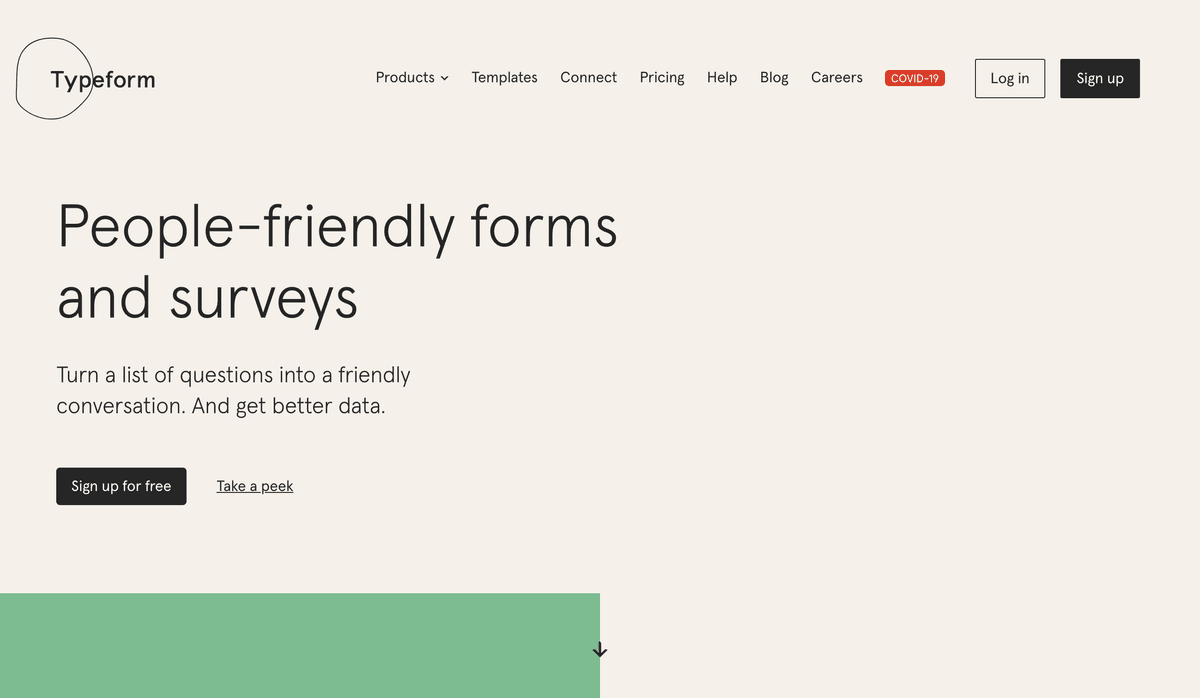
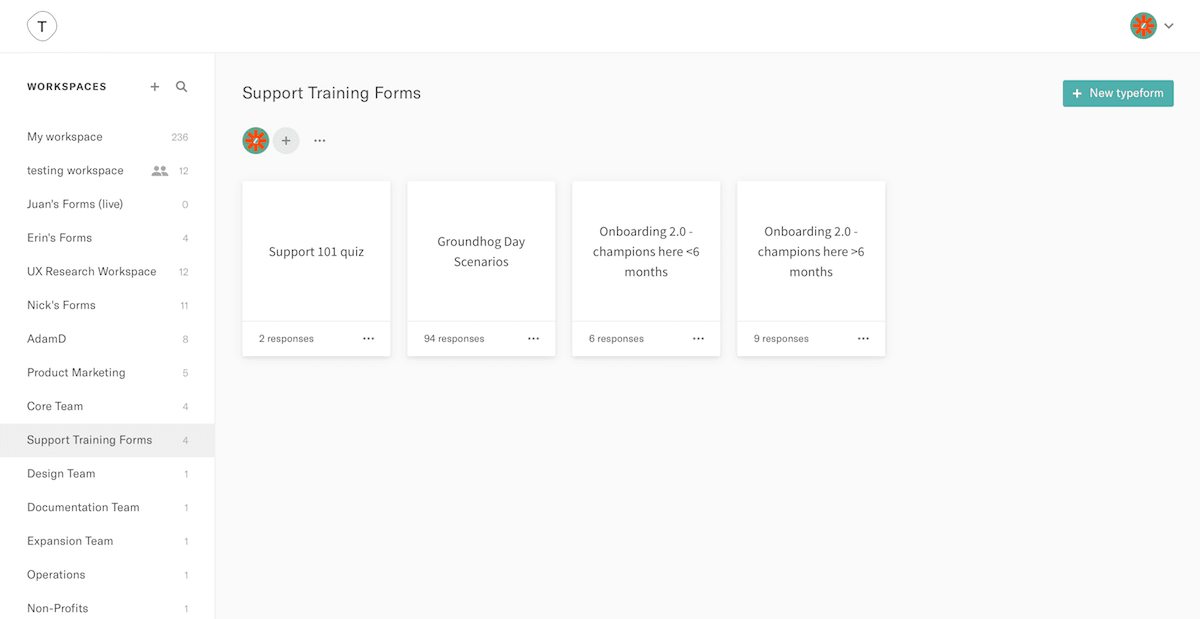
Typeform helps you ask awesomely online! If you ever need to run a survey, questionnaire, form, contest etc... Typeform will help you achieve it beautifully across all devices, every time, using its next generation platform.
Features
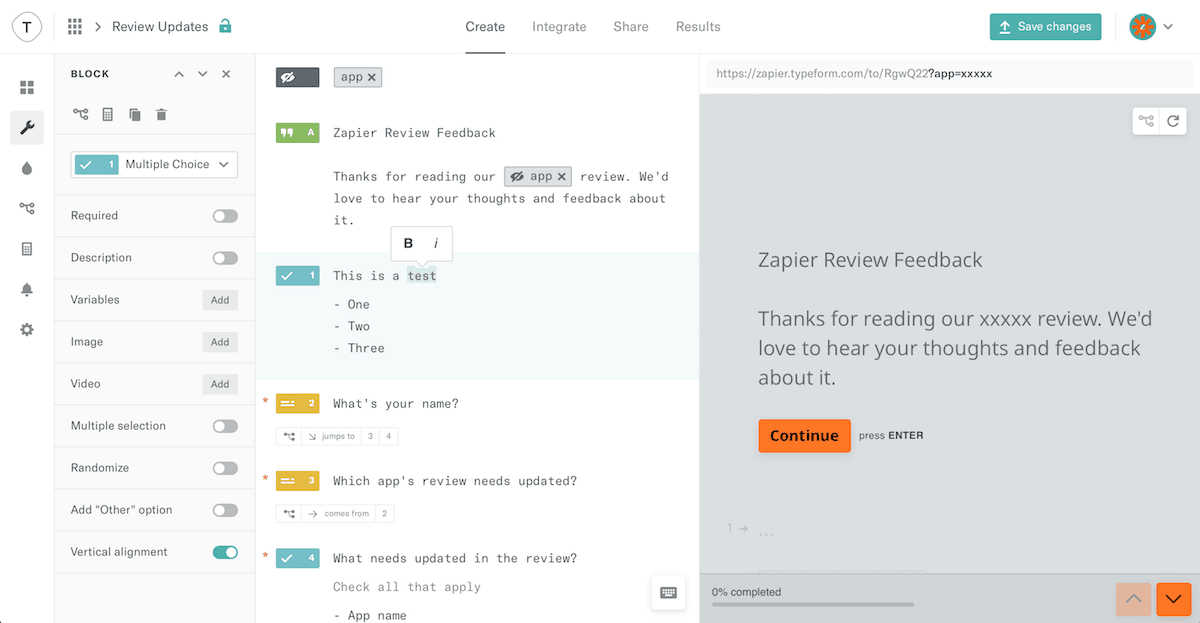
- Unique form interface that only shows one question to respondents at a time
- Mobile and keyboard shortcut friendly to fill in forms easier
- Include images, videos, and rich text in forms
- Enter form questions with plain text
- Use images as buttons for interactive forms
- Add logic jumps, payment fields, and more with Pro plans
Pricing
Basic: $29/month ($25/month billed annually). Plus: $59/month ($50 annually). Business: $99/month ($83 annually). Higher Growth/Enterprise options are available. Current pricing.
Typeform operations on Zapier
Triggers (3)
Start a workflow when this happens
- Agent Conversation Finished — Triggers when an agent conversation is finished.
- Automation Contact Action — Triggers when a Typeform automation runs. Paste the automation step ID from your automation settings to connect.
- New Entry — Triggers when a form is submitted.
Actions (4)
Things Salesflare can make it do
- API Request (Beta) — This is an advanced action which makes a raw HTTP request that includes this integration's authentication.
- Create an Empty Form — Creates a new empty form.
- Duplicates an Existing Form — Duplicates an existing form
- Update Dropdown, Multiple Choice or Ranking Question Options — Update Dropdown, Multiple Choice or Ranking Question Options
Searches (1)
Look up existing records
- Lookup Responses — Looks up responses for a given criteria.
Typeform operations on Make
Triggers (1)
Start a workflow when this happens
- Watch Responses — Triggers when a new response is submitted.
Actions (10)
Things Salesflare can make it do
- Create a Form — Creates a form.
- Create an Image — Adds an image in your Typeform account.
- Create/Update a Webhook — Creates or updates a webhook.
- Delete a Form — Deletes a form.
- Delete a Webhook — Removes a webhook from a form.
Show 5 more actions
- Delete an Image — Deletes an image from your Typeform account.
- Get a Form — Gets a form.
- Get a Response File — Retrieves a file uploaded as an answer for a submission.
- Make an API Call — Performs an arbitrary authorized API call to manage data in Typeform.
- Update a Form — Updates an existing form. Your request body must include all the existing form fields. Overwrites the previously stored form with the given form_ID. Any new fields in your request will be added to the form. Likewise, any fields you don't include in your request will be deleted from the form. Make sure your PUT request contains every field you want to include in your updated form.
Searches (3)
Look up existing records
- List Forms — Retrieves a list of forms.
- List Images — Retrieves a list of JSON descriptions for all images in your Typeform account.
- List Responses — Retrieves a list of responses.
Screenshots
Similar apps
 Gravity Forms
 WordPress plugin to easily create powerful forms.
 Unbounce
 Crazy simple to do landing pages.
 Poptin
 Convert more visitors into customers.
 Facebook Lead Ads
 Generate leads from Facebook.
 Google Forms
 Collect data from the web.
 JotForm
 Build web forms faster than ever.
Not using Salesflare yet?
Salesflare is a CRM for small and medium-sized B2B businesses — it fills itself in automatically so your team actually keeps it up to date.
Try it for free