


Google Forms and Salesflare
Collect data from the web.
How to connect Google Forms
- Via Zapier — 3 operations available. Set it up ↗
- Via Make — 15 modules available. Set it up ↗
What you can automate
- When new Form Response in Google Forms, find or create contact in Salesflare.
- When new or Updated Form Response in Google Forms, find or create contact in Salesflare.
About Google Forms
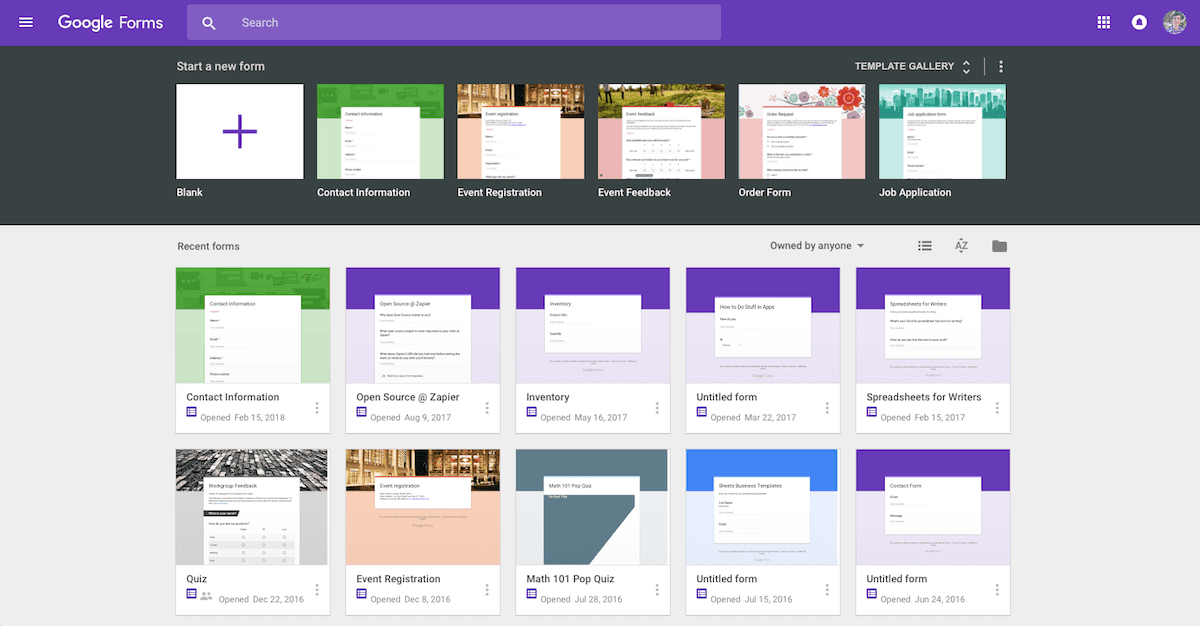
Google Forms is an easy way to collect data from the web with a simple UI and powerful editor. Works hand-in-hand with Google Sheets!
Features
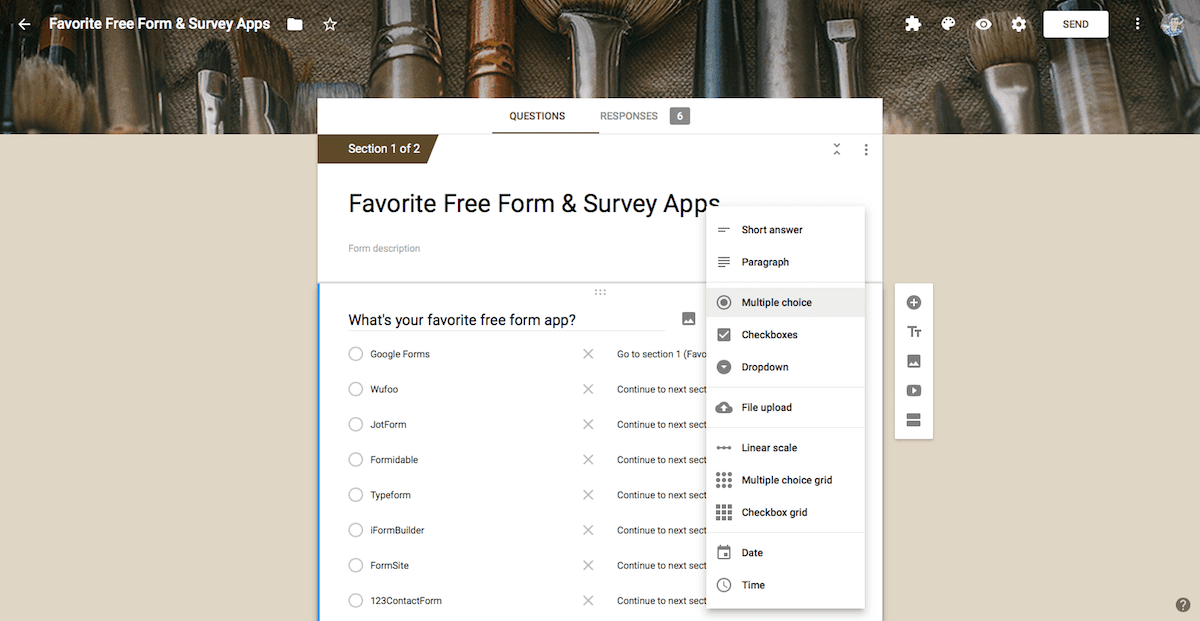
- Create forms and surveys for free with a drag-and-drop editor
- Get a quick graph and list of results, or save responses to a Google Sheets spreadsheet
- Choose a photo header for an auto-generated color theme
- Include images and YouTube videos in forms
- Create interactive forms with logic and branching
- Collaboratively build forms and share data in Google Drive
- Add add-ons to include extra features in your forms
Pricing
Google Forms is free with a personal Google account and included with Google Workspace business subscriptions. Google Workspace pricing.
Google Forms operations on Zapier
Triggers (2)
Start a workflow when this happens
- New Form Response — Triggers when a new form response is received.
- New or Updated Form Response — Triggers when a form response is added or modified.
Actions (1)
Things Salesflare can make it do
- API Request (Beta) — This is an advanced action which makes a raw HTTP request that includes this integration's authentication.
Google Forms operations on Make
Triggers (2)
Start a workflow when this happens
- Watch Responses — Triggers when a new response is received.
- Watch Responses in Google Sheets — Watches for new responses in the Google Sheets table.
Actions (9)
Things Salesflare can make it do
- Add a Response in Google Sheets — Appends a new response to the bottom of the Google Sheets table.
- Create a Form — Creates a new form.
- Delete a Response in Google Sheets — Deletes a specific response from the bottom of the Google Sheets table.
- Get a Form — Retrieves an existing form by its ID.
- Get a Response — Retrieves the details of a response by its ID.
Show 4 more actions
- Make an API Call — Performs an arbitrary authorized API call.
- Move a Form to Trash — Removes a form and moves it to trash.
- Update a Form — Updates an existing form by its ID.
- Update a Response in Google Sheets — Updates a response in the Google Sheets table.
Searches (4)
Look up existing records
- List Responses — Retrieves a list of responses.
- Search Forms — Retrieves a list of forms filtered by criteria.
- Search Responses in Google Sheets — Returns responses matching the given criteria in the Google Sheets table.
- Search Responses in Google Sheets (Advanced) — Returns results matching the given criteria in the Google Sheets table. This module doesn't return a row number.
Screenshots
Similar apps
 Google Calendar
 Google's free online calendar.
 Google Sheets
 Create, edit and share spreadsheets online.
 Google Drive
 Store your files online.
 Typeform
 Helps you ask awesomely online.
 Google Docs
 Online word processor.
 Gravity Forms
 WordPress plugin to easily create powerful forms.
Not using Salesflare yet?
Salesflare is a CRM for small and medium-sized B2B businesses — it fills itself in automatically so your team actually keeps it up to date.
Try it for free