


InvoiceBerry and Salesflare
Online invoicing software
How to connect InvoiceBerry
- Via Zapier — 11 operations available. Set it up ↗
- Via Make — 6 modules available. Set it up ↗
What you can automate
- When new Client in InvoiceBerry, find or create account, then find or create contact, then add contact to account in Salesflare.
- When new Credit Note in InvoiceBerry, create internal note in Salesflare.
- When new Invoice in InvoiceBerry, create opportunity, then find or create contact in Salesflare.
- When new Quote in InvoiceBerry, create opportunity in Salesflare.
About InvoiceBerry
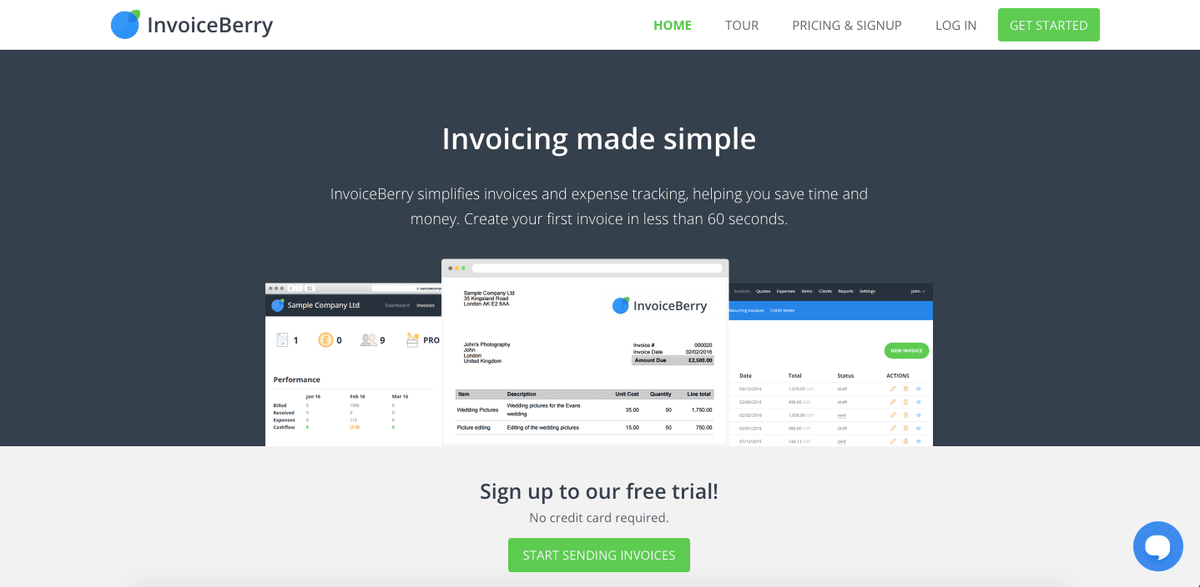
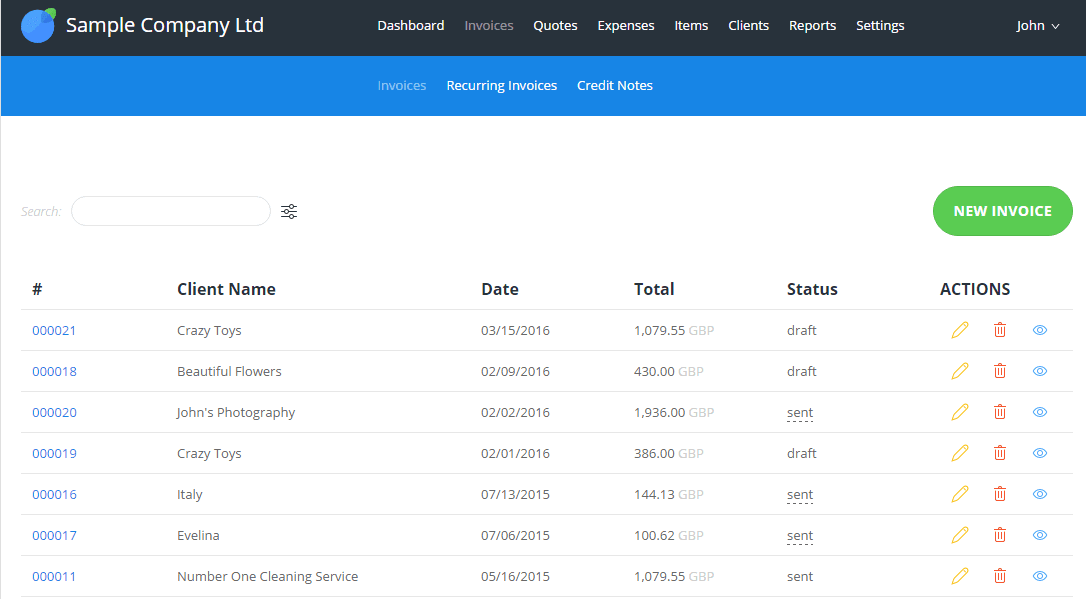
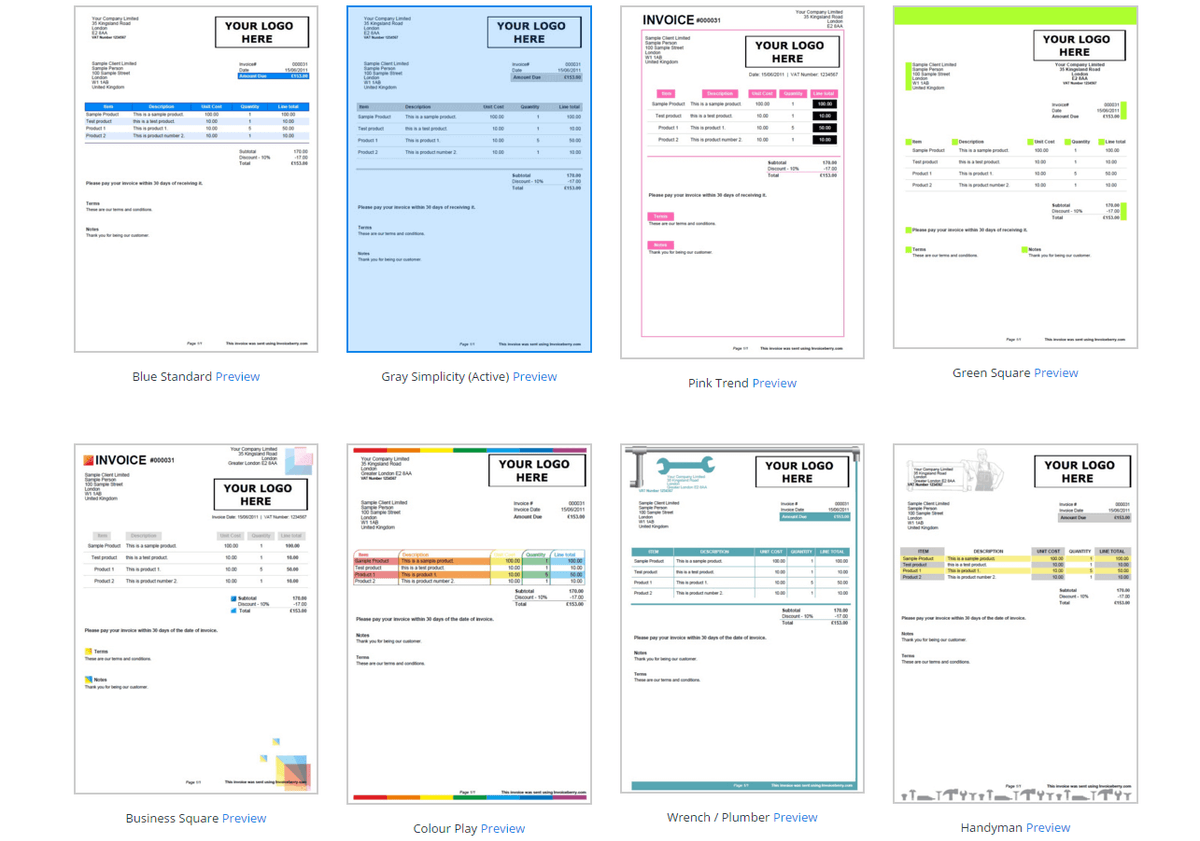
InvoiceBerry is online invoicing software, designed to meet the invoicing needs of small businesses and freelancers. InvoiceBerry allows you to create, edit and send your invoices by email to your customers with just one click. Choose one of our professional invoice templates, add your company logo and details. You can keep track of your client's payments by adding received payments to an invoice. You will also be able to see who's paid and who hasn't and send gentle payment follow-ups. Add your expenses, create reports and connect payment methods to make it easier for your clients to pay their invoice, avoiding late or lost payments.
Features
- Create and send invoices
- Expense tracking
- Report generation
- Payment tacking
- Reminders for late-payers
- Multi-Currency
- Accept payments online
- Print invoices
- Create and send quotes
- SSL Encryption and Backups
Pricing
14-day free trial. Solo: $15/month. Pro: $30/month. Ultra: $45/month. Current pricing.
InvoiceBerry operations on Zapier
Triggers (6)
Start a workflow when this happens
- New Client — Triggers when a new client is created.
- New Credit Note — Triggers when a new credit note is created.
- New Expense — Triggers when a new expense is created.
- New Invoice — Triggers when a new invoice is created.
- New Item — Triggers when a new item is created.
Show 1 more triggers
- New Quote — Triggers when a new quote is created.
Actions (5)
Things Salesflare can make it do
- Add Expense — Adds a new expense.
- Create Client — Creates a new client.
- Create Invoice — Adds a new Invoice.
- Create Item — Adds a new item.
- Create Recurring Invoice — Adds a new recurring invoice.
InvoiceBerry operations on Make
Actions (4)
Things Salesflare can make it do
- Create a Client — Creates a client for a specific user.
- Create an Invoice — Creates an invoice for a specific user.
- Get a Client — Returns client details for a specific user.
- Return an invoice — Returns an invoice for a specific user.
Searches (2)
Look up existing records
- List Clients — Lists all clients for a specific user.
- List Invoices — Lists all invoices for a specific user.
Screenshots
Similar apps
 QuickBooks Online
 Online accounting platform.
 Paymo
Paymo Manage projects, track work time, invoice your clients, and measure profitability from the same…
 Xero
Xero Online accounting app.
 Wave
Wave Invoices, credit card payments, accounting & payroll.
 Zoho Books
 Zoho Books is cloud-based accounting software in which you can record, audit and analyze all fin…
 Harvest
 Simplify employee timesheets and billing.
Not using Salesflare yet?
Salesflare is a CRM for small and medium-sized B2B businesses — it fills itself in automatically so your team actually keeps it up to date.
Try it for free