


JotForm and Salesflare
Build web forms faster than ever.
How to connect JotForm
- Via Zapier — 6 operations available. Set it up ↗
- Via Make — 8 modules available. Set it up ↗
What you can automate
- When new Submission in JotForm, find or create contact in Salesflare.
About JotForm
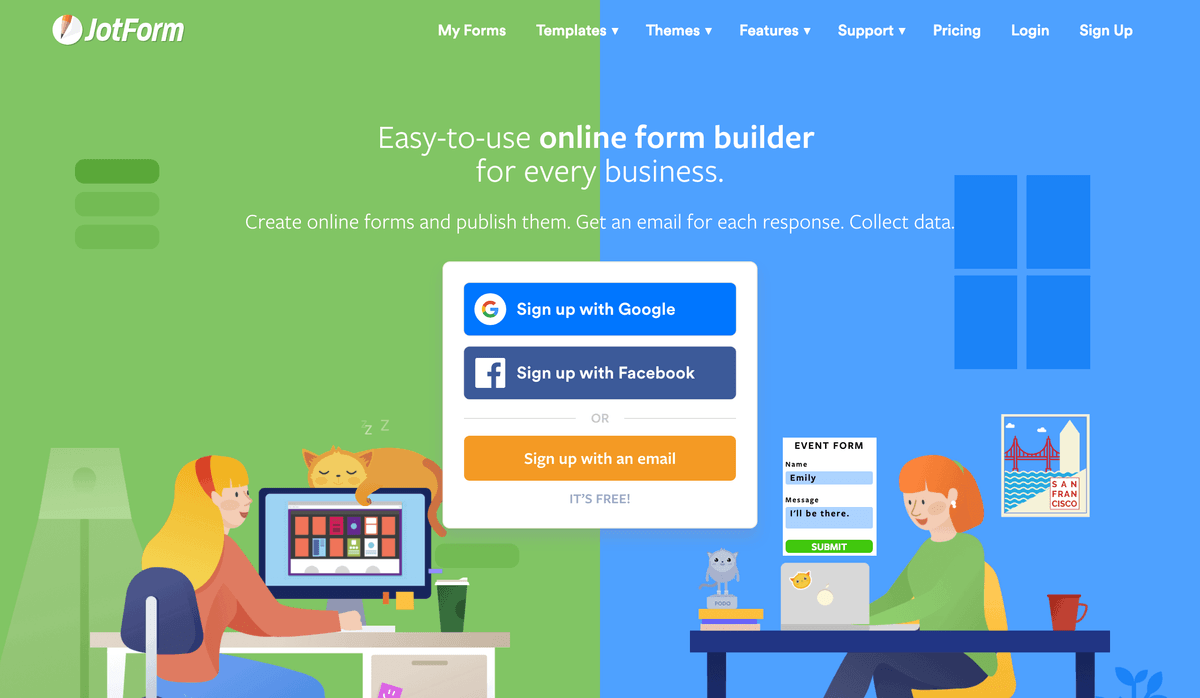
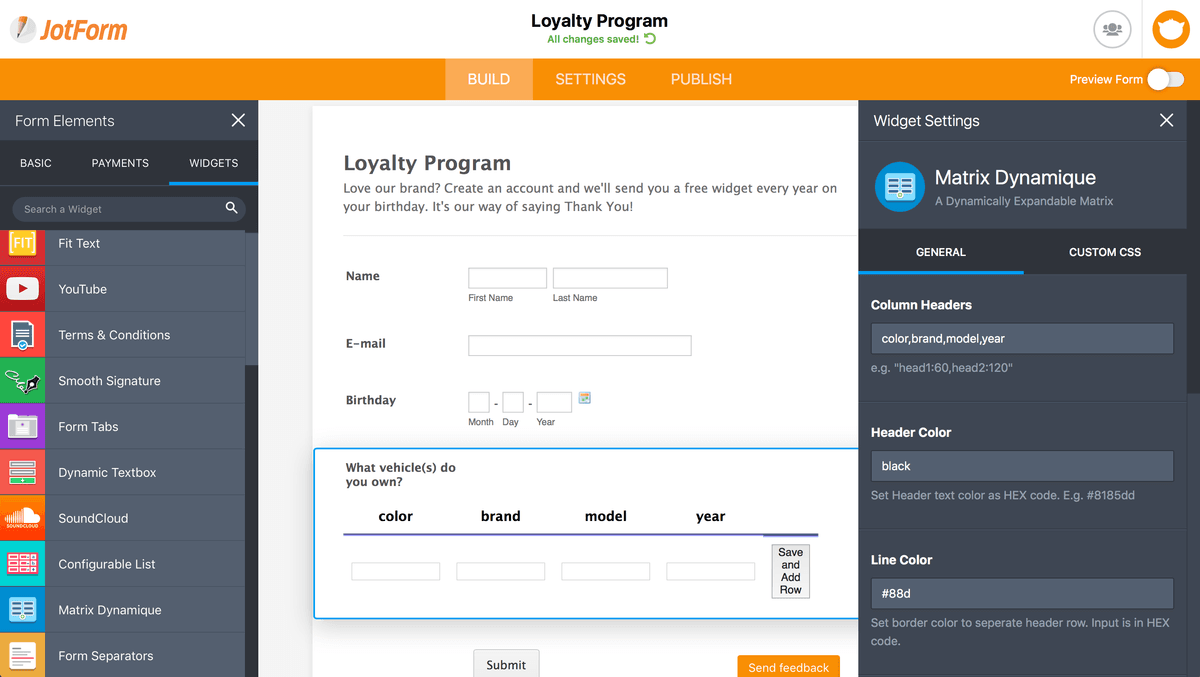
The newly redesigned JotForm lets you build forms faster than ever, with powerful widgets and a responsive editor that works offline—without even needing to sign up for an account.
Features
- Build online forms without creating an account
- Edit forms in real-time with colleagues
- Edit forms on mobile, even when offline
- Jump back to a previous version of a form with revision history
- Add features and online content to your form with widgets
- Include logic conditions to make interactive forms
- Send customized email notifications for form responses
Pricing
Starter: free. Bronze: $39/month. Silver: $49/month. Gold: $129/month. Enterprise: custom pricing. Annual billing discounts may apply. Current pricing.
JotForm operations on Zapier
Triggers (2)
Start a workflow when this happens
- New Signed Document — Triggers when a signed document is received.
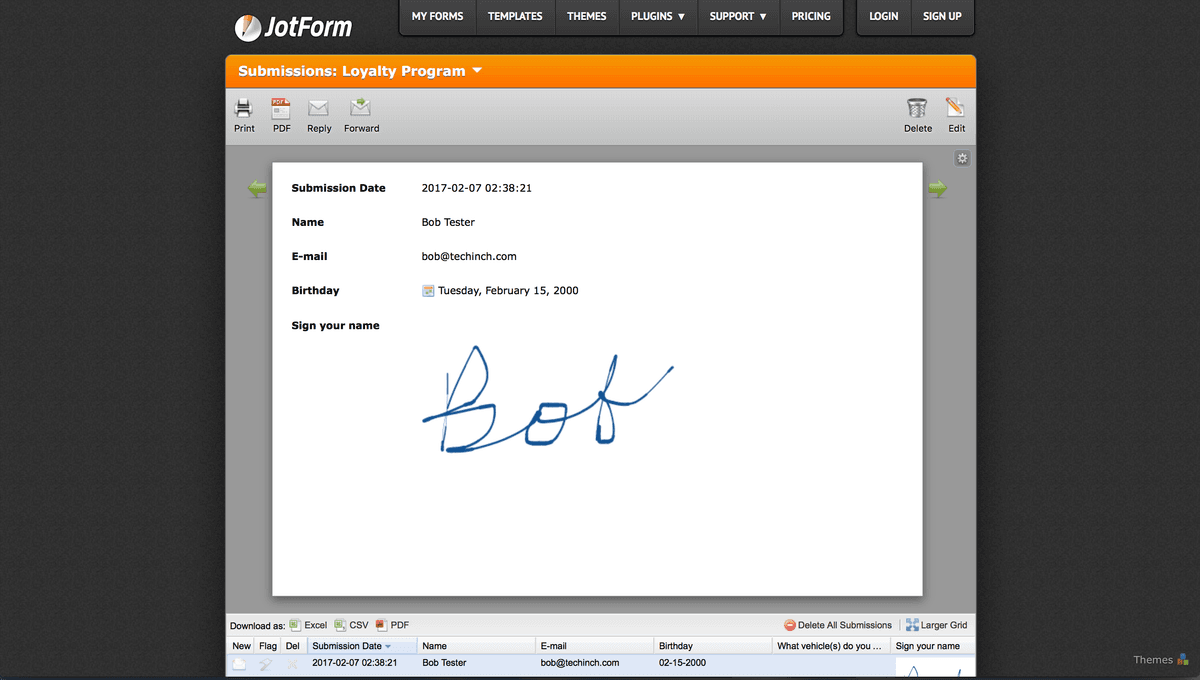
- New Submission — Triggers when a new submission has been added to a specific form.
Actions (4)
Things Salesflare can make it do
- API Request (Beta) — This is an advanced action which makes a raw HTTP request that includes this integration's authentication.
- Assign Form — Invite assignees to complete your form
- Assign Prefilled Form — Invite assignees to complete your pre-populated form
- Create Submission — Generate a new submission for your form
JotForm operations on Make
Triggers (1)
Start a workflow when this happens
- Watch for Submissions — Triggers when a new submission comes and fires the scenario automatically after new submission message is received.
Actions (4)
Things Salesflare can make it do
- Add Questions to Form — Adds questions to the specified form.
- Create a New Form — Add new forms with questions, properties and email settings.
- Get Monthly User Usage — Get number of form submissions received this month. Also, get number of SSL form submissions, payment form submissions and upload space used by user.
- Make an API Call — Performs an arbitrary API call.
Searches (3)
Look up existing records
- Get Form Submissions — List of form responses. Fields array has the submitted data.
- Get User Submissions — Get a list of all submissions for all forms on this account. The answers array has the submission data.
- List a Form Questions — Lists all questions of a specified form.
Screenshots
Similar apps
 Typeform
 Helps you ask awesomely online.
 Gravity Forms
 WordPress plugin to easily create powerful forms.
 Unbounce
 Crazy simple to do landing pages.
 Poptin
 Convert more visitors into customers.
 Facebook Lead Ads
 Generate leads from Facebook.
 Google Forms
 Collect data from the web.
Not using Salesflare yet?
Salesflare is a CRM for small and medium-sized B2B businesses — it fills itself in automatically so your team actually keeps it up to date.
Try it for free