


SuperSaaS and Salesflare
Add every SuperSaaS user as a contact in Salesflare.
How to connect SuperSaaS
- Via Zapier — 8 operations available. Set it up ↗
- Via Make — 8 modules available. Set it up ↗
What you can automate
- When new Appointment in SuperSaaS, create meeting, then create call in Salesflare.
- When new Form in SuperSaaS, find or create contact in Salesflare.
About SuperSaaS
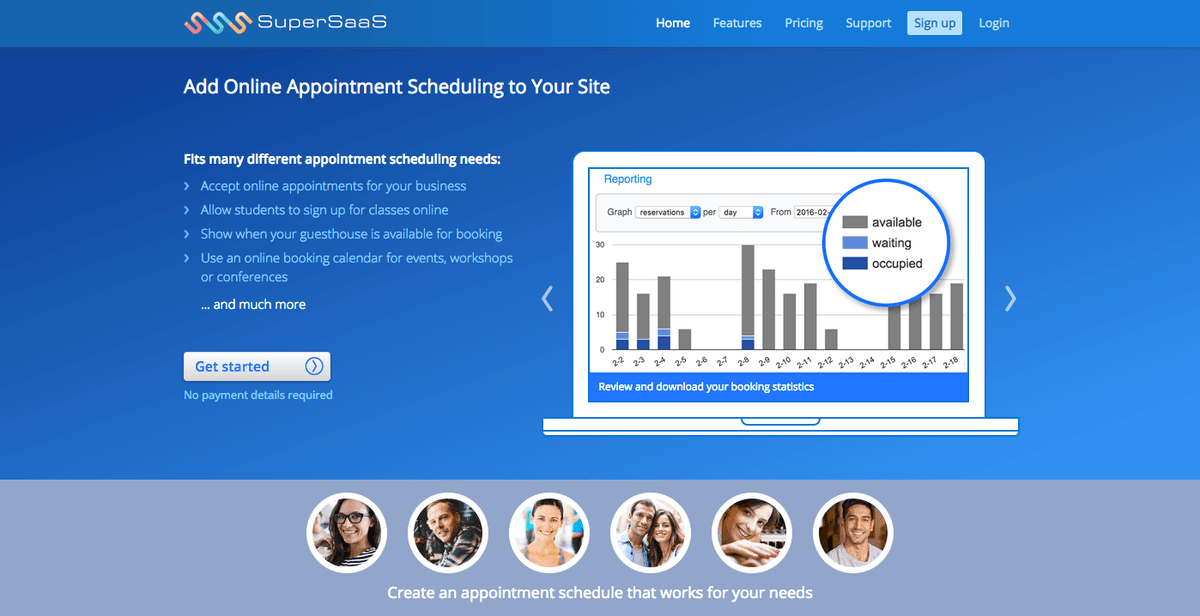
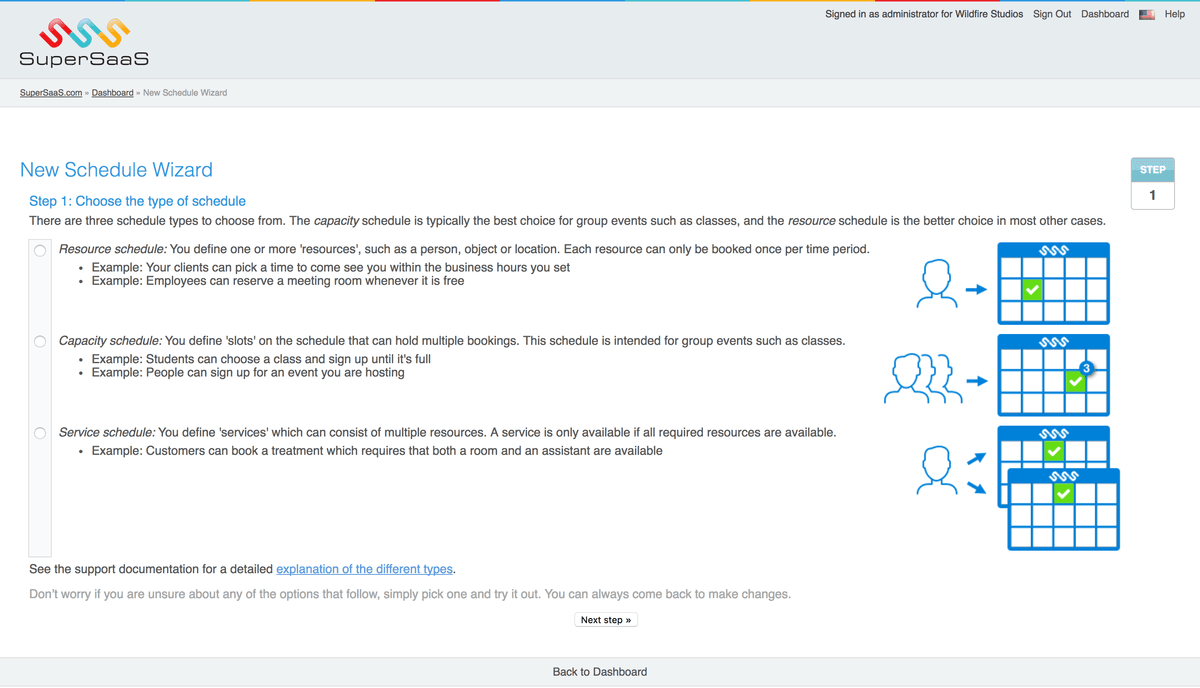
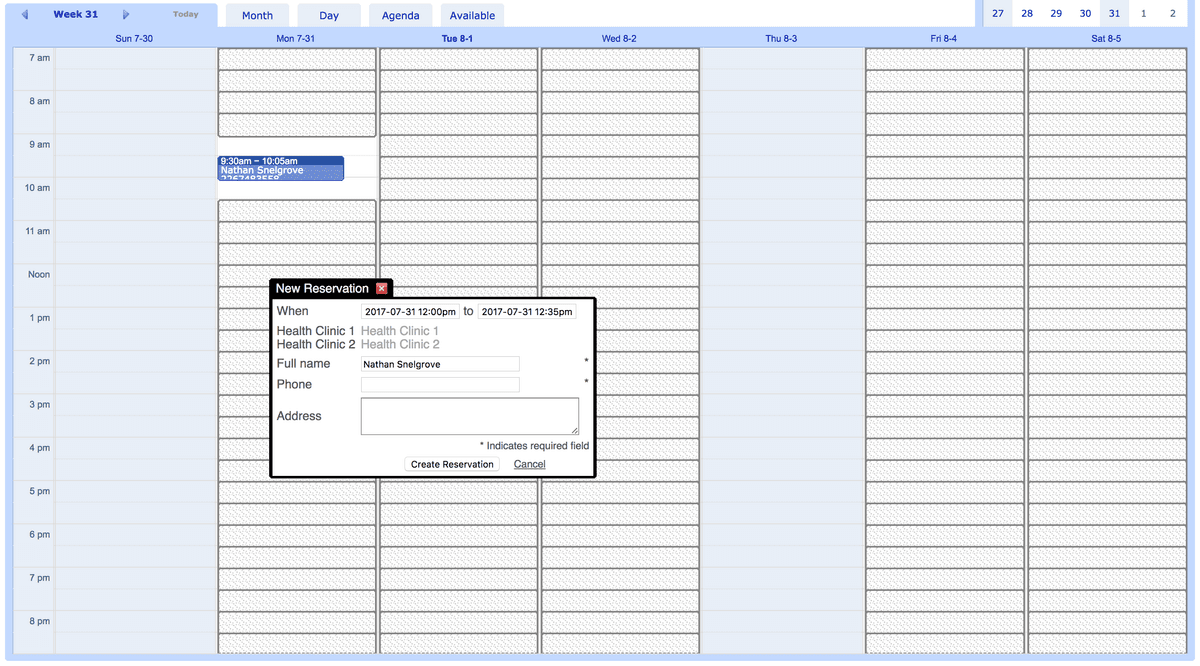
Online appointment scheduling for any type of business. Flexible and affordable booking software that can be integrated into any site.
Features
Unlimited schedules, multiple payment options available, completely configurable, automatic confirmation and reminder messages and lot more.
Pricing
Free plan available. Paid plans start at $9/month (€7/month) and scale with appointment capacity, up to larger high-volume tiers. Current pricing.
SuperSaaS operations on Zapier
Triggers (8)
Start a workflow when this happens
- Change Appointment — Triggers on a new, changed or deleted appointment.
- Change User — Triggers on a new, changed or deleted user.
- Credit Purchase — Triggers when a user buys something in your shop.
- New Appointment — Triggers when a new appointment is created.
- New Form — Triggers when a stand-alone form is submitted.
Show 3 more triggers
- New User — Triggers when a user creates a new user login.
- Reminder or Follow Up — Triggers on a reminder or a follow up.
- Send Mail — Triggers on email. Switches off regular sending.
SuperSaaS operations on Make
Triggers (8)
Start a workflow when this happens
- Changed appointment — Triggers each time an appointment changes on your schedule. A new appointment also counts as a change.
- Changed user — Triggers for each change to a user in your SuperSaaS account. A new user also counts as a change.
- Credit purchase — Triggers when a user buys something in your shop
- Email generated — Triggers each time an email is generated. Can be used to send notifications from your own email account. Note that the SuperSaaS mail server will stop sending mail when this webhook exists.
- New appointment — Triggers for each new appointment on your schedule.
Show 3 more triggers
- New form — Triggers each time a user submits a new stand-alone form. Does not trigger for forms that are filled out as part of an appointment or user sign up.
- New user — Triggers each time a new user registers on your SuperSaaS account.
- Reminder / Follow up — Triggers on a reminder or a follow up. Note that SuperSaaS will stop sending the reminder or follow up while this web hook exists.
Screenshots
Similar apps
 Calendly
 Elegant and simple scheduling tool for businesses.
 CalendarHero
 Powerful scheduling for modern business.
 MeetFox
 Meetings made easy.
 Vectera
 Scheduling and video meeting platform for sales.
 Schedule by Zapier
 Schedule is a native Zapier app you can use for recurring tasks. Trigger an action every day of…
 Acuity Scheduling
 Easy online appointment scheduling software.
Not using Salesflare yet?
Salesflare is a CRM for small and medium-sized B2B businesses — it fills itself in automatically so your team actually keeps it up to date.
Try it for free