


Asana and Salesflare
Coordinate all the work your team does together.
How to connect Asana
- Via Zapier — 43 operations available. Set it up ↗
- Via Make — 90 modules available. Set it up ↗
What you can automate
- When completed Task in Asana, create task in Salesflare.
- When new Task in Asana, create task in Salesflare.
- When new Comment on a Task in Asana, create internal note in Salesflare.
- When new Attachment Added to Task in Asana, create task in Salesflare.
- When tag Added to Task in Asana, create task in Salesflare.
- When new Workspace/Organization in Asana, find or create account in Salesflare.
About Asana
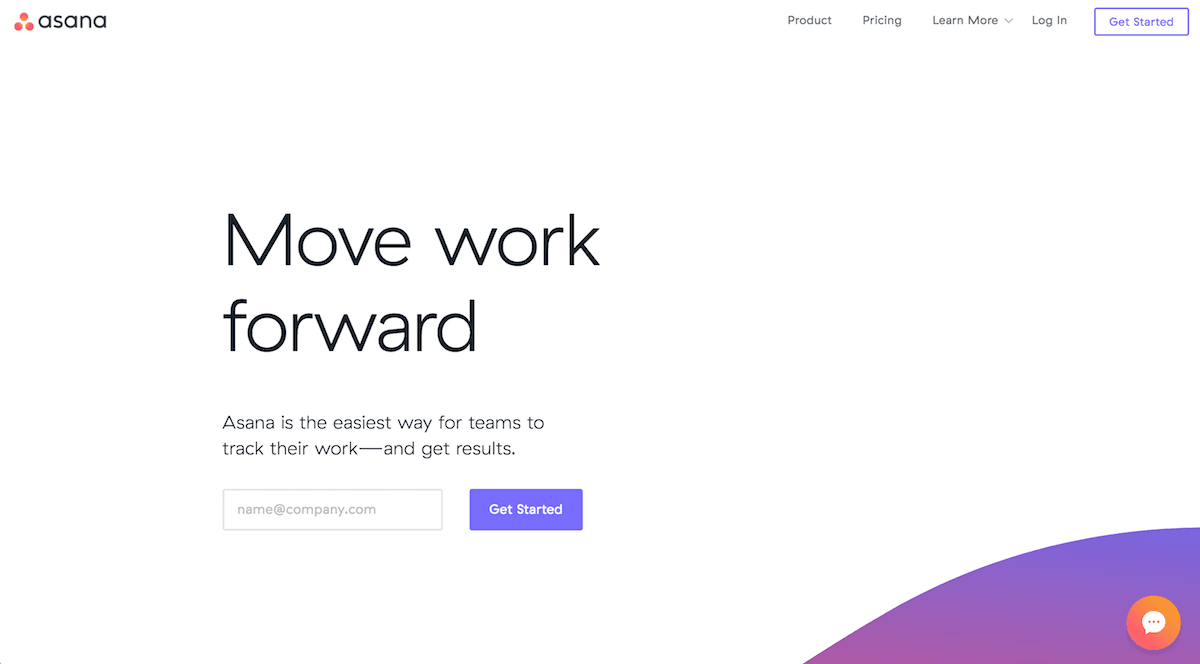
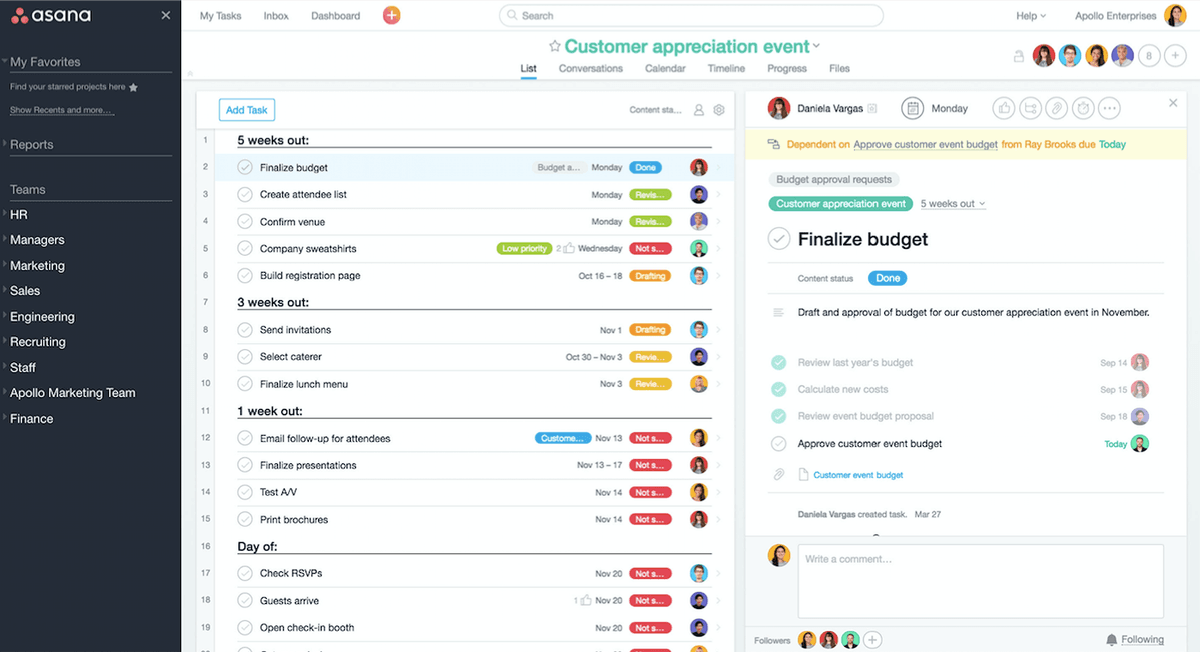
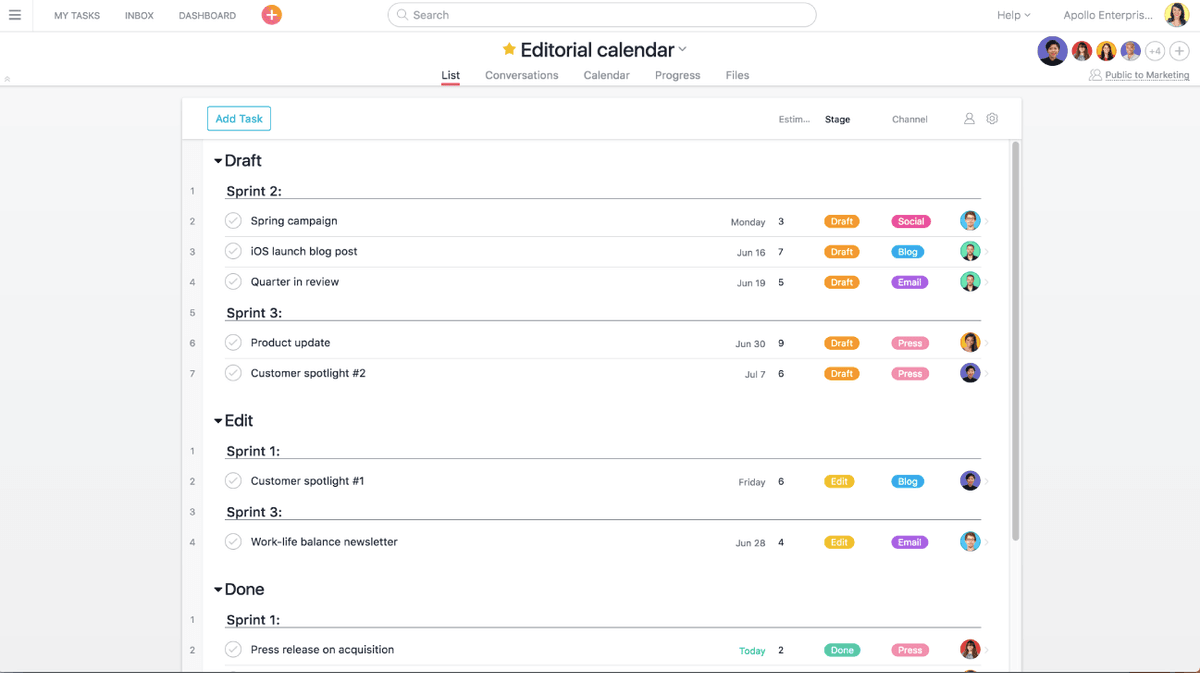
Asana is a collaborative information manager for workspace. It helps you organize people and tasks effectively.
Features
- Assign, organize, track, and manage tasks for yourself and across teams
- Organize tasks into shared projects
- Communicate with teammates
- Know the status of all work relevant to you through automatic updates
- Watch the status of work and projects with dashboards
- iOS and Android apps available
Pricing
Personal: free. Starter: $10.99/user/month billed annually. Advanced: $24.99/user/month billed annually. Enterprise: custom pricing. Current pricing.
Asana operations on Zapier
Triggers (16)
Start a workflow when this happens
- Completed Task — Triggered when a task within a project, or any project within a workspace, is marked as completed. Does not trigger on completed subtasks.
- Get tasks — Bulk read enabled endpoint for Asana tasks.
- New Attachment Added to Task — Triggers when an attachment is added to a task.
- New Comment on a Task — Triggers when a new Comment is added to a Task in Asana.
- New Completed Subtask — Triggers when a Subtask is completed in Asana.
Show 11 more triggers
- New Project — Triggers when a new Project is created.
- New Story — Triggered when you add a new story.
- New Subtask — Triggered when you add a new subtask.
- New Tag Created — Triggered when you create a new tag.
- New Task — Triggered when a Task is added to a Project.
- New Team — Triggered when you add a new team.
- New User — Triggered when you add a new user.
- New Workspace/Organization — Triggered when you add a new workspace/organization.
- Tag Added to Task — Triggered when a Tag is added to a Task.
- Task Moved to Section — Triggers when a Task is moved to a section.
- Updated Task — Triggered when a Task is updated in a Project.
Actions (16)
Things Salesflare can make it do
- API Request (Beta) — This is an advanced action which makes a raw HTTP request that includes this integration's authentication.
- Add Tag to Task — Adds a tag to an existing task.
- Add Task to Section of Project — Adds a Task to a Section of a Project.
- Attach File — Attaches a File to a task.
- Create Comment/Story — Adds a comment or story to a task.
Show 11 more actions
- Create Duplicate Task — Duplicates an existing task.
- Create Project — Adds a new project.
- Create Project From Template — Creates a new project from a custom template.
- Create Section — Creates a new section within a project.
- Create Subtask — Adds a Subtask to an existing Task.
- Create Task — Creates a new task in Asana with specified details.
- Create Task From Template — Creates a new task in Asana from a selected template.
- Find or Create Project — Find or Create Project
- Find or Create Task — Find or Create Task
- Remove Tag from Task — Removes a tag from an existing task.
- Update Task — Updates multiple properties of an existing Asana task. This is a comprehensive update action that can modify task details, assignment, dates, followers, tags, and custom fields in a single operation.
Searches (11)
Look up existing records
- Find All Tasks From Project — Searches for all tasks in a specific project with optional filters. Returns tasks as line items, up to 500 tasks.
- Find Project — Finds an existing project.
- Find Project V2 — Finds an existing project with enhanced filtering and search capabilities.
- Find Section in Project — Finds an existing section within a workspace project.
- Find Task Attachments by Task ID — Finds all attachments for a specific task by its ID.
Show 6 more searches
- Find Task Comments — Finds comments for a specific task.
- Find Task by ID — Finds an existing task by its ID.
- Find Task in Project — Finds an existing task within a workspace project(s).
- Find Tasks in Workspace — Searches for tasks in a workspace using Asana's search API. Returns multiple results as returned by the API. Supports custom fields and advanced filtering. Available only to premium Asana users.
- Find User — Finds an existing user of your Asana account.
- Find User V2 — Finds an existing user of your Asana account with enhanced search capabilities.
Asana operations on Make
Triggers (8)
Start a workflow when this happens
- Watch Completed Tasks — Checks whether new tasks have been completed.
- Watch New Projects — Checks whether new projects have been made.
- Watch New Stories — Checks whether new (task) stories have been made.
- Watch New Subtasks in a Task — Checks whether new subtasks have been made.
- Watch New Tags — Checks whether new tags have been made.
Show 3 more triggers
- Watch New Tasks — Checks whether new tasks have been made.
- Watch Tasks or Subtasks — Checks whether new tasks or subtasks have been made.
- Watch Webhook Events — Watches webhook events.
Actions (59)
Things Salesflare can make it do
- Add Users to a Portfolio — Adds the specified list of users as members of the portfolio.
- Add a Story Comment — Adds a comment to a task.
- Add a Task to a Project — Adds a task to a project or section at a specific location.
- Add a User to a Team — Adds a user to a team.
- Add an Option to a Custom Field — Creates an enumeration option for a custom field.
Show 54 more actions
- Create a Custom Field — Creates a (workspace) custom field.
- Create a Portfolio — Creates a portfolio.
- Create a Project — Creates a project.
- Create a Project Section — Creates a project section.
- Create a Project Status — Creates a project status.
- Create a Tag — Creates a tag.
- Create a Task or a Subtask — Creates a task or a subtask.
- Create a Team — Creates a team.
- Delete a Custom Field — Deletes a custom field.
- Delete a Portfolio — Deletes a portfolio.
- Delete a Project — Deletes a project.
- Delete a Project Section — Deletes a project section.
- Delete a Project Status — Deletes a project status.
- Delete a Story — Deletes a story.
- Delete a Task — Deletes a task.
- Delete an Attachment — Deletes an attachment.
- Duplicate a Project — Duplicates a project.
- Duplicate a Task — Duplicates a task.
- Get a Custom Field — Retrieves a (workspace) custom field.
- Get a Goal — Retrieves a goal.
- Get a Portfolio — Retrieves a portfolio.
- Get a Project — Retrieves a project.
- Get a Project Custom Field — Retrieves a project custom field.
- Get a Project Section — Retrieves a project section.
- Get a Project Status — Retrieves a project status.
- Get a Project's Task Count — Retrieves the task count of a project.
- Get a Story — Retrieves a (task) story
- Get a Tag — Retrieves a tag.
- Get a Task — Retrieves a task.
- Get a Team — Retrieves a team.
- Get a User — Retrieves a user.
- Get a Workspace — Retrieves a workspace.
- Get an Attachment — Retrieves an attachment.
- Make an API Call — Performs an arbitrary authorized API call.
- Move a Project Section — Moves a project section relative to other project sections in the project's board view.
- Remove Users from a Portfolio — Removes the specified list of users from members of the portfolio.
- Remove a Task from a Project — Removes a task from a project.
- Remove a User From a Team — Removes a user from a team.
- Update a Custom Field — Updates a custom field.
- Update a Custom Field Option — Updates an enumeration option.
- Update a Portfolio — Updates a portfolio.
- Update a Project — Updates a project.
- Update a Project Section — Updates a project Section.
- Update a Project's Custom Fields — Updates the custom fields of a project.
- Update a Story — Updates a Story.
- Update a Tag — Updates a tag.
- Update a Task — Updates a task.
- Update a Task's Dependencies — Updates the dependencies of a task. A task can have maximum 15 dependencies.
- Update a Task's Dependents — Updates the dependents of a task. A task can have maximum 30 dependents.
- Update a Task's Followers — Updates the followers of a task.
- Update a Task's Parent — Updates the parent task of a task.
- Update a Task's Tag — Updates a tag of a task.
- Update a Workspace's Users — Updates the users of a workspace.
- Upload an Attachment — Uploads an attachment to a task.
Searches (23)
Look up existing records
- List Goals — Retrieves all goals.
- List Portfolios — Retrieves all portfolios.
- List Project's Statuses — Retrieves the history of project statuses of a project.
- List Projects — Retrieves all projects.
- List Tags — Retrieves all tags.
Show 18 more searches
- List Tasks — Retrieves tasks of a workspace, project, tag or assignee.
- List Users — Retrieves all users.
- List Webhooks — Retrieves all registered webhooks.
- List Workspaces — Retrieves all workspaces.
- List a Project's Custom Fields — Retrieves all the custom fields of a project.
- List a Project's Sections — Retrieves all sections of a project.
- List a Task's Attachments — Retrieves all attachments of a task.
- List a Task's Dependencies — Retrieves all the dependencies of a task.
- List a Task's Dependents — Retrieves all the dependents of a task.
- List a Task's Projects — Retrieves the projects of a task.
- List a Task's Stories — Retrieves the stories of a task.
- List a Task's Subtasks — Retrieves the subtasks of a task.
- List a Task's Tags — Retrieves all the tags of a task.
- List a Team's Users — Retrieves the users in a team.
- List a User's Teams — Retrieves all teams of a user.
- List a Workspace's Custom Fields — Retrieves all custom fields of a workspace.
- List a Workspace's Teams — Retrieves all teams in an organization.
- List a Workspace's Users — Retrieves all users in an organization.
Screenshots
Similar apps
 Paymo
Paymo Manage projects, track work time, invoice your clients, and measure profitability from the same…
 Trello
 Team collaboration tool.
 monday.com
 Helps you move projects forward fast.
 ClickUp
 The productivity platform.
 Google Tasks
 Very simple task list.
 Todoist
 One of the best online task management apps.
Not using Salesflare yet?
Salesflare is a CRM for small and medium-sized B2B businesses — it fills itself in automatically so your team actually keeps it up to date.
Try it for free