


monday.com and Salesflare
Helps you move projects forward fast.
How to connect monday.com
- Via Zapier — 40 operations available. Set it up ↗
- Via Make — 54 modules available. Set it up ↗
What you can automate
- When new Board's Subscribers in monday.com, create a contact in Salesflare.
About monday.com
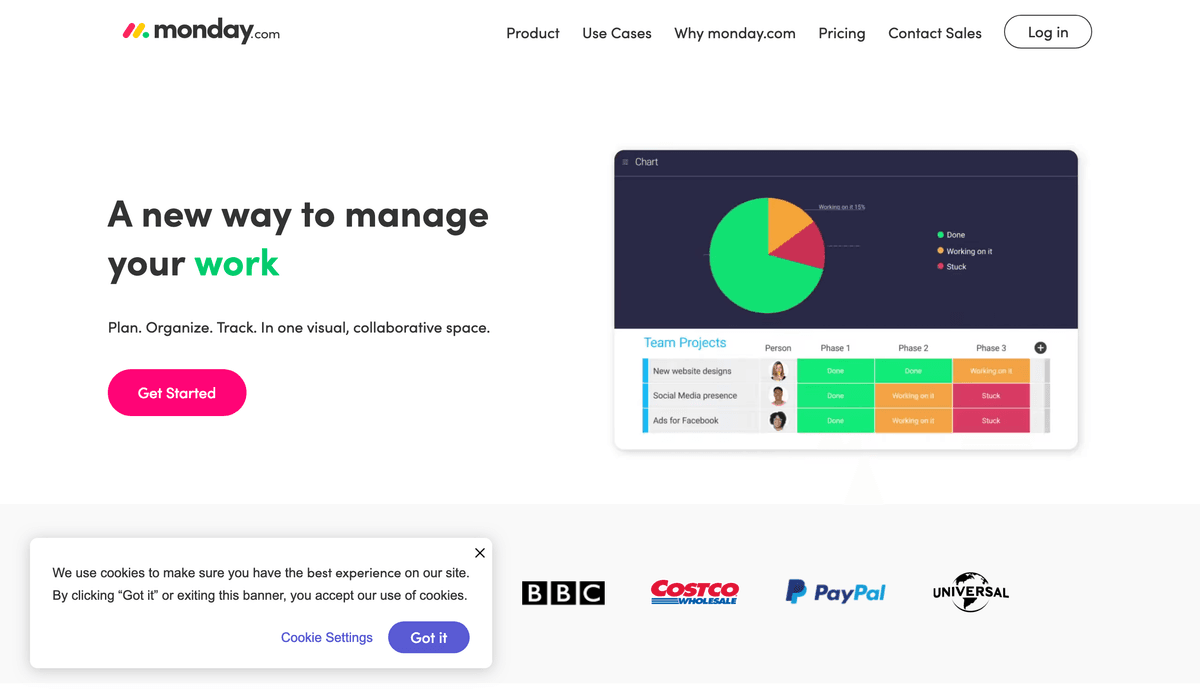
monday.com helps you move projects forward fast, letting everyone know what's been done on a task—and what needs finished right now.
Features
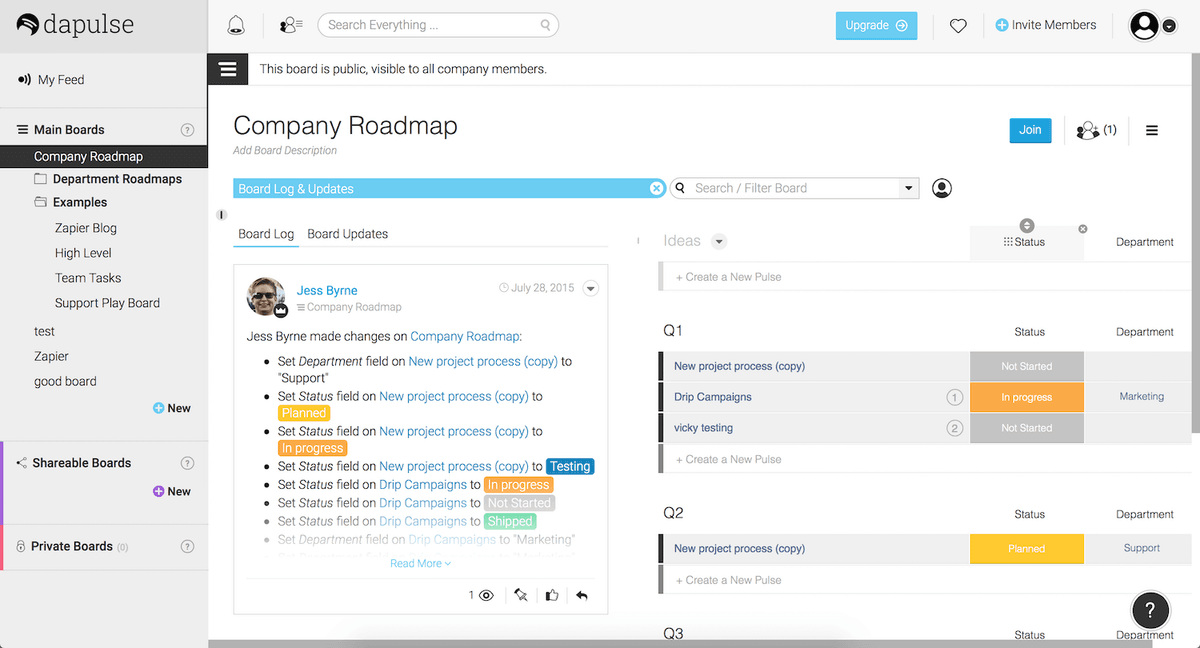
- Log tasks with customized processes and states for each stage
- Create color-coded stages to review project progress at a glance
- Organize tasks in groups with drag-and-drop
- Add files, notes, and Q&A sections to tasks
- See who tasks are assigned to and who has seen task updates at a glance
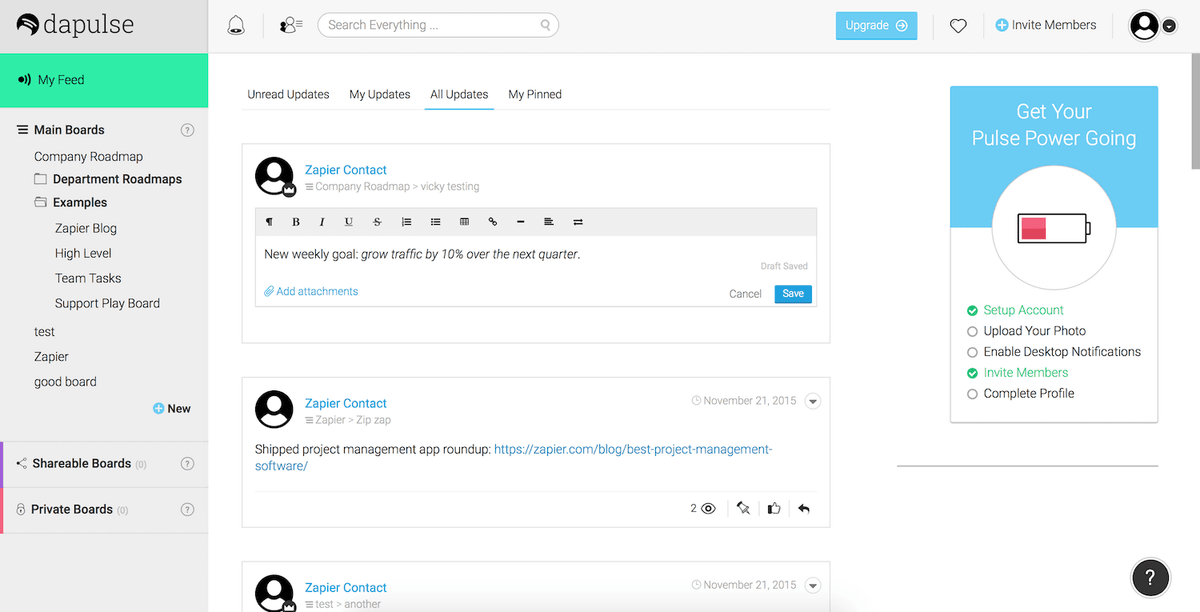
- Update your team on progress with the internal feed
- Keep in touch with your team with a User List of contact data for everyone in your account
- iOS and Android apps available
Pricing
Free plan available. On annual billing, Basic starts around $9/seat/month, Standard $12/seat/month, and Pro $19/seat/month; enterprise/high-end plans are custom and team-size bands apply. Current pricing.
monday.com operations on Zapier
Triggers (12)
Start a workflow when this happens
- Any Column Value Changed in Board — Triggers when any column's value is changed in the selected board.
- Any Subitem Column Value Changed in Board — Triggers when any subitem column's value is changed in the selected board.
- Item Moved to Group (Same or Different Board) — Triggers when an item is moved to a group (same or different board).
- New Board — Triggers when a new board is created.
- New Item in Board — Triggers when an item is created in a specific board.
Show 7 more triggers
- New Subitem Update in Board — Triggers when a new update is posted on a subitem in the selected board.
- New Subitem on Board — Triggers when a new subitem on a specific board is created.
- New Update in Board — Triggers when a new update is posted on a board.
- New User — Triggers when a new user joins your monday.com account.
- Specific Column Value Changed in Board — Triggers when a specific column's value changes in the selected board.
- Specific Columns Values Changed in Board — Triggers when one of the specified columns' value is changed in the selected board.
- Specific Subitem Column Value Changed in Board — Triggers when a specific column's value changes in a subitem within the selected board.
Actions (19)
Things Salesflare can make it do
- API Request (Beta) — This is an advanced action which makes a raw HTTP request that includes this integration's authentication.
- Archive Board — Archives a board
- Archive Group — Archives a specific group in a board
- Archive Item — Archives an item
- Create Board — Creates a new board
Show 14 more actions
- Create Column — Create a new column in board.
- Create Group — Creates a new group in a board
- Create Item — Create a new Item in a board
- Create Subitem — Create a new subitem in a item with column values
- Create Update — Create a new update.
- Delete Group — Delete a specific group from a board
- Delete Item — Delete an item from a board
- Duplicate Item — Create a duplicate of an existing item (including subitems). Note: this action takes a few minutes to complete the subitem duplication.
- Group Position — Duplicate a group with its items
- Move Item to Group — Move an item to a different group
- Update Item — Change multiple column values of an item
- Update Item Name — Update an item's name
- Update Subitem — Updates a update subitem on your board.
- Upload File to Specific Column — Upload File To Specific Column
Searches (9)
Look up existing records
- Find Items — Find items that match a specific value in a column
- Find Subitems — Finds the subitems of a specific item on the board
- Find User by Name — Search for a user by name using exact matching
- Get Board Values — Returns the data for a all columns in the specific board
- Get Column Values — Returns the data for a specific column in the board
Show 4 more searches
- Get File Column Values — Returns the data for a specific file column in the board
- Get Group Details — Returns the details of a group using its ID.
- Get Group Names for a Board — Returns the group names for a specific board
- Get User Details — Returns the details for a specific user
monday.com operations on Make
Triggers (12)
Start a workflow when this happens
- Watch Board's Column Values — Triggers when the board's column values have changed.
- Watch Board's Items — Triggers when an item is created/updated in the given board.
- Watch Board's Items by Column Values — Triggers when an item with the given value is created/updated in the given board.
- Watch Board's Subscribers — Triggers when a new user is subscribed to a given board.
- Watch Board's Updates — Triggers when a new board's update is created.
Show 7 more triggers
- Watch Events — Triggers when a new event occurs in Monday.
- Watch Group's Items — Triggers when an item is created/updated in the given group.
- Watch Item's Column Value — Triggers when an item's column value is changed.
- Watch Item's Name — Triggers when an item's name on a board has changed.
- Watch Item's Updates — Triggers when a new item's update is created.
- Watch Team's Users — Triggers when a new user has joined the given team.
- Watch Users — Triggers when a new user is created.
Actions (27)
Things Salesflare can make it do
- Add Board Subscribers — Adds subscribers to a board by their IDs and the board ID.
- Add a Column to a Board — Adds a new column to a specific board.
- Add a File to a File Column Value — Adds a file to a file column value.
- Add a File to an Update — Adds a file to an existing update.
- Create a Board — Creates a new board.
Show 22 more actions
- Create a Group — Creates a new group in a specific board.
- Create a Notification — Creates a new notification.
- Create a Subitem — Creates subitem of an item.
- Create an Item — Creates an item by the board ID.
- Create an Item (advanced) — Creates an item.
- Create an Update — Creates a new update.
- Create or Get a Tag — The tags mutation allows you to create new tags or receive their data if they already exist.
- Delete or Archive an Item — Deletes or archives an item.
- Download a File — Downloads a file by the asset ID.
- Duplicate a Board — Duplicates a board.
- Duplicate a Group — Duplicates a group.
- Duplicate an Item — Duplicates an item.
- Execute a GraphQL Query — Performs an arbitrary authorized GraphQL query.
- Get a Board — Returns a board.
- Get a Group — Returns a group.
- Get a Team — Returns a team.
- Get a User — Returns a user.
- Get an Item — Returns an item.
- Get an Item's Column Value — Gets a column value of an item.
- Move an Item Between Groups — Moves an item between groups in the same board.
- Remove Board Subscribers — Removes subscribers from a board by their IDs and the board ID.
- Update Column Values of a Specific Item — Updates multiple columns values of a specific item.
Searches (15)
Look up existing records
- List Board Activity Logs — Retrieves a list of board activity logs.
- List Board Subscribers — Retrieves a list of subscribers of a board by the board ID.
- List Board's Groups — Retrieves a list of groups in the given board.
- List Board's Items — Retrieves a list of board's items.
- List Boards — Retrieves a list of boards.
Show 10 more searches
- List Files — Returns a list of files based on collection of assets.
- List Group's Items — Retrieves a list of group's items.
- List Item's Subscribers — Retrieves a list of item's (pulse's) subscribers.
- List Item's Updates — Retrieves a list of item's updates.
- List Team Members — Retrieves a list of members by team ID.
- List Teams — Retrieves a list of teams.
- List Updates — Retrieves a list of updates.
- List Users — Retrieves a list of users.
- Search Items in the Board by Column Values — Searches on the board based on column value, returning relevant data for the selected items.
- Search Items in the Board by Column Values (advanced) — Searches and sorts items on the board based on specific criteria, returning relevant data for the selected items.
Screenshots
Similar apps
 Asana
Asana Coordinate all the work your team does together.
 Paymo
Paymo Manage projects, track work time, invoice your clients, and measure profitability from the same…
 Trello
 Team collaboration tool.
 ClickUp
 The productivity platform.
 Google Tasks
 Very simple task list.
 Todoist
 One of the best online task management apps.
Not using Salesflare yet?
Salesflare is a CRM for small and medium-sized B2B businesses — it fills itself in automatically so your team actually keeps it up to date.
Try it for free