


Freshdesk and Salesflare
Online helpdesk software.
How to connect Freshdesk
- Via Zapier — 16 operations available. Set it up ↗
- Via Make — 31 modules available. Set it up ↗
What you can automate
- When new Ticket in Freshdesk, create task in Salesflare.
- When new Contact in Freshdesk, find or create contact in Salesflare.
- When new Ticket Note in Freshdesk, create task in Salesflare.
- When new Account in Salesflare, create Company in Freshdesk.
- When new Task in Salesflare, create Ticket in Freshdesk.
About Freshdesk
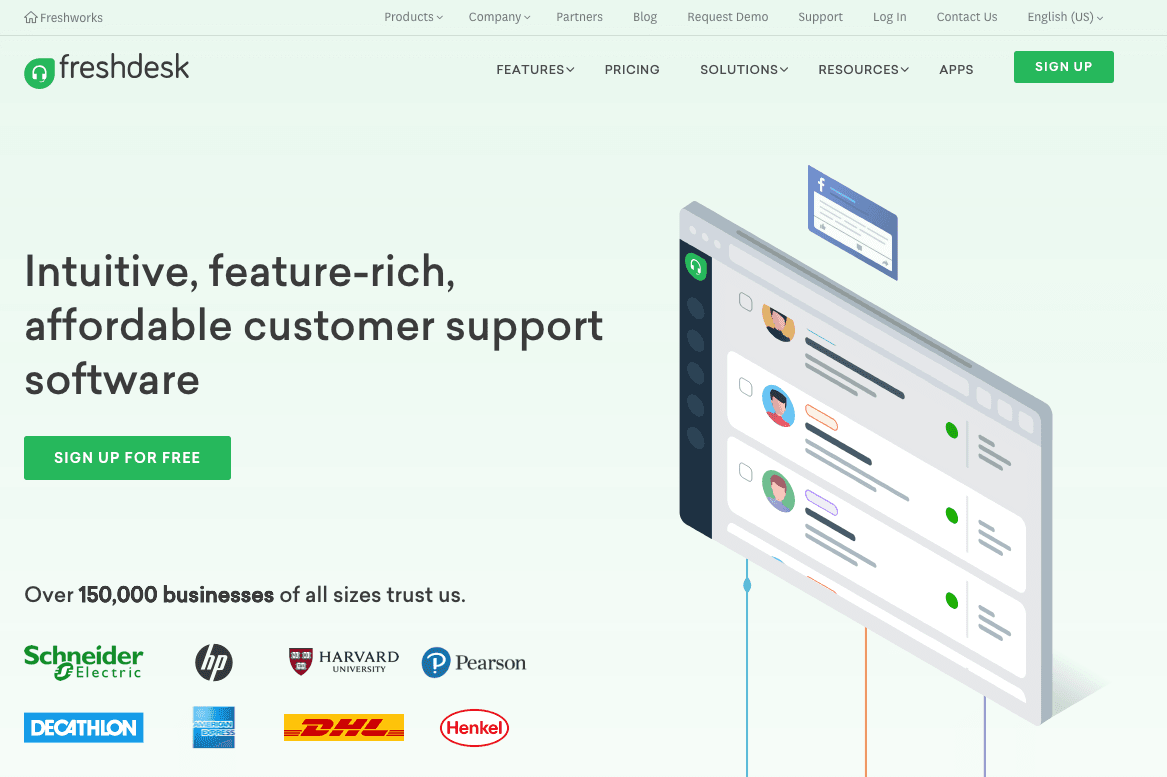
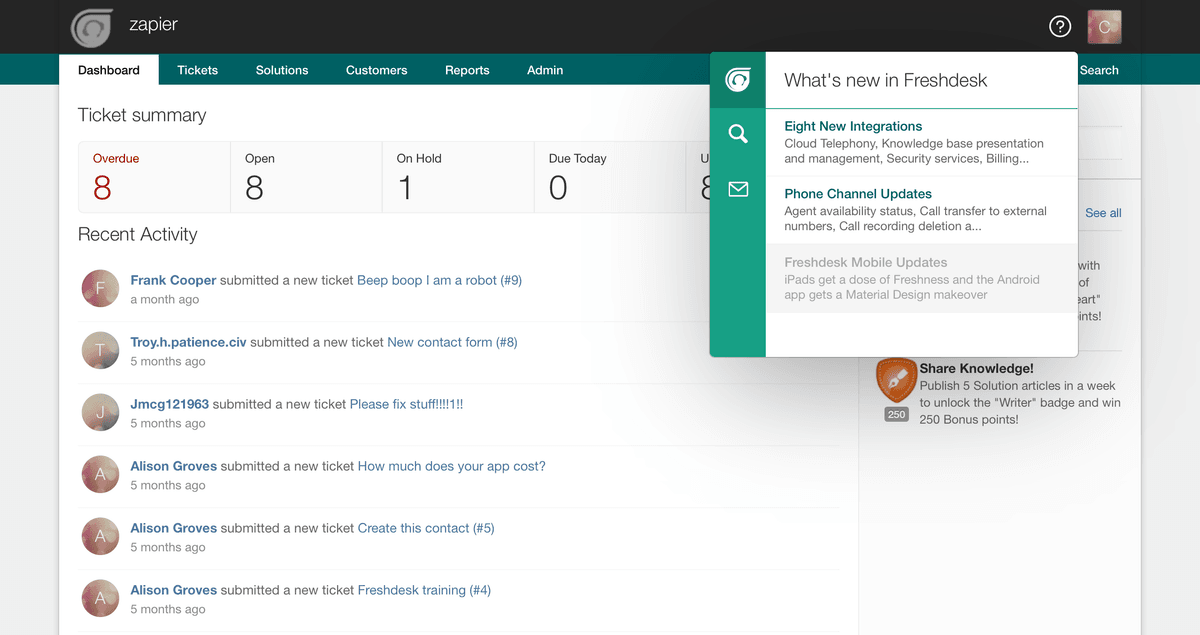
Freshdesk is an online helpdesk software with multiple channel customer service to support customers across email, phone, chat, web, Twitter and more.
Features
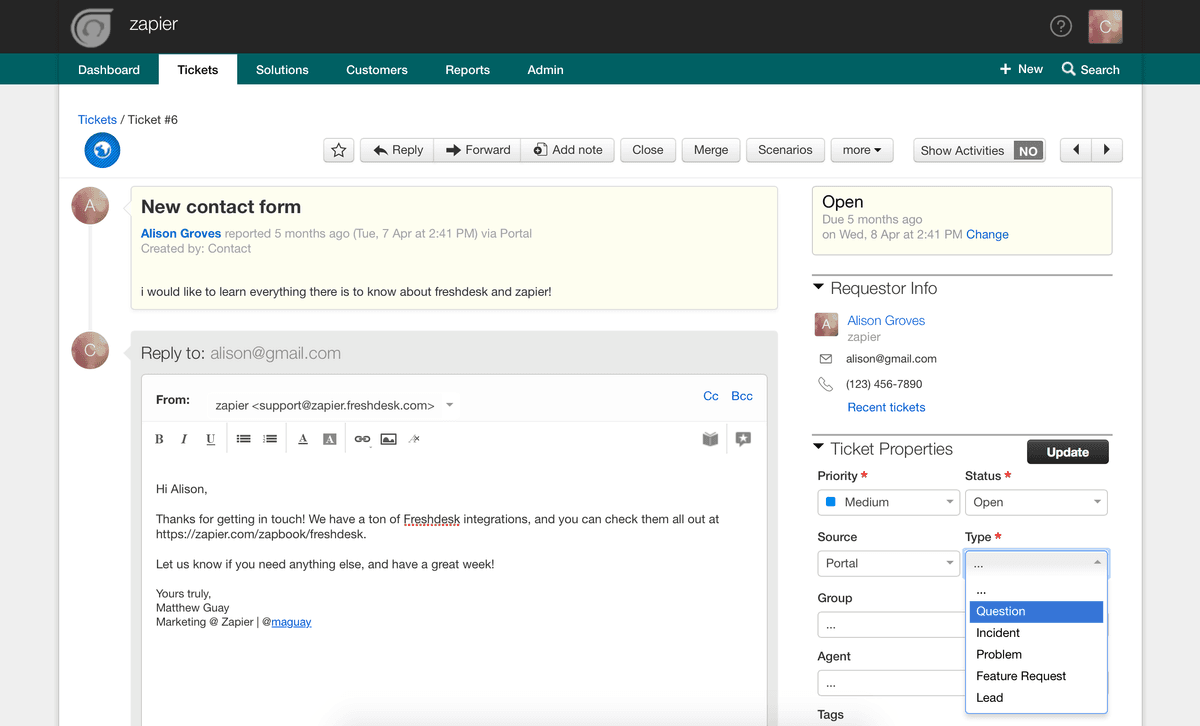
- Support customers via email, social media, phone, and chat in one interface
- Annotate image attachments in responses
- Write public and private notes in tickets
- Read about customers via integrations and a built-in customer database
- Define ticket priority
- Assign tickets automatically based on employee skill set
- Auto-suggests solutions from earlier tickets and your solutions center
- iOS and Android apps available
Pricing
Freshdesk has a free entry option and paid plans priced per agent; current plan packaging differs from the old Sprout/Blossom/Garden/Estate tiers. Current pricing.
Freshdesk operations on Zapier
Triggers (5)
Start a workflow when this happens
- New Contact — Triggers when a new customer is created.
- New Ticket — Triggers when there is a new ticket is created in Freshdesk.
- New Ticket Note — Triggers when a Note is added to a Ticket.
- Update Contact — Triggers when a user is updated.
- Update Ticket — Triggers when a Ticket is updated.
Actions (9)
Things Salesflare can make it do
- API Request (Beta) — This is an advanced action which makes a raw HTTP request that includes this integration's authentication.
- Add Notes to a Ticket — Add Private or Public notes to a Freshdesk Support Ticket.
- Create Company — Allows you to create a Company entry in Freshdesk.
- Create Contact — Allows you to create a User/Customer in Freshdesk for your support domain.
- Create Forum — Creates a Forum under a Category.
Show 4 more actions
- Create Forum Category — Creates a Forum Category.
- Create Forum Topic — Create a new Forum Topic on Freshdesk Forums.
- Create Ticket — Create a ticket in Freshdesk for your domain.
- Update Ticket — Updates a ticket in FreshDesk.
Searches (2)
Look up existing records
- Find Contact — Finds an existing customer or a potential customer that has raised a ticket.
- Find Ticket by Id — Find a ticket by ID.
Freshdesk operations on Make
Triggers (3)
Start a workflow when this happens
- Watch Contacts — Triggers when a contact is created or updated.
- Watch Events — Triggers when an event occurs to a ticket.
- Watch Tickets — Triggers when a ticket is created or updated.
Actions (20)
Things Salesflare can make it do
- Create a Company — Creates a new company.
- Create a Contact — Creates a new contact.
- Create a Forum — Creates a new forum.
- Create a Forum Category — Creates a new forum category.
- Create a Forum Topic — Creates a new forum topic.
Show 15 more actions
- Create a Note — Create a new note to a specified ticket.
- Create a Reply — Creates a new reply to a specified ticket.
- Create a Ticket — Creates a new ticket. Note that ticket creation is done only from the perspective of the agent (custom fields that are required for agents should be filled in, etc.).
- Create an Outbound Email — Creates a new outbound email.
- Delete a Company — Deletes a company.
- Delete a Contact — Deletes a contact.
- Delete a Ticket — Deletes a ticket.
- Get a Company — Gets a specified company.
- Get a Contact — Gets a specified contact.
- Get a Ticket — Gets a specified ticket.
- Get an Agent — Gets a specified agent.
- Make an API Call — Performs an arbitrary authorized API call.
- Update a Company — Updates an existing company.
- Update a Contact — Updates an existing contact.
- Update a Ticket — Updates an existing ticket.
Searches (8)
Look up existing records
- List Satisfaction Ratings — Retrieves a list of all satisfaction ratings of a ticket.
- List Ticket Conversations — Retrieve a list of all conversation in a specified ticket.
- List Time Entries — Retrieves a list of all time entries of a ticket.
- Search Companies — Searches for companies by their name or filter parameter.
- Search Contacts — Searches for contacts by their name or filter parameter.
Show 3 more searches
- Search Tickets by Query — Searches for tickets by using filter or query.
- Search/List Contacts — Searches for contacts.
- Search/List Tickets — Searches for tickets.
Screenshots
Similar apps
 Intercom
 Customer communication platform.
 Helpwise
 Shared Inbox for Team Email, SMS & WhatsApp accounts
 Zendesk
 Web-based help desk support tool.
 ManyChat
 All-in-one Messenger Marketing platform.
 Jira Service Management
 Jira Service Management is help desk software that enables support agents to receive, track, man…
 Front
Front Front is the AI-powered customer service platform built for collaboration that enables 9,000 bus…
Not using Salesflare yet?
Salesflare is a CRM for small and medium-sized B2B businesses — it fills itself in automatically so your team actually keeps it up to date.
Try it for free