


Intercom and Salesflare
Customer communication platform.
How to connect Intercom
- Via Zapier — 43 operations available. Set it up ↗
- Via Make — 51 modules available. Set it up ↗
What you can automate
- When lead Added Email in Intercom, find or create contact in Salesflare.
- When new Lead in Intercom, find or create contact in Salesflare.
- When tag Added to Lead in Intercom, find or create contact in Salesflare.
- When new Company in Intercom, find or create account in Salesflare.
- When new Ticket in Intercom, create task in Salesflare.
- When updated Company in Intercom, find or create account in Salesflare.
About Intercom
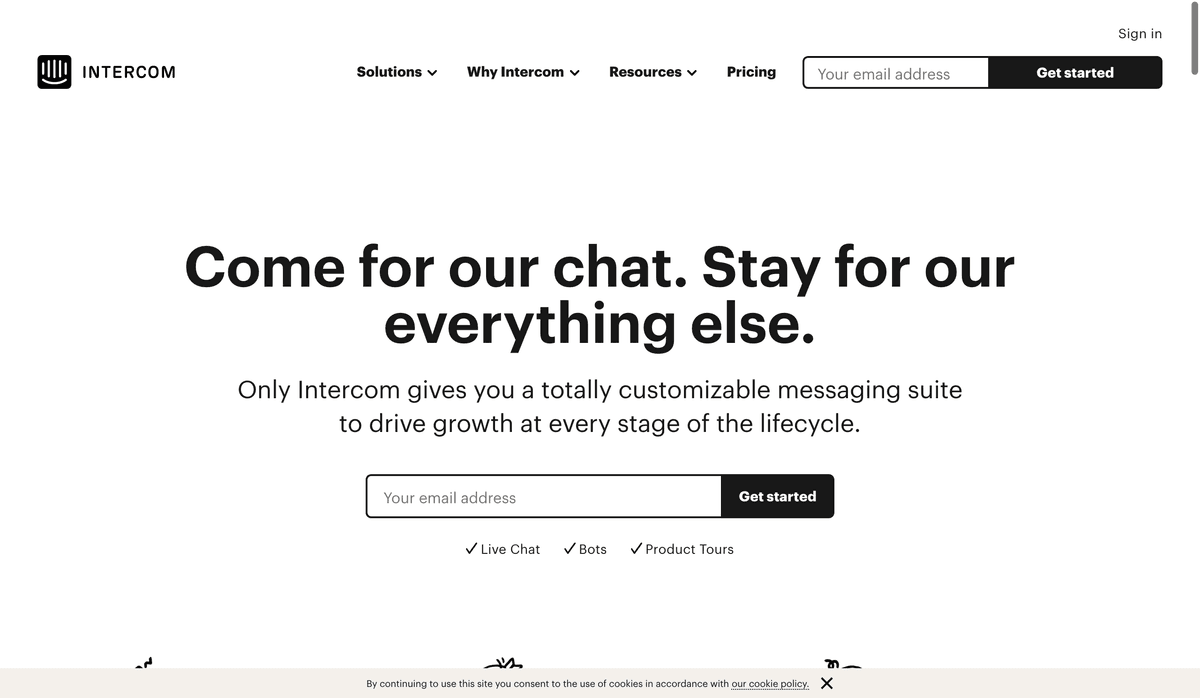
Intercom is a fundamentally new way for internet businesses to communicate with customers, personally, at scale. It's a customer communication platform with a suite of integrated products for every team—including sales, marketing, product, and support. Intercom's products enable targeted communication with customers on your website, inside your web and mobile apps, and by email.
Features
- Tracks your customers and visitors to see what they do in your site and app
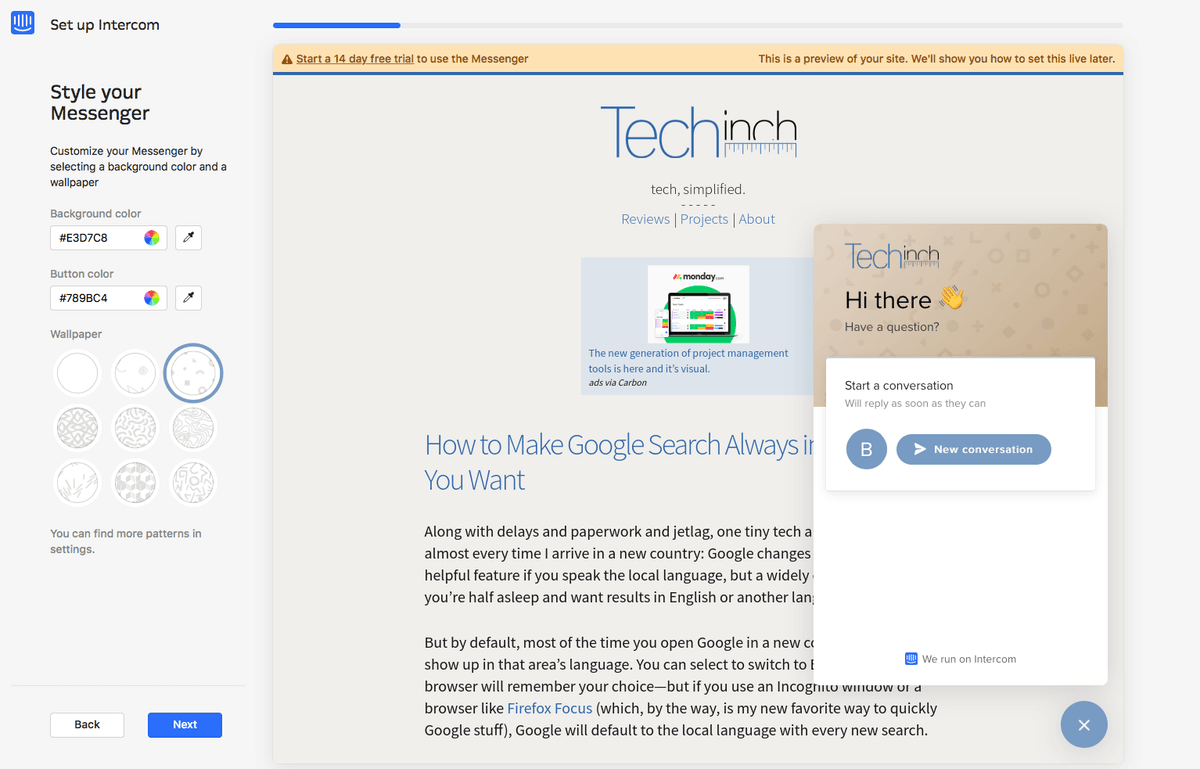
- Use on-site Messenger to chat with customers, share support documents and blog posts, and more
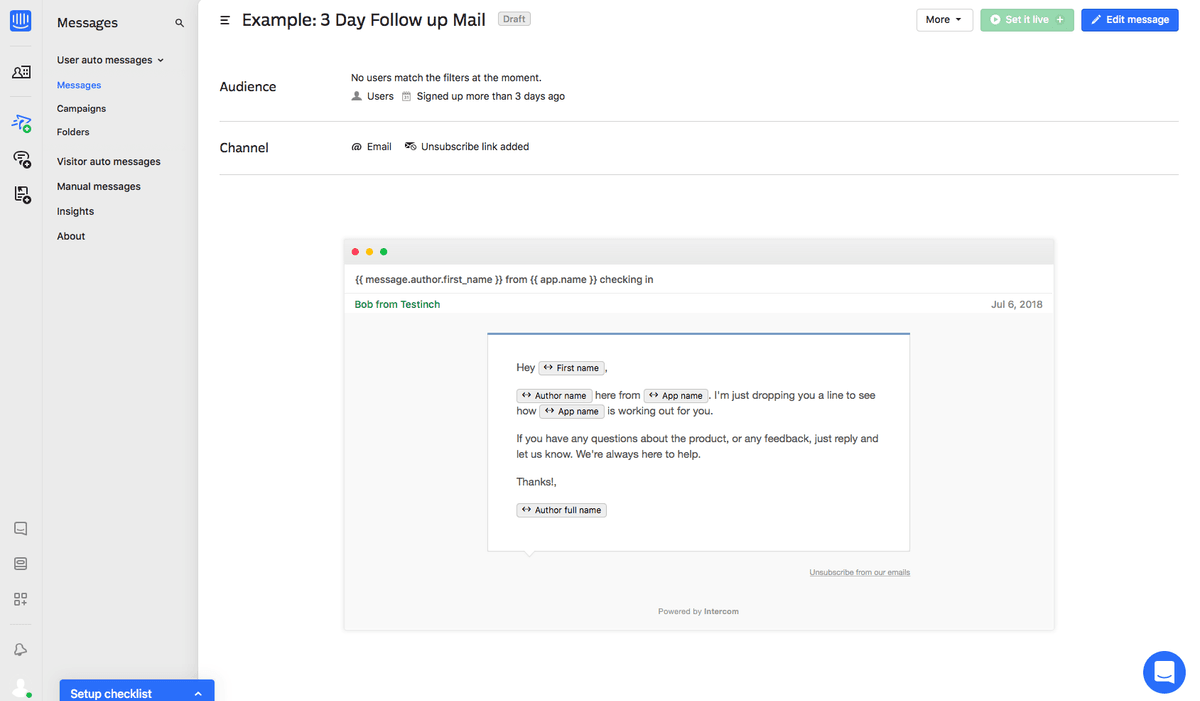
- Send automated drip messaging to convert visitors to customers
- Use team inbox to let anyone keep in touch with your users and offer support
- Integrate with Stripe to learn more about your customers
- Filter to find specific categories of users
- iOS and Android apps available
Pricing
Intercom uses seat-based plans plus usage-based AI. Current public examples include Essential from $29/seat/month, Advanced from $85/seat/month, Expert from $132/seat/month, and Fin AI at $0.99 per resolved conversation. Current pricing.
Intercom operations on Zapier
Triggers (18)
Start a workflow when this happens
- Contact Replied — Triggers when a Contact replies to a Conversation in Intercom.
- Lead Added Email — Triggers when a Lead enters an email address.
- Lead Converted to User — Triggers when a lead converts to a user.
- New AI Summary — Triggers when an AI-generated summary is created for a conversation in Intercom.
- New Closed Conversation — Triggers when you close a Conversation.
Show 13 more triggers
- New Company — Triggers when a new Company is created.
- New Conversation — Triggers when a new Conversation is created by a User in Intercom.
- New Conversation Rating — Triggers when a conversation receives a rating.
- New Lead — Triggers when a new Lead is created.
- New Ticket — Triggers when a new Ticket is created in Intercom.
- New Unsubscription — Triggers when a user unsubscribes from Intercom.io emails.
- New User — Triggers when a new User is created.
- Tag Added to Conversation — Triggers when a Tag is added to a Conversation in Intercom.
- Tag Added to Lead — Triggers when a Lead is tagged.
- Tag Added to User — Triggers when a User is tagged.
- Updated Company — Triggers when a company is updated.
- Updated Contact — Triggers when a Contact is updated in Intercom.
- Updated Ticket — Triggers when a Ticket is updated in Intercom.
Actions (19)
Things Salesflare can make it do
- API Request (Beta) — This is an advanced action which makes a raw HTTP request that includes this integration's authentication.
- Add Note — Add a note to a user.
- Add Tag to Contact — Add a Tag to a specific Intercom Contact.
- Add/Remove Tag on Company — Attach or remove a tag from a specific company.
- Create Article — Creates a new article in your Help Center.
Show 14 more actions
- Create Conversation — Creates a new conversation from a contact.
- Create Data Event — Submit a Data Event to your Intercom account.
- Create Ticket — Create a Ticket
- Create User — Creates a new user in your Intercom app.
- Create or Update Company — Creates or Updates a Company in Intercom.
- Create/Update Lead — Create or update an Intercom lead. If an ID is provided, the lead will be updated.
- Create/Update User — Update a user within Intercom given their e-mail address.
- Find or Create Company — Looks up an existing company in your Intercom account.
- Find or Create Lead — Find or Create Lead
- Remove Tag From Contact — Remove a Tag from a specific Intercom Contact.
- Reply to Conversation — Adds a reply or note to an existing Conversation.
- Send Incoming Message — Send a Message from a Contact into Intercom to create a new Conversation. Note: you must have a valid plan on Intercom to access this action.
- Send Message to Contact — Sends a message to a contact.
- Update Ticket — Updates an existing ticket in Intercom.
Searches (6)
Look up existing records
- Find Company — Finds an existing company in your Intercom account.
- Find Conversation — Search for conversations using various criteria.
- Find Lead — Finds an existing Lead.
- Find Ticket — Search for tickets using various criteria.
- Find User — Finds an existing user.
Show 1 more searches
- Retrieve a Conversation — Retrieves a specific conversation by ID, including conversation parts.
Intercom operations on Make
Triggers (1)
Start a workflow when this happens
- Watch Events — Receives notifications for all events.
Actions (32)
Things Salesflare can make it do
- Assign a Conversation — Assigns a conversation to an admin or team.
- Attach/Detach a Company to/from a Contact — Attaches or detaches a company from a user.
- Attach/Detach a Tag to/from a Company — Attaches or detaches a tag from a company.
- Attach/Detach a Tag to/from a Contact — Attaches or detaches a tag from a user.
- Attach/Detach a Tag to/from a Conversation — Attaches or detaches a tag from a conversation.
Show 27 more actions
- Close a Conversation — Closes a conversation.
- Create a Contact — Creates a new contact (user or lead).
- Create a Contact Initiated Conversation — Create a conversation initiated by a user or lead.
- Create a Contact Note — Creates a note associated to a contact.
- Create an Admin Initiated Conversation — Creates a message for an in-app conversation or email conversation.
- Create/Update a Company — Creates or updates a company.
- Create/Update a Data Attribute — Creates or updates a data attribute for contacts or companies.
- Create/Update a Tag — Creates or updates a tag.
- Delete a Contact — Deletes a contact.
- Delete a Tag — Deletes a tag.
- Get a Company — Retrieves a company.
- Get a Contact — Retrieves a contact.
- Get a Contact's Note — Retrieves a note associated to a contact.
- Get a Conversation — Retrieves a conversation.
- Get a Segment — Retrieves a segment.
- Get an Admin — Retrieves an admin.
- Get an Authenticated User — Retrieves the authenticated user.
- Make an API Call — Performs an arbitrary authorized API call.
- Mark a Conversation as Read — Marks a conversation as read.
- Merge a Lead Into a User — Merges a lead into a user.
- Open a Snoozed or Closed Conversation — Opens a snoozed or closed conversation.
- Reply to a Conversation — Replies to a conversation with a message on behalf of a contact or admin or with a note for admins.
- Set an Admin as Away — Sets an admin on "away" for the inbox.
- Snooze a Conversation — Snoozes a conversation to reopen on a future date.
- Submit a Contact's Event — Submits a contact event.
- Update a Contact — Updates a contact.
- Update a Conversation's Custom Attributes — Updates the custom attributes of a conversation.
Searches (18)
Look up existing records
- Attach/Detach a Contact to/from a Conversation — Attaches or detaches a contact from a conversation.
- List Activity Logs — Retrieves a log of activities by all admins.
- List Admins — Retrieves all your admins.
- List Companies — Retrieves all companies with associated users.
- List Companies (Large Datasets) — Retrieves all companies. This module is a variant of the List Companies module and is intended for large datasets.
Show 13 more searches
- List Company's Contacts — Retrieves all contacts attached to a company.
- List Company's Segments — Retrieves all segments that belong to a company.
- List Contact's Companies — Retrieves the list of companies associated to a contact.
- List Contact's Data Events — Retrieves a contact's events from the last 90 days.
- List Contact's Notes — Retrieves all notes associated to a contact.
- List Contact's Segments — Retrieves all segments that belong to a contact.
- List Contact's Tags — Retrieves the list of tags associated to a contact.
- List Contacts — Retrieves all your contacts (users and leads).
- List Conversations — Retrieves all your conversations.
- List Data Attributes — Retrieves the data attributes of the contact or company entity.
- List Segments — Retrieves all your segments.
- List Tags — Retrieves all your tags.
- Search for Conversations — Searches for conversations matching a query.
Screenshots
Similar apps
 Helpwise
 Shared Inbox for Team Email, SMS & WhatsApp accounts
 Zendesk
 Web-based help desk support tool.
 ManyChat
 All-in-one Messenger Marketing platform.
 Freshdesk
 Online helpdesk software.
 Jira Service Management
 Jira Service Management is help desk software that enables support agents to receive, track, man…
 Front
Front Front is the AI-powered customer service platform built for collaboration that enables 9,000 bus…
Not using Salesflare yet?
Salesflare is a CRM for small and medium-sized B2B businesses — it fills itself in automatically so your team actually keeps it up to date.
Try it for free