


Smartsheet and Salesflare
Intuitive online project management tool.
How to connect Smartsheet
- Via Zapier — 26 operations available. Set it up ↗
- Via Make — 36 modules available. Set it up ↗
What you can automate
- When new Comment in Smartsheet, create internal note in Salesflare.
About Smartsheet
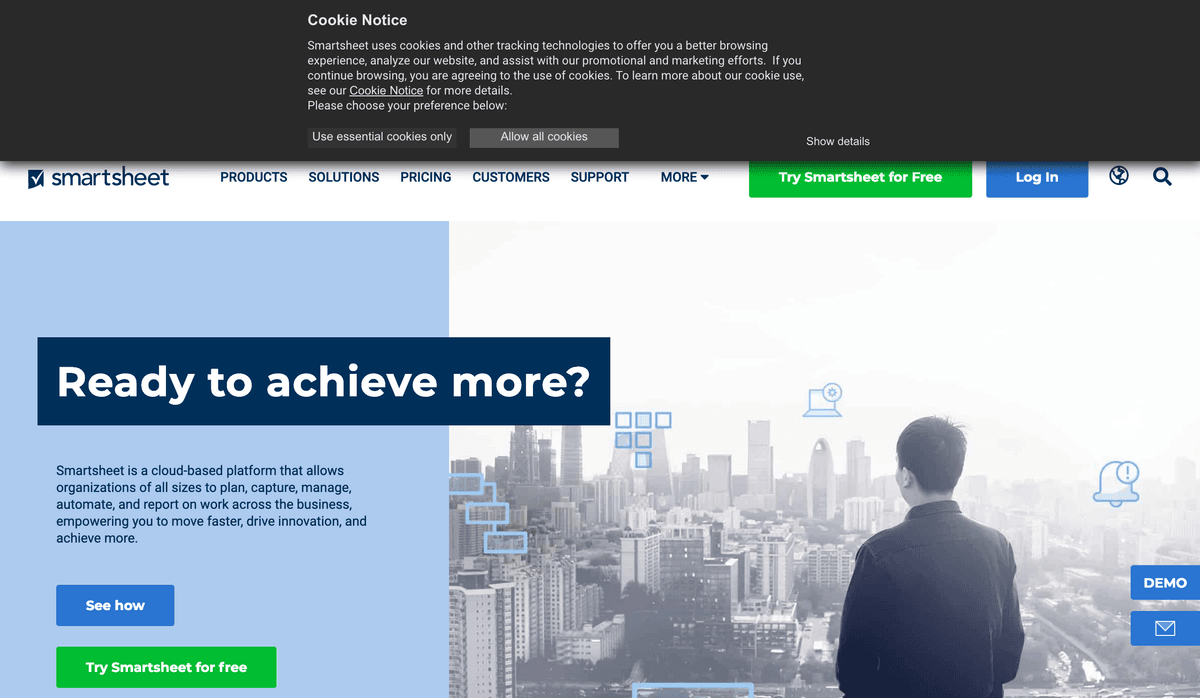
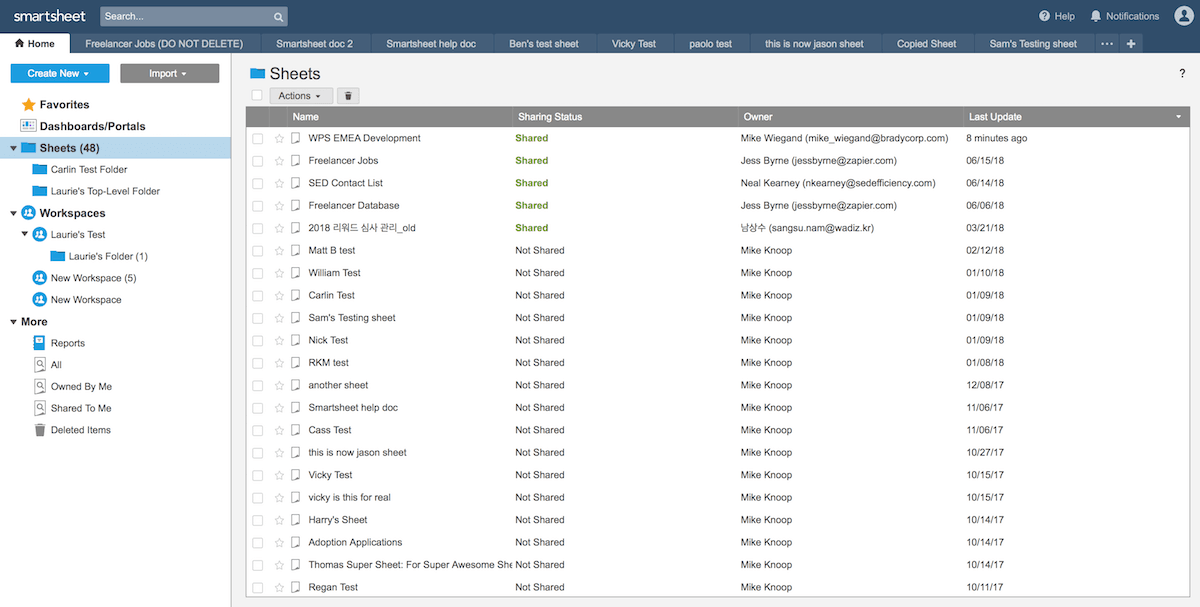
Smartsheet is an intuitive online project management tool enabling teams to increase productivity using cloud, collaboration, and mobile technologies.
Features
- Create and collaborate on spreadsheets online
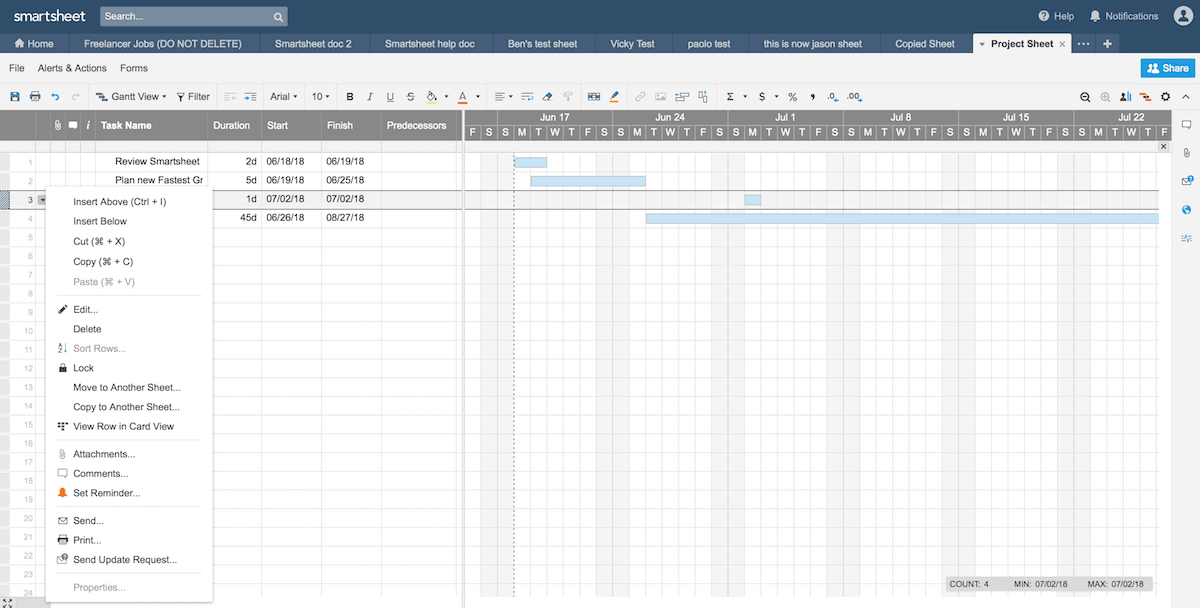
- View data in calendar and Gantt views
- Use custom formatting for data
- Add email reminders for due dates
- Export reports and common spreadsheet formats
- iOS and Android apps available
Pricing
Smartsheet offers paid Pro, Business, and Enterprise plans under its current user subscription model; prices depend on seats and billing cycle. Current pricing.
Smartsheet operations on Zapier
Triggers (6)
Start a workflow when this happens
- Get Reports — [PRIVATE] Generates report list for dropdown.
- New Attachment — Triggers when a new attachment is added to a row.
- New Comment — Triggers when a new comment is added.
- New Row — Triggers when a new row is added.
- New or Updated Report Row — Triggers when rows in a report are created or updated.
Show 1 more triggers
- Updated Row — Triggers when cells in a row are updated or created (based on your settings).
Actions (18)
Things Salesflare can make it do
- API Request (Beta) — This is an advanced action which makes a raw HTTP request that includes this integration's authentication.
- Add Attachment to Row — Adds a file attachment to a row.
- Add Discussion to Row — Adds discussion to row.
- Add Row to Sheet — Add a row to a sheet.
- Copy Folder — Copies folder to another destination.
Show 13 more actions
- Copy Row — Copies row to another sheet.
- Copy Workspace — Creates a copy of the specified Workspace.
- Create Sheet From Existing Sheet — Create a new sheet from an existing sheet.
- Create Sheet From Template — Create a new sheet from a template.
- Create Workspace — Creates a Workspace.
- Export Column — Exports the row data for a specific sheet column. Supports parent row filtering.
- Find sheet Row (Legacy) — Find a row in a specified sheet using a query.
- Move Row — Moves row to another sheet.
- Send Row — Send a row via email.
- Send Sheet — Send a sheet via email (as PDF or Excel).
- Share Sheet — Share a sheet.
- Share Workspace — Share a workspace.
- Update Row — Update an existing row with new values. Requires a row ID.
Searches (2)
Look up existing records
- Find Attachment — Find an attachment by row ID.
- Find Sheet Row — Find Sheet Row
Smartsheet operations on Make
Triggers (2)
Start a workflow when this happens
- New Event — Triggers when a new event occurs.
- Watch Rows — Triggers when a new row is added.
Actions (31)
Things Salesflare can make it do
- Copy a Folder — Creates a copy of the specified folder.
- Copy a Sheet — Creates a copy of the specified sheet.
- Copy a Workspace — Creates a copy of the specified workspace.
- Create a Comment — Adds a comment to a discussion.
- Create a Folder — Creates a folder. A folder can be created in the user's Sheets folder (Home), in another folder, or in a workspace.
Show 26 more actions
- Create a Row — Inserts a row into the specified sheet.
- Create a Row (mappable) — Inserts a row to the specified sheet. Use this module if you need to map the Sheet ID.
- Create a Sheet — Creates a sheet.
- Create a User — Adds a user to the organization account.
- Create a Workspace — Creates a workspace.
- Delete a Folder — Deletes the specified folder (and its contents).
- Delete a Row — Deletes the specified row.
- Delete a Sheet — Deletes the specified sheet.
- Delete a Workspace — Deletes the specified workspace.
- Download a Sheet — Gets the sheet in PDF, CSV, or Excel, based on the Sheet ID.
- Get My Info — Gets the current user information.
- Get a Folder — Gets the specified folder (and lists its contents).
- Get a Row — Gets the specified row.
- Get a Sheet — Gets the specified sheet.
- Get a Workspace — Gets the specified workspace (and lists its contents).
- Make an API Call — Performs an arbitrary authorized API call.
- Move Rows to Another Sheet — Moves rows from one sheet to (the bottom of) another sheet.
- Move a Folder — Moves the specified folder to a new location.
- Move a Sheet — Moves the specified sheet to a new location.
- Update Cells — Updates cells in a specified sheet.
- Update a Folder — Updates the specified folder.
- Update a Row — Updates the specified row.
- Update a Row (mappable) — Updates a row in the specified sheet. Use this module if you need to map the Sheet ID.
- Update a Summary Field — Updates a summary field.
- Update a Workspace — Updates the specified workspace.
- Upload an Attachment — Upload a file to sheets, rows, and comments.
Searches (3)
Look up existing records
- Search Everything — Searches all sheets that the user can access, for the specified text.
- Search Rows — Returns rows that match the given criteria.
- Search Sheets — Searches a sheet for the specified text.
Screenshots
Similar apps
 Google Sheets
 Create, edit and share spreadsheets online.
 Asana
Asana Coordinate all the work your team does together.
 Paymo
Paymo Manage projects, track work time, invoice your clients, and measure profitability from the same…
 Zapier Tables
 Zapier Tables is a no-code database built for automation.
 Trello
 Team collaboration tool.
 monday.com
 Helps you move projects forward fast.
Not using Salesflare yet?
Salesflare is a CRM for small and medium-sized B2B businesses — it fills itself in automatically so your team actually keeps it up to date.
Try it for free