


Gmail and Salesflare
One of the most popular email services.
How to connect Gmail
- Natively — Built directly into Salesflare. Set it up ↗
- Via Zapier — 23 operations available. Set it up ↗
- Via Make — 15 modules available. Set it up ↗
What you can automate
- When new Labeled Email in Gmail, find or create contact in Salesflare.
- When new Email in Gmail, find or create contact in Salesflare.
- When new Email Matching Search in Gmail, find or create contact in Salesflare.
- When new Starred Email in Gmail, find or create contact in Salesflare.
About Gmail
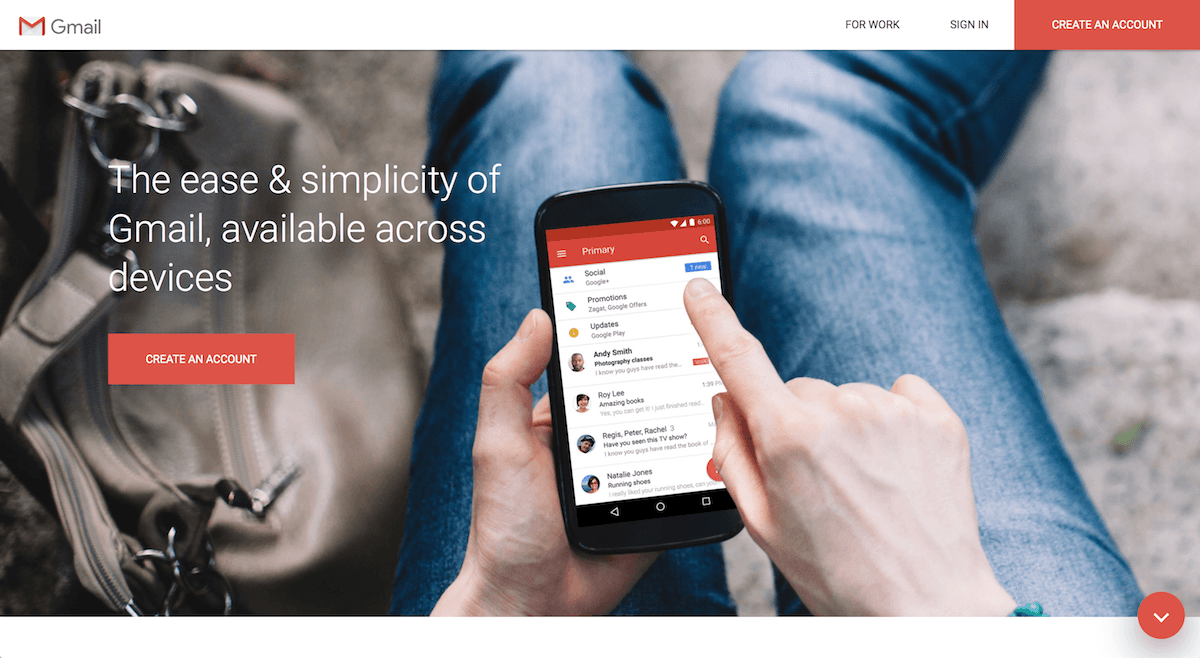
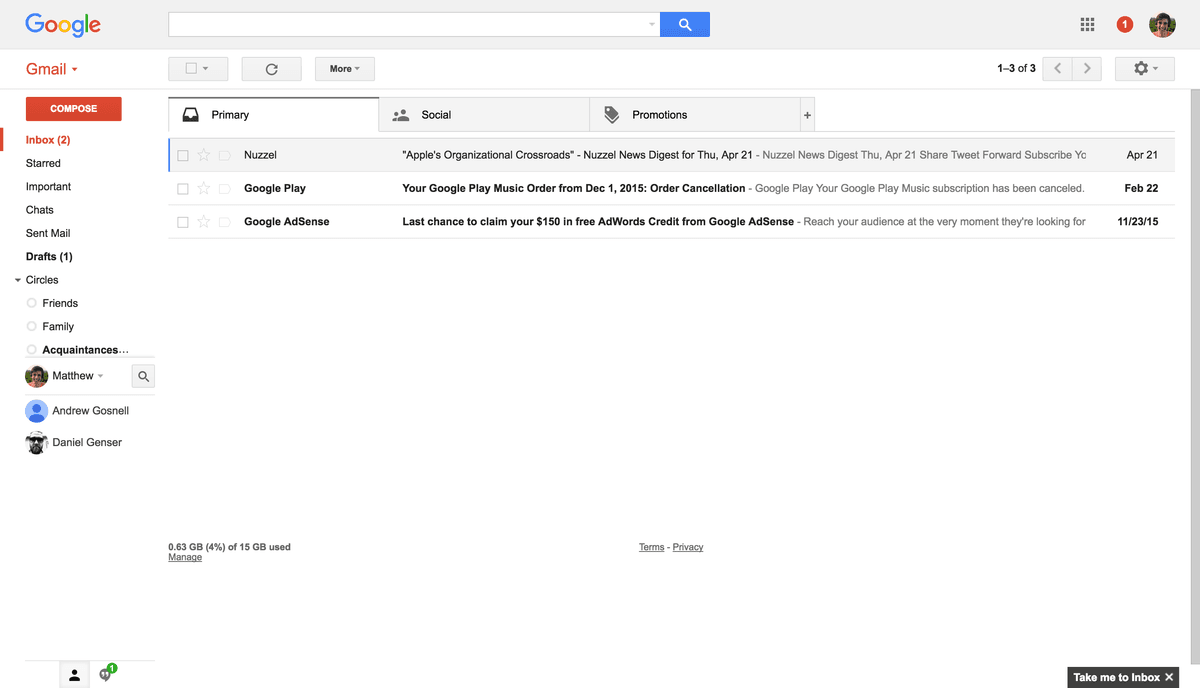
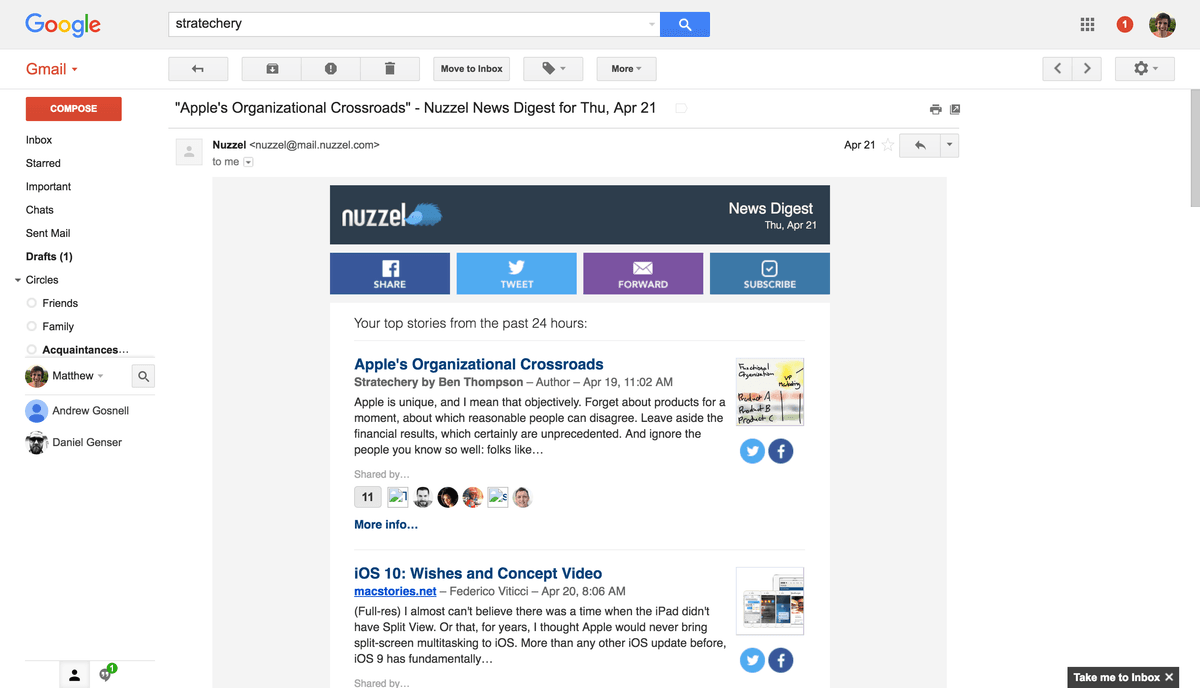
One of the most popular email services, Gmail keeps track of all your emails with treaded conversations, tags, and Google-powered search to locate find any message you need.
Features
- Manage email in a simple online interface
- Sort messages automatically with filters
- Use labels to organize messages
- Install add-ons to do more from your inbox
- Inbox by Gmail app for a to-do list approach to email
- iOS and Android apps available
Pricing
Personal Gmail is free. Business Gmail is included with Google Workspace; in Belgium, Business Starter starts around €6.80/user/month on annual commitment. Current Google Workspace pricing.
Gmail operations on Zapier
Triggers (8)
Start a workflow when this happens
- New Attachment — Triggers when you receive a new attachment.
- New Conversation — Triggers when a new email conversations begins in your inbox.
- New Email — Triggers when a new email appears in the specified mailbox.
- New Email Matching Search — Triggers when you receive a new email that matches a search string you provide.
- New Label — Triggers when you add a new label.
Show 3 more triggers
- New Labeled Conversation — Triggers the first time a label is added to a conversation. Replies within that conversation will not trigger again.
- New Labeled Email — Triggers when an email is labeled. Also triggers when a reply is added to the conversation.
- New Starred Email — Triggers when you receive a new email and star it within two days.
Actions (13)
Things Salesflare can make it do
- Add Label to Email — Add a label to an email message.
- Archive Email — Archive an email message.
- Create Draft — Create a draft email message.
- Create Draft Reply — Create a draft reply to an existing email.
- Create Label — Creates a new label.
Show 8 more actions
- Delete Email — Sends an email message to the trash.
- Find or Send Email — Finds or creates a specific message.
- Forward Email — Forward an existing email message to new recipients.
- Get Conversation — Retrieves every message in a Gmail conversation by its thread ID.
- Remove Label From Conversation — Remove a specified label from all emails within a conversation.
- Remove Label From Email — Remove a label from an email message.
- Reply to Email — Send a reply to an email message.
- Send Email — Create and send a new email message.
Searches (2)
Look up existing records
- Find Email — Finds an email message.
- Get Attachment by Filename — Retrieves a specific Gmail message attachment by Filename.
Gmail operations on Make
Triggers (1)
Start a workflow when this happens
- Watch emails — Triggers when a new email is received in your mailbox.
Actions (12)
Things Salesflare can make it do
- Copy an email — Copies an email or a draft into a selected folder.
- Create a draft email — Creates a new draft email.
- Delete an email — Deletes an email by moving it to trash.
- Get an email — Gets a specific email info.
- Make an API call — Sends a custom API call to Gmail. You can use this to call endpoints that aren’t covered by existing modules.
Show 7 more actions
- Mark an email as read — Marks an email or a draft as read by setting the "Read" flag.
- Mark an email as unread — Marks an email or a draft as unread by setting the "Unread" flag.
- Move an email — Moves the chosen email or a draft to the selected folder.
- Reply to an email — Replies to the specified email.
- Send a draft email — Sends a draft email.
- Send an email — Sends a new email.
- Update email labels — Updates labels on the specified email message.
Searches (2)
Look up existing records
- List email attachments and media — Retrieves a list of attachments & media for the specified email.
- Search emails — Searches for emails.
Screenshots
Similar apps
 Google Calendar
 Google's free online calendar.
 Google Workspace
 Collaboration & Productivity Apps for Business
 Google Sheets
 Create, edit and share spreadsheets online.
 Google Drive
 Store your files online.
 Google Docs
 Online word processor.
 Microsoft Outlook
 The world's most popular desktop email program
Not using Salesflare yet?
Salesflare is a CRM for small and medium-sized B2B businesses — it fills itself in automatically so your team actually keeps it up to date.
Try it for free