

Google Docs and Salesflare
Online word processor.
How to connect Google Docs
- Via Zapier — 19 operations available. Set it up ↗
- Via Make — 14 modules available. Set it up ↗
About Google Docs
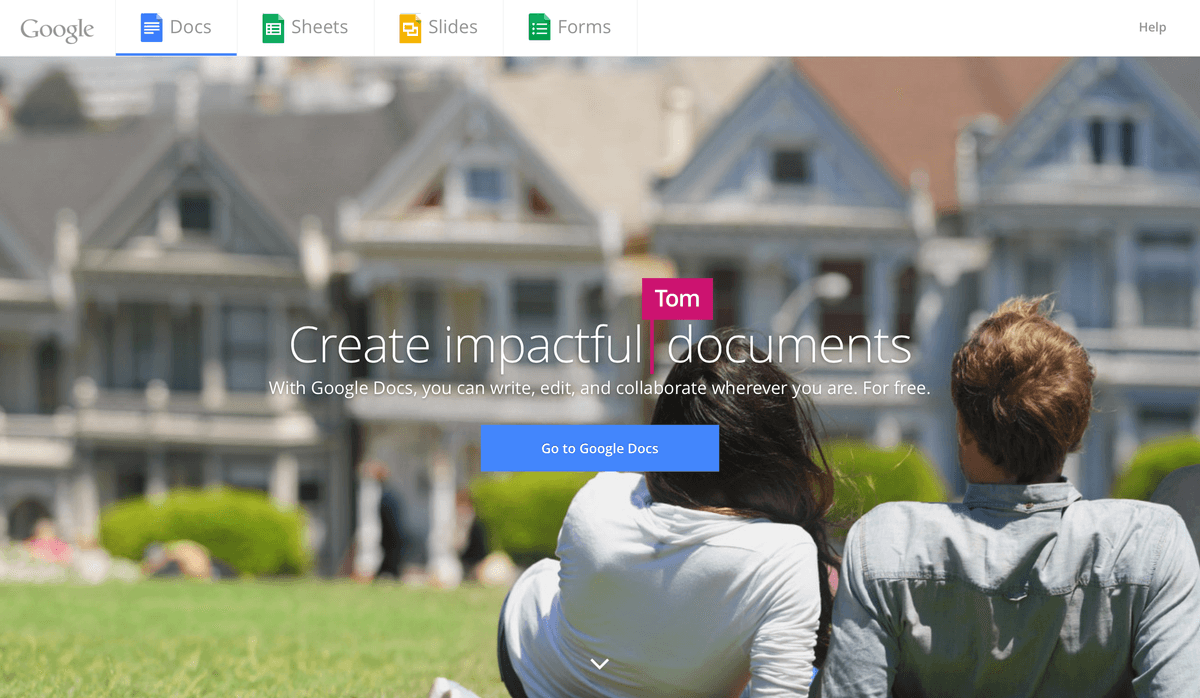
Google Docs is an online word processor that lets you create and format text documents. Collaboratively edit documents with other people in real time.
Features
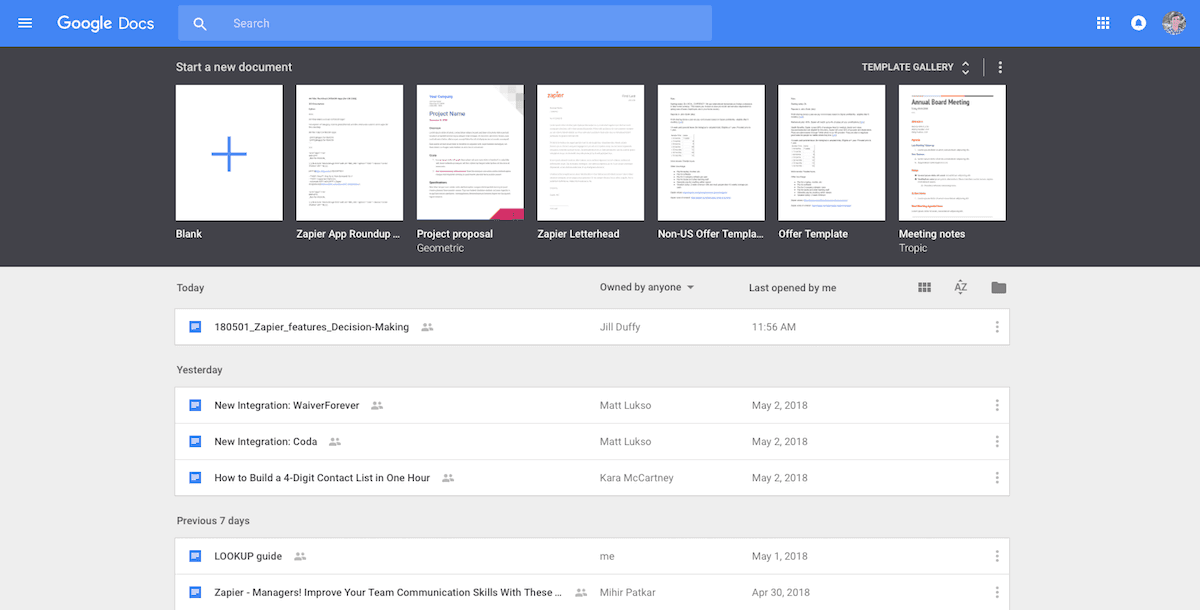
- Create and edit documents online
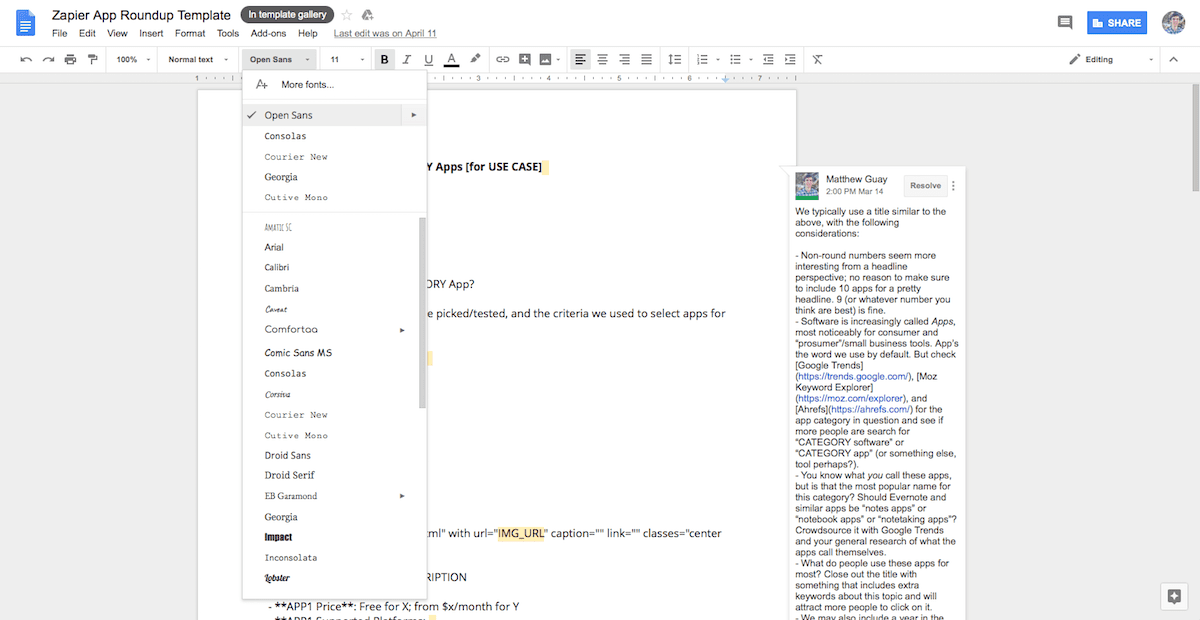
- Format documents with Google Fonts typefaces, images, tables, and more
- Import Word documents and export in Word and PDF formats
- Live co-edit documents with collaborators
- Work offline with Chrome extensions
- iOS and Android apps available
Pricing
Google Docs is free with a personal Google account and included with Google Workspace business subscriptions. Google Workspace pricing.
Google Docs operations on Zapier
Triggers (3)
Start a workflow when this happens
- New Document — Triggers when a new document is added (inside any folder).
- New Document in Folder — Triggers when a new document is added to a specific folder (but not its subfolders).
- Updated Document — Triggers when a specific document is updated.
Actions (12)
Things Salesflare can make it do
- API Request (Beta) — This is an advanced action which makes a raw HTTP request that includes this integration's authentication.
- Append Text to Document — Appends text to an existing document.
- Create Document From Template — Creates a new doc based on an existing one and can replace any placeholder variables found in your template doc, like {{name}}, {{email}}, etc.
- Create Document From Text — Create a new document from text. Also supports limited HTML.
- Find and Replace Text — Find and replace text in a Google Doc with case sensitivity support.
Show 7 more actions
- Find or Create Document — Finds or creates a specific document.
- Format Text — Format text in a Google Doc with bold, italic, colors, links, and other styling options.
- Insert Image — Insert an image at a specific position in a Google Doc.
- Insert Text — Insert text at a specific position in a Google Doc.
- Replace Image — Replace an existing image in a Google Doc with a new one.
- Update Document Properties — Update document properties like background color, margins, and page settings in a Google Doc.
- Upload Document — Copy an already-existing file from another service to Docs. Will convert the file to Google Doc format if possible.
Searches (4)
Look up existing records
- Find Text in Document — Find text in a Google Doc and return its start and end position indexes. Use with Format Text to apply formatting or links to specific text.
- Find a Document — Search for a specific document by name.
- Get Document Content — Retrieves the full content and metadata of a Google Doc by ID.
- Get Document Tabs Content — Retrieves the full content and metadata of a Google Doc with tabs information by ID.
Google Docs operations on Make
Triggers (1)
Start a workflow when this happens
- Watch Documents — Triggers when a new document is created or modified in a specific folder.
Actions (12)
Things Salesflare can make it do
- Add a Document Tab — Adds a tab to a Google Docs document.
- Create a Document — Creates a new Google document by adding the content of HTML format.
- Create a Document from a Template — Creates a copy of an existing template document and replaces any tags e.g. {{name}}, {{email}}. This module also allows users to replace images by new images with URLs.
- Delete a Document — Deletes a document.
- Download a Document — Downloads a document to a required format.
Show 7 more actions
- Get Content of a Document — Gets a content of a document.
- Insert a Paragraph to a Document — Inserts or appends a new paragraph to an existing document.
- Insert an Image to a Document — Inserts a new image with URL to a document. The original size of the image is entered or the image is resized as required by the user. The original image ratio is maintained.
- Make All Links in a Document Clickable — Makes all links in a document clickable.
- Make an API Call — Performs an arbitrary authorized API call.
- Replace a Text in a Document — Replaces an old text by a new text in a document.
- Replace an Image with a New Image — Replaces an existing image with a new image with URL in the document. In order to fill the original image's bounds, the new image may be scaled or cropped.
Searches (1)
Look up existing records
- List Documents — Retrieves a list of documents.
Screenshots
Similar apps
 Google Calendar
 Google's free online calendar.
 Google Sheets
 Create, edit and share spreadsheets online.
 Google Drive
 Store your files online.
 Gmail
Gmail One of the most popular email services.
 Formatter by Zapier
 Data isn't always in the format you need. Perhaps a date is in International format, but your ap…
 Google Forms
 Collect data from the web.
Not using Salesflare yet?
Salesflare is a CRM for small and medium-sized B2B businesses — it fills itself in automatically so your team actually keeps it up to date.
Try it for free