


Google Calendar and Salesflare
Google's free online calendar.
How to connect Google Calendar
- Natively — Built directly into Salesflare. Set it up ↗
- Via Zapier — 22 operations available. Set it up ↗
- Via Make — 20 modules available. Set it up ↗
About Google Calendar
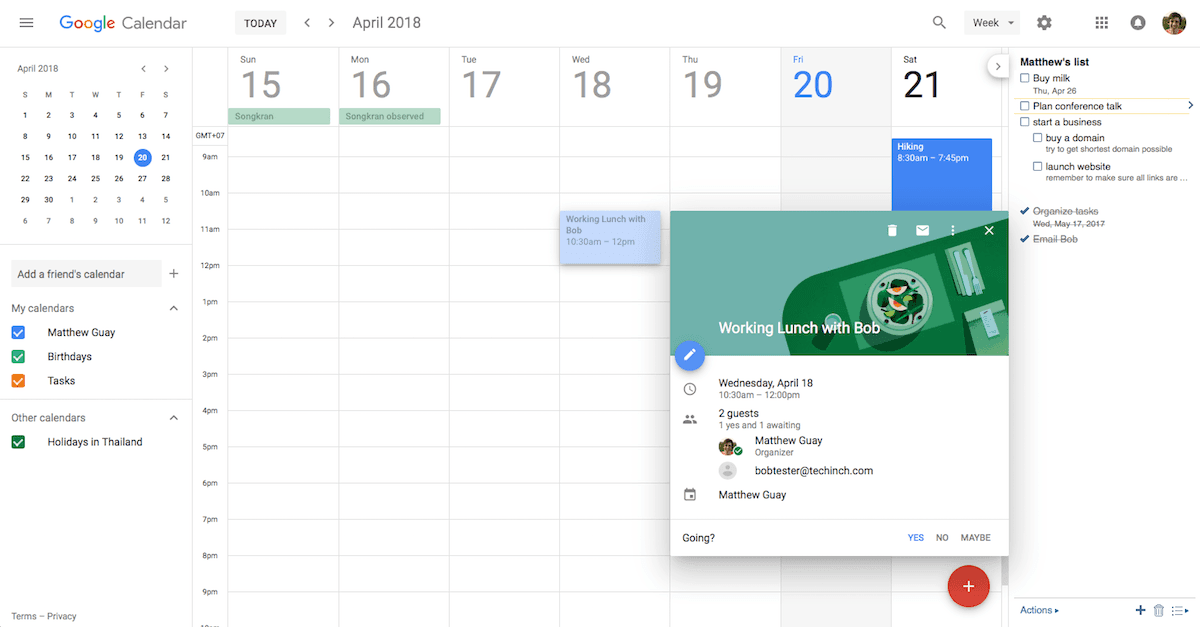
Google Calendar lets you organize your schedule and share events with co-workers and friends. With Google's free online calendar, it's easy to keep track of your daily schedule.
Google Calendar operations on Zapier
Triggers (7)
Start a workflow when this happens
- Event Cancelled — Triggers when an event is cancelled or deleted.
- Event Ended — Triggers when an event ends.
- Event Start — Triggers when a specified amount of time before an event starts.
- New Calendar — Triggers when a calendar is created.
- New Event — Triggers when an event is created.
Show 2 more triggers
- New or Updated Event — Triggers when an event is created or updated (except when it's cancelled).
- New or Updated Event Matching Search — Triggers when an event is created or updated to match the search.
Actions (10)
Things Salesflare can make it do
- API Request (Beta) — This is an advanced action which makes a raw HTTP request that includes this integration's authentication.
- Add Attendee(s) to Event — Invites one or more person to an existing event.
- Create Calendar — Creates a new calendar.
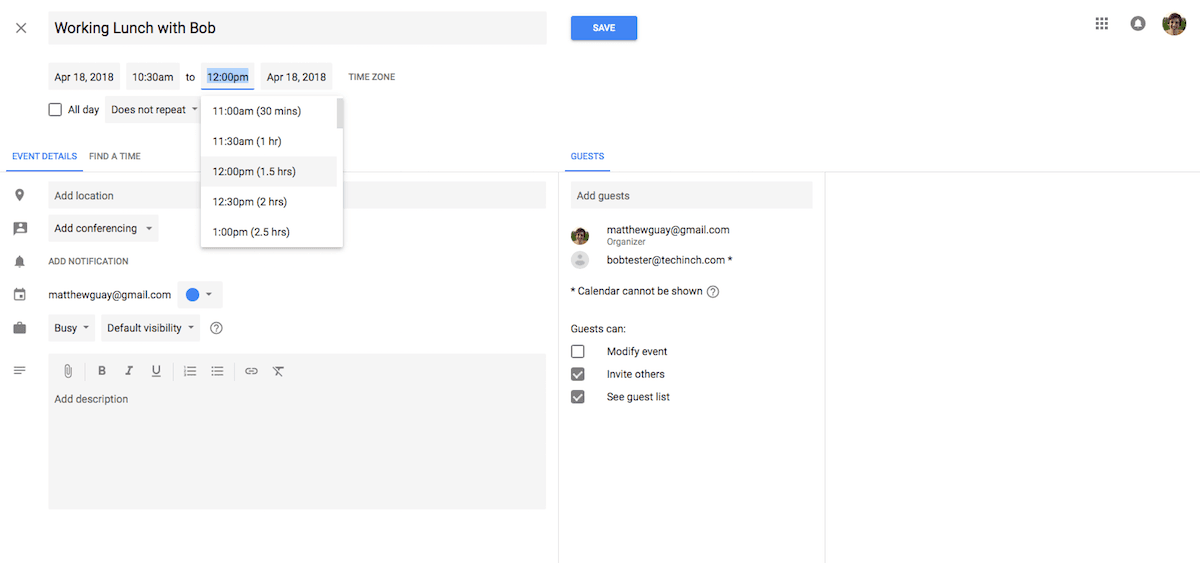
- Create Detailed Event — Create an event by defining each field.
- Delete Event — Deletes an event.
Show 5 more actions
- Find or Create Events — Finds or creates events.
- Move Event to Another Calendar — Move an event from one calendar to another calendar.
- Quick Add Event — Create an event from a piece of text. Google parses the text for date, time, and description info.
- Remove Attendee(s) From Event — Removes one or more attendees from an existing event.
- Update Event — Updates an event. Only filled fields are updated.
Searches (5)
Look up existing records
- Find Busy Periods in Calendar — Finds busy time periods in your calendar for a specific timeframe.
- Find Calendars — Get comprehensive list of calendars accessible to the user with their properties and access levels. Returns up to 250 matching calendars.
- Find Events — Finds events in your calendar. Returns up to 250 matching events.
- Get Calendar Information — Retrieve calendar properties including timezone, access permissions, default settings, and metadata.
- Retrieve Event by ID — Finds a specific event by its ID in your calendar.
Google Calendar operations on Make
Triggers (1)
Start a workflow when this happens
- Watch Events — Triggers when an event is created, updated, deleted, started or ended in a selected calendar.
Actions (16)
Things Salesflare can make it do
- Clear a Calendar — Clears a primary calendar. This operation deletes all events associated with the primary calendar of an account.
- Create a Calendar — Creates a new calendar.
- Create an Access Control Rule — Creates a new access control rule.
- Create an Event — Creates a new event.
- Delete a Calendar — Deletes a calendar.
Show 11 more actions
- Delete an Access Control Rule — Deletes an access control rule.
- Delete an Event — Deletes an event.
- Duplicate an Event — Duplicates an event.
- Get Free/Busy Information — Returns free/busy information for a set of calendars.
- Get a Calendar — Returns metadata for a calendar.
- Get an Access Control Rule — Returns metadata of an access control rule.
- Get an Event — Returns metadata for an event in the specific calendar.
- Make an API Call — Performs an arbitrary authorized API call.
- Update a Calendar — Updates an existing calendar.
- Update an Access Control Rule — Updates an existing access control rule.
- Update an Event — Updates an existing event.
Searches (3)
Look up existing records
- List Access Control Rules — Returns the rules in the access control list for the calendar.
- List Calendars — Returns the calendars on the user's calendar list.
- Search Events — Searches for events on the specified calendar.
Screenshots
Similar apps
 Google Sheets
 Create, edit and share spreadsheets online.
 Google Drive
 Store your files online.
 Google Docs
 Online word processor.
 Gmail
Gmail One of the most popular email services.
 Microsoft Outlook
 The world's most popular desktop email program
 Microsoft Exchange Calendar
 Work smarter with business-class email and calendaring.
Not using Salesflare yet?
Salesflare is a CRM for small and medium-sized B2B businesses — it fills itself in automatically so your team actually keeps it up to date.
Try it for free